
AppRecs review analysis
AppRecs rating 3.5. Trustworthiness 0 out of 100. Review manipulation risk 0 out of 100. Based on a review sample analyzed.
★★★☆☆
3.5
AppRecs Rating
Ratings breakdown
5 star
67%
4 star
0%
3 star
0%
2 star
33%
1 star
0%
What to know
✓
Good user ratings
67% positive sampled reviews
About RPNscfi
With ease of use and beauty in mind, RPNscfi is designed for every family member (parents and students) and for professionals (in finance, engineering, and science). It combines a comprehensive set of household financial calculations (loans, mortgages, "what-if" analyses), statistical calculations, and scientific/engineering functions into a single package.
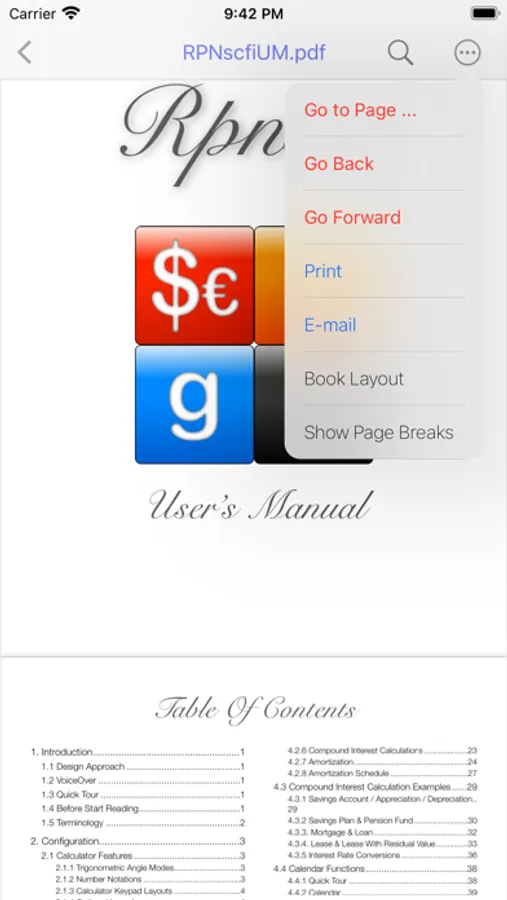
■ Tap “OPTIONS” and then the [Help] key to view the User’s Manual.
• Jump to Section 1.3 for a quick tour, then continue reading Section 1.4.
• If you are not familiar with an RPN calculator, please refer to Section 2.6.
■ VoiceOver-enabled universal app
• Supports macOS as a “Designed for iPad” iOS application
■ Financial Calculator
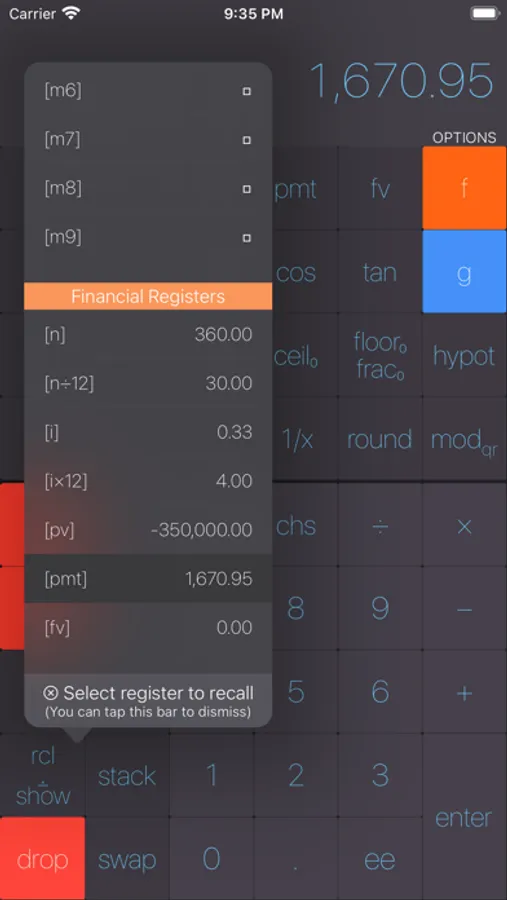
• Mortgage and loan calculations
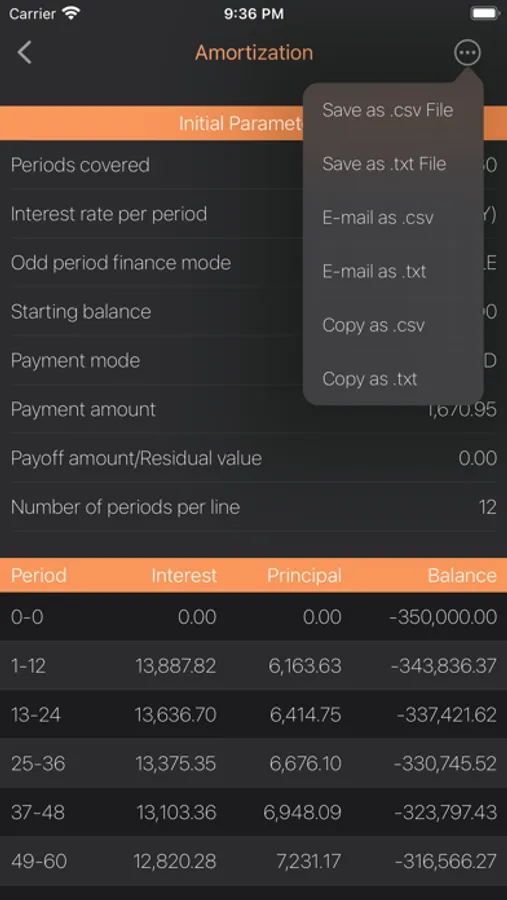
• Amortization schedule (copy or e-mail in CSV or text formats; select and paste)
• Savings plan and pension fund calculations
• Savings account, appreciation, and depreciation calculations
• Lease calculations with/without residual value
• Interest rate conversions (e.g., dividend to annual interest rate and vice versa)
• Calendar functions with dynamically localized date output
• Helps you understand and manage your budget with “what-if” analyses
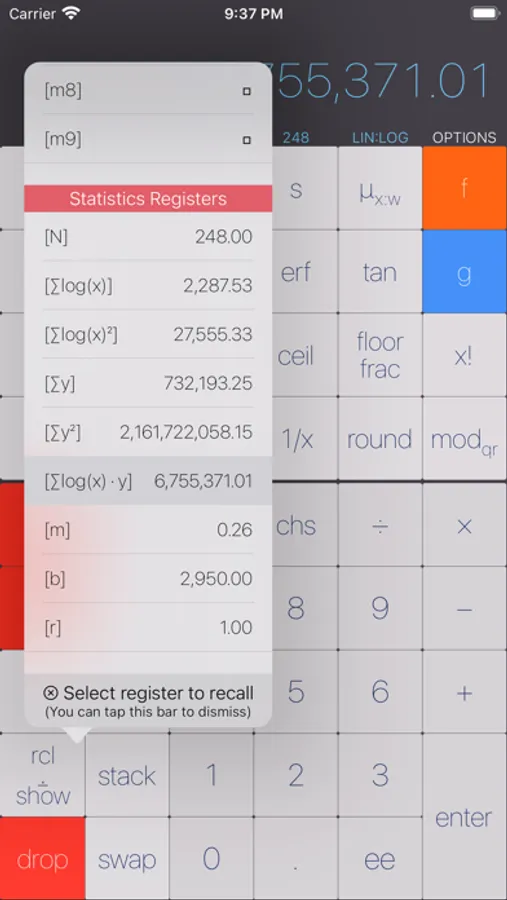
■ Statistics Calculator
• Mean (μ), population (σ) and sample (s) standard deviations, weighted mean (μ.w)
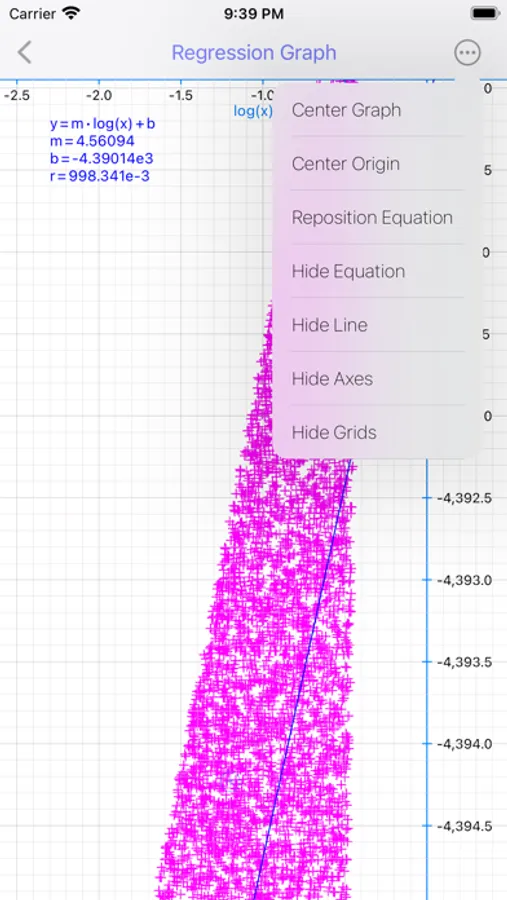
• Normal, log-normal, and log-log least-squares regression analyses (tested with a million data samples)
• Equation output, x and y estimators, r: Pearson product-moment correlation coefficient
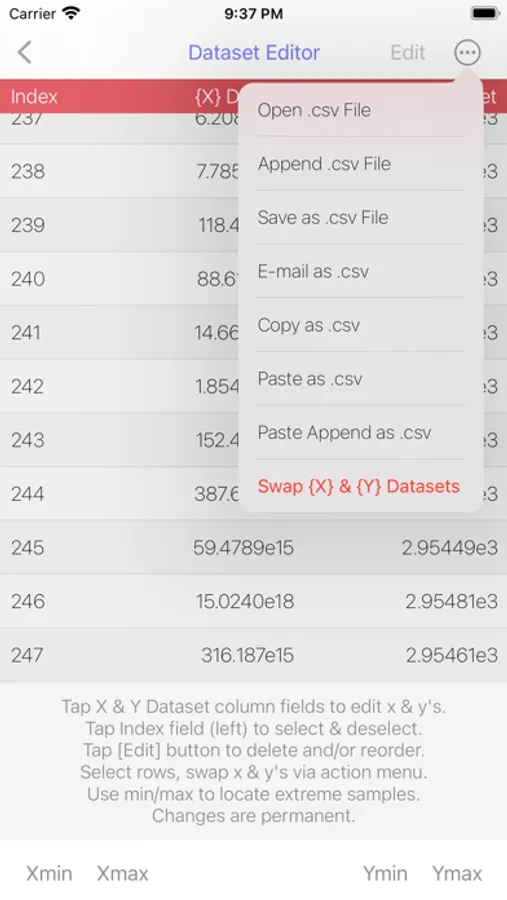
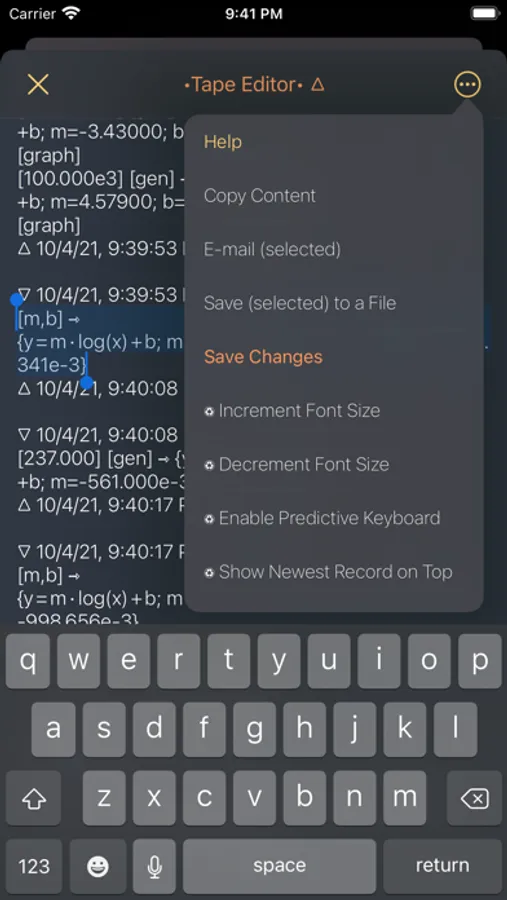
• Powerful editing feature: edit any record; export/import your data between iOS devices and desktop computers
• Test generator to get acquainted with the statistics calculator
• Regression graph feature: guides you to visually navigate your datasets
■ Scientific Calculator
• Common trigonometric, hyperbolic, logarithmic, and exponentiation functions (bases e, 10, and 2)
• Arbitrary rounding, mod operation, various ceil and floor functions, percentage functions
• Factorial function, binomial coefficient, and greatest common divisor calculations
■ Unit System Conversion Calculator
• Simple yet useful for addressing daily metric to/from imperial conversion needs.
• 5 length, 5 area, 2 weight, 2 volume, and temperature, plus a little more cross-unit conversions.
■ Built-in PDF User’s Manual
• E-mail or print the User’s Manual
• All financial features are explained and demonstrated with annotated examples
■ Additional Features
• Easy-to-review, on-demand, non-intrusive tape
• Built-in tape history browser and editor
• Gives you a true record of all calculations
• Includes copy, selective copy, and e-mail functions
■ Easy configuration via gestures
• US and EU number formats
• 5 number notations: DEC, FIN, ENG, SCI, UNF
• 2 trigonometric angle modes: DEG, RAD
• Fixed-point (FIN) and fixed-digit (ENG) number notations
• 4 keypad themes, 3 keypad fonts, 3 display fonts, 3 tape fonts, and 4 display and tape font colors
RPNscfi Screenshots
Tap to Rate:
Reviews for RPNscfi
Steve the Developer
Great RPN but major iOS14 issue
Both versions (RPNscfi and ProgCalc) we working fine on iPhone and iPad until iOS 14. Now on iPad there is a white bar that goes across the bottom of the screen in both portrait and landscape mode and hides the lower row of buttons. Hopefully this can be addressed in the next version!
Zrome
Best rpn out there
As stated in the title, best calculator app. It's extremely powerful yet even a novice can use it. All in all, I would highly recommend. The developer is very responsive and has addressed all of my questions. Tip: There is a hidden help menu under options. Awesome feature but many may not notice it. Features that I really like: As a professional, I'm required to do fast number crunching. Love the ability to whip open the app and punch away. Black theme with blue font looks very professional and easy on the eyes. Ability to set dec or eng or fin by simple up down swipes. Also, ability to set decimal places by simple left right swipe on display panel. Features I would love to see in the long run: Ability to email directly from app in a beautiful format like Digits or Soulver. Bottom line: I would pay $5 for this. It's the scientific version of pcalc and does many things far better.