With this ear training app, you can practice identifying intervals, chords, scales, and melodies using various modes and exercises. Includes customizable exercises, progress tracking, and multiple difficulty levels.
AppRecs review analysis
AppRecs rating 4.5. Trustworthiness 74 out of 100. Review manipulation risk 23 out of 100. Based on a review sample analyzed.
★★★★☆
4.5
AppRecs Rating
Ratings breakdown
5 star
86%
4 star
8%
3 star
3%
2 star
1%
1 star
1%
What to know
✓
Low review manipulation risk
23% review manipulation risk
✓
Credible reviews
74% trustworthiness score from analyzed reviews
✓
High user satisfaction
86% of sampled ratings are 5 stars
About goodEar Pro - Ear Training
Professional musicians know, that having a good trained ear is one of the most important skills, a musician should have. goodEar was made to increase those skills and bring you on a new musical level!
It is made for all musicians, whether you are beginner or professional.
Functions:
• Choose from four different modes: intervals, chords, scales, melodies
Intervals:
• Choose from all intervals between 2 octaves
• Activate "backing chord" to hear the interval in harmonic context
• Play them ascending, descending, or simultaneously
Chords:
• All possible triads and inversions
• All possible 4-note-chords (e.g. Cm7)
• 20 different extended/altered chords (e.g. D7b9b13 or Emaj7#11)
Scales:
• 38 different scales
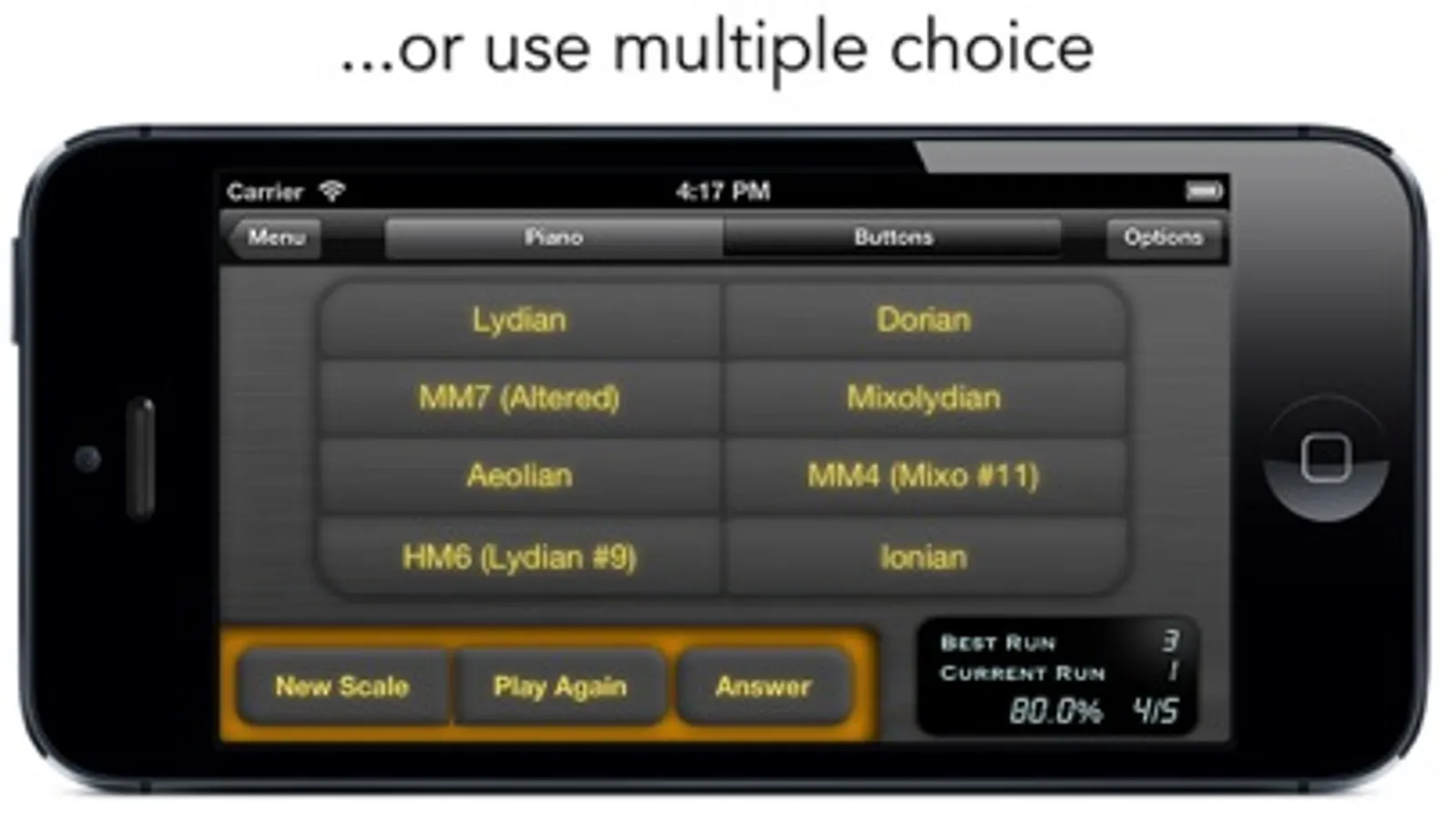
• All ionian scales (e.g. ionian, dorian...)
• All harmonic-minor scales (e.g. Ionian #5)
• All melodic-minor scales (e.g. Mixo #11)
• 5 Pentatonic Scales (e.g. minor pentatonic)
• 5 Hexatonic Scales (e.g. whole tone scale)
• 7 Octatonic Scales (e.g. Bebop Dominant)
• play them ascending or descending
Melodies:
• Identify random generated melodies
• You can make them diatonic, or non diatonic
• Choose the intervals, that you want to be included in the melody
• Activate "backing chord" to hear the melody in harmonic context
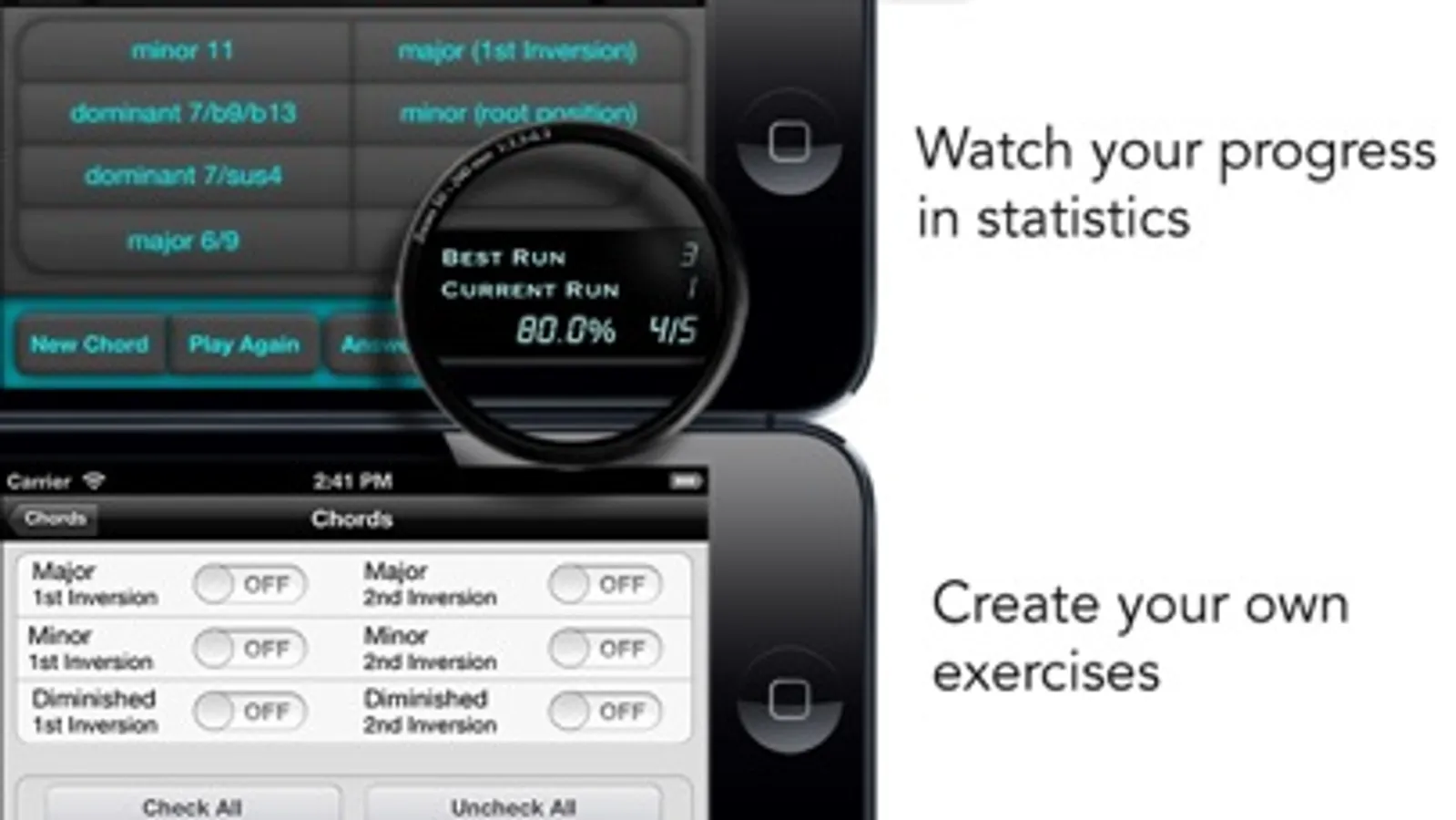
• Create your own exercises, depending on your personal approach. (No annoying wizards)!
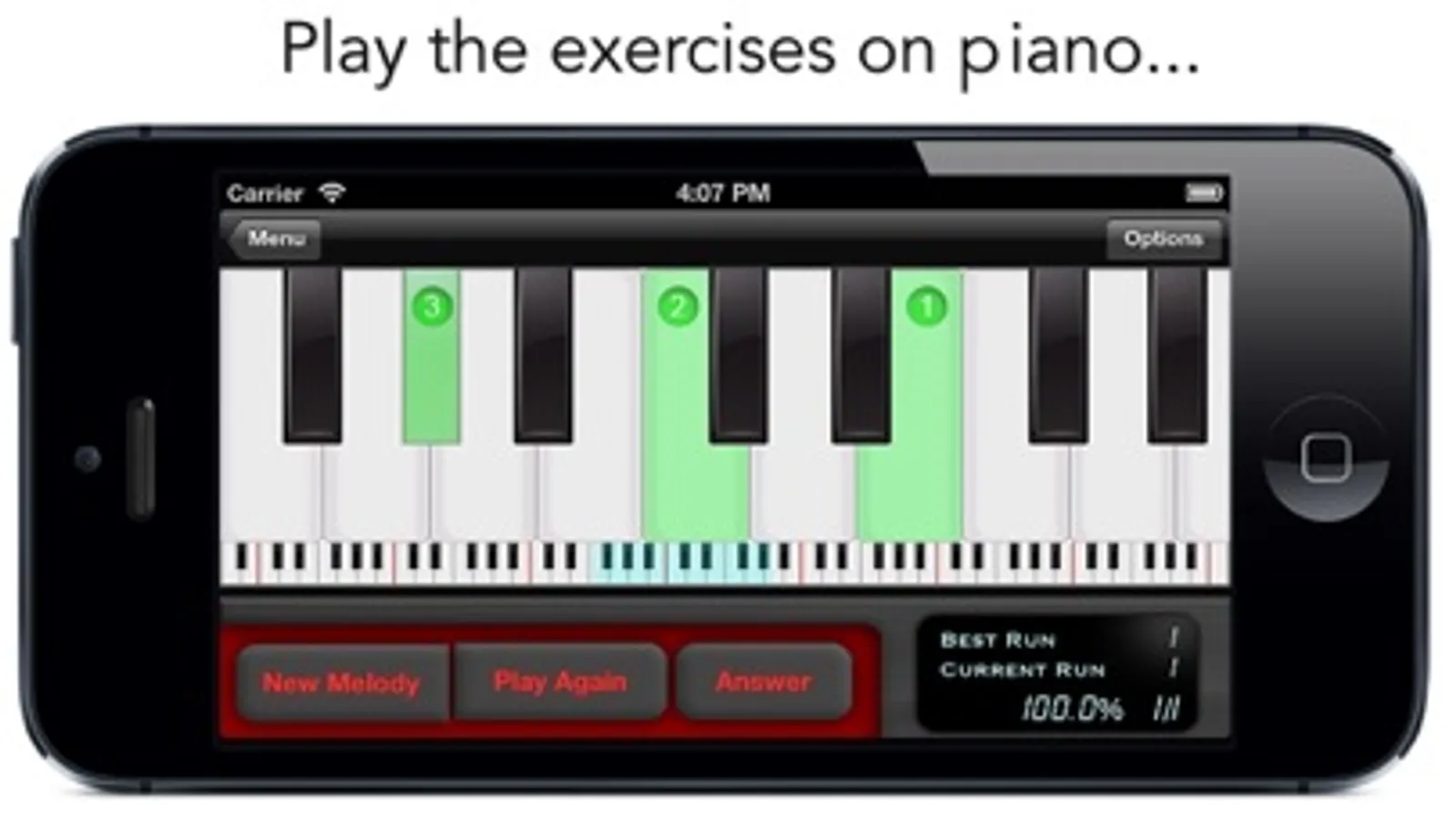
• Play the exercises on piano or give the answer with multiple-choice
• Watch your progress in statistics
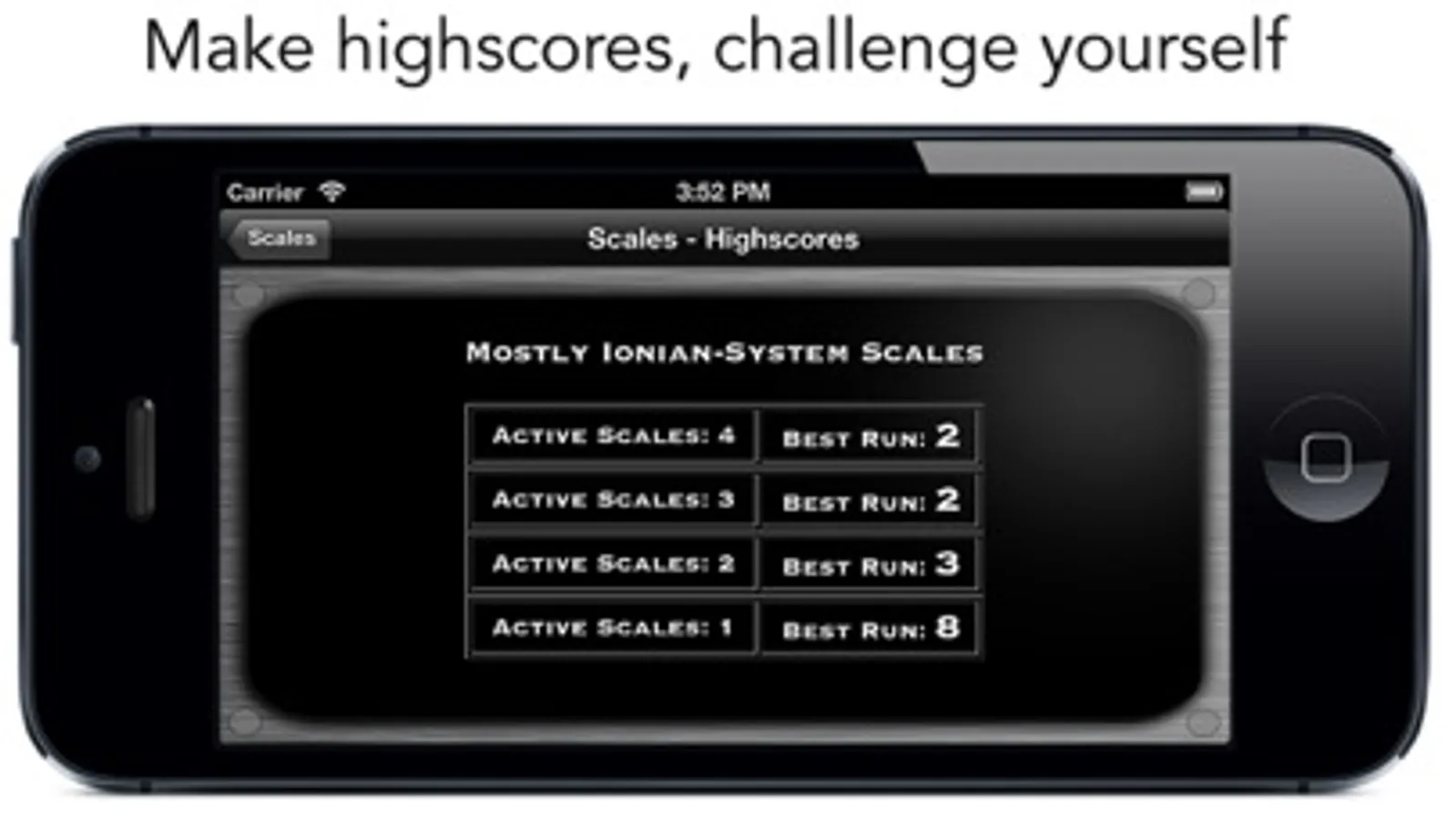
• Make highscores, and try to challenge yourself
goodEar was made with the knowledge of various professional musicians and teachers, for giving you high quality music education on the iPad.
goodEar Pro - Ear Training Screenshots

Tap to Rate:
Reviews for goodEar Pro - Ear Training
James073659
HELP
I want to give this a 5 star rating but it keeps crashing when I go to press options or customize the exercise. Hope it gets fixed it’s really fun
Snapfi
Very helpful—small bug
I’m finding this to be immediately helpful with my improvising (hearing what’s in my head and translating it to the piano). A small bug: in the multiple intervals section after an error, when you play the next pattern successfully it does not move on to the next pattern—you need to hit the “new melody” button. A request: I’m getting close to mastering the modules. Could you add 7ths or something to add difficulty? (Now I’m gonna check and see if it’s already there and I missed it!)