In this daily planner, you can manage events, tasks, and notes in a single interface. Includes sync with iOS calendars, recurring events, project support, and notes with audio and sketches.
AppRecs review analysis
AppRecs rating 4.1. Trustworthiness 81 out of 100. Review manipulation risk 22 out of 100. Based on a review sample analyzed.
★★★★☆
4.1
AppRecs Rating
Ratings breakdown
5 star
70%
4 star
18%
3 star
5%
2 star
2%
1 star
4%
What to know
✓
Low review manipulation risk
22% review manipulation risk
✓
Credible reviews
81% trustworthiness score from analyzed reviews
✓
High user satisfaction
88% of sampled ratings are 4+ stars (4.5★ average)
About Planner Pro - Daily Planner
Planner Pro provides kinds of settings for different requirements from kinds of people. You’ll find the best way to meet your requirements in our app. Also, if you have any other great ideas or suggestions to make this app better please contact us with an email, which will be very appreciate.
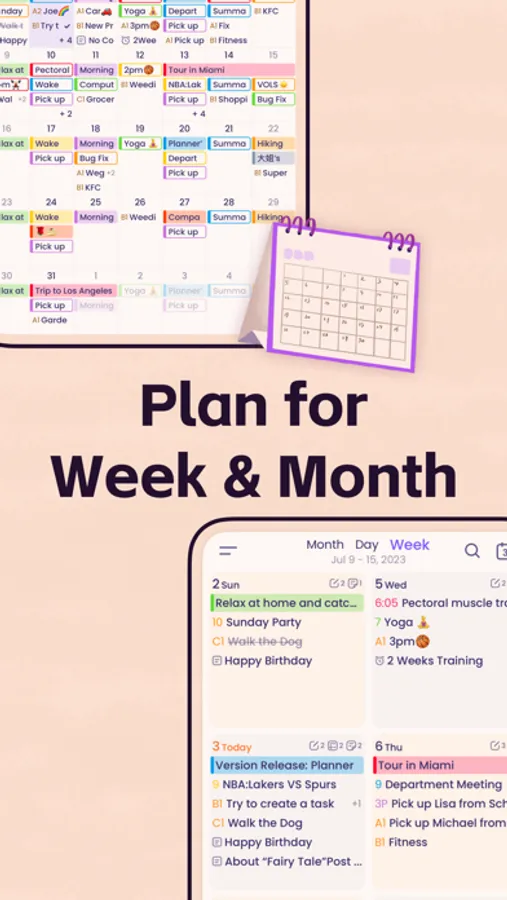
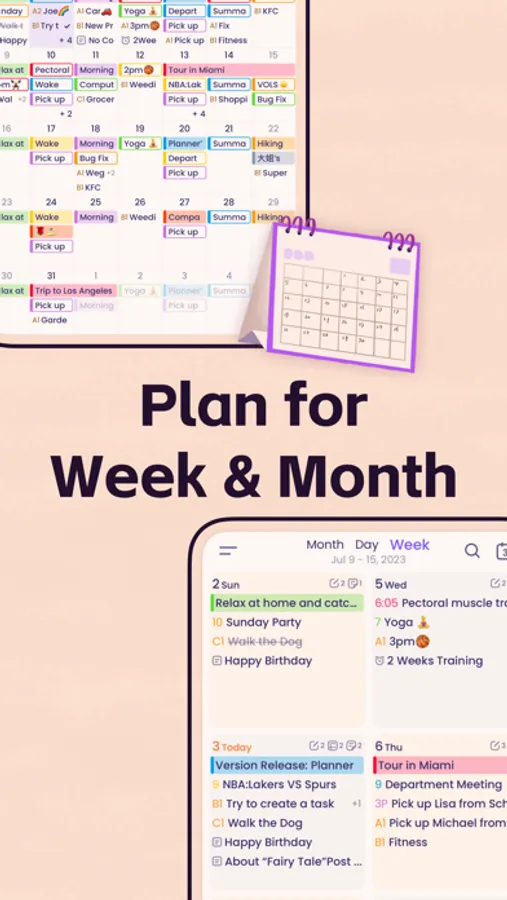
Events
- Sync with iOS calendars and events
- Show or hide calendars as you want
- Add, edit or delete events easily
- Supports full recurring period
- Manually time slot
- Supports all-day & cross-day events
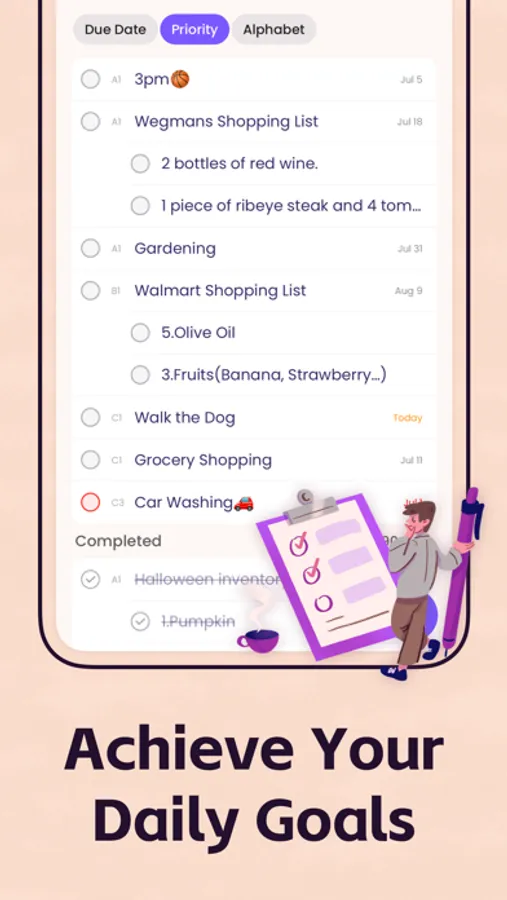
Tasks
- Supports tasks and projects with sub-tasks
- Supports recurring tasks and projects
- 25 priorities for tasks and projects
- Supports app badge
- System reminder for each task
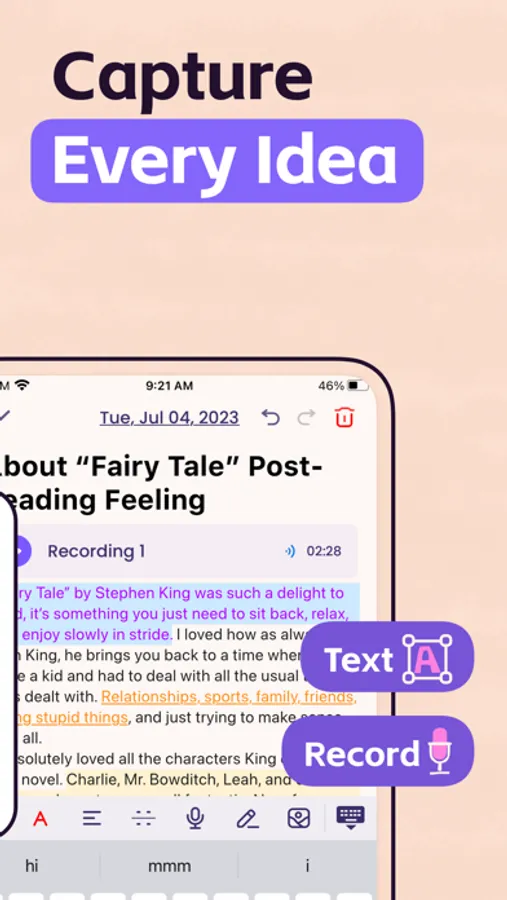
Notes
- Sketch directly in notes (for iOS 13 or above)
- Add audio files to notes
- Unlimited number of notes for each day
- Manage notes in day, week and month view
- Easily to add, edit and delete notes
Focus Timer
- Add any activities you want to focus on
- Study, work, fitness, entertainment and other categories for activities
- Add reminders for each activity
- Multiple white noise and alert tones to choose from
- Supports quick focus
- Supports continuous timing or manual timing
Other Key Features
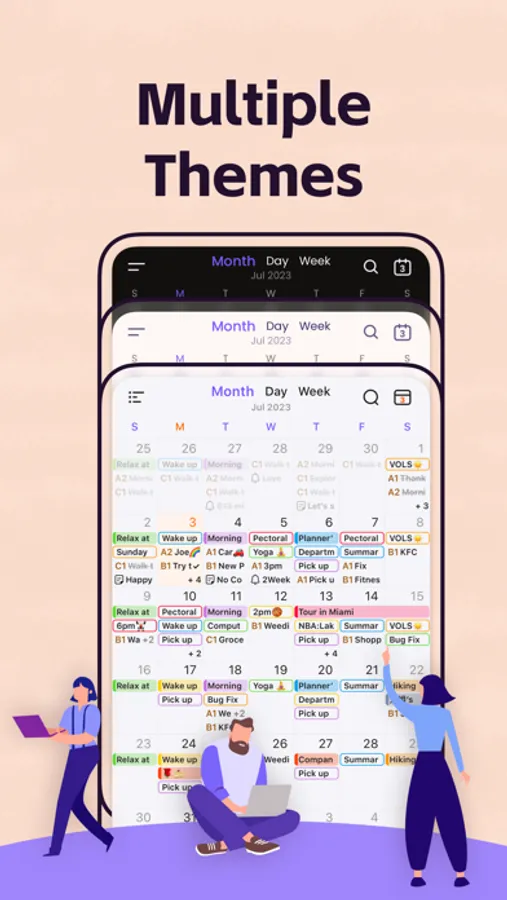
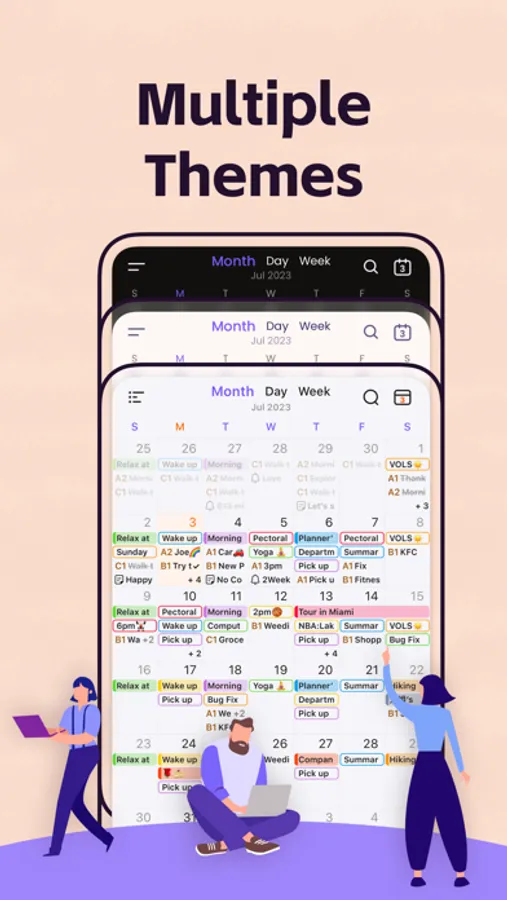
- Day, Week, Month and Tasks modules for better management
- Supports both landscape and portrait modes
- Very well designed user interface
- Full records searching including events, tasks and notes
- Set the first day of week manually
- Select the launch view as you want
We also offers an optional full version. You can organize events by week view, create projects and recurring tasks, export schedule and ads-free.
Note: Subscription will be charged to your iTunes account and will auto-renew each year. You can turn off auto-renew by going to your account settings after purchase and must be turned off at least 24 hours before the end of the current period to avoid being billed again.
Planner Pro privacy policy: https://apps.beesoft.io/PlannerPro/PrivacyPolicy.html
Planner Pro terms of use: https://apps.beesoft.io/PlannerPro/TermsConditions.html
Please write to us before leaving negative reviews, as we can often help with your problem or help you better use this app.
If you have any problems or suggestions please send a mail to plannerplus@appxy.com, you’ll get a response in a short time.
Planner Pro - Daily Planner Screenshots


Tap to Rate:
Reviews for Planner Pro - Daily Planner
Medic8689
Not great
Doesn’t sync with tablet and other devices like I expected
Pjg4433
I did like it
I paid for the premium on my MacBook but can’t be used crossed platform on my iPad Pro because I have to buy another premium account for the iPad . Makes no sense! I did enjoy it, but if I can’t look at my schedule or notes on my iPad without having to bring alone the MacBook it’s not worth it. Delete!