AppRecs review analysis
AppRecs rating 3.5. Trustworthiness 65 out of 100. Review manipulation risk 21 out of 100. Based on a review sample analyzed.
★★★☆☆
3.5
AppRecs Rating
Ratings breakdown
5 star
100%
4 star
0%
3 star
0%
2 star
0%
1 star
0%
What to know
✓
Low review manipulation risk
21% review manipulation risk
✓
High user satisfaction
100% of sampled ratings are 4+ stars (4.0★ average)
About CaptureOnTouch Mobile
Canon CaptureOnTouch Mobile is scanning application software for imageFORMULA scanner series.
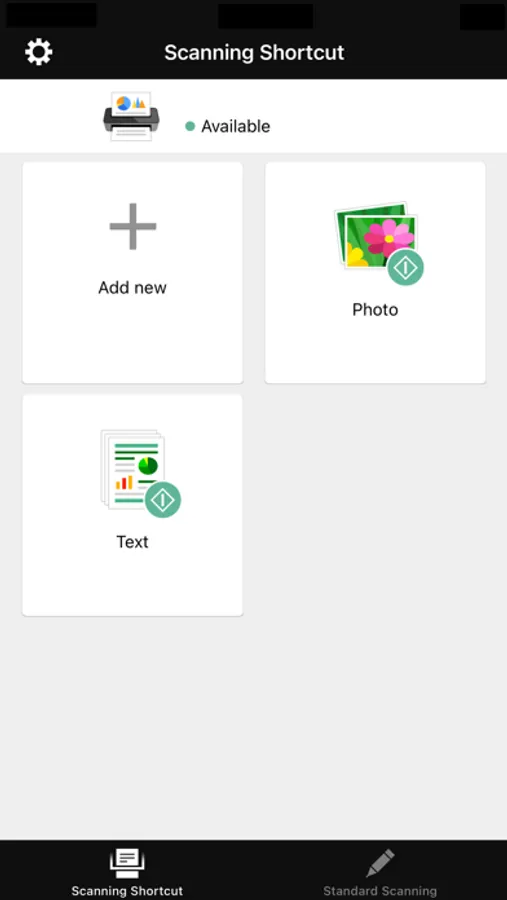
CaptureOnTouch Mobile allows you to operate Canon imageFORMULA document scanners directly from your iOS devices.
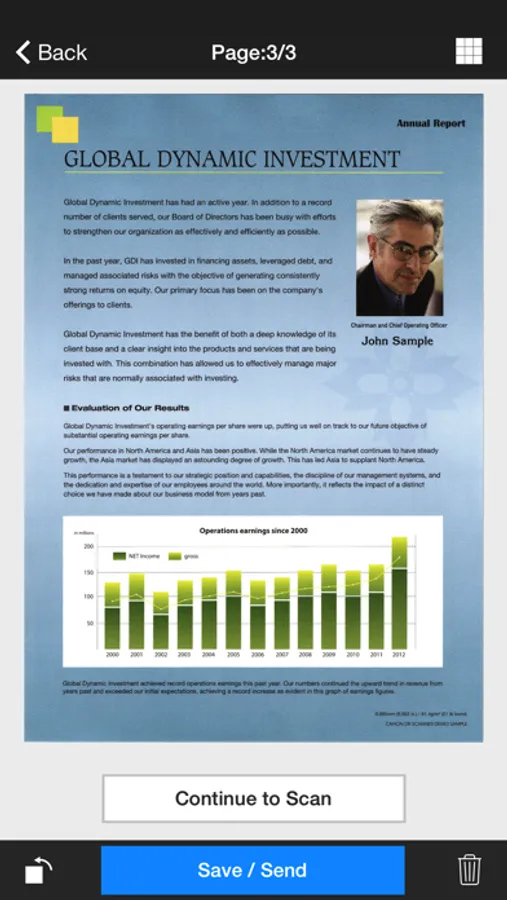
The intuitive user interface enables you to scan paper documents with ease and to send scanned images to other applications.
Key Features
- Simple menus for easy use
- Convert paper documents to PDF or JPEG format (Black and White mode only supports saving to PDF)
- Can scan directly to your iOS device.
- Scan directly to cloud services or other applications
Supported scanners
- Canon imageFORMULA DR-C230/ DR-C240/ DR-M140/ DR-M160II/ DR-M260/ DR-M1060 (either optional NA10 or WA10 unit is required)
- Canon imageFORMULA DR-C225WII/ DR-S150/ DR-S130/ R50
- WU10 is no longer supported. If you are using WU10, please continue to use CaptureOnTouch Mobile V3.1.7 or earlier.
- To use this version, the DR-C225W users need to update the firmware of the scanner by using a personal computer.
Available scanner settings
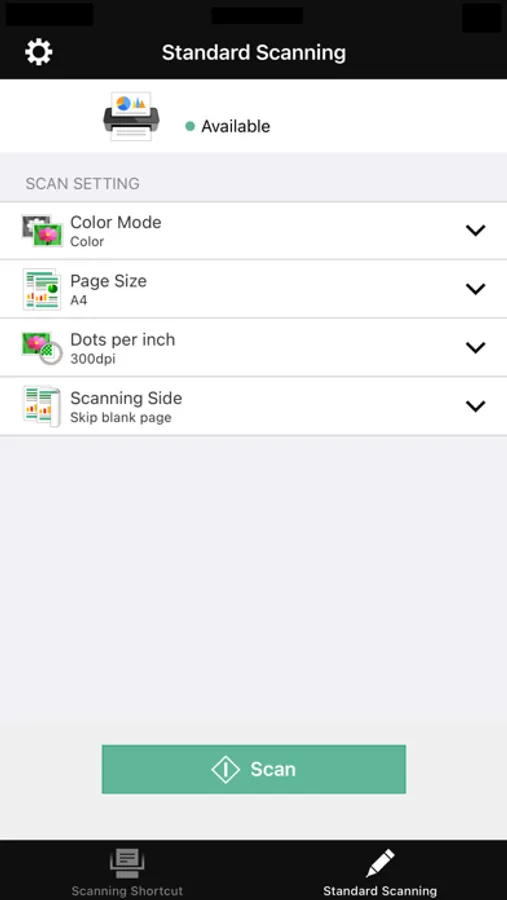
- Document side (Simplex/ Duplex/ Skip Blank Page)
- Resolution (150 dpi/ 300 dpi)
- Scanning mode (Color/ Grayscale/ Black and White)
- Document Size (A4 / LETTER / Auto-detection / Auto-detection by Text)
- Ultrasonic Double feed detection (always efective)
CaptureOnTouch Mobile allows you to operate Canon imageFORMULA document scanners directly from your iOS devices.
The intuitive user interface enables you to scan paper documents with ease and to send scanned images to other applications.
Key Features
- Simple menus for easy use
- Convert paper documents to PDF or JPEG format (Black and White mode only supports saving to PDF)
- Can scan directly to your iOS device.
- Scan directly to cloud services or other applications
Supported scanners
- Canon imageFORMULA DR-C230/ DR-C240/ DR-M140/ DR-M160II/ DR-M260/ DR-M1060 (either optional NA10 or WA10 unit is required)
- Canon imageFORMULA DR-C225WII/ DR-S150/ DR-S130/ R50
- WU10 is no longer supported. If you are using WU10, please continue to use CaptureOnTouch Mobile V3.1.7 or earlier.
- To use this version, the DR-C225W users need to update the firmware of the scanner by using a personal computer.
Available scanner settings
- Document side (Simplex/ Duplex/ Skip Blank Page)
- Resolution (150 dpi/ 300 dpi)
- Scanning mode (Color/ Grayscale/ Black and White)
- Document Size (A4 / LETTER / Auto-detection / Auto-detection by Text)
- Ultrasonic Double feed detection (always efective)
CaptureOnTouch Mobile Screenshots
Tap to Rate:
Reviews for CaptureOnTouch Mobile
J. Sheffield
Great App
Great way to scan directly to my iPad using the P-215 and WU10. Easy to send scans to my photo roll, Evernote, and Dropbox.