With this teleprompter app, you can import, edit, and control scrolling text for videos or presentations. Includes text customization, remote control support, and output options via AirPlay or HDMI.
AppRecs review analysis
AppRecs rating 4.6. Trustworthiness 67 out of 100. Review manipulation risk 26 out of 100. Based on a review sample analyzed.
★★★★☆
4.6
AppRecs Rating
Ratings breakdown
5 star
85%
4 star
6%
3 star
2%
2 star
1%
1 star
5%
What to know
✓
Low review manipulation risk
26% review manipulation risk
✓
High user satisfaction
85% of sampled ratings are 5 stars
About Telepromptr
No account needed... Just type, import or paste your text and start in seconds.
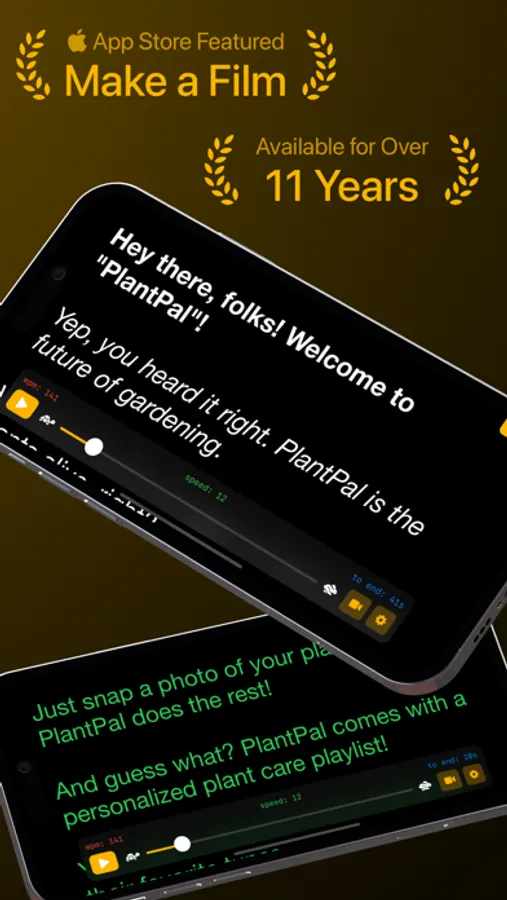
Over 11 years on the App Store, and featured on the App Store "Make a Film with iPad" promotion.
Now, re-imagined with a modern design and a suite of new features.
Telepromptr is designed to be lightweight, reliable and versatile. Perfect for video production, presenting, speaking, meetings, music performances and more!
Key features
• Simple & intuitive design
• Portrait & Landscape support on all devices
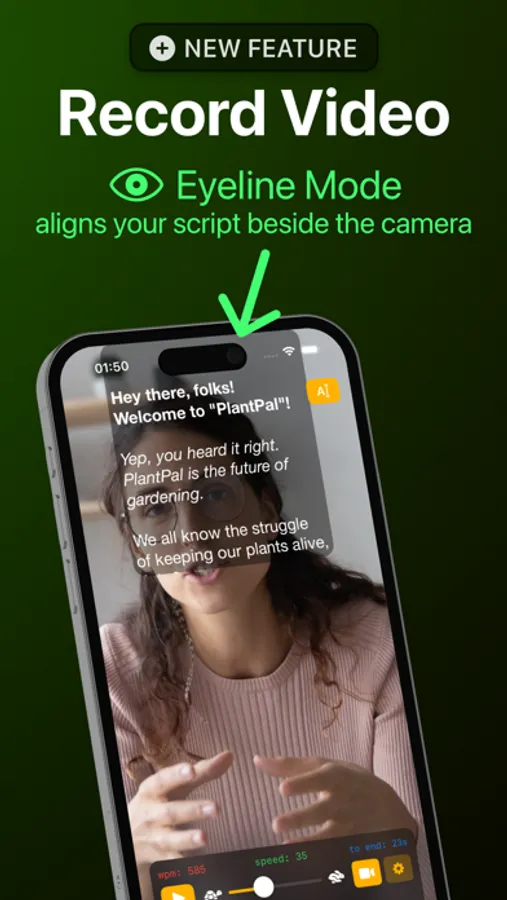
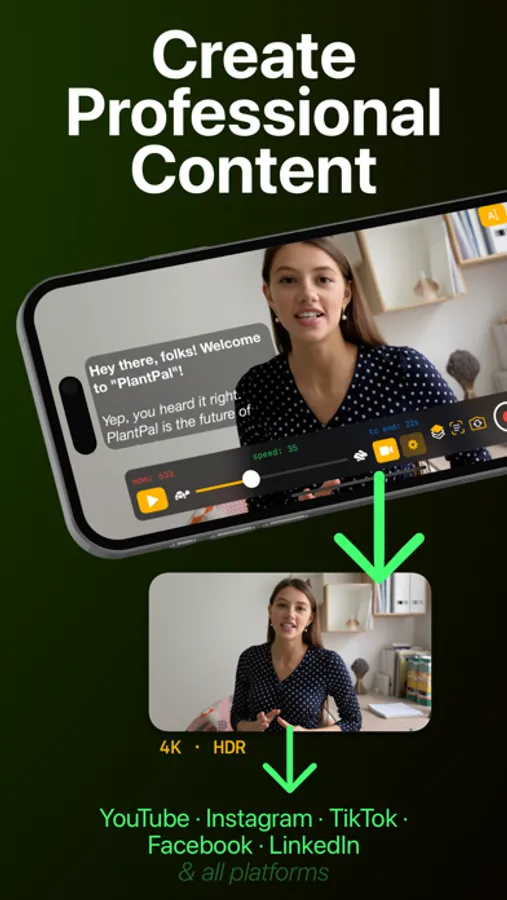
• Record Video
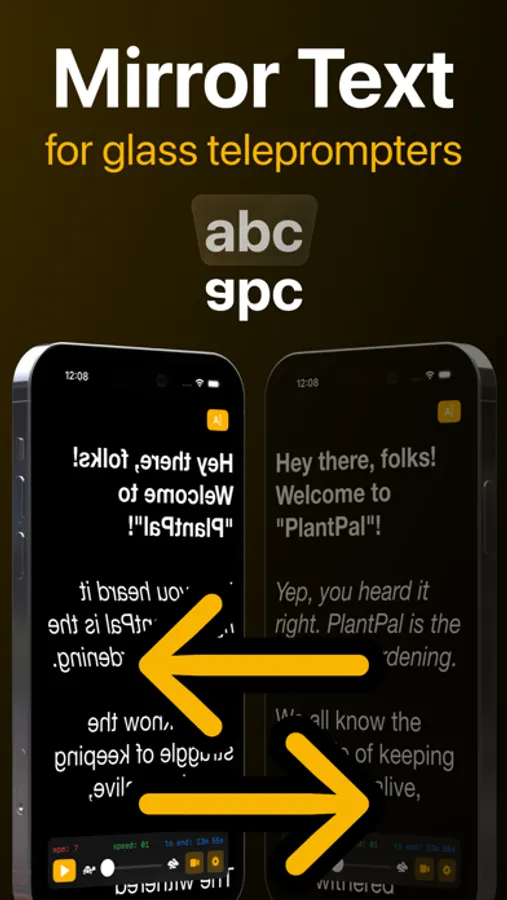
• Mirroring (no upgrade required)
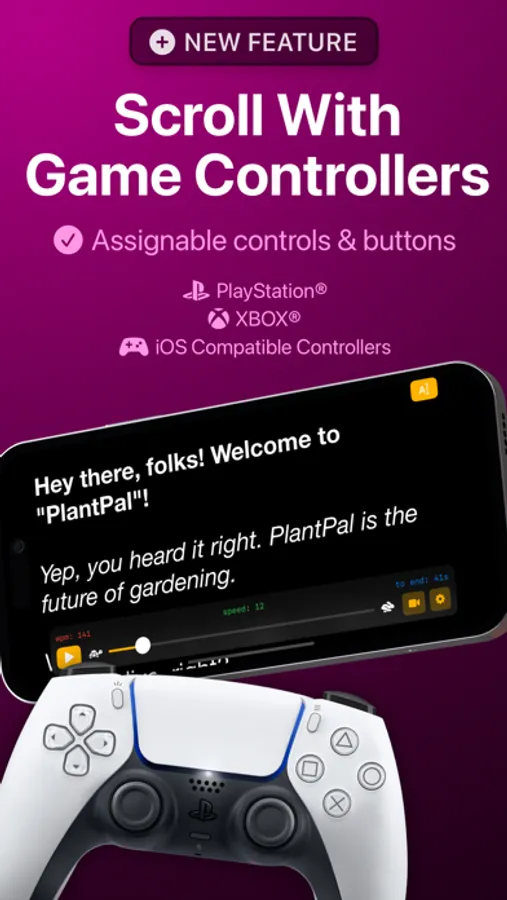
• Remote Control with a keyboard or any compatible controller
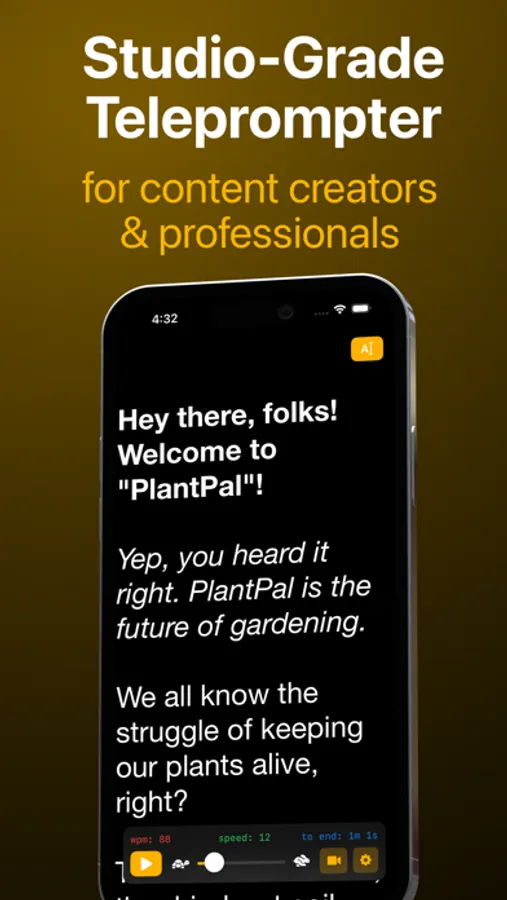
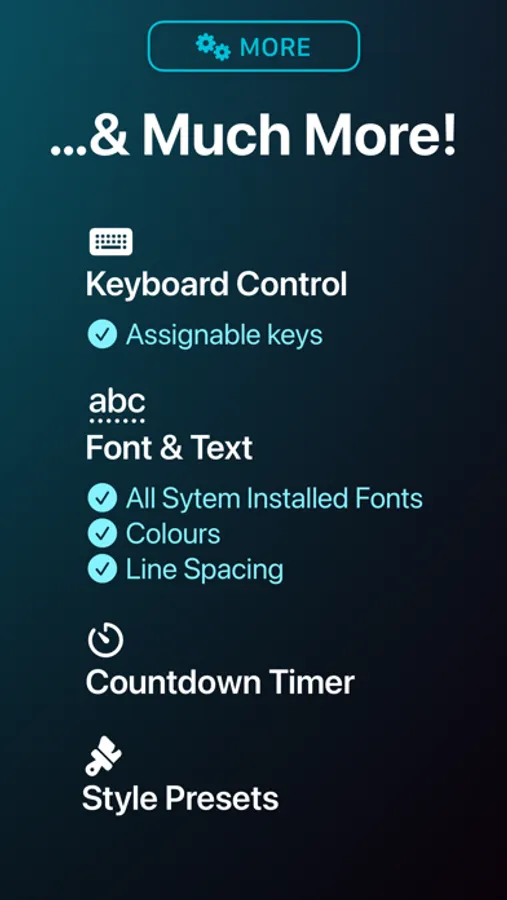
• Text: Adjust the colours, size, font and line spacing
• Easy Markdown formatting for bold/italic
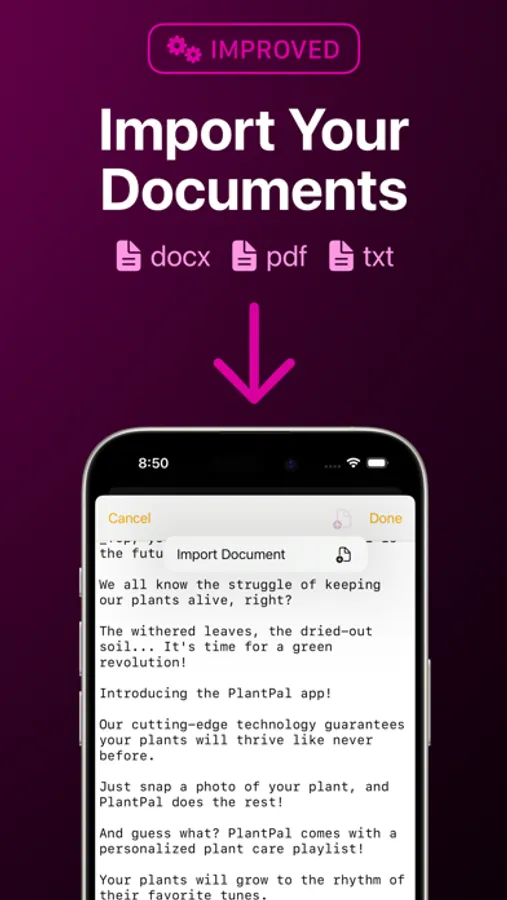
• Import Word, PDF, plain text and Markdown documents
• Eyeline Mode aligns the text beside your camera for better eye contact
• Save and re-use Style Presets
• See your words per minute and time remaining
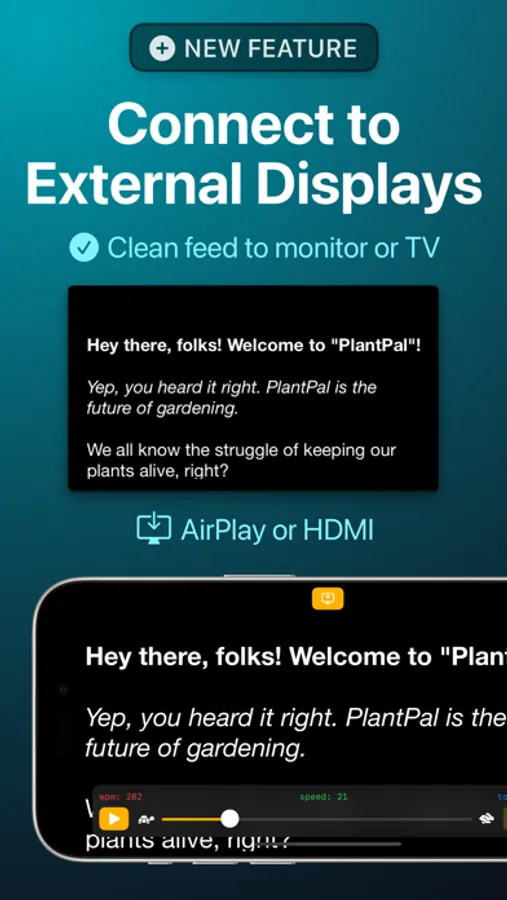
• Output to connected displays via AirPlay or HDMI
• Add a countdown timer before scrolling starts
The optional Pro upgrade is available as a one-time in-app purchase forever, or as a subscription. If you chose to subscribe (optional), you can cancel anytime within the app, or from your Apple ID settings.
Privacy policy: https://telepromptr.com/privacy
Terms of use: https://www.apple.com/legal/internet-services/itunes/dev/stdeula/
Telepromptr Screenshots
Tap to Rate:
Reviews for Telepromptr
skodt665
No paste feature anymore?
So you update it and I can’t do with this version what I could do in the ancient version on my old iPad mini 2: PASTE FROM NOTES! 1 star until fixed. Also, where’s the ability to have several scripts? Gone? Hidden? Thumbs down.
TheEarlMartin
Great tool!
I use this app every week when I film the announcements for our church service. I love this app because it is easy to use, and it makes me look good on camera!