
AppRecs review analysis
AppRecs rating 4.3. Trustworthiness 76 out of 100. Review manipulation risk 23 out of 100. Based on a review sample analyzed.
★★★★☆
4.3
AppRecs Rating
Ratings breakdown
5 star
67%
4 star
17%
3 star
0%
2 star
17%
1 star
0%
What to know
✓
Low review manipulation risk
23% review manipulation risk
✓
Credible reviews
76% trustworthiness score from analyzed reviews
✓
High user satisfaction
83% of sampled ratings are 4+ stars (4.3★ average)
About HCP Anywhere
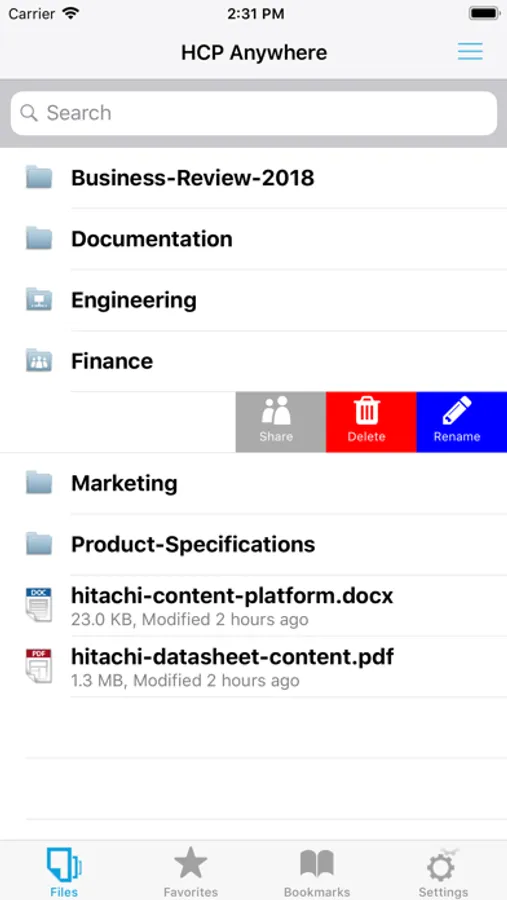
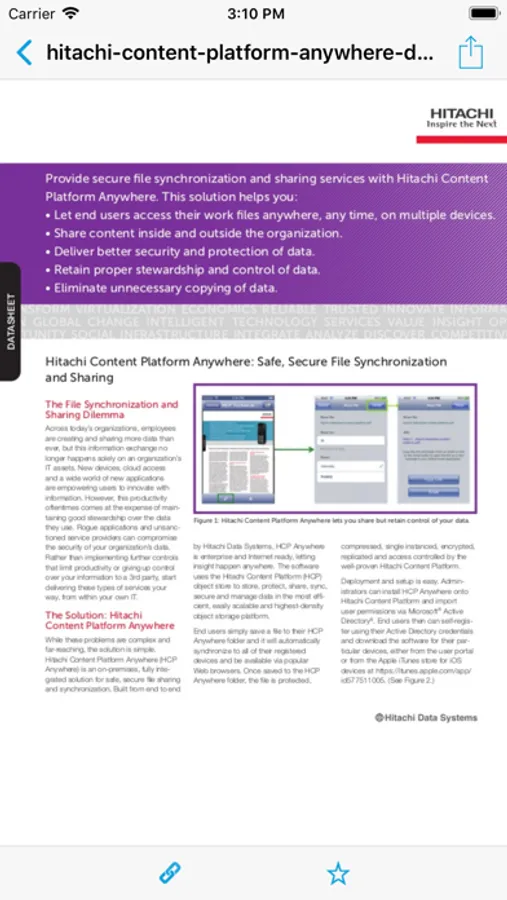
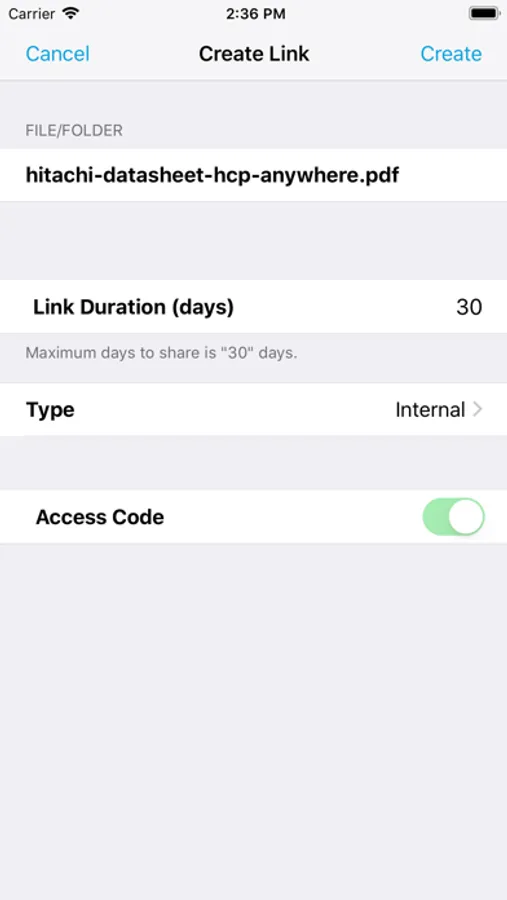
Simply put a file into HCP Anywhere and it is immediately available on all your devices via the cloud. Mark files as favorites and they will be stored on your mobile device so you can work with them when you are not connected to the Internet. Share files or entire folders with fellow employees, or audiences outside your organization safely and securely. The data is stored within your IT organization rather than in an outside cloud.
With your files stored in Hitachi Content Platform Anywhere, your data is automatically protected, preserved, secured and managed throughout its lifecycle and is always available. Lost your mobile device? Replace the device, download this app and all your data is back. No restores, no system checkpoints, no calls to the helpdesk; just you, your device and your data. Hitachi Content Platform Anywhere makes life easier: No more full email inboxes, no more wrestling with heavyweight content management applications, no more struggling to share large files. Just put the file into Hitachi Content Platform Anywhere and it will be available securely anywhere, at any time, on any device, and easily shared via a link rather than sending the entire file.
Prerequisites - For you to be able to use this app:
* Your company needs to have an HCP Anywhere system.
* You need to log into the HCP Anywhere User Portal and register your user account.
See your IT administrator for the information you need to begin using this app.
Supported Clients: iPhone, iPad
HCP Anywhere Screenshots

Tap to Rate:
Reviews for HCP Anywhere
StupendousMan
Needs an update
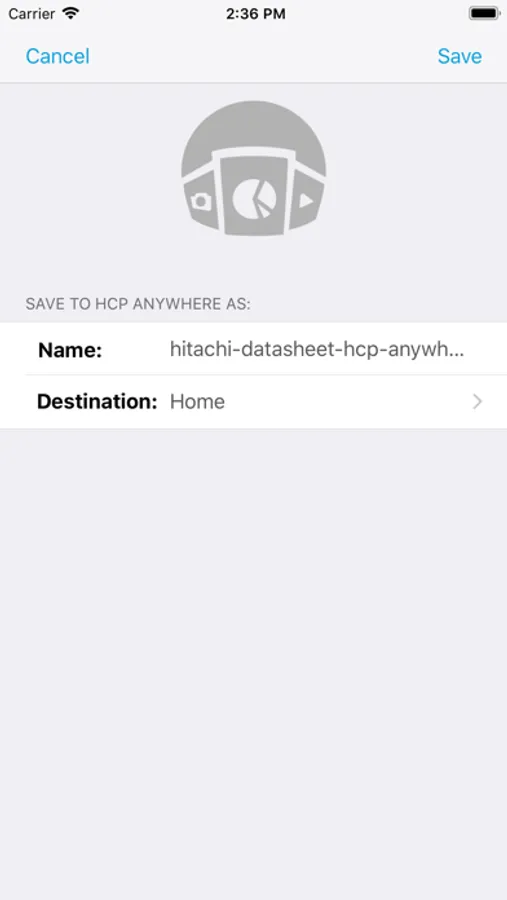
While HCP anywhere provides access to my files from any device, quite frankly it’s a bit of a pain to use. I never figured out how to get a file from an Outlook email or from PowerPoint into it. And once I did manage to get a file moved to over, I couldn’t move the file itself when I mistakenly put it in the wrong directory. How is basic file management not clear and simple to accomplish? Quite frankly this looks like an old app and behaves like one. For example, iOS 11 has a Files app; why doesn’t HCP integrate with it exactly?
jhp612
Can't imagine life without it
After using this app in conjunction with HCP Anywhere for the past year I can honestly say I couldn't do my job the same way without it. This makes sharing files and collaboration so easy so I can get my work done quicker and more efficiently. It's also saved me more than once when I've accidentally deleted files I didn't intend to. If your corporation doesn't use HCP Anywhere yet, you're doing things the hard way!