In this sports management app, you can view tournament schedules, scores, and standings, and communicate with teams. Includes messaging, game check-in, and player activation features.
AppRecs review analysis
AppRecs rating 1.8. Trustworthiness 76 out of 100. Review manipulation risk 23 out of 100. Based on a review sample analyzed.
★☆☆☆☆
1.8
AppRecs Rating
Ratings breakdown
5 star
17%
4 star
2%
3 star
6%
2 star
6%
1 star
70%
What to know
✓
Low review manipulation risk
23% review manipulation risk
⚠
Mixed user feedback
Average 1.9★ rating suggests room for improvement
⚠
High negative review ratio
76% of sampled ratings are 1–2 stars
About Connect Compete
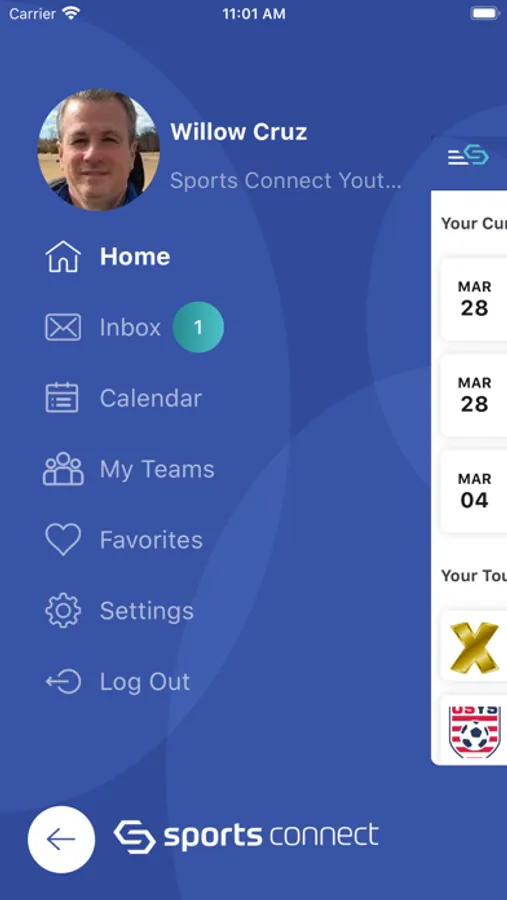
Favorite your Flights and Teams for game updates! See updated schedules, scores and standings and get directions! Easily communicate with your team (when logged in)!
Sports Connect Compete by Stack Sports is a mobile application for viewing and interacting with tournaments and leagues that have been configured and published in the Sports Connect Association Product. You can login with your usual Sports Connect Association credentials or use Guest Mode.
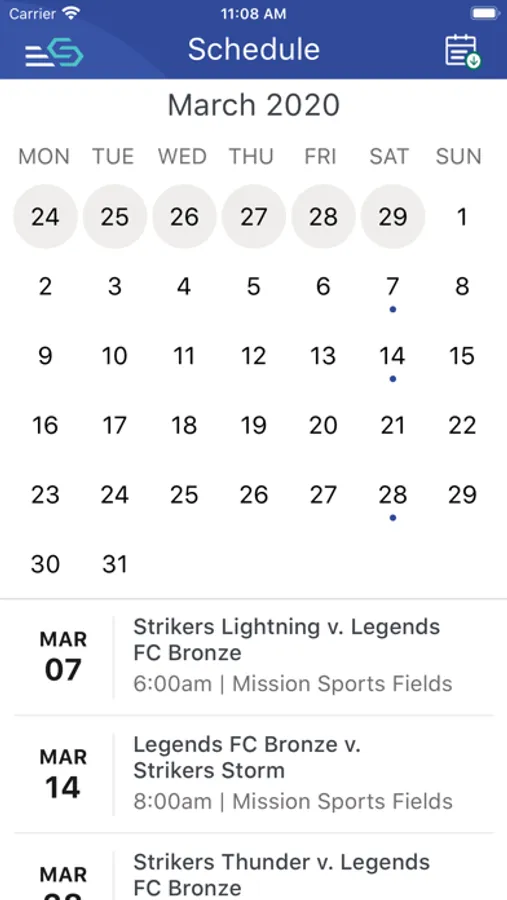
Guests see only public tournament details including game schedules in list and calendar view, the same information available in older versions of the application, but can now select Tournaments, Flights, Venues, Games and Teams to follow.
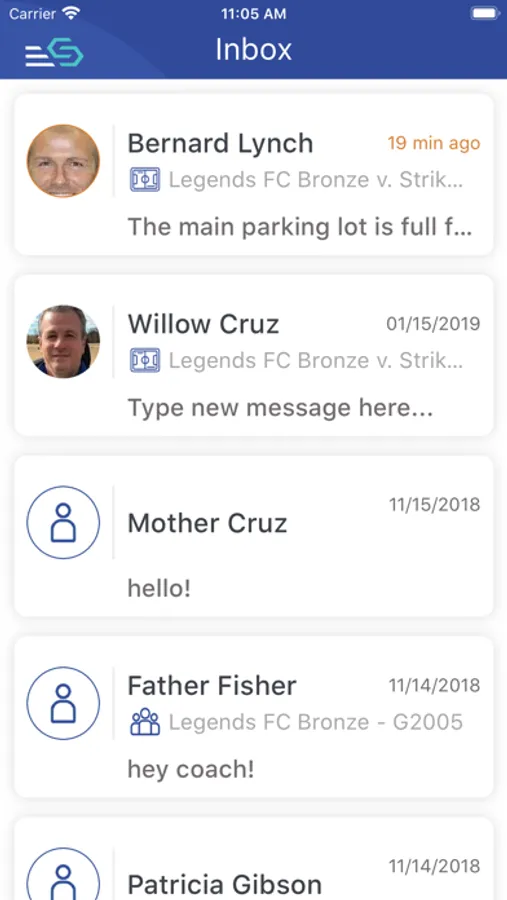
Logged-in users have additional functionality (when the tournament allows) including messaging at the Team, Game or Venue level, player activation (coaches) and game check-in (referees).
All users can search for games or Tournaments by location, by searching or by browsing in calendar view. The favorite and feed functions allow you to prioritize what appears on the main Home screen.
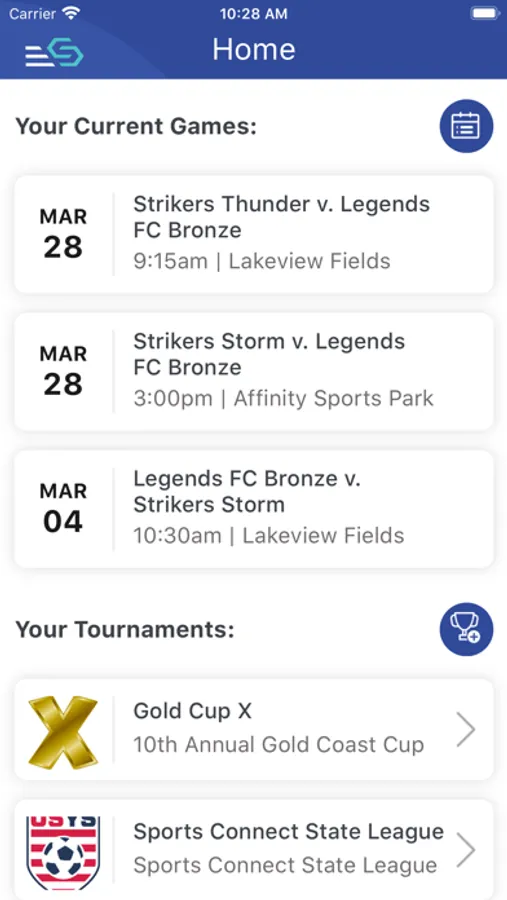
Home and Tournament pages highlight upcoming games and allow you to drill down into flights to see scores and standings or see and download schedules. The Game page links to a Venue page that provides location information and driving directions.
Digital Player Card (DPC) functionality allows coaches to activate players (confirm which players are going to be on the field) and for referees to check-in players (confirm the correct player showed up with the correct jersey number and is eligible to play). Referees can also score games from the app and add a record of any red cards, cautions or game notes when enabled for the tournament.
Sports Connect Compete by Stack Sports is a mobile application for viewing and interacting with tournaments and leagues that have been configured and published in the Sports Connect Association Product. You can login with your usual Sports Connect Association credentials or use Guest Mode.
Guests see only public tournament details including game schedules in list and calendar view, the same information available in older versions of the application, but can now select Tournaments, Flights, Venues, Games and Teams to follow.
Logged-in users have additional functionality (when the tournament allows) including messaging at the Team, Game or Venue level, player activation (coaches) and game check-in (referees).
All users can search for games or Tournaments by location, by searching or by browsing in calendar view. The favorite and feed functions allow you to prioritize what appears on the main Home screen.
Home and Tournament pages highlight upcoming games and allow you to drill down into flights to see scores and standings or see and download schedules. The Game page links to a Venue page that provides location information and driving directions.
Digital Player Card (DPC) functionality allows coaches to activate players (confirm which players are going to be on the field) and for referees to check-in players (confirm the correct player showed up with the correct jersey number and is eligible to play). Referees can also score games from the app and add a record of any red cards, cautions or game notes when enabled for the tournament.