
With this banking app, you can view account balances, manage transactions, and set card controls. Includes real-time transaction alerts, mobile deposit, and budget tracking tools.
AppRecs review analysis
AppRecs rating 4.5. Trustworthiness 0 out of 100. Review manipulation risk 0 out of 100. Based on a review sample analyzed.
★★★★☆
4.5
AppRecs Rating
Ratings breakdown
5 star
81%
4 star
10%
3 star
3%
2 star
2%
1 star
5%
What to know
✓
High user satisfaction
81% of sampled ratings are 5 stars
About Bank First goBank
ACCOUNT MANAGEMENT
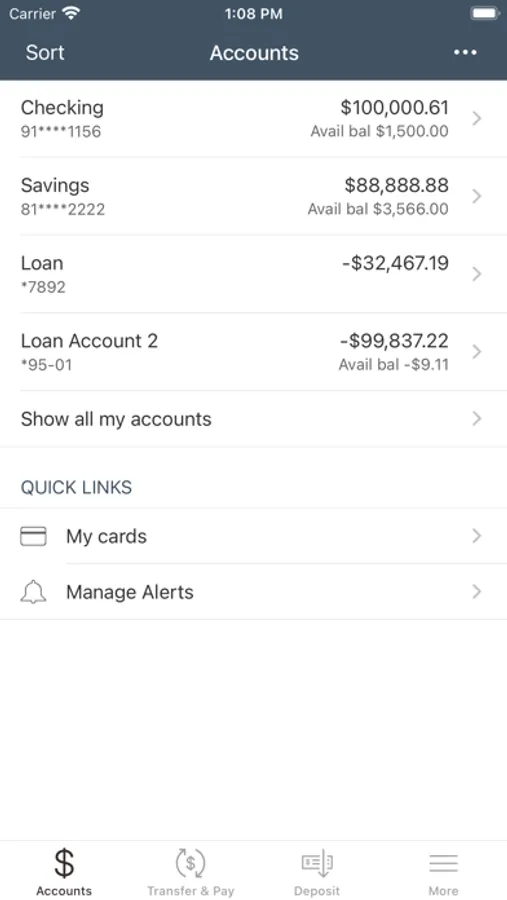
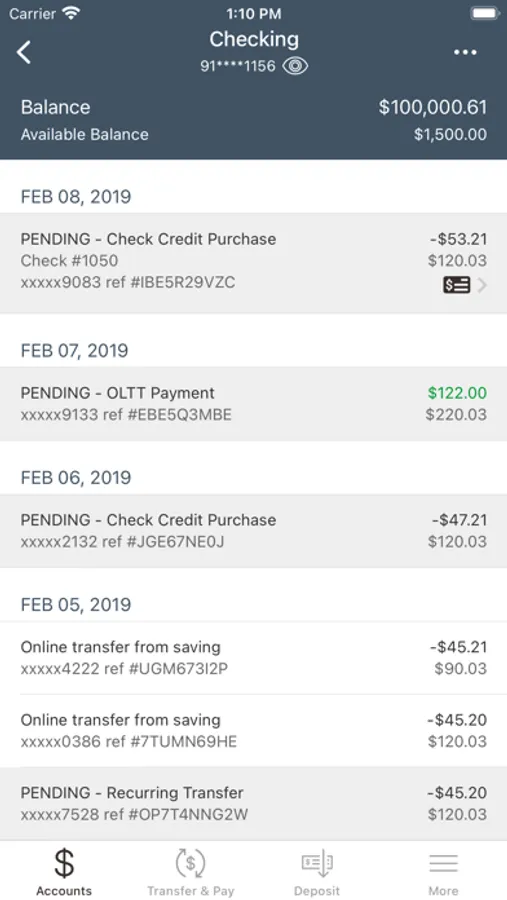
• View balances and transaction history in real time.
• Personalize your banking experience with account nicknames and custom views.
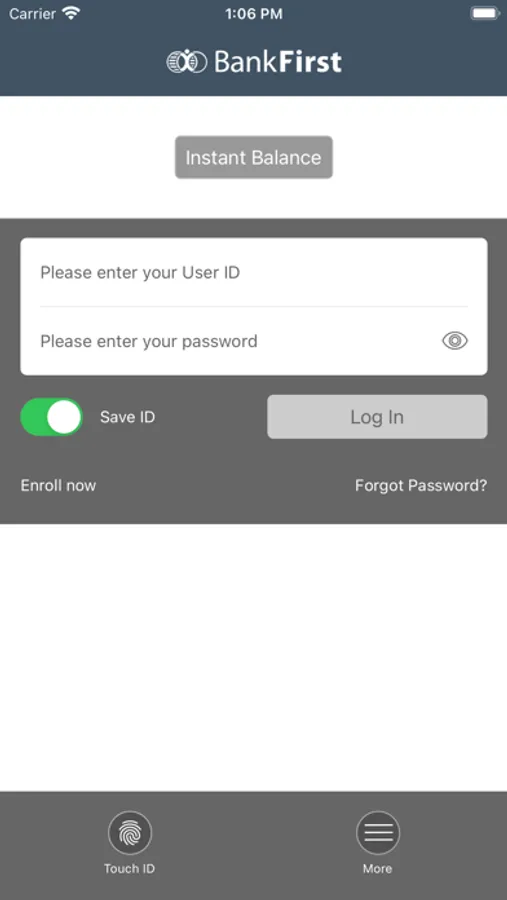
• View account balances instantly with Fast Balances, no login required.
• Open select Bank First accounts quickly and securely.
• Easily place stop payments on checks.
• Sync with Quicken and QuickBooks for simplified financial management.
CARD CONTROLS
• Instantly lock or unlock debit and credit cards.
• Set transaction limits and location preferences.
• Receive real-time alerts for card activity.
• Report lost or stolen cards to prevent unauthorized transactions.
PAYMENTS & TRANSFERS
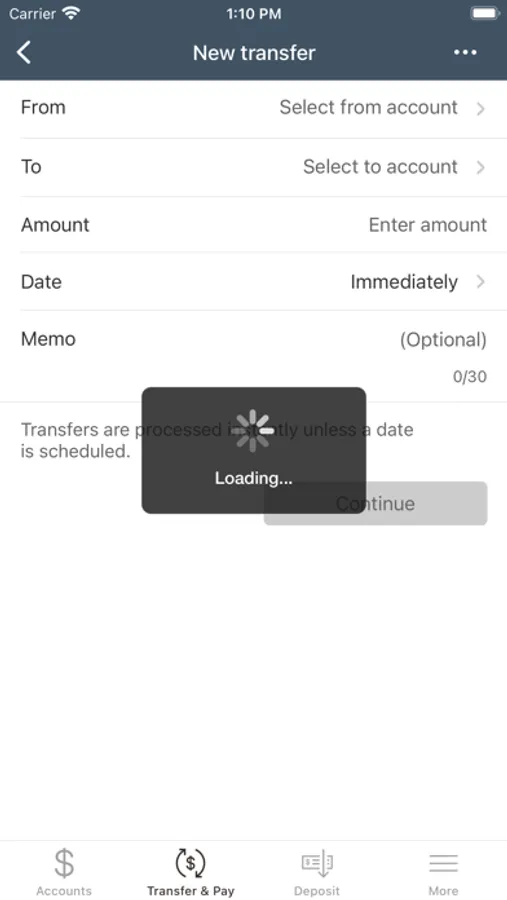
• Move money between Bank First accounts or to external institutions.
• Use Bill Pay to manage bills and keep personal and business commitments on track.
• Manage loan and credit card payments, with the option to set up recurring payments.
• Send money to anyone on your contact list with Zelle® – a fast, safe, and easy way to send and receive money.
MOBILE DEPOSIT
• Deposit checks into your Bank First checking or savings account using your device’s camera.
• Track deposit history and status updates.
TOOLS FOR FINANCIAL MANAGEMENT
• Monitor your credit score with 24/7 credit monitoring, financial tips, and more!
• Track spending, set budgets, and manage your finances with Financial Manager.
SECURITY & ACCESS
• Use Face ID or Touch ID for quick, secure access.
• Required two-factor authentication adds an extra layer of security.
• Change your username and password anytime for added control.
CONTACT US
• Chat live with us during business hours, or explore quick self-service options anytime.
• Submit requests for address changes, mobile deposit limits, and more via secure forms.
• Find nearby Bank First branches and ATMs.
Ready to get started? Log in with your existing credentials or register through the app to begin managing your finances on the go.
Features may vary based on account type and user eligibility. Message & data rates may apply.
Bank First goBank Screenshots
Tap to Rate:
Reviews for Bank First goBank
SoccerCoachFun
Slow sluggish and poorly displayed
The app is slow, sluggish and poorly organized since they switch from a robust feature app in native iOS. Web based app version is poorly designed with slow performance and notifications don’t tell you the details except exceeding a threshold. Tell me what the actual amount is and the vendor to be useful instead of going to email.
😡 DT
Stop making things tougher!
Do NOT like the changes made on your mobile bank app. Could not find all the monthly information on my HELOC account as I have received in the past. Not everyone is tech savvy or born into computer age. I suggest you go back & make customer accounts much more user friendly & easier to access all information on every account & transaction when complete history accessibility. 😡