
In this website builder app, you can design, edit, and publish your own responsive website with customizable templates and content management features. Includes tools for blog creation, online store management, and on-the-go editing.
AppRecs review analysis
AppRecs rating 4.3. Trustworthiness 80 out of 100. Review manipulation risk 28 out of 100. Based on a review sample analyzed.
★★★★☆
4.3
AppRecs Rating
Ratings breakdown
5 star
83%
4 star
9%
3 star
3%
2 star
2%
1 star
5%
What to know
✓
Low review manipulation risk
28% review manipulation risk
✓
Credible reviews
80% trustworthiness score from analyzed reviews
✓
High user satisfaction
83% of sampled ratings are 5 stars
About Jimdo Creator
*What the app can do*
New to Jimdo?
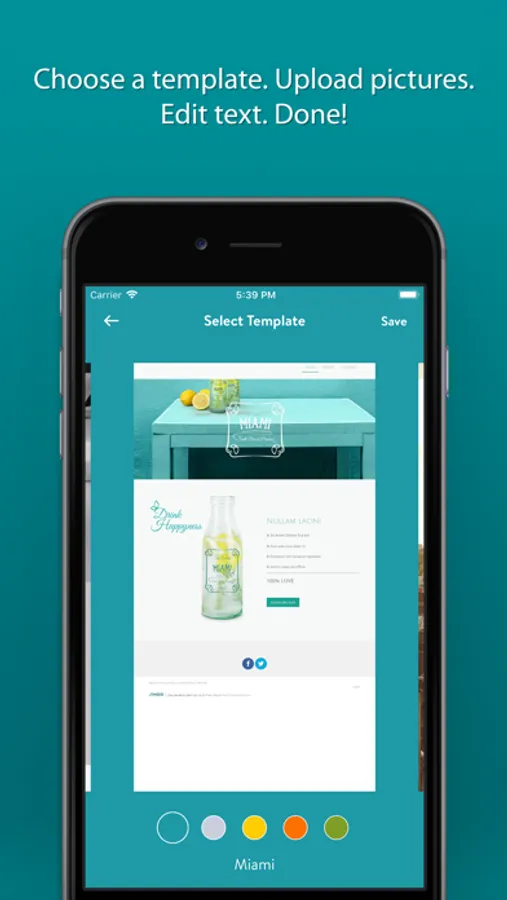
It’s so quick and easy to get your new website online. Choose your template, select a domain, insert text and photos—done! The design of your Jimdo website is automatically responsive, so it is optimized for smartphones, tablets and desktop computers.
In addition to the app, you can also edit your website on a desktop computer to use many more features.
Already with Jimdo?
You can edit your existing website with the app. Wherever you are with your iPhone or iPad—your website is right there with you.
App features
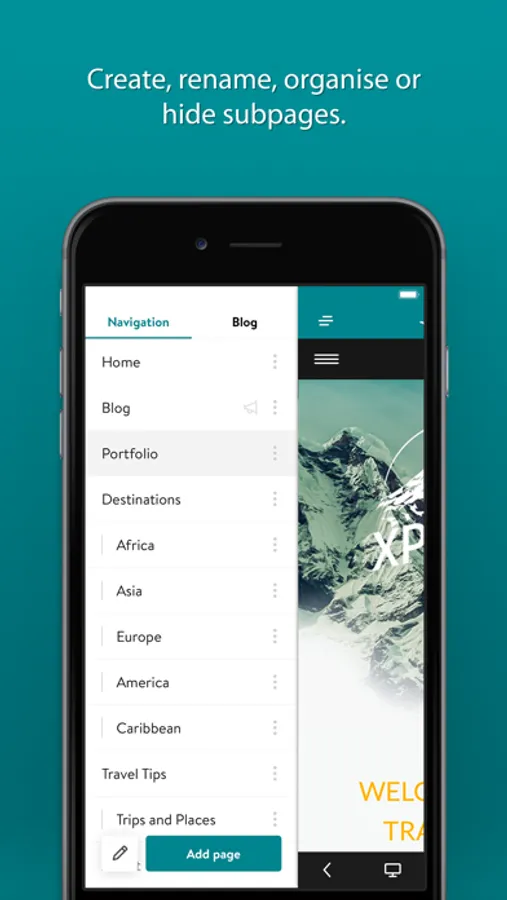
Navigation: Add new subpages to your website—or you can change, hide or delete these pages.
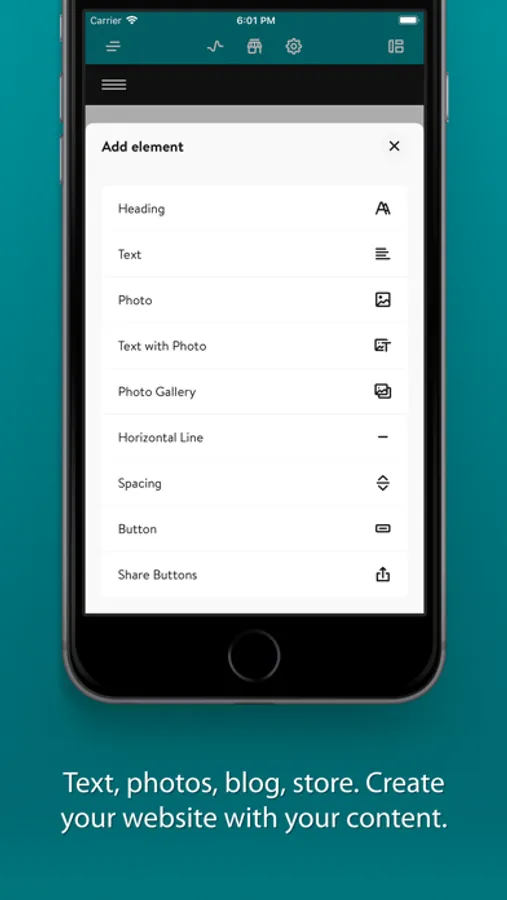
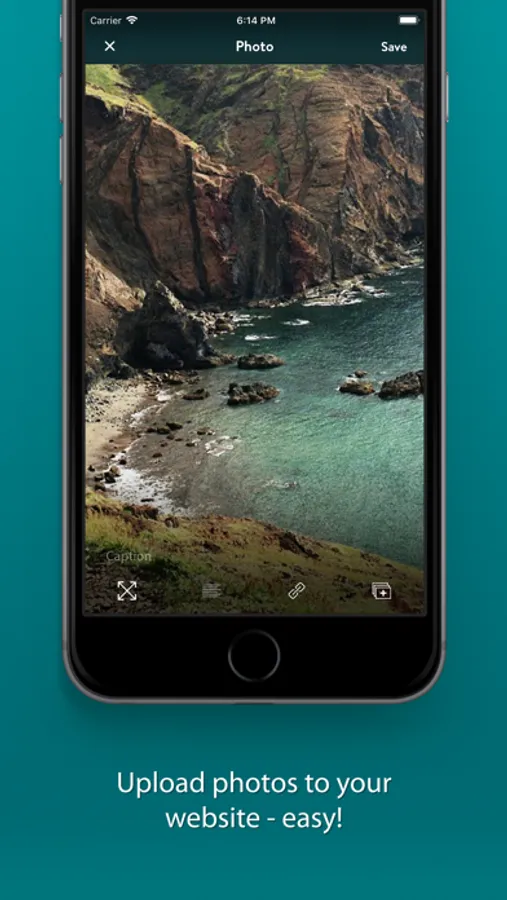
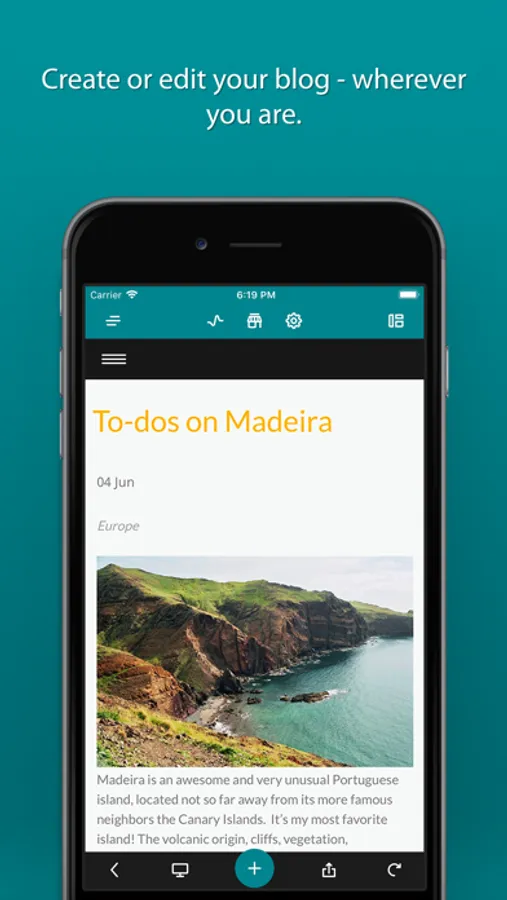
Content for your website: Write or publish blog posts, add photos, photo galleries, text, headings, and buttons to your website.
Structure for your website: Headings, spacing, and lines can help your visitors get a great overview of your website.
Online store: You can see and edit your open and closed orders directly in the app. Mark items as sent and/or paid to have even more control on-the-go.
What else can Jimdo do?
Use the desktop version for even more features including more online store options, search engine optimization (SEO), contact forms and much more.
Also: We’re always working on making the Jimdo Creator app even better, and will continue to release new features for it. We can’t wait to see your new website
+++ We'd love to hear from you. Send us your suggestions and comments! +++
Ideas, suggestions, or comments?
Please share them with us: mobile-feedback@jimdo.com
Terms of Use:
http://www.jimdo.com/info/terms-of-use-privacy/
Privacy Policy:
http://www.jimdo.com/info/privacy-statement/
Jimdo Creator Screenshots
Tap to Rate:
Reviews for Jimdo Creator
sandimacd
Developer and Support hard to reach
Aug 2024: Jimdo has removed direct Support to Pro users. We now get dumped into page of "helpful topics". If i email, the bot replies arent helpful. Still cant access any of the options in the Menu that is visible in browsers. And Jimdo no longer allows Browser access to get to the Dashboard Menu on my large screen iPad Pro. Completely locked out. So much for a "responsive" website! Dec 2020: once again the browser on my iPad is not letting me get into my Jimdo dashboard to make changes. I need to edit a setting on the left menu that shows up on the desktop brower. The app doesn't have all the features fund on the browser. Lowering stars from 3 to 1. Oct 2020: developer reached out to me in an email from Apple thanking me for being a customer. Also I am once again able to edit the website using the iPad browser which offers functions that the app doesn't. So that's nice. I increased the rating from 2 stars to 3. Sep 2020: I have been with Jimdo since 2014 and have used this app since it was intially launched. The app cannot manage columns and tables. Until this month (Sep2020) I could still edit these website containers on the iPad iOS by logging in through a browser. No longer. Jimdo forces all editing to be done in the app. The app has had long standing issues with text spacing. When entering new text or editing text and then saving, there is a tendency for the app to remove spacing so that a series of words all run together. This makes the site look unprofessional. Since 2018, it has become more and more difficult to reach Support. There is no Support access in the app. The App Store Developer link goes to Jimdo's Support page. The support page opens in the iOS browser with the Instructions to log into your account editing mode and locate the Support link in the menu and as I have said before, there is no longer a way to log into your account and reach the editing menu using the iOS in the browser. Those actions dump you into an endless circle. Even from a computer brower, the Creator Sites now pushes my queries to the Dolphin Team even when logged into a Creator Website editing menu and it takes up to 48 business hours for my Pro level account to get redirected to Creator Support. I used to highly recommend Jimdo Creator but I now do so only with reservations.
glaucogf
the easiest way to create a website
There’s no easier way, period.