
AppRecs review analysis
AppRecs rating 2.8. Trustworthiness 75 out of 100. Review manipulation risk 20 out of 100. Based on a review sample analyzed.
★★☆☆☆
2.8
AppRecs Rating
Ratings breakdown
5 star
15%
4 star
15%
3 star
30%
2 star
10%
1 star
30%
What to know
✓
Low review manipulation risk
20% review manipulation risk
✓
Credible reviews
75% trustworthiness score from analyzed reviews
⚠
Mixed user feedback
Average 2.8★ rating suggests room for improvement
About Tides US
Now Free!
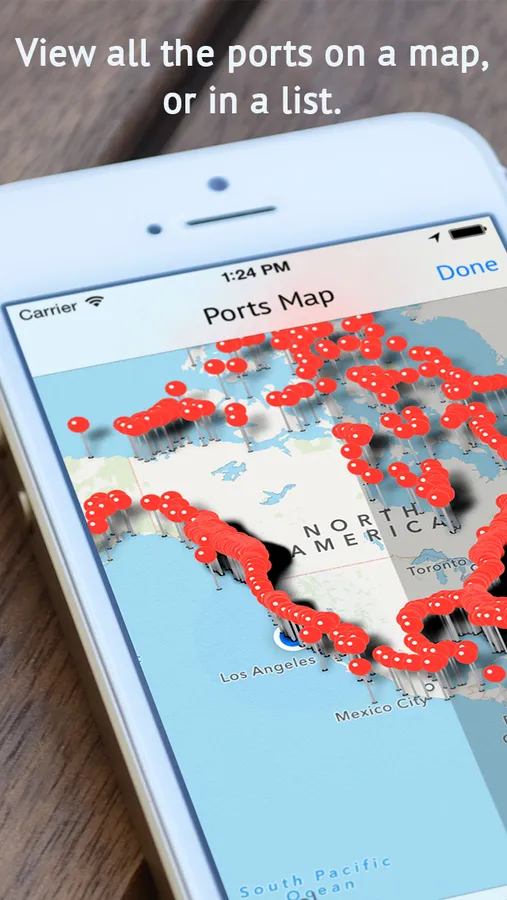
View all the ports on a handy map so you can easily see which tide stations/ports are nearby using your current location; or search for a specific location in the port list.
No need now to browse a massive list of ~1870 ports or navigate on a map to find one of your favorite locations; all recently viewed ports are added to the side menu for quick and easy access.
Want to go out fishing during a full moon? With the new moon phase icon, you can see what phase the moon is any day.
-- Features --
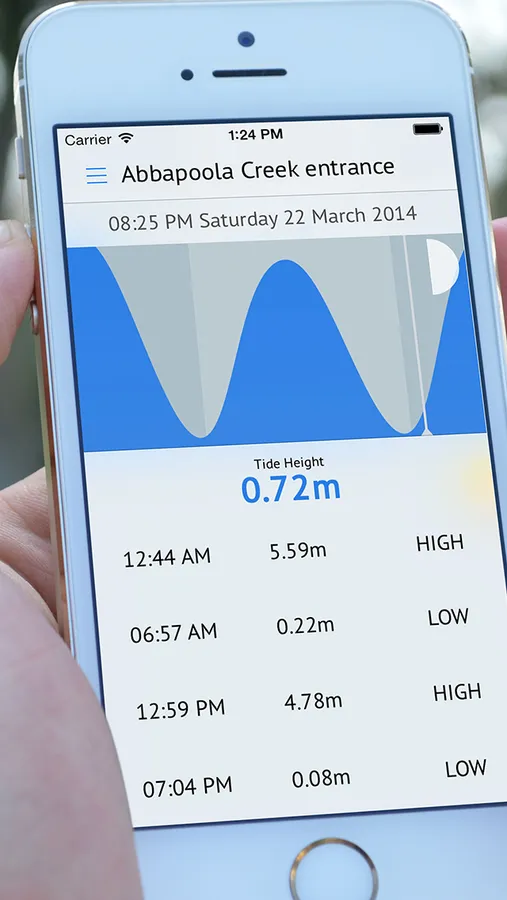
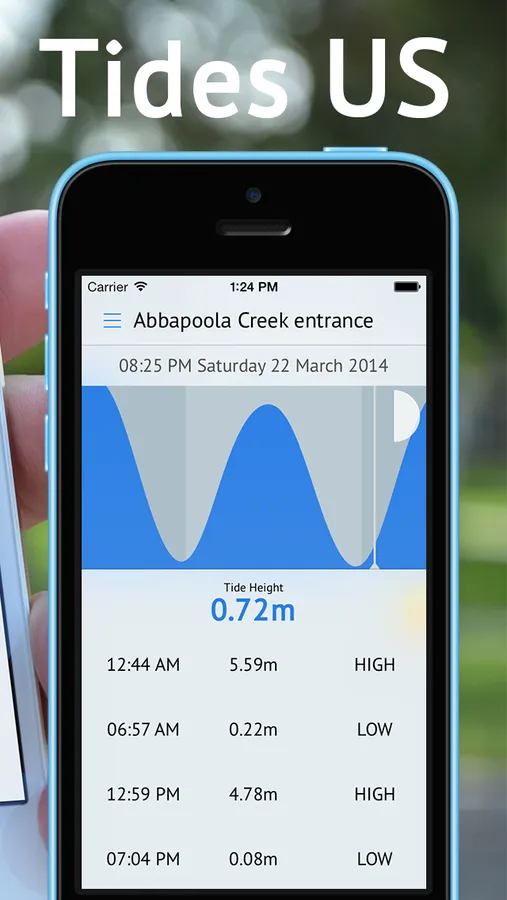
** Tide Graph
** Moon Phases
** Sunrise and Sunset times
** 12 Hour or 24 Hour time
** Live estimate of sun position relative to the horizon
** 1870 Stations all over the US and Canada!
** No internet required, perfect for remote locations at sea! (The map view is the only exception, unless the maps have been cached)
And just cause we have to:
Disclaimer:
All precautions have been taken to ensure the data is as accurate as possible.
We give no warranty in relation to the material shown including its accuracy, reliability and suitability and accept no liability to any loss, damage or other costs incurred relating to the use of any material shown.
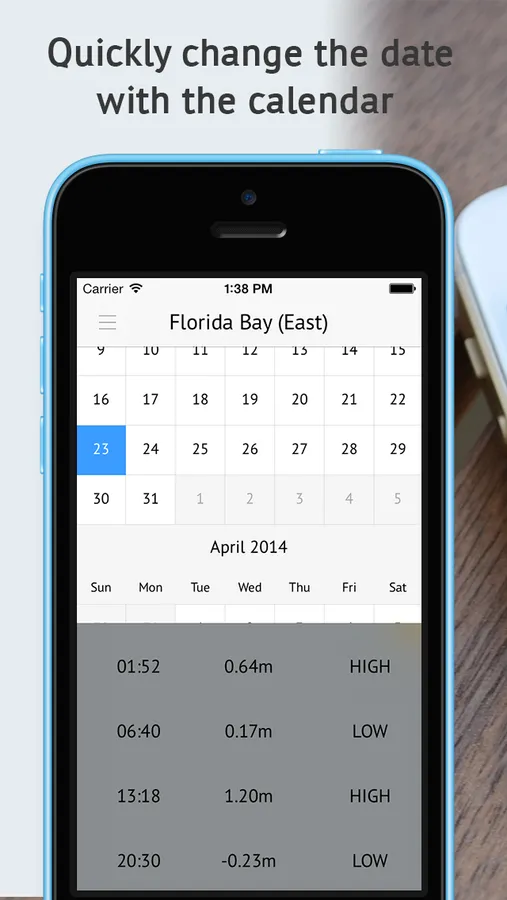
Tides US Screenshots
Tap to Rate:
Reviews for Tides US
Herodotus Bartleby
Easy to look at. Not easy to program.
I like how this app gets right to the point (unlike the Wolfram Alpha tide app). But programming it to accept a new location was difficult, and I have had to settle for measurements in meters, because the tool for switching to other units doesn’t seem to work.
salliesatt
Can’t add ports so app is useless so far
The list of Your Ports comes pre-stocked with a place I never heard of. There are no instructions. I press the menu button and it opens Your Ports (no other options). I press the plus sign button, and nothing happens. Have tried multiple times over several days.