
In this form creation app, you can design and fill out custom forms using various field types and templates. Includes features like signature capture, photo annotations, data export options, and cloud integration.
AppRecs review analysis
AppRecs rating 4.7. Trustworthiness 82 out of 100. Review manipulation risk 25 out of 100. Based on a review sample analyzed.
★★★★☆
4.7
AppRecs Rating
Ratings breakdown
5 star
78%
4 star
13%
3 star
3%
2 star
2%
1 star
4%
What to know
✓
Low review manipulation risk
25% review manipulation risk
✓
Credible reviews
82% trustworthiness score from analyzed reviews
✓
High user satisfaction
78% of sampled ratings are 5 stars
About FormConnect Pro
Key Features:
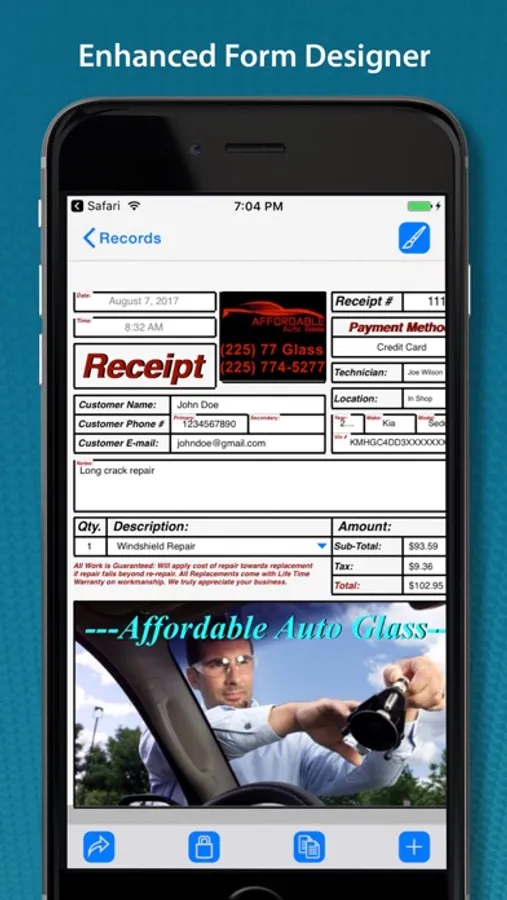
• Customizable Form Templates: Create forms from scratch or use pre-built templates.
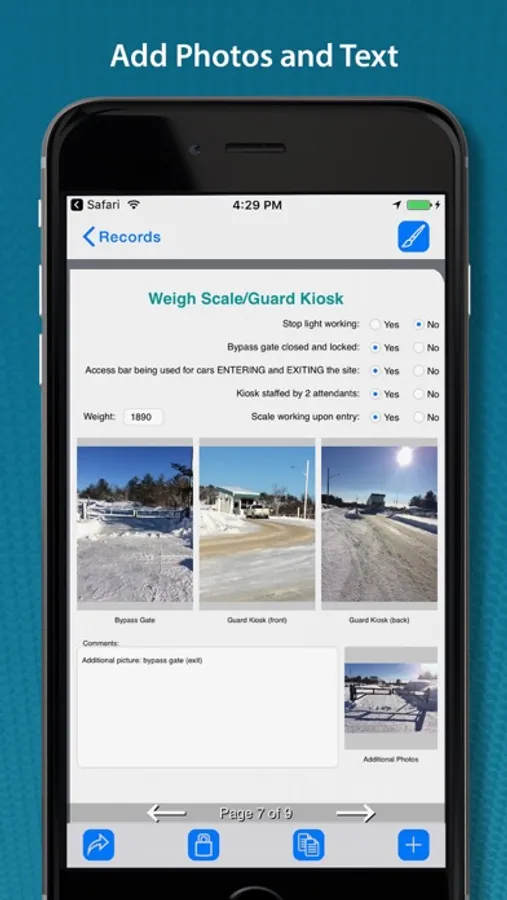
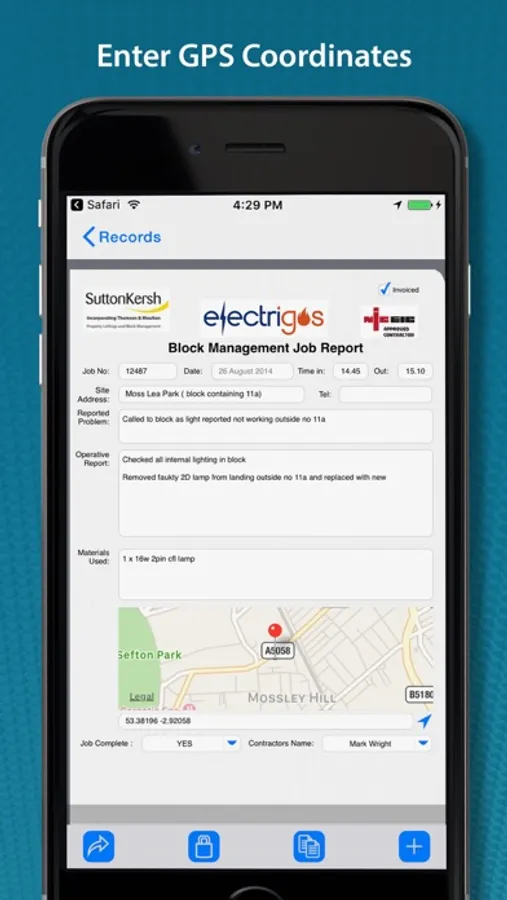
• Multiple Field Types: (text, dates checkboxes, drop-down lists, radio buttons, signatures, photos, GPS).
• Multiple Themes: (folder, clipboard, binders etc.) to change the look of the form (iPad Only).
• Touch Input: Data input via touch or an external keyboard.
• Signature Capture: Use your finger or a stylus.
• Photo Capture: Take photos with your iPhone or iPad’s camera.
• Photo Annotation: Annotate on top of photos.
• Form Sharing: Share forms with other FormConnect Pro users.
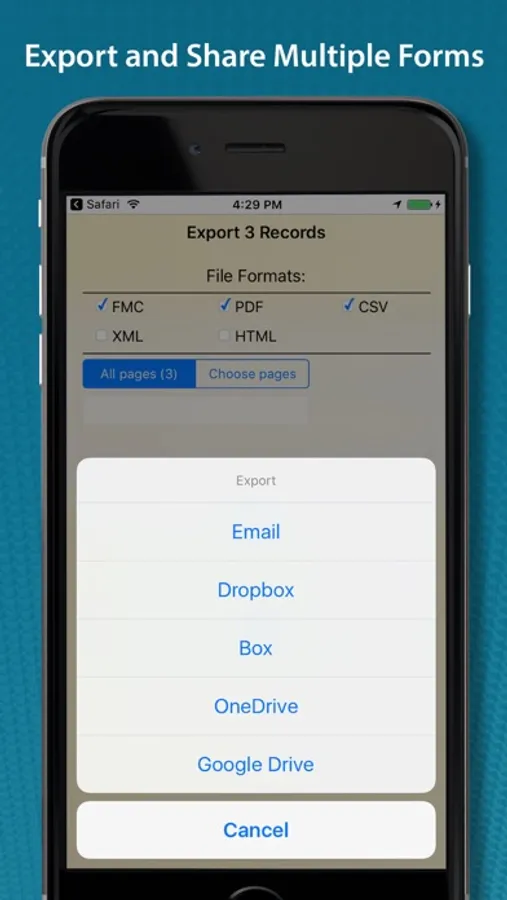
• Export Options: Email forms or upload them to Dropbox, Box, Google Drive or Microsoft OneDrive.
• File Formats: Forms can be saved and exported in one or more of the following file formats: (PDF, CSV, XML, HTML, FMC).
• Form Printing: Print forms to any printer that supports Apple’s AirPrint wireless protocol.
• Pre-populate Fields: Auto populate data into fields when you open the form.
• Auto increment: Auto generate a sequential number in a text field.
• Text Formatting: (bolding, italicizing and coloring).
• Field Alignment: (left, right and center).
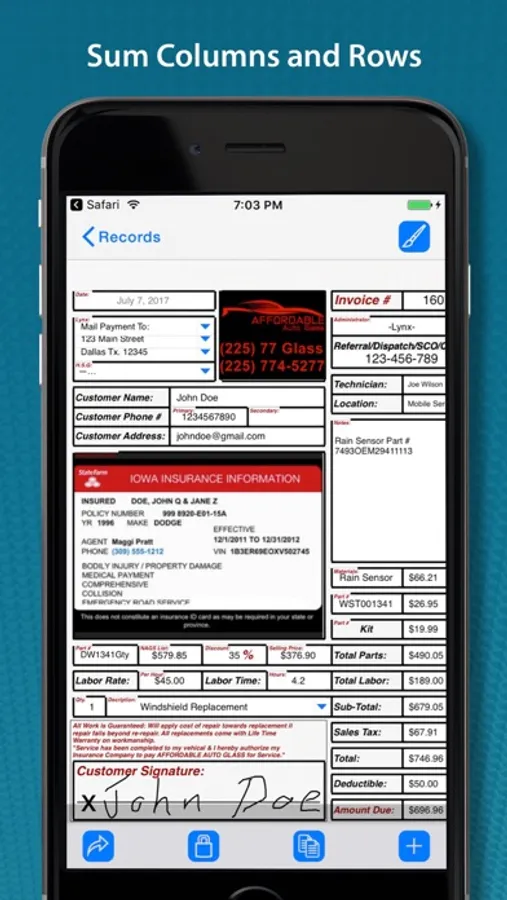
• Field Calculation: A spreadsheet type function for summing rows and columns.
• Field Linking: Link fields together so that data entered into one field automatically populates another field.
• Form Locking: Lock a filled out form from being altered.
• Required Field: Specify fields on the form that must be filled out before the form can be saved.
• Kiosk Mode: Locks the user interface to a specific set of functions.
• GPS Data Capture: Display latitude and longitude coordinates.
Terms of Use: https://www.formconnections.com/terms-of-use/
Privacy Policy: https://www.formconnections.com/about-2/privacy-policy/
FormConnect Pro Screenshots
Tap to Rate:
Reviews for FormConnect Pro
CaricatureArtGuy
Awesome
We use this app at work all of the time ,if you are creative you can customize it to do a lot .It functions reliably and the guys find it useful.
Phantom staff
Bugs
Usually works good, very customizable. There is a bug that causes trouble, it will delete your information randomly. Not so convenient to call customer and get information you’ve already asked for and entered in front of them