
Infor Expense Management
Infor Global Solutions, Inc.
1.8 ★
27 ratings
Free
AppRecs review analysis
AppRecs rating 1.7. Trustworthiness 71 out of 100. Review manipulation risk 23 out of 100. Based on a review sample analyzed.
★☆☆☆☆
1.7
AppRecs Rating
Ratings breakdown
5 star
15%
4 star
0%
3 star
4%
2 star
11%
1 star
70%
What to know
✓
Low review manipulation risk
23% review manipulation risk
✓
Credible reviews
71% trustworthiness score from analyzed reviews
⚠
Mixed user feedback
Average 1.8★ rating suggests room for improvement
About Infor Expense Management
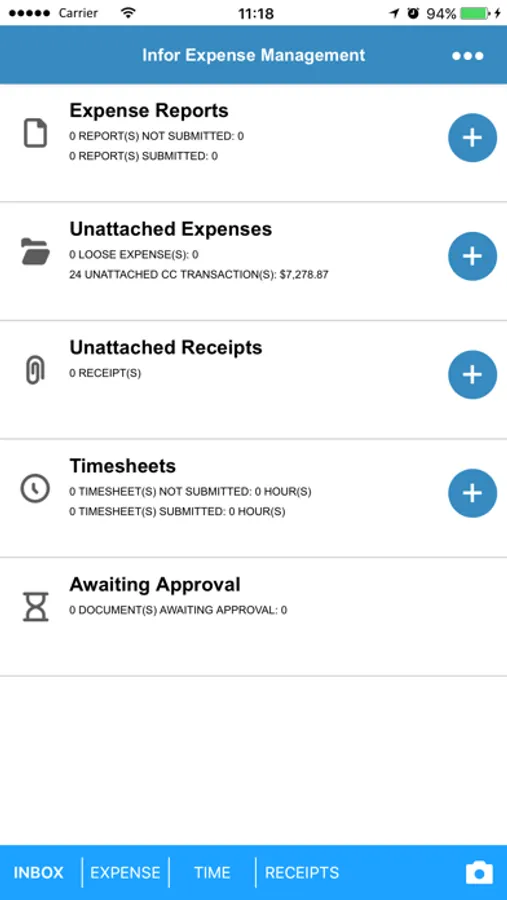
With XM’s mobile app, kiss paper receipts goodbye! Use the native camera and camera roll to seamlessly upload your receipts to the appropriate expense report.
Additionally, being on the road doesn’t mean you do not have to entire your time in the XM Timesheets system. This app is also equipped for entitled Timesheets users and gives you all of the powerful functionality you need to keep track of and manage this valuable information.
**Please note that this app is a companion to Infor Expense Management solutions for users leveraging versions 8.3.4 and higher**
With XM’s mobile app, you will be able to:
· Manage and track expenses
· Manage and track timesheets
· Photograph and instantly upload individual receipts
· Select multiple photos from your native camera roll and upload multiple receipts at once
· Create a quick expense report
· Submit expense reports and time cards
· Approve expense reports and time cards
Note: By downloading this mobile application, You acknowledge to reading and agreeing to the corresponding end user license agreement.
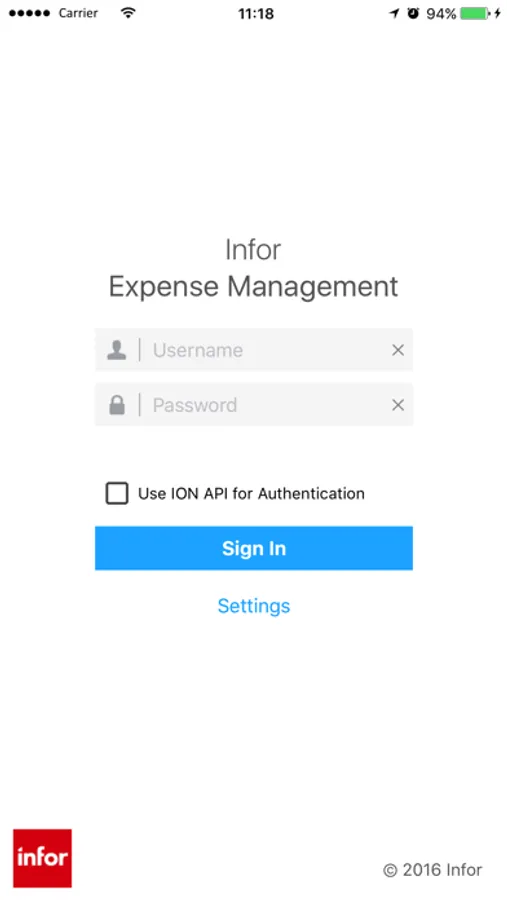
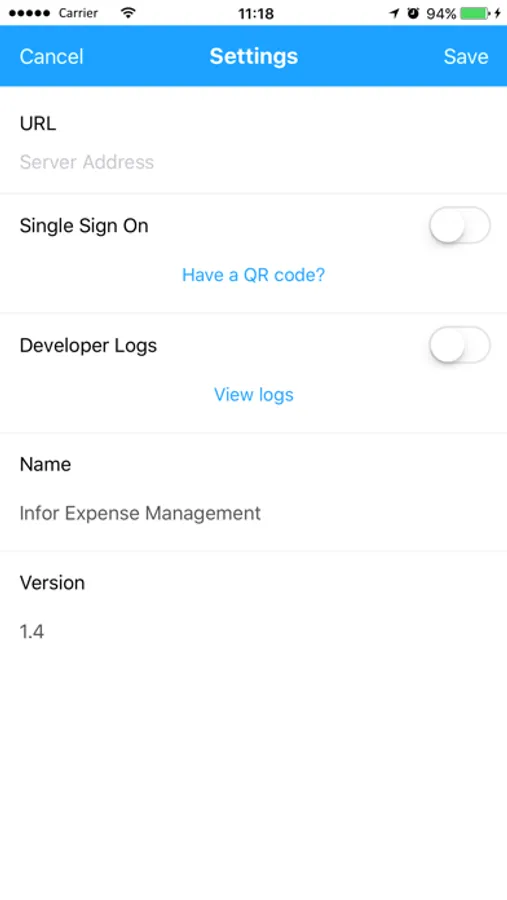
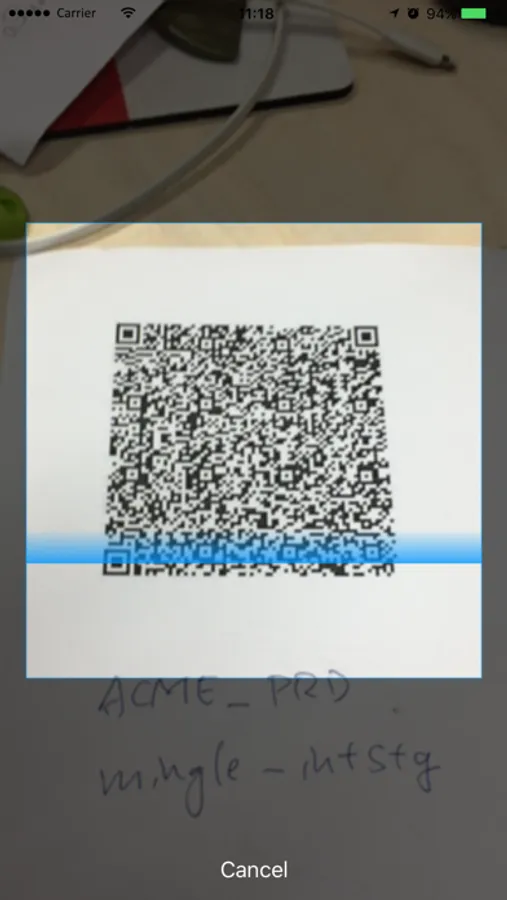
Infor Expense Management Screenshots

Tap to Rate:
Reviews for Infor Expense Management
Wehmer42
Infor XM app improving
I recently started traveling again after a year and have noticed improvements to the app it adds my expenses and receipt pics faster and also syncs to submit quick too. I now use my personal card instead of the company card and speed has improved.
mch026
Why does this app force default keyboard?
All of the text entry in the app force me to use the default iOS keyboard despite only having Gboard enabled on my phone. The only time the default is supposed to show up is for passwords, not typing in notes on my expense reports!