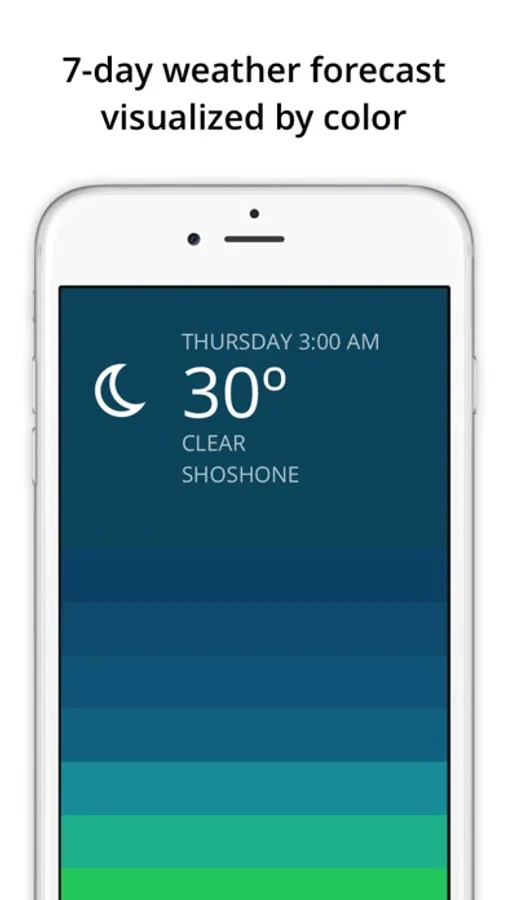
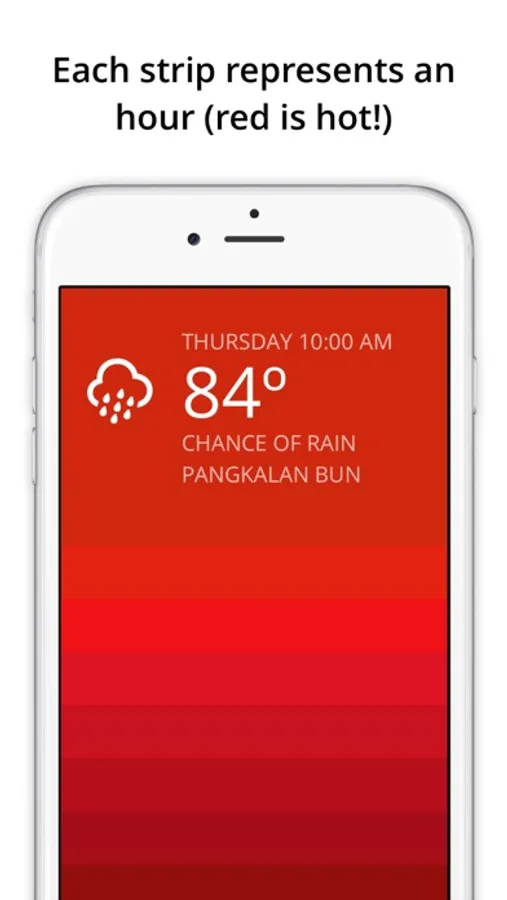
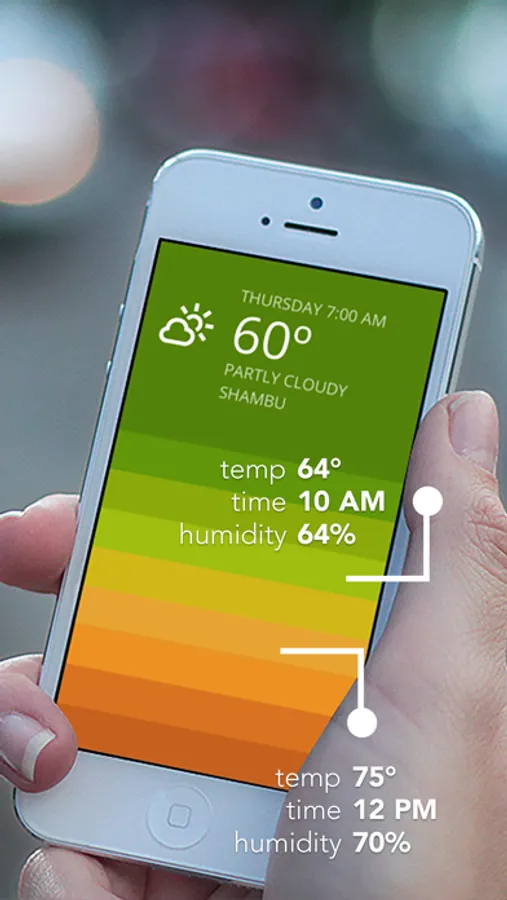
In this weather forecast app, you can view a colorful 7-day outlook and swipe up to see hourly weather patterns represented by a unique gradient. Includes temperature-based color coding, location detection, and customizable units.
AppRecs review analysis
AppRecs rating 3.9. Trustworthiness 79 out of 100. Review manipulation risk 22 out of 100. Based on a review sample analyzed.
★★★☆☆
3.9
AppRecs Rating
Ratings breakdown
5 star
52%
4 star
13%
3 star
13%
2 star
4%
1 star
17%
What to know
✓
Low review manipulation risk
22% review manipulation risk
✓
Credible reviews
79% trustworthiness score from analyzed reviews
✓
Good user ratings
65% positive sampled reviews
About Blue - weather forecast
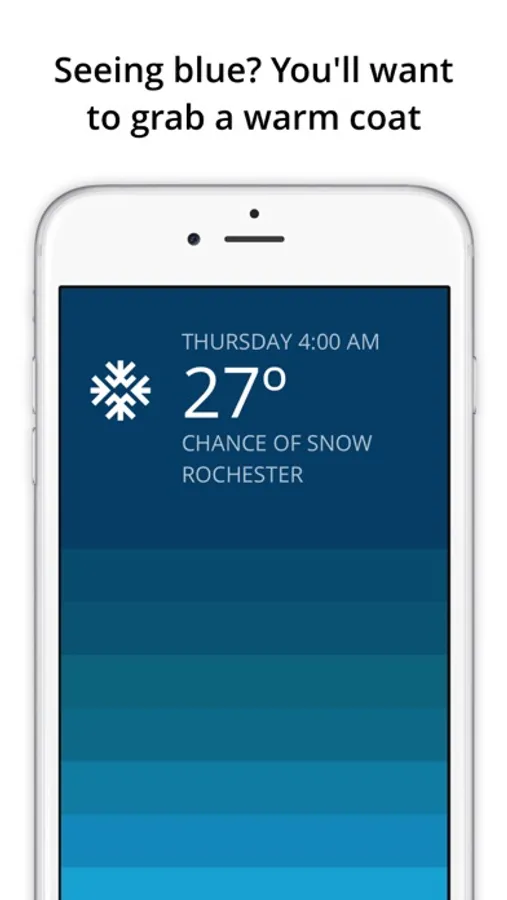
Hourly colors are calculated based several metrics including the temperature, humidity, and sunrise/sunset times for your current location. Seeing blue? You'll want to grab a warm coat. Seeing purple? Stay inside with a cup of hot cocoa!
Purple - extremely cold.
Blue - cold winter day.
Green - feeling cool.
Yellow - room temperature.
Orange - feeling warm.
Red - hot summer day.
Pink - extremely hot.
Temperatures are shown in either Fahrenheit or Celsius (controlled by your iOS region settings).
FAQ
Q: How do I change my location?
A: Use your feet. Blue is a minimal app designed to show weather for your current physical location.
Q: How do I change to Fahrenheit or Celsius?
A: Blue automatically shows the appropriate unit for your selected country/region. To change your region go to iOS Settings > General > Language & Region > Region. All regions use Celsius except United States, Bahamas, Belize, Cayman Islands, and Palau which use Fahrenheit.
Q: How do I change my language preference?
A: Blue will automatically use your preferred language where possible. To change your language, go to iOS Settings > General > Language & Region > iPhone Language.
See a gallery of weather from around the world (and submit your screenshot): http://partlyblue.tumblr.com
Blue - weather forecast Screenshots
Tap to Rate:
Reviews for Blue - weather forecast
MinimalistWFPB
It does the basics but don’t ask for more. I’m gonna ask.
Look, guys. It’s a good little app. Can we please have the option to change from centigrade to Fahrenheit and change location to see what the weather will be like where we are traveling to before we get there? It’s not too much to ask is it?
PANdaRUZ
Crashing Repeatedly after Launching
Not sure what the deal is but this app has been crashing constantly. I open it on my device and it crashes within 30 seconds or less of launch. Used to crash once to the Home Screen and work after a second launch, but now it’s crashing all the time. Not worth the time to check it if I have to deal with constant crashing. I’m giving it three stars for now. If it corrects itself I will raise the review accordingly. If it continues like this I will lower it.