
With this video compression and editing app, you can shrink video files, trim clips, merge videos, and rotate footage. Includes batch processing, customizable settings, and sharing options.
AppRecs review analysis
AppRecs rating 3.4. Trustworthiness 81 out of 100. Review manipulation risk 26 out of 100. Based on a review sample analyzed.
★★★☆☆
3.4
AppRecs Rating
Ratings breakdown
5 star
52%
4 star
10%
3 star
3%
2 star
7%
1 star
28%
What to know
✓
Low review manipulation risk
26% review manipulation risk
✓
Credible reviews
81% trustworthiness score from analyzed reviews
⚠
High negative review ratio
35% of sampled ratings are 1–2 stars
About Video Slimmer App
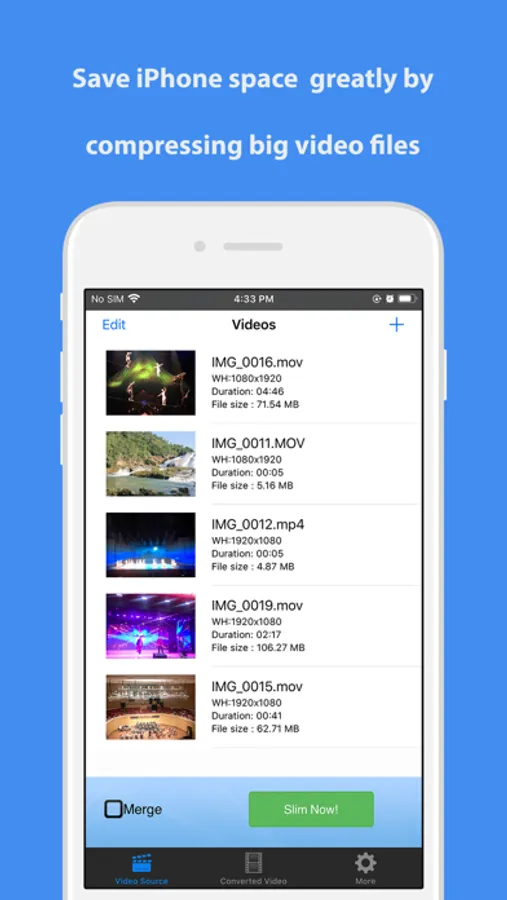
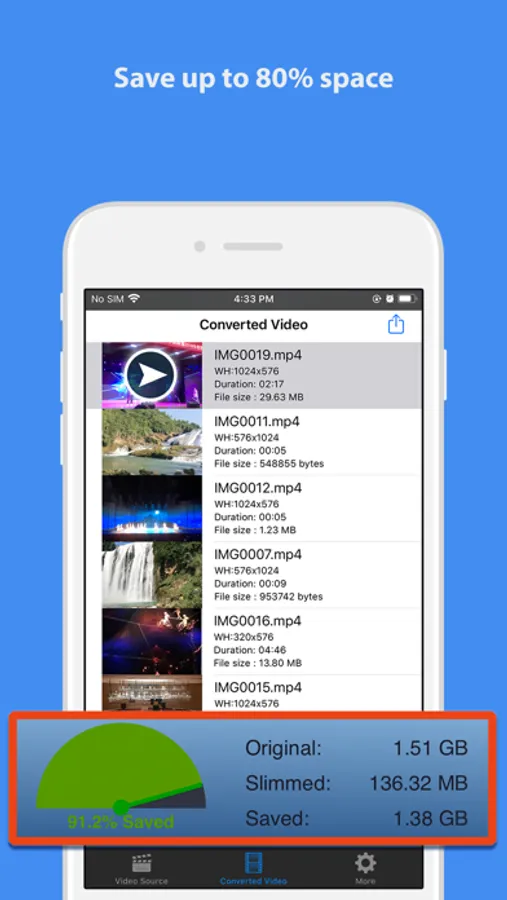
The video files you shot with iPhone, iPad or iPad Pro are very huge. A 5 minutes video can take up to 0.5G space, with Video Slimmer App, you can save up to 80% space in a snap.
*) Easily Save up to 80% Space
Directly compress or trim videos on your iPhone/iPad/iPod. Generates small videos and movies with fair quality.
*) Batch and Fast Processing
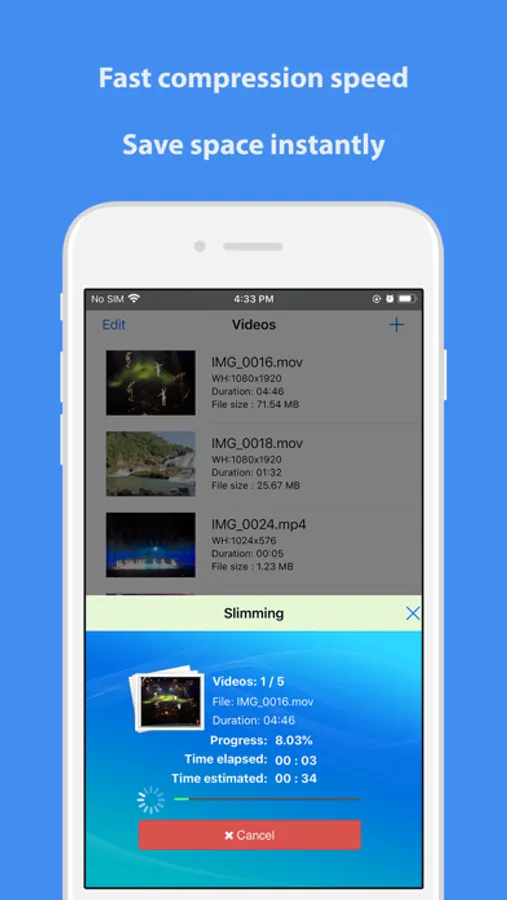
Support multiple thread video processing. You can batch add video sources and slim them down at the same time. Output high quality videos at blazing fast processing speed.
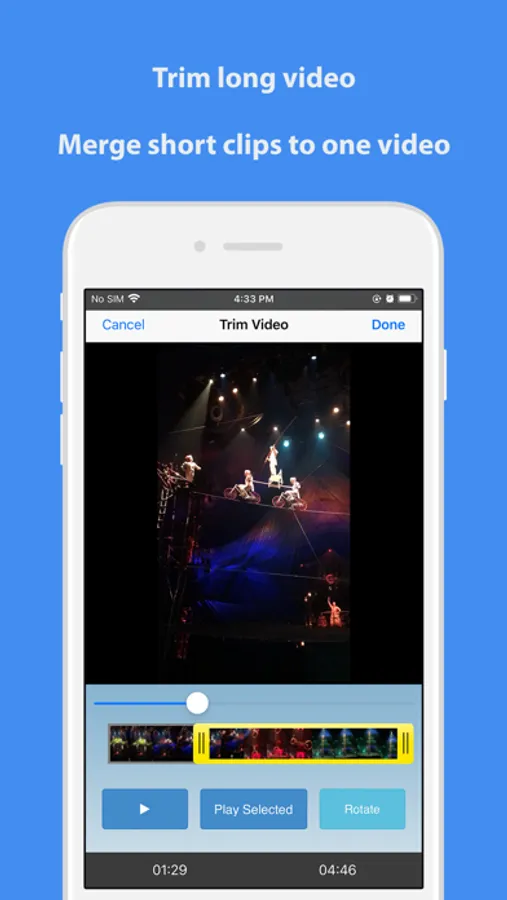
*) Trim or Merge Videos
You can trim long video or merge short video clips. To join short video clips or remove unwanted part of videos with this Video Slimmer App becomes so easy.
*) Rotate Videos
When you play some videos shot with iPhone/iPad on Windows PC, they are in wrong orientation because the Windows Media player software does not process the orientation information in the video file correctly.
With this app, the videos can be adjusted to the correct orientation automatically so they could be played on Windows without any problems.
*) Customize Videos
You can make custom videos using this video tool. For example, you can adjust video dimensions (width/height), video file size, video quality. Various optimized presets, simple tap to apply.
*) Share your Videos on iOS and more
Easier to share converted videos. You can save compressed videos to Camera Roll on iPhone/iPad/iPod, wirelessly transfer to computers using your wi-fi network or open and edit with third party video apps and editors, like the notable iMovie.
Video Slimmer App Screenshots
Tap to Rate:
Reviews for Video Slimmer App
Raabyn
Fix app
The app is broken
Joseph_Joseph
Super useful. Always a great job.
11/11/21 I’ve used this app for a long time. It is straight forward, easy to use, and reduces the original video to an impressive small byte size, and yet it retains a very close quality to the original. I am often surprised that I can email videos after using this. Of course it depends on your original video size and length. I have never had any problems with it. I hope that you will get a lot of value as I do. I use it as a regular guy who likes video and photos and to edit and share. I use this on iPhones. Now it is an iPhone 12, with no problems. For those having problems, hang in there, there is likely a good explanation to resolve them. This is a great and useful app. Cantact them via the website. Two suggestions for improvement. 1 When you open the video selection panel at the beginning, please show the current value of the size of the file. 2 Also, here, please show which files have already been compressed. Both of these facilitates deciding which file to possible try a second compression, should it be worth it. With many apps using different schemes of ordering the apps (biggest to smallest byte size etc or the reverse) it is not easy to know which was the most current file. Thank you for all the great value that I have had. California