
Send Anywhere - File Transfer
Rakuten Symphony Korea, Inc.
4.7 ★
55K ratings
Free
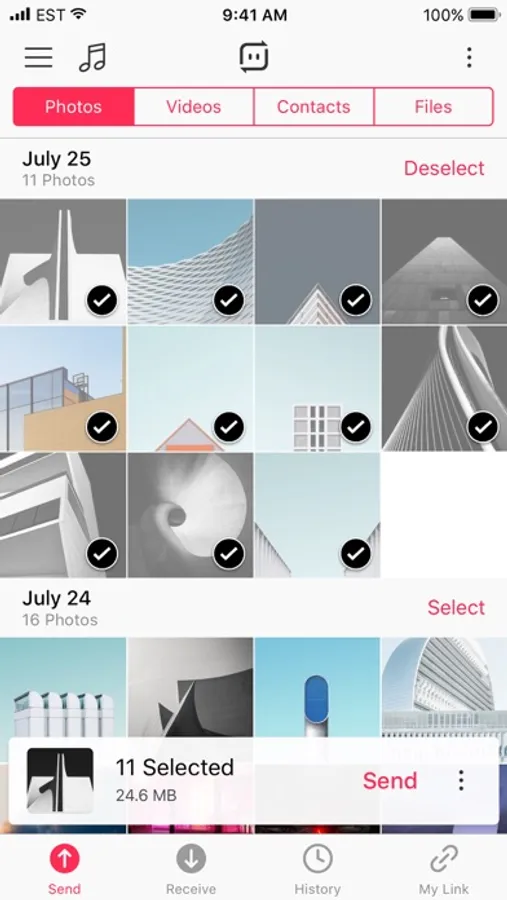
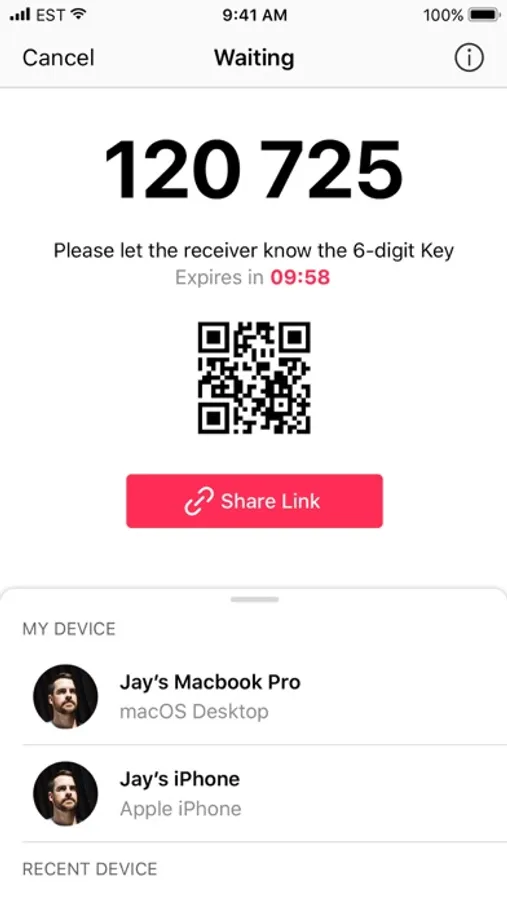
With this file transfer app, you can send and receive photos, videos, and music files instantly using a security key, share links, or notify devices for transfer. Includes features such as a 6-digit security key, share links valid for 48 hours, direct device notifications, and in-app media playback.
AppRecs review analysis
AppRecs rating 3.7. Trustworthiness 75 out of 100. Review manipulation risk 29 out of 100. Based on a review sample analyzed.
★★★☆☆
3.7
AppRecs Rating
Ratings breakdown
5 star
86%
4 star
8%
3 star
3%
2 star
1%
1 star
3%
What to know
✓
Low review manipulation risk
29% review manipulation risk
✓
Credible reviews
75% trustworthiness score from analyzed reviews
⚠
Ad complaints
Many low ratings mention excessive ads
About Send Anywhere - File Transfer
Send your photos and videos in original size to your PC, share them with your friends, transfer your music files to your iPhone. You can send to anywhere you want instantly, for free. No login or registration required.
• 6-Digit Key
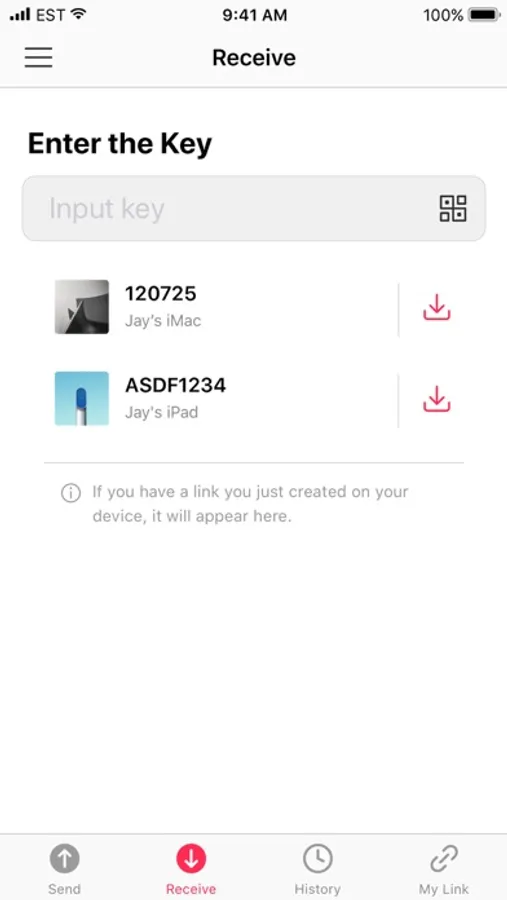
A security key that lets you send and receive files on Send Anywhere. It will be generated after selecting files. When the key is entered on the receiving device, files will be sent instantly.
• Share Link
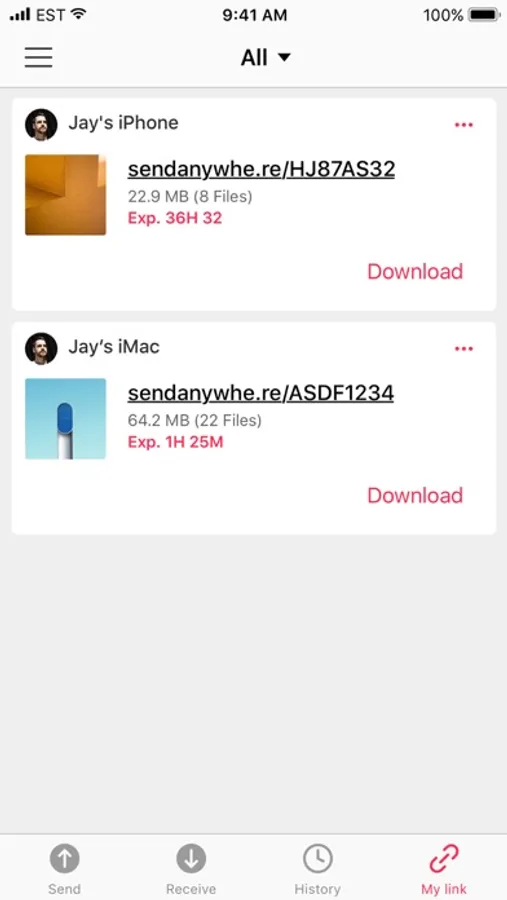
You can generate a link and share with multiple people. Links are valid for 48 hours.
• To Device
Send a notification to receiving devices, allowing them to receive files without having to enter a key.
• Play Music
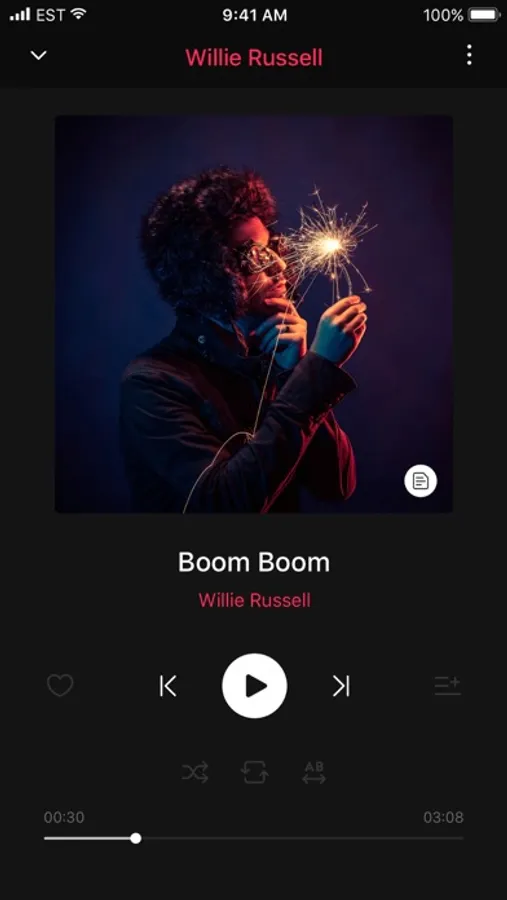
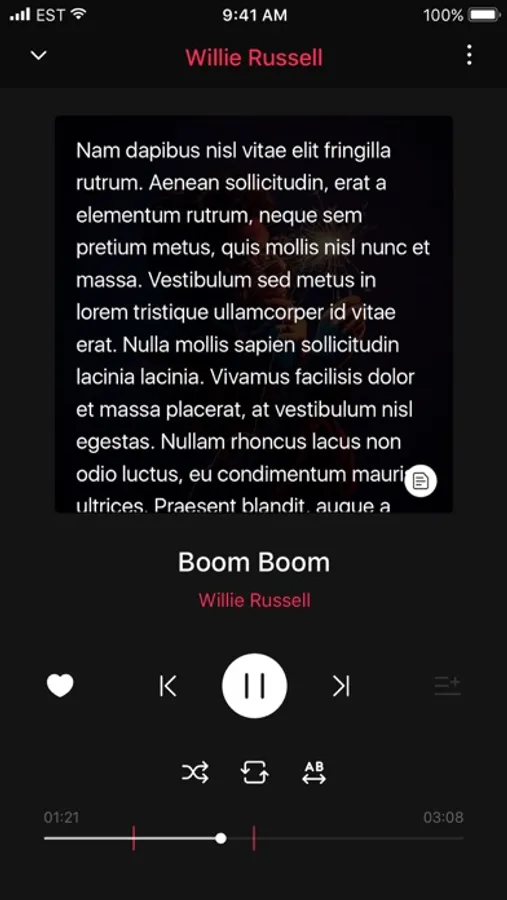
Received music files can be played right in the app! You can even make a music playlist of your own and send the file to your friends.
• Play Video
Received Video files can be played in Send Anywhere's simple video player! Even multi-language subtitles are supported! Free your iPhone from iTunes.
Feedback is always welcome. Please message using 'Send Feedback' menu, or email support@send-anywhere.com with any issues or suggestions.
Send Anywhere - File Transfer Screenshots
Tap to Rate:
Reviews for Send Anywhere - File Transfer
JaJace12
Great!!!
Great!!!
Gta mining 
I hope the creator sees this
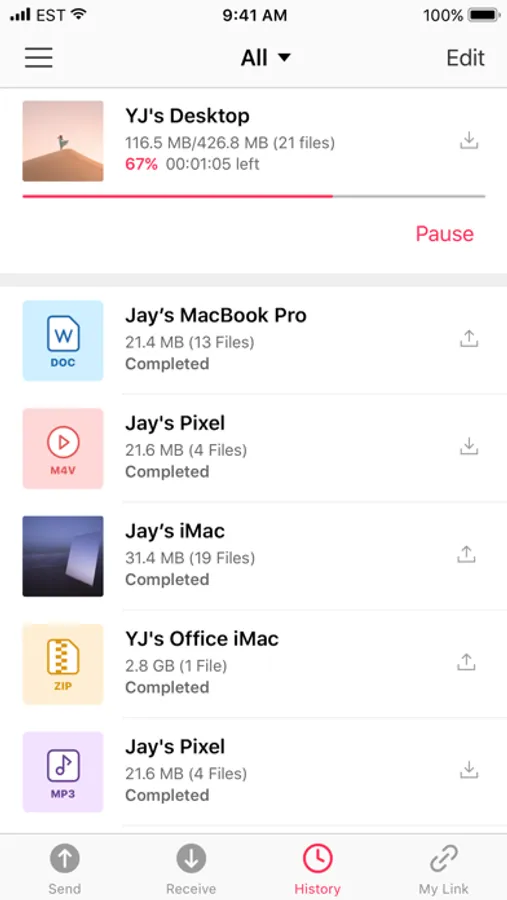
Hello Send Anywhere team, I’m a creator who records gameplay on my PC with OBS and a capture card, then sends the raw files to my iPhone 13 (iOS 26) to edit. Since the latest update I can’t export received files — and now I also can’t send some pictures or videos from my phone through the app. Files appear in History with a small download arrow and the label “Received,” but those are status indicators only and are not interactive. Tapping a file opens your internal player and there is no Share, Save, or Save to Files option. Long‑press and swipe do nothing. The file stays trapped inside the app and never gets exposed to iOS or other apps. Separately, attempts to send certain pictures or videos from my phone fail or do not complete. Because of this, my only workaround is to screen record videos inside the app, which reduces quality, destroys metadata, creates duplicate temporary files, drains battery, and adds hours of re‑encoding and upload time. This breaks my workflow and makes the app unusable for creators who need to move full‑quality files between devices. Please restore a clear export path and fix the sending failures: - Add a visible Share/Save action from History and from the player that writes the original file to Photos or Files. - Fix the issue preventing some pictures and videos from being sent from the phone. I can provide screenshots, a short screen recording, the app version, and iOS build. Please escalate this to engineering and confirm receipt with a ticket ID. Thank you for looking into this.