In this pixel art design app, users can import, edit, and customize bead patterns with various shapes and tools. Includes features like photo scanning, color selection, and undo/redo functions.
AppRecs review analysis
AppRecs rating 4.6. Trustworthiness 73 out of 100. Review manipulation risk 22 out of 100. Based on a review sample analyzed.
★★★★☆
4.6
AppRecs Rating
Ratings breakdown
5 star
79%
4 star
13%
3 star
5%
2 star
2%
1 star
2%
What to know
✓
Low review manipulation risk
22% review manipulation risk
✓
Credible reviews
73% trustworthiness score from analyzed reviews
✓
High user satisfaction
79% of sampled ratings are 5 stars
About BeadsDesign
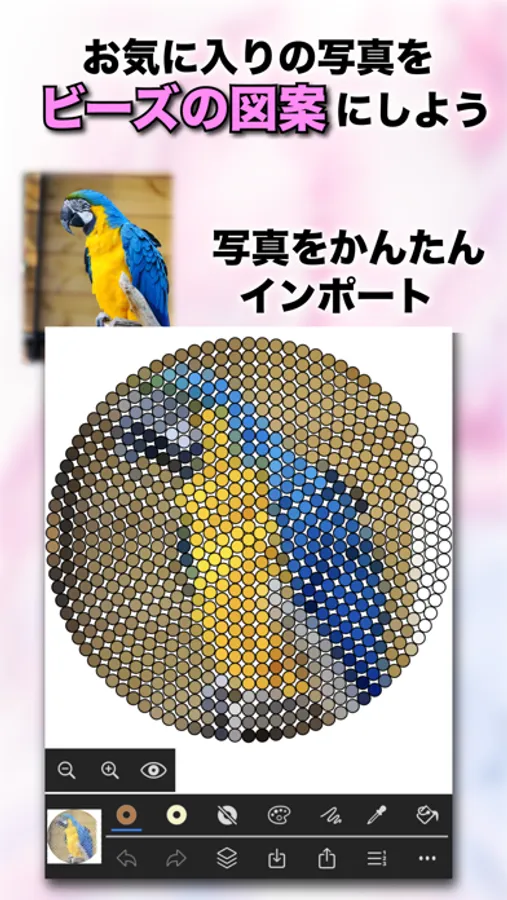
BeadsDesign is an application to create pixel art for iron-on beads, beads stitching.
You can load photo and scan it into the pixel art canvas which size is from 8x8 to 128x128.
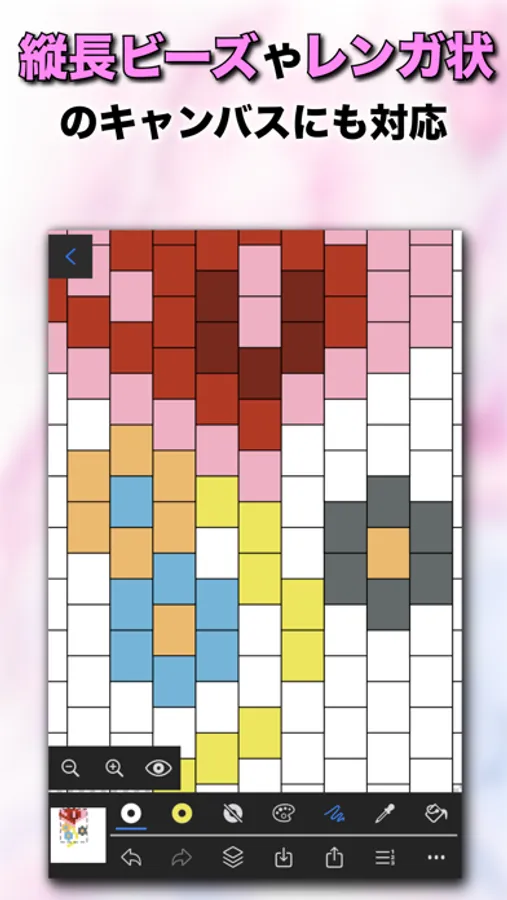
You can use circle, hexagon, brick shape panel for iron-on beads or beads stithing.
[main facilities]
- import and edit photos with 128x128 and less
- scan photos on the canvas of the favorite size
- stick a photo to the rough sketch view as a model.
- output the photo image into the photo library.
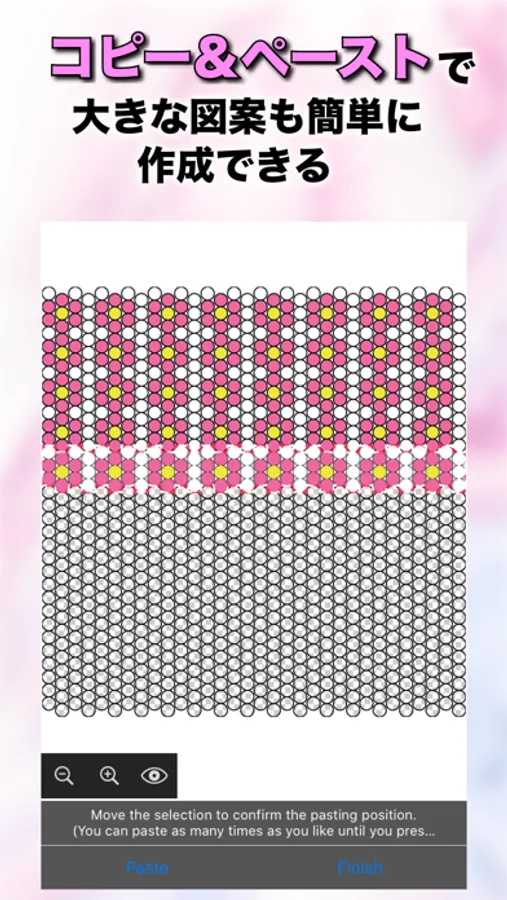
- zoom in, zoom out
- move the canvas with 2 fingers swipe
- long press to pick color
- flood fill
- undo,redo
- color selection by RGB slider
- selected color history
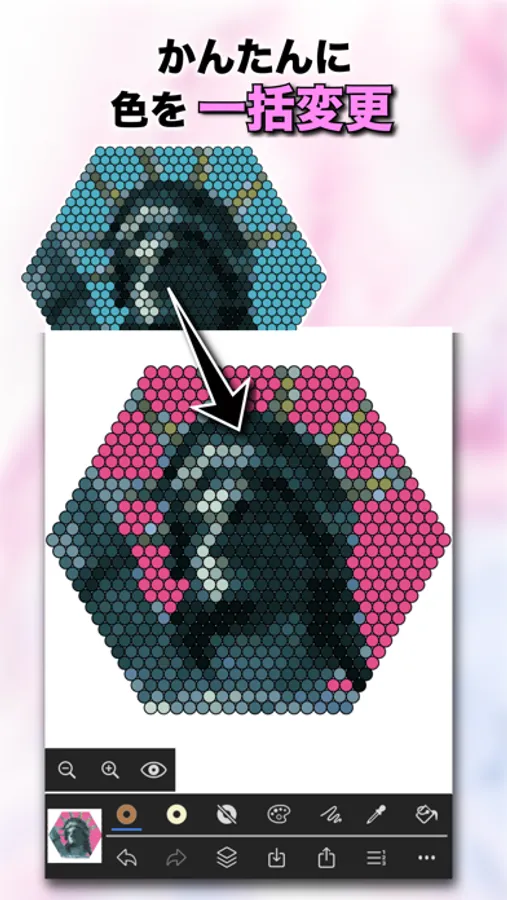
- replace all pixels of specified color to other color
- decrease color
- convert canvas to grayscale
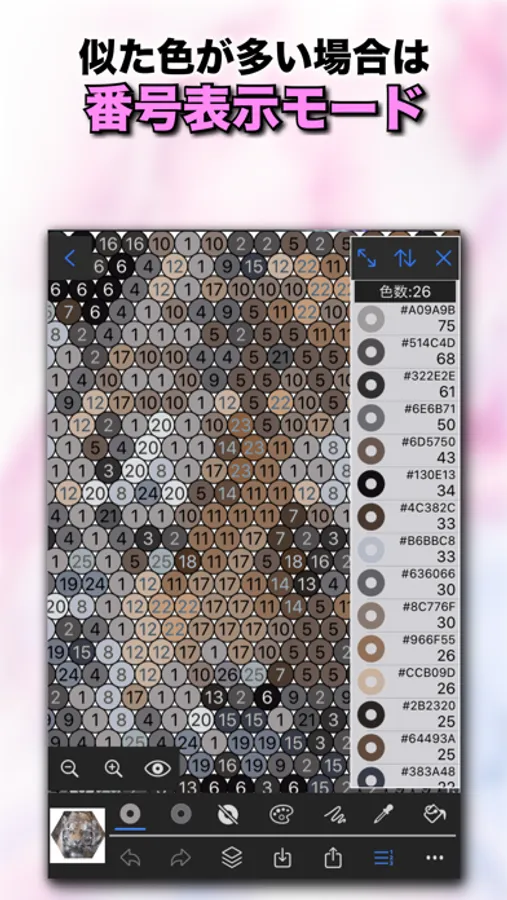
- Display the canvas with numbers expressing colors
You can load photo and scan it into the pixel art canvas which size is from 8x8 to 128x128.
You can use circle, hexagon, brick shape panel for iron-on beads or beads stithing.
[main facilities]
- import and edit photos with 128x128 and less
- scan photos on the canvas of the favorite size
- stick a photo to the rough sketch view as a model.
- output the photo image into the photo library.
- zoom in, zoom out
- move the canvas with 2 fingers swipe
- long press to pick color
- flood fill
- undo,redo
- color selection by RGB slider
- selected color history
- replace all pixels of specified color to other color
- decrease color
- convert canvas to grayscale
- Display the canvas with numbers expressing colors
BeadsDesign Screenshots
Tap to Rate:
Reviews for BeadsDesign
AnnnimmeEJ
It is a little bit too hard
It is a little bit too hard to find color’s in perler beads
s3ver1na
Great app, but no option to remove ads by paying from what I can tell?
The app is great and better than the paid one I use by a longshot. The thing that will help is an option to remove ads by paying. I would gladly pay to remove these obnoxious ads.