
AppRecs review analysis
AppRecs rating 2.6. Trustworthiness 75 out of 100. Review manipulation risk 20 out of 100. Based on a review sample analyzed.
★★☆☆☆
2.6
AppRecs Rating
Ratings breakdown
5 star
33%
4 star
0%
3 star
0%
2 star
0%
1 star
67%
What to know
✓
Low review manipulation risk
20% review manipulation risk
✓
Credible reviews
75% trustworthiness score from analyzed reviews
⚠
Mixed user feedback
Average 2.3★ rating suggests room for improvement
About SecureAuth Authenticate
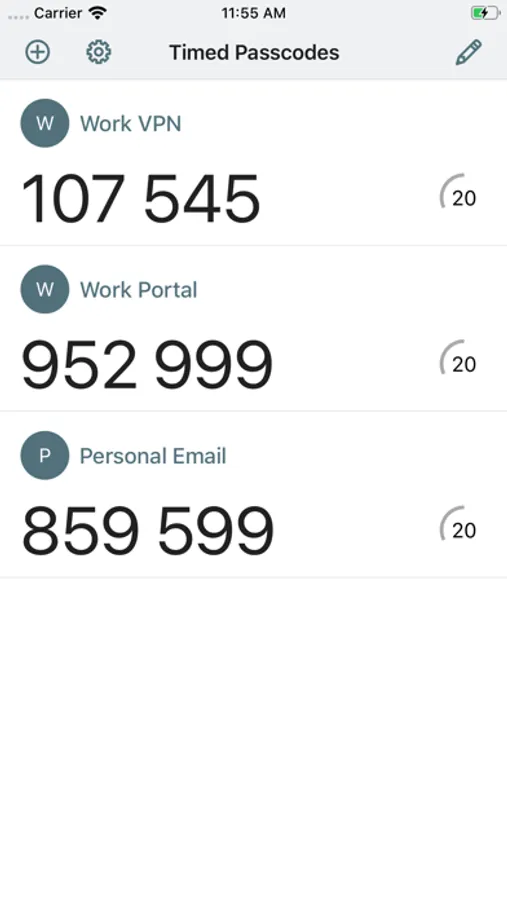
SecureAuth Authenticate is a modern mobile app that verifies your identity so you can securely access your apps. SecureAuth Authenticate supports multi-factor authentication (MFA) for personal, work, or school apps and accounts. The authenticator generates 6-digit one-time passcodes/tokens (OTP codes) used commonly in two-factor authentication (2FA) flows.
SecureAuth Authenticate for personal use
Secure your personal accounts from account takeover with 2-step verification. SecureAuth Authenticate lets you protect your personal Gmail, Outlook, LinkedIn, Dropbox, and thousands of other cloud apps.
Personal features:
• Supports multiple accounts
• Quick QR code set up
• Works offline without Wi-Fi or data connection
SecureAuth Authenticate for business use
SecureAuth Authenticate provides additional strong authentication benefits when paired with SecureAuth IDaaS in corporate deployments. The app is designed to work with adaptive and passwordless authentication for cloud/SaaS and on-prem app single sign-on (SSO) scenarios.
Business-critical features:
• Push notifications – Prompt to approve/deny a login that requires MFA
• Symbol-to-accept – High-security prompt requiring user to match a specific symbol
• Unlock detection – Security protection when phone lock protection is disabled
• Anti-cloning – Security protection when phone OS is cloned to another phone
• PIN protection – Prompt to enter PIN to display OTP code
• Offline mode – Generates OTP code for MFA-protected Windows or MacOS login
• QR code or activation link enrollment – Convenient methods to configure the app
Getting started
Follow 2FA or MFA setup steps in the app you want to protect. Once you scan the QR code or enter a setup code, your account will be set up for 2FA.
Visit https://www.secureauth.com/secureauth-authenticate to get started.
SecureAuth Authenticate for personal use
Secure your personal accounts from account takeover with 2-step verification. SecureAuth Authenticate lets you protect your personal Gmail, Outlook, LinkedIn, Dropbox, and thousands of other cloud apps.
Personal features:
• Supports multiple accounts
• Quick QR code set up
• Works offline without Wi-Fi or data connection
SecureAuth Authenticate for business use
SecureAuth Authenticate provides additional strong authentication benefits when paired with SecureAuth IDaaS in corporate deployments. The app is designed to work with adaptive and passwordless authentication for cloud/SaaS and on-prem app single sign-on (SSO) scenarios.
Business-critical features:
• Push notifications – Prompt to approve/deny a login that requires MFA
• Symbol-to-accept – High-security prompt requiring user to match a specific symbol
• Unlock detection – Security protection when phone lock protection is disabled
• Anti-cloning – Security protection when phone OS is cloned to another phone
• PIN protection – Prompt to enter PIN to display OTP code
• Offline mode – Generates OTP code for MFA-protected Windows or MacOS login
• QR code or activation link enrollment – Convenient methods to configure the app
Getting started
Follow 2FA or MFA setup steps in the app you want to protect. Once you scan the QR code or enter a setup code, your account will be set up for 2FA.
Visit https://www.secureauth.com/secureauth-authenticate to get started.
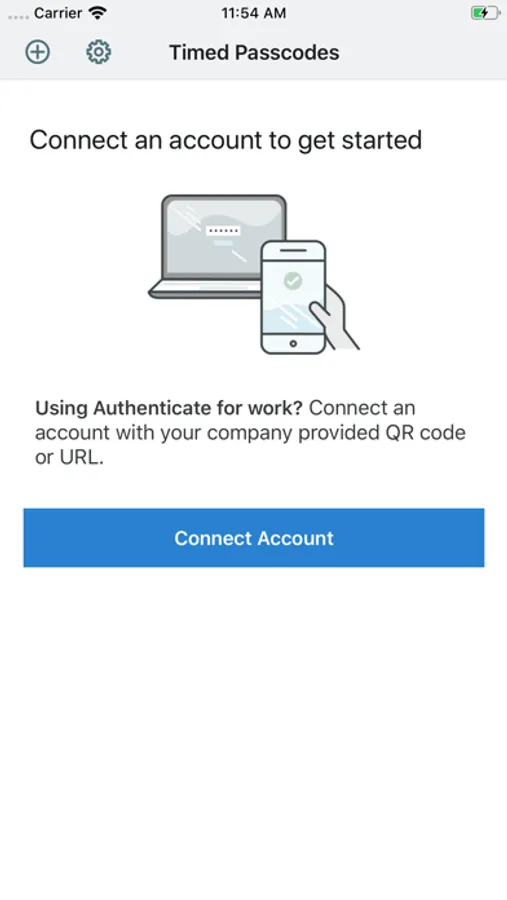
SecureAuth Authenticate Screenshots
Tap to Rate:
Reviews for SecureAuth Authenticate
iphone user0040
Doesn’t work
This app stopped working for me after a month or two of having it, making my job more difficult.
Janet JW
Doesn’t work
The request to send a login number to my phone hasn’t worked for about a year or so.