With this Bible reading plan scheduler app, you can set daily reading goals and track your progress easily. Includes automatic schedule adjustments, reading plan options, and reminder notifications.
AppRecs review analysis
AppRecs rating 4.9. Trustworthiness 77 out of 100. Review manipulation risk 23 out of 100. Based on a review sample analyzed.
★★★★☆
4.9
AppRecs Rating
Ratings breakdown
5 star
72%
4 star
19%
3 star
2%
2 star
2%
1 star
5%
What to know
✓
Low review manipulation risk
23% review manipulation risk
✓
Credible reviews
77% trustworthiness score from analyzed reviews
✓
High user satisfaction
72% of sampled ratings are 5 stars
About Bible Box
SMART SCHEDULING THAT ADAPTS TO YOU
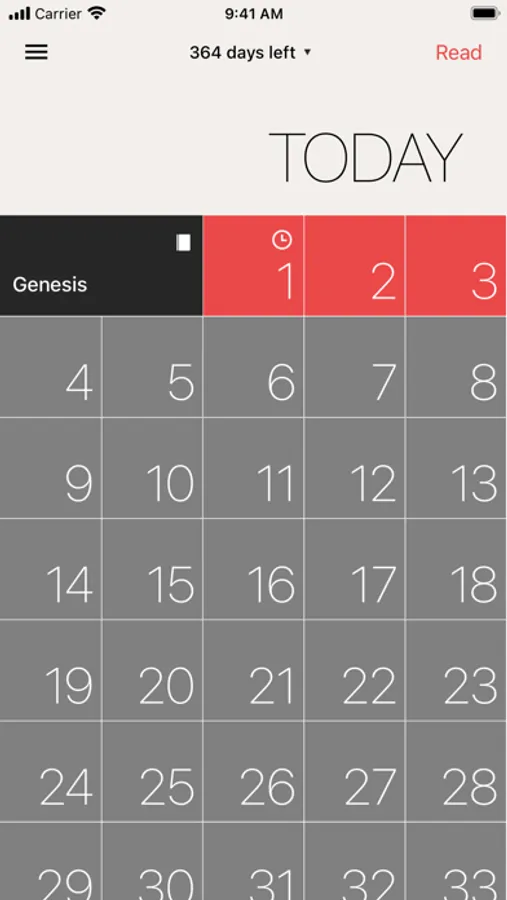
Life gets busy. We get it. That's why Bible Box automatically recalculates your daily reading load based on your progress. Fell behind a few days? No problem. The app redistributes the remaining chapters across your available time so you can catch up at a comfortable pace.
BEAUTIFUL PROGRESS TRACKING
Stay motivated with comprehensive statistics:
• Track your daily reading streak
• Visualize your activity with a year-long heatmap
• See which books of the Bible you've completed
FEATURES THAT HELP YOU SUCCEED
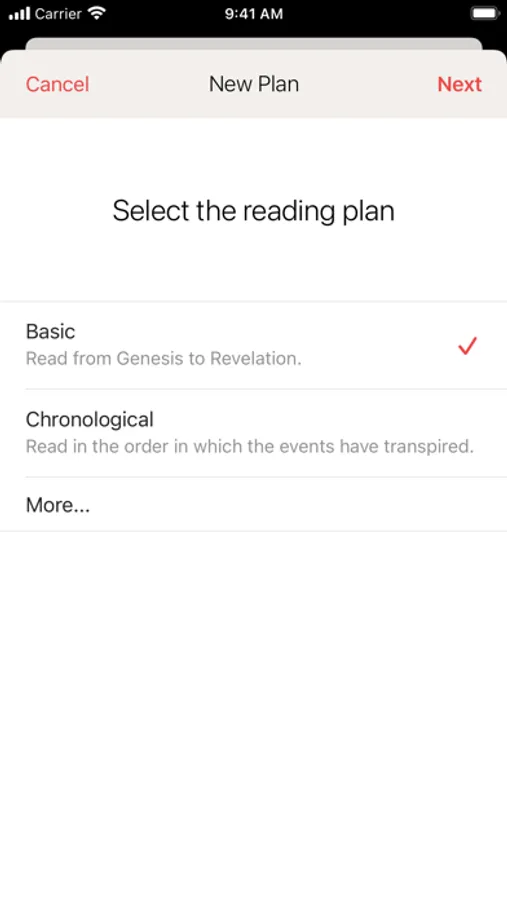
# Multiple Reading Plans
Choose from various preset plans or create your own:
• Basic plans (read the Bible cover to cover)
• Chronological plans (read in historical order)
• Custom time frames (30 days, 90 days, 1 year, or your own duration)
# Simple Chapter Tracking
Check off chapters as you read them. Each tap updates your progress and adjusts tomorrow's reading accordingly. Long-press completed chapters to adjust the date if needed.
# iCloud Sync
Your plans and progress sync seamlessly across all your Apple devices. Read on any device, anytime.
# Daily Reminders
Set notifications to remind you when it's time to read. Never forget your daily habit.
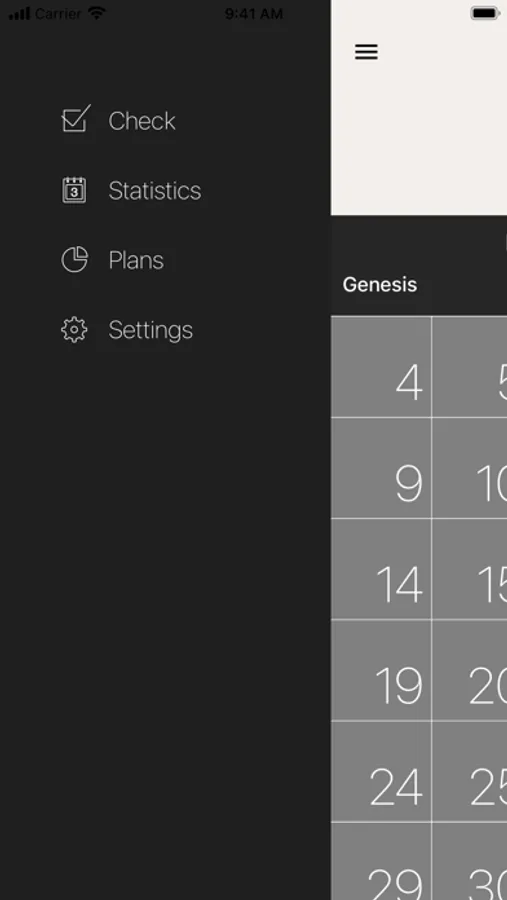
# Insightful Statistics
• Day streak counter to track consistency
• Activity heatmap to visualize patterns
• Bible coverage chart showing which books you've read
• Total days read milestone
# Flexible Plan Management
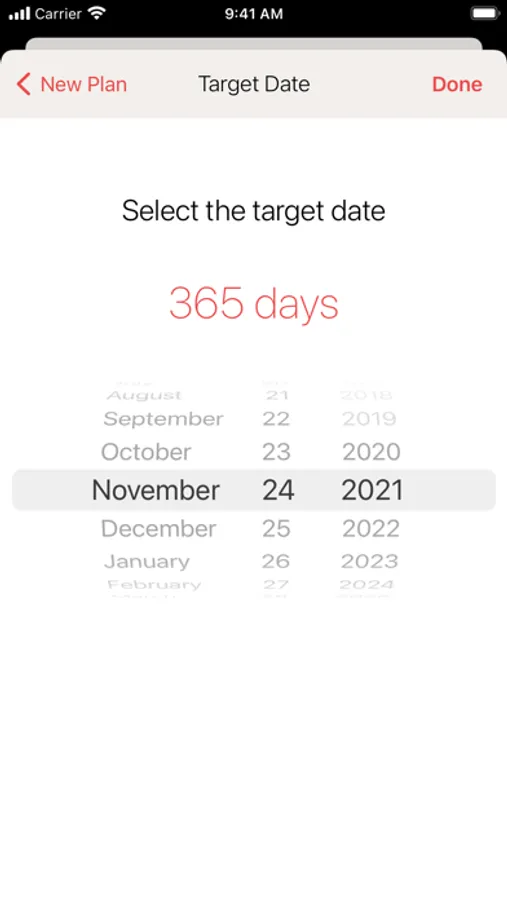
• Adjust target dates anytime with automatic recalculation
• See how many days are left in your plan
• Manage multiple plans simultaneously
• Keep completed plans in a separate archive
# Minimal Distractions
Clean, focused design that gets out of your way. No social features, no gamification gimmicks—just you and the Bible.
# Bible App Integration
Tap the "Read" button to open today's chapters directly in YouVersion Bible app for a seamless reading experience.
WHY BIBLE BOX?
Bible Box was created for people who want to read the Bible but struggle with consistency, like yours truly. The app adapts to your pace, celebrates your wins, and helps you get back on track when life happens.
Whether you're reading the Bible for the first time or the tenth time, Bible Box makes it manageable. Set your goal, check off chapters daily, and watch your progress grow.
PERFECT FOR
• Anyone wanting to read the entire Bible
• People who've tried and stopped before
• Those who need flexibility in their reading schedule
---
Questions or feedback? Reach out through the Settings tab in the app. We'd love to hear from you!
Bible Box Screenshots
Tap to Rate:
Reviews for Bible Box
doughverse
good app but missing some key features
i really like how it adapts to how much you have read for example if you only read one chapter it will make up for it the next day by adding more (based off your plan) and if you read more one day the next day it will have less to read however the “Bible coverage” section doesint work for me, iv finsished a book already and checked each box yet it doesint say iv compleated it, also i wish there was a way to say progress like a sigh in option or atleast a cloud save, mainly beacuse if i were to switch phones i dont see where my progress would be saved but other than that the app works very well and is super simple to use
incredibllle
Red highlights are not updating at the base time.
After the app update, the red highlights indicating the chapters I have to read for the day doesn’t get updated at my base time. I tried changing the base time setting to different times but it always updates the red highlights at 12am. Is this a bug? Because it worked perfectly fine before the app update and would change or update my red highlights based on my base time setting. Other than that, I’ve been using this app perfectly well and absolutely love this app.