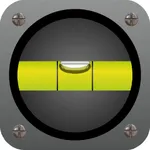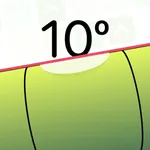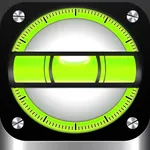
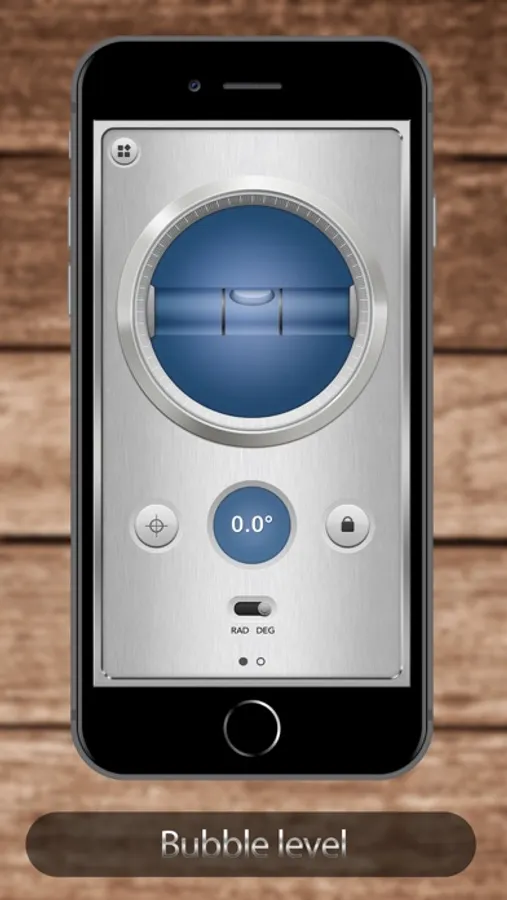
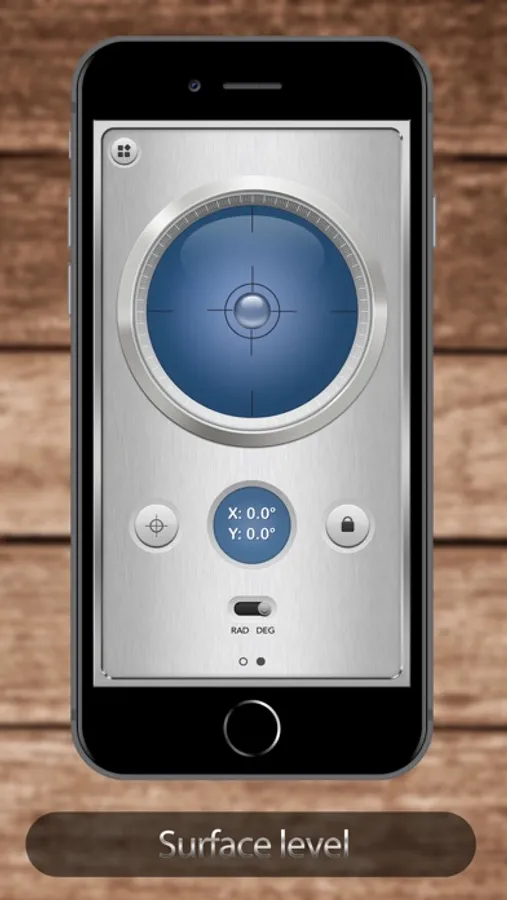
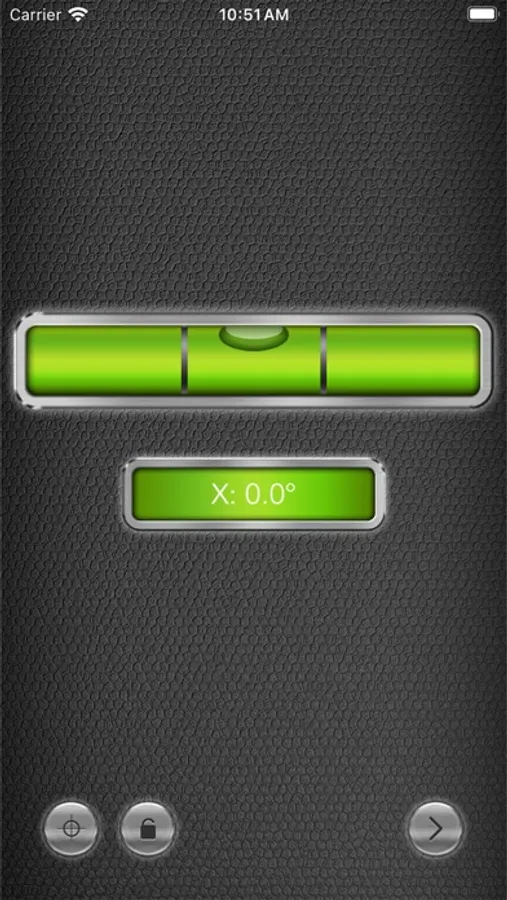
With this leveling app, you can measure angles, slopes, and alignments using your device’s sensor. Includes calibration instructions and support for retina displays on iPhone 4 and
AppRecs review analysis
AppRecs rating 4.2. Trustworthiness 76 out of 100. Review manipulation risk 23 out of 100. Based on a review sample analyzed.
★★★★☆
4.2
AppRecs Rating
Ratings breakdown
5 star
78%
4 star
11%
3 star
4%
2 star
2%
1 star
5%
What to know
✓
Low review manipulation risk
23% review manipulation risk
⚠
Ad complaints
Many low ratings mention excessive ads
⚠
Pricing complaints
Many low ratings mention paywalls or pricing
About Bubble Level Plus+
Bubble Level (one of the 12 tools in iMetalBox) is now free! Take this chance to download!
======== User reviews ========
• "Works great and stylish!" - HellofromtheFeeworld746
• "Just what I need it for. Simple and easy." - LtHottRod
• "No drama, does what I need it to." - Leon8004
• "I have use on my (welder) and it worked great." - Spark in the dark
--------------------------------
Full retina display support for both iPhone 4 and iPhone 5!
Also check out iMetalBox: 12 in 1, get 12 useful tools with the price of one!
You can use Level° for:
- Picture frame alignment
- Measure angles and slopes
- Home decoration
- And much more!
Calibrate instructions:
- To calibrate the levels, hold the phone against a reference surface and press the Calibrate button.
- Do this two times for vertical and horizontal orientations.
======== User reviews ========
• "Works great and stylish!" - HellofromtheFeeworld746
• "Just what I need it for. Simple and easy." - LtHottRod
• "No drama, does what I need it to." - Leon8004
• "I have use on my (welder) and it worked great." - Spark in the dark
--------------------------------
Full retina display support for both iPhone 4 and iPhone 5!
Also check out iMetalBox: 12 in 1, get 12 useful tools with the price of one!
You can use Level° for:
- Picture frame alignment
- Measure angles and slopes
- Home decoration
- And much more!
Calibrate instructions:
- To calibrate the levels, hold the phone against a reference surface and press the Calibrate button.
- Do this two times for vertical and horizontal orientations.
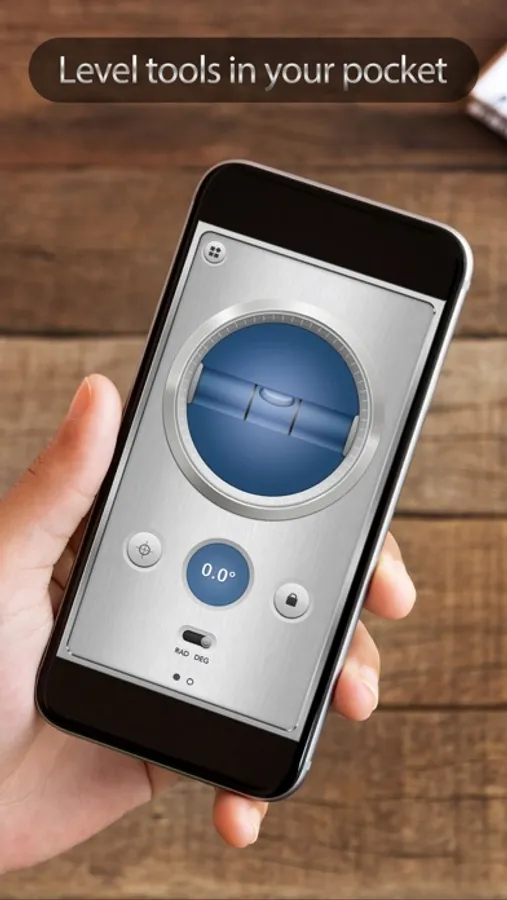
Bubble Level Plus+ Screenshots
Tap to Rate:
Reviews for Bubble Level Plus+
SmartGuy13
Terrific level
This level app does everything I could possibly want a level to do in every possible direction. Considering the cost, I love it.
Annette217
Best Level App
I’ve used many of the level apps and they are either too hard to read or they are inaccurate. This is the best so far.