
With UploadCam, you can automatically upload, organize, and annotate photos and videos in your cloud storage accounts. Includes cloud integration, annotation tools, and folder management features.
AppRecs review analysis
AppRecs rating 4.1. Trustworthiness 81 out of 100. Review manipulation risk 22 out of 100. Based on a review sample analyzed.
★★★★☆
4.1
AppRecs Rating
Ratings breakdown
5 star
77%
4 star
10%
3 star
4%
2 star
3%
1 star
7%
What to know
✓
Low review manipulation risk
22% review manipulation risk
✓
Credible reviews
81% trustworthiness score from analyzed reviews
⚠
Pricing complaints
Many low ratings mention paywalls or pricing
About UploadCam. Company Camera
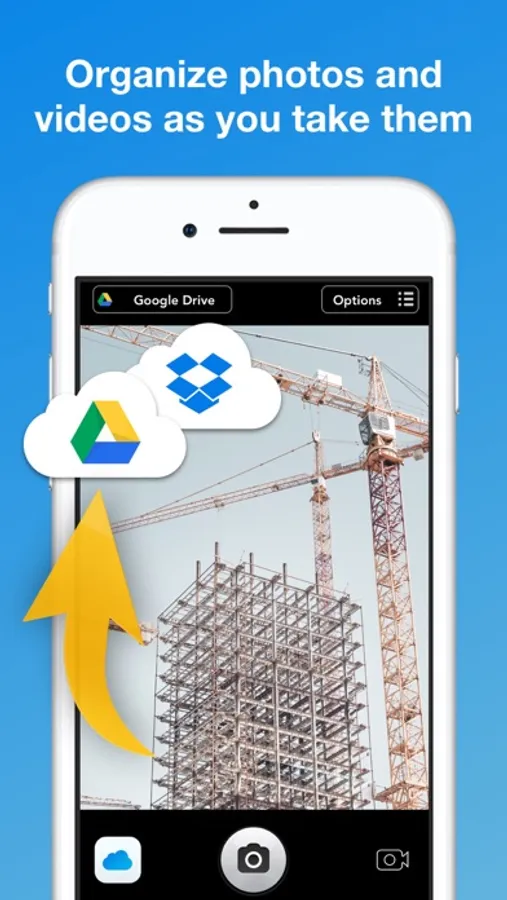
With UploadCam the photos and videos that you take are automatically stored and organized on your Google Drive, Dropbox, OneDrive or Box account. This means that you can access them anywhere, organize them quickly and share them easily!
Features:
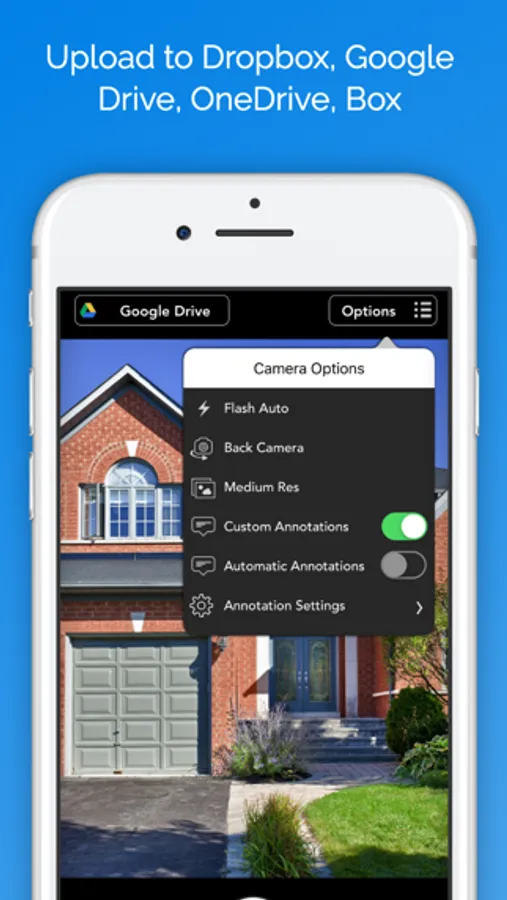
► Use your existing Google Drive, Dropbox, Box or OneDrive Account - no need to create yet another service account!
► NEW: Draw on top of the images you take!
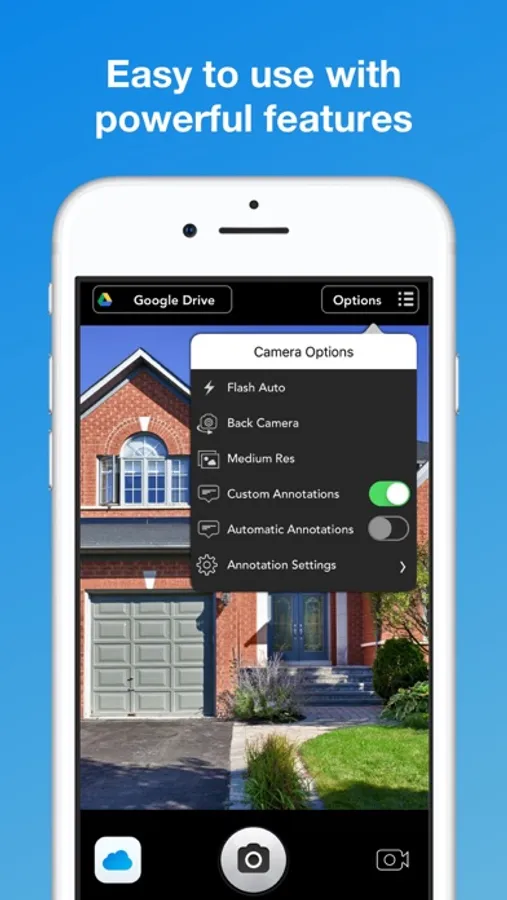
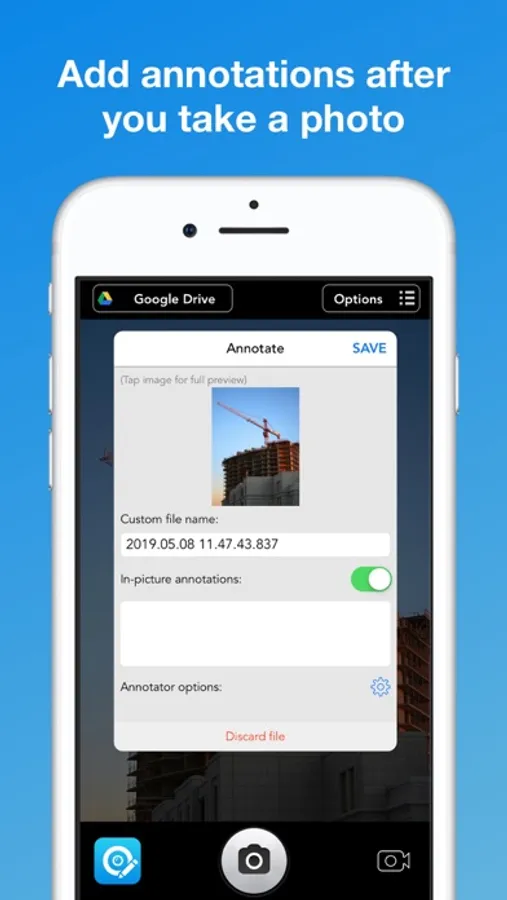
► NEW: Annotate photos by adding a custom description, date/time, location and other parameters. They will appear as an overlay in your photos
► Save space on your device by uploading your photos and videos to the cloud instead of taking memory from your iPhone or iPod touch
► Organize your photos automatically: UploadCam let's you choose or create folders to upload your new and existing photos
► Import and upload photos and videos from your 'Camera roll': You are not limited by the photos you take with UploadCam, if you take photos with the default camera app you can import them to UploadCam to send them to the cloud
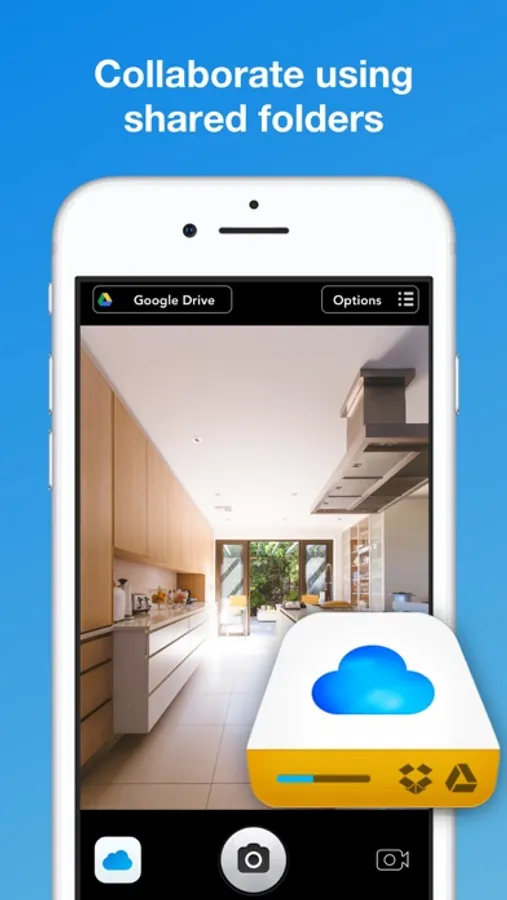
► Quickly share photos with others by selecting a shared folder to save your photos
► Keep your photos and videos on your own cloud storage, no need to create new accounts or setup new services that you don't trust
IMPORTANT:
► The FREE version of this app allows you to upload up to 10 photos a day. Please consider upgrading to the full version of the app for unlimited uploads. Thanks!
► If you choose to purchase the PRO Upgrade subscription, payment will be charged to your iTunes account, and your account will be charged for renewal 24 hours prior to the end of the current period. Auto-renewal may be turned off at any time by going to your settings in the iTunes Store after purchase.
Privacy Policy: http://uploadcamapp.com/privacy/app/
Terms of Service: http://uploadcamapp.com/terms/app/
Requirements:
A valid Google Drive, Dropbox, OneDrive or Box account is required to use this app
We would love to hear your feedback. Contact us if you have any questions or comments: support@uploadcamapp.com
Features:
► Use your existing Google Drive, Dropbox, Box or OneDrive Account - no need to create yet another service account!
► NEW: Draw on top of the images you take!
► NEW: Annotate photos by adding a custom description, date/time, location and other parameters. They will appear as an overlay in your photos
► Save space on your device by uploading your photos and videos to the cloud instead of taking memory from your iPhone or iPod touch
► Organize your photos automatically: UploadCam let's you choose or create folders to upload your new and existing photos
► Import and upload photos and videos from your 'Camera roll': You are not limited by the photos you take with UploadCam, if you take photos with the default camera app you can import them to UploadCam to send them to the cloud
► Quickly share photos with others by selecting a shared folder to save your photos
► Keep your photos and videos on your own cloud storage, no need to create new accounts or setup new services that you don't trust
IMPORTANT:
► The FREE version of this app allows you to upload up to 10 photos a day. Please consider upgrading to the full version of the app for unlimited uploads. Thanks!
► If you choose to purchase the PRO Upgrade subscription, payment will be charged to your iTunes account, and your account will be charged for renewal 24 hours prior to the end of the current period. Auto-renewal may be turned off at any time by going to your settings in the iTunes Store after purchase.
Privacy Policy: http://uploadcamapp.com/privacy/app/
Terms of Service: http://uploadcamapp.com/terms/app/
Requirements:
A valid Google Drive, Dropbox, OneDrive or Box account is required to use this app
We would love to hear your feedback. Contact us if you have any questions or comments: support@uploadcamapp.com
UploadCam. Company Camera Screenshots
Tap to Rate:
Reviews for UploadCam. Company Camera
Steph CN
WebDAV option
Thank you for adding the WebDAV feature to your app. I am loving it. Now I can upload to my WebDAV server.
Zbity
good app - no tutorial
please offer a tutorial and also the ability to use existing photos