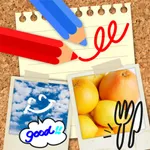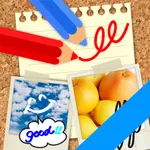
With this drawing app, you can create and edit images using various colors and pen thicknesses, add text, and zoom for detailed work. Includes multiple colors, pen options, text input, and sharing features.
AppRecs review analysis
AppRecs rating 4.6. Trustworthiness 69 out of 100. Review manipulation risk 30 out of 100. Based on a review sample analyzed.
★★★★☆
4.6
AppRecs Rating
Ratings breakdown
5 star
81%
4 star
12%
3 star
1%
2 star
2%
1 star
4%
What to know
✓
Low review manipulation risk
30% review manipulation risk
✓
High user satisfaction
81% of sampled ratings are 5 stars
✓
Authentic reviews
Natural distribution, no red flags
About Let's Draw - Drawing App
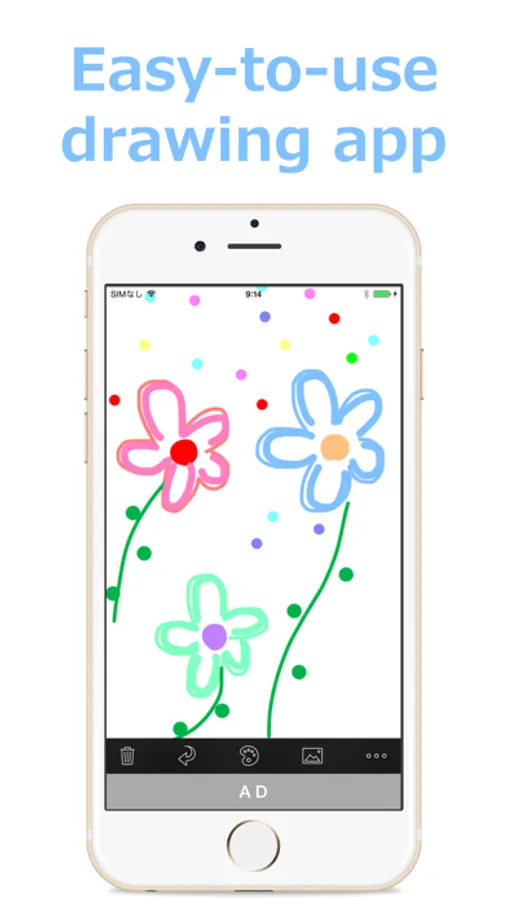
"Let's Draw" is a free "drawing" app which is simple and easy to use.
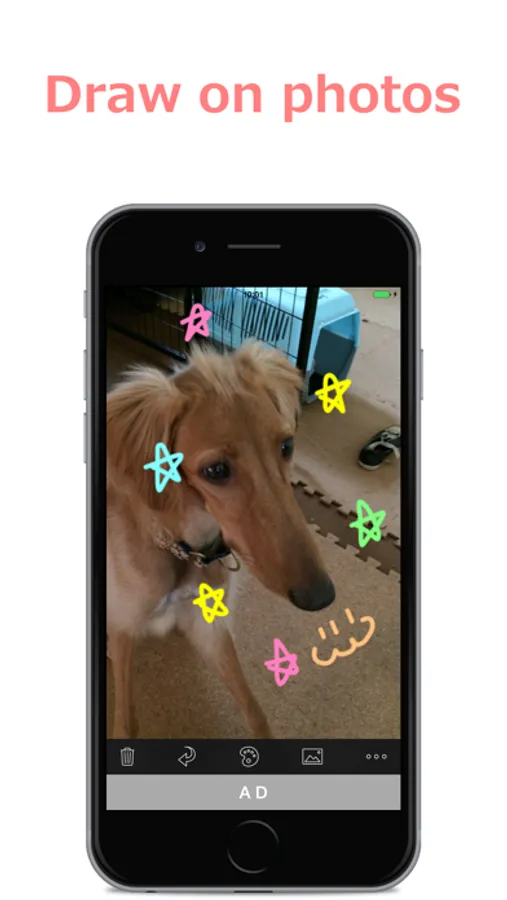
Anyone can edit images such as drawing on photos and adding text.
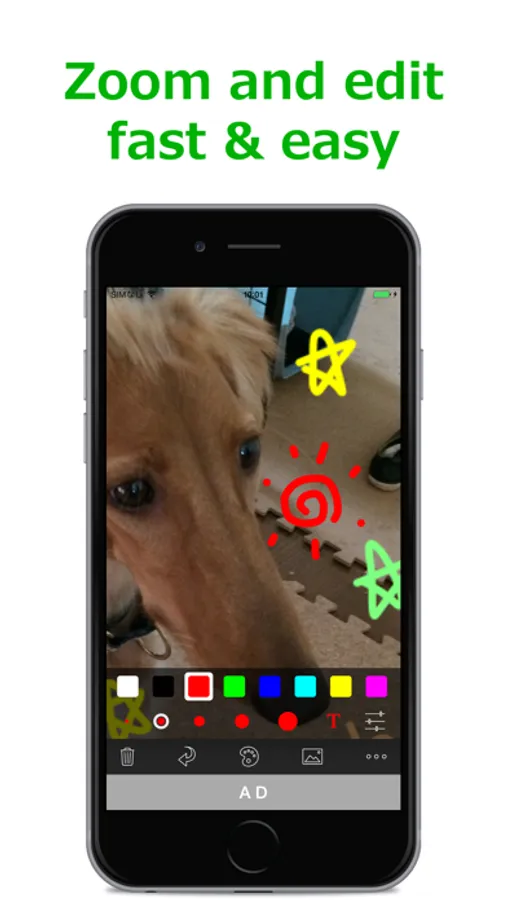
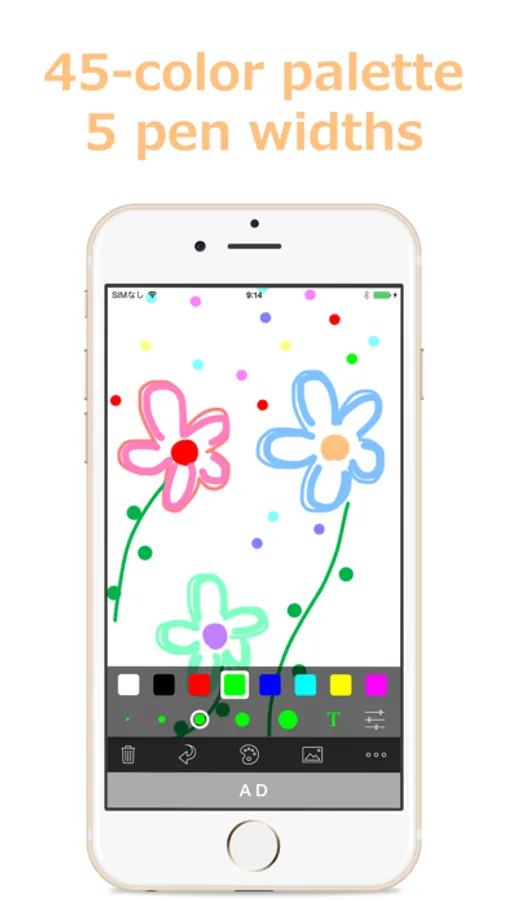
It provides simple but useful functions such as 45 colors, five pen thickness, zoom editing and adding text.
You can enjoy sharing the edited images with your friends on E-mails, Twitter, and Facebook.
*Ads are not displayed on the paid version.
■Features
- 45 Colors
- RGB Palette
- 5 Pen Thicknesses
- Zoom Edit
- Undo Functionality
- Text Input (Drag, Pinch for Free Layout)
- Input from Camera Roll
- Attach Edited Image to Email
- Save Edited Image to Camera Roll
Anyone can edit images such as drawing on photos and adding text.
It provides simple but useful functions such as 45 colors, five pen thickness, zoom editing and adding text.
You can enjoy sharing the edited images with your friends on E-mails, Twitter, and Facebook.
*Ads are not displayed on the paid version.
■Features
- 45 Colors
- RGB Palette
- 5 Pen Thicknesses
- Zoom Edit
- Undo Functionality
- Text Input (Drag, Pinch for Free Layout)
- Input from Camera Roll
- Attach Edited Image to Email
- Save Edited Image to Camera Roll
Let's Draw - Drawing App Screenshots
Tap to Rate:
Reviews for Let's Draw - Drawing App
X_X0_o
Let draw
Great all the way around. It’s great for adults as well as kids! Draw it!
A student (BTHS)
Good for getting ideas sketched
I came back to this app after a while because it's the perfect app for getting a quick idea jotted down. I originally used it to alter memes to send to friends, nowadays helps clear the head. Thank you for such timeless simplicity!!!