
In this team collaboration app, you can manage projects, share files, and communicate through chat and video calls. Includes tasks management, real-time document editing, and file sharing features.
AppRecs review analysis
AppRecs rating 3.4. Trustworthiness 80 out of 100. Review manipulation risk 21 out of 100. Based on a review sample analyzed.
★★★☆☆
3.4
AppRecs Rating
Ratings breakdown
5 star
47%
4 star
11%
3 star
9%
2 star
9%
1 star
24%
What to know
✓
Low review manipulation risk
21% review manipulation risk
✓
Credible reviews
80% trustworthiness score from analyzed reviews
⚠
High negative review ratio
33% of sampled ratings are 1–2 stars
About Samepage: Team Collaboration
Teams use Samepage to coordinate marketing campaigns, run meetings, plan events, organize product development, run customer support departments, and connect offices around the globe.
Use Samepage to:
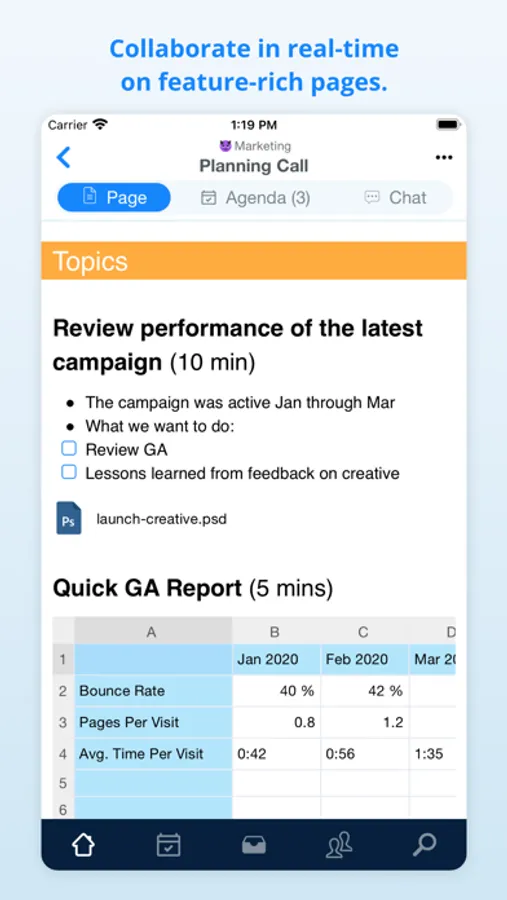
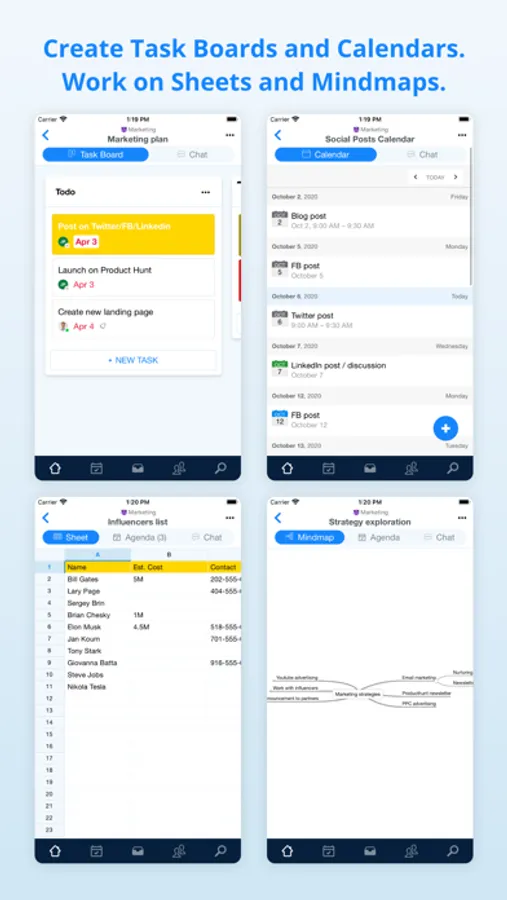
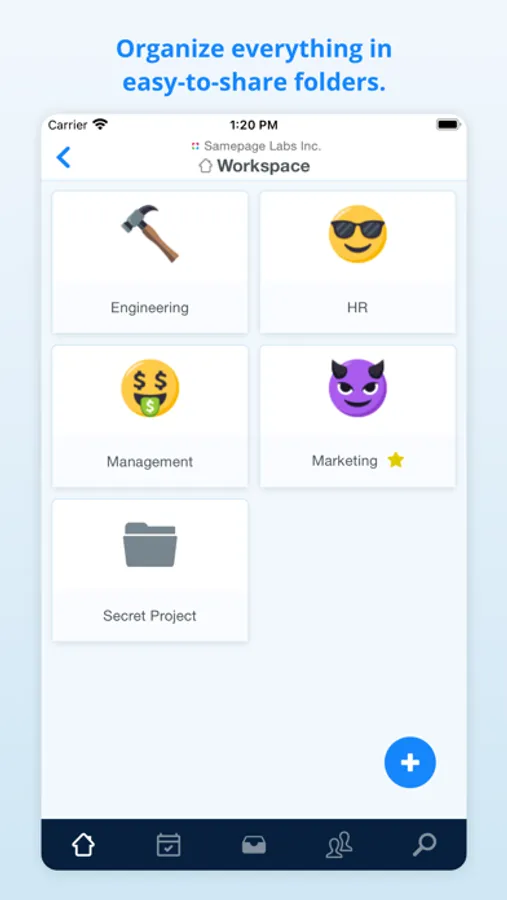
· Work with your team on various types of content. Pages, Task boards, Sheets, Calendars, and more.
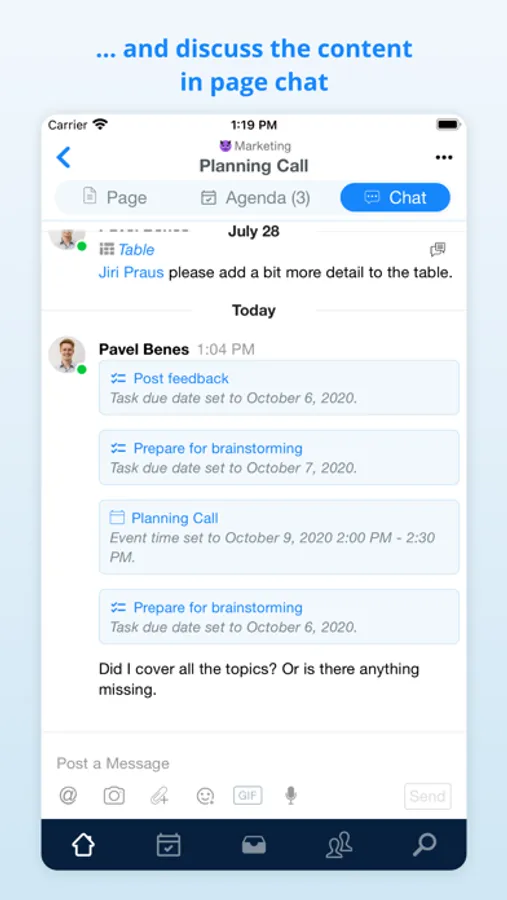
· Discuss in context. Each page has it's own chat, and so you'll never lose a context for your conversation.
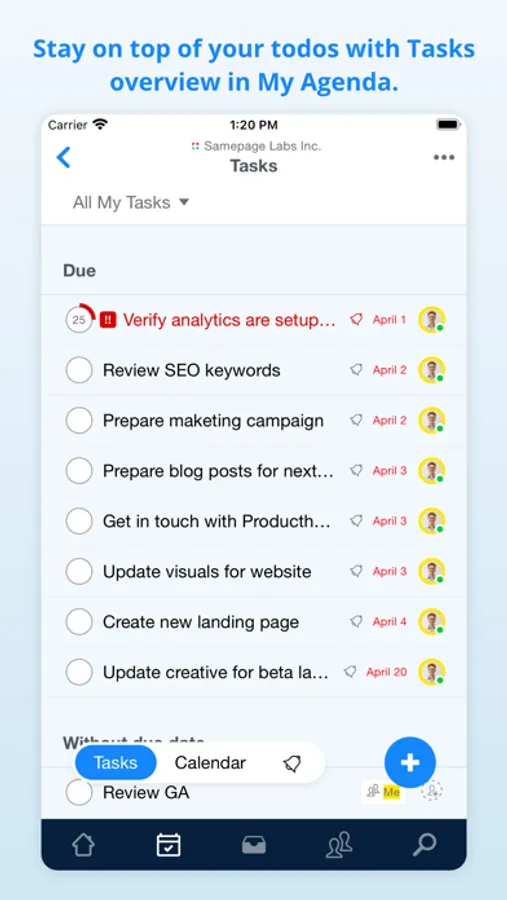
· Manage tasks and projects with Task boards (or Kanban boards for those who know).
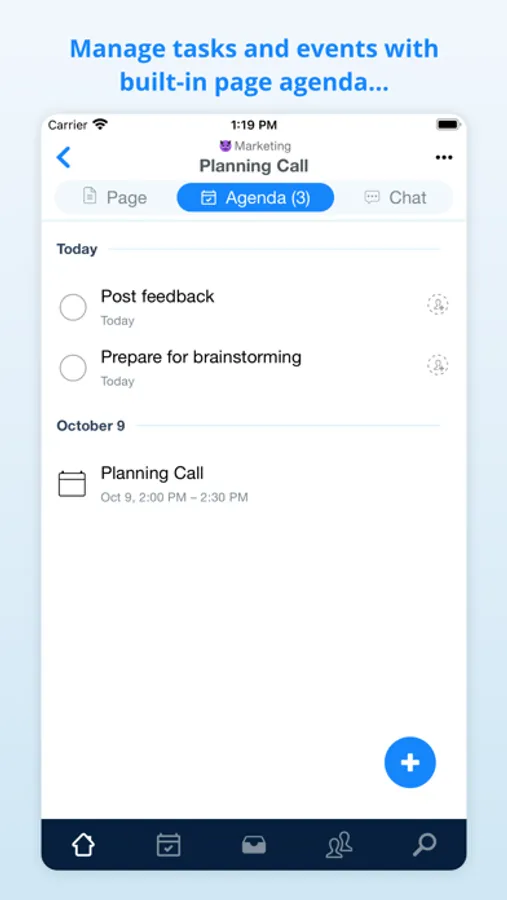
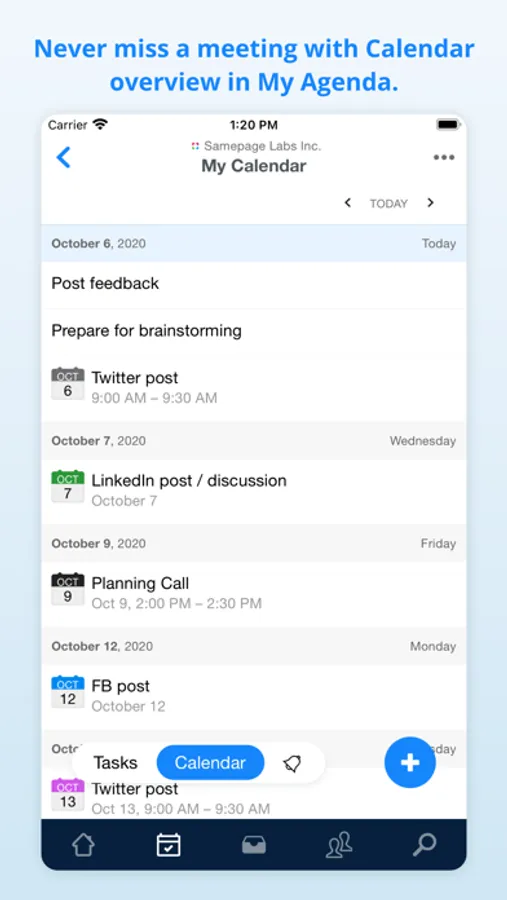
· Do minimalistic project management with built-in page agenda to keep tasks and events related to particular content.
· Make productive meetings with integrated audio and video calling.
· Share files, images, videos, diagrams, code, and much more with your team.
· Collaborate effectively with your team and with people outside your organization.
Don't pay for a separate chat and video calling tool. Samepage comes with chat, direct messaging, and video calling for free. They nicely integrate with our collaborative canvas to keep context and conversations together. Samepage provides you with a complete all-in-one collaboration tool.
Samepage: Team Collaboration Screenshots



Tap to Rate:
Reviews for Samepage: Team Collaboration
original josht
Still a great service, but…
I do really wish for two things - one would be to bring this back as a product, the other would be to allow us to use the iPad version on Apple Silicon Macs instead of the Intel code that runs now. It’s just a minor thing to enable in Xcode and it’d make things a lot easier to support.
MnkDuck
New messages
I despise this app. It is so difficult to use and understand what is happening on my screen. Also there is a bug that doesn’t let me get rid of the “new messages” button. Also, a genuine piece of advice I have is to get rid of the suggestive text feature because it makes it so much more difficult than it should be to type out a seemingly simple message.