PDF Export - PDF Editor & Scan
LiveBird Technologies Private Limited
4.7 ★
2K ratings
Free
With this PDF editor and scanner app, you can create, edit, convert, and organize PDF files on your iPhone or iPad. Includes editing tools, conversion features, and options for merging, splitting, and securing PDFs.
AppRecs review analysis
AppRecs rating 4.6. Trustworthiness 77 out of 100. Review manipulation risk 27 out of 100. Based on a review sample analyzed.
★★★★☆
4.6
AppRecs Rating
Ratings breakdown
5 star
85%
4 star
7%
3 star
3%
2 star
1%
1 star
4%
What to know
✓
Low review manipulation risk
27% review manipulation risk
✓
Credible reviews
77% trustworthiness score from analyzed reviews
✓
High user satisfaction
85% of sampled ratings are 5 stars
About PDF Export - PDF Editor & Scan
All-in-One PDF App
Creation & Conversion
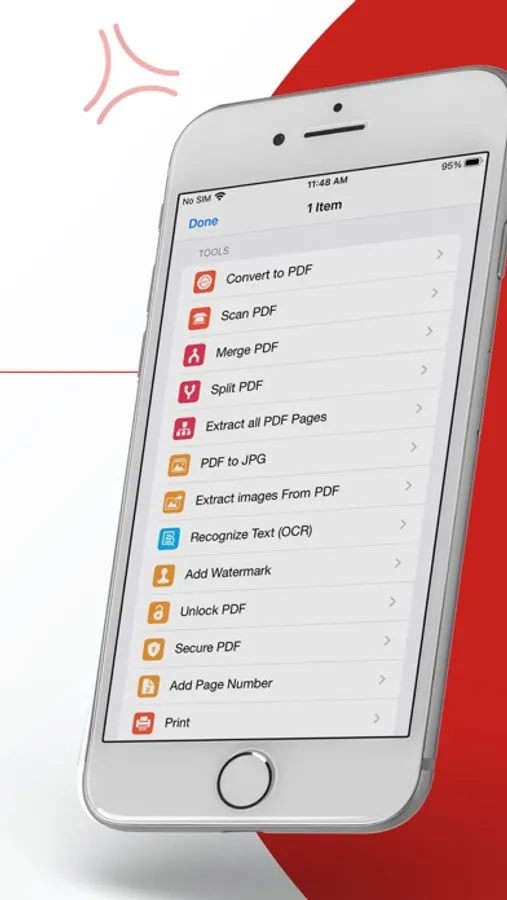
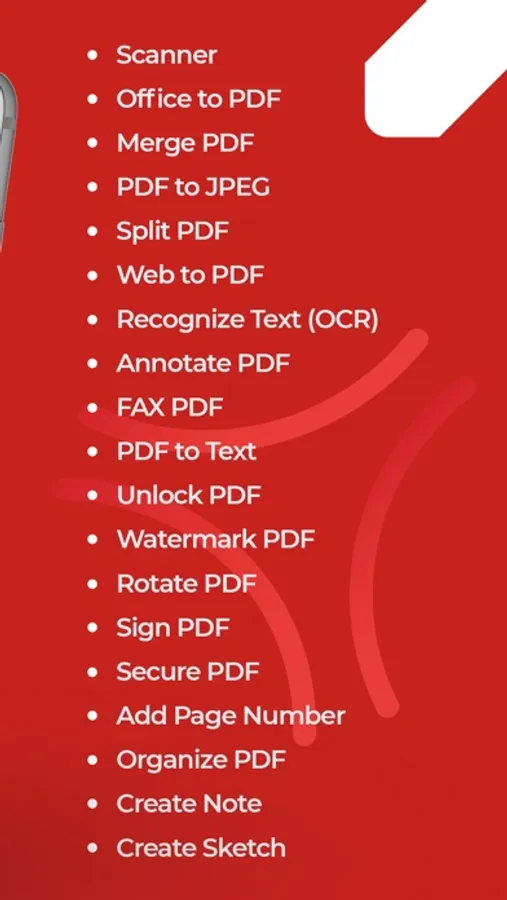
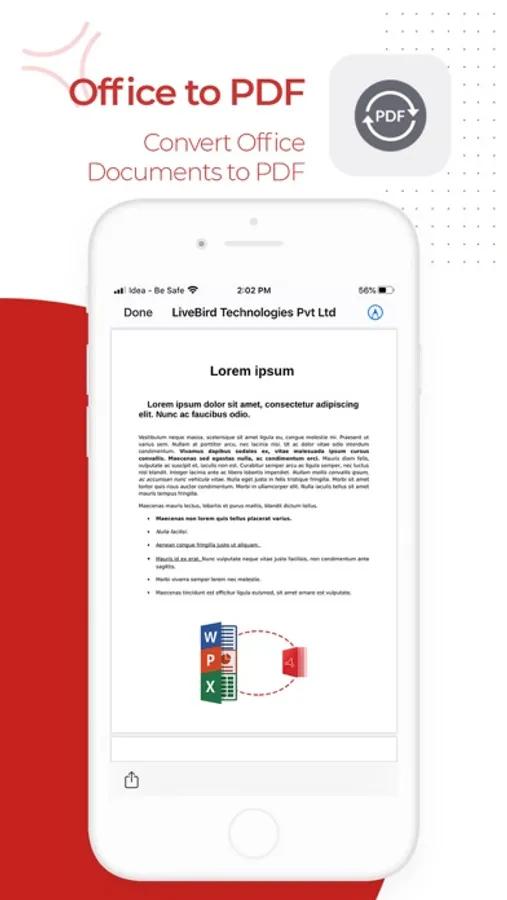
- Convert to PDF: Turn Word, Excel, PowerPoint, HTML, Text, or JPG files into high-quality PDF documents.
- Convert PDF to Word/Excel/PPT: Transform your PDF files into editable Microsoft Office formats.
- Web to PDF: Convert web pages into high-quality PDF documents with ease.
- PDF to Text/RTF: Extract text or rich text formats from your PDF files for easy editing.
Editing & Annotation
- Edit PDF: Modify text and images directly in your PDF document Extract Images: Easily extract embedded images from your PDFs.
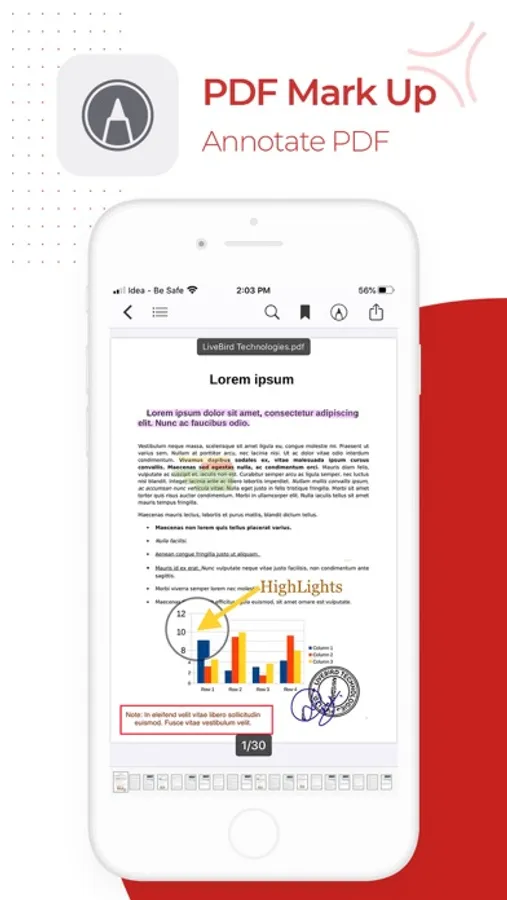
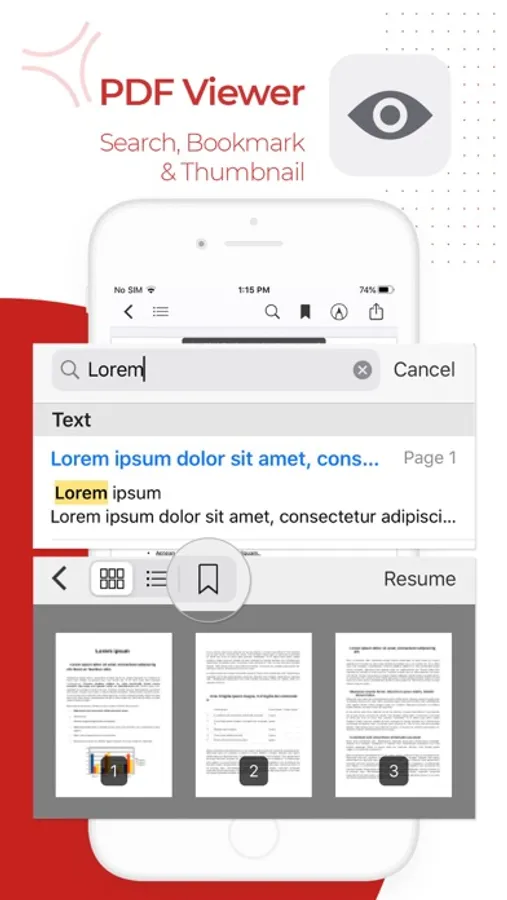
- Annotate & Sign: Highlight text, add comments, draw, or sign documents directly on your device.
Organization & Management
- Merge & Split: Combine multiple PDFs into one file or split large PDF documents into smaller chunks.
- Organize PDF: Rearrange pages, insert new ones (from PDFs or images), copy/paste, duplicate, and delete unwanted pages.
- Add Page Numbers: Add customize page numbers on your PDF files for a polished, professional finish.
Productivity Enhancements (Pro Features)
- Clipboard to PDF: Instantly convert copied content into a professionally formatted PDF.
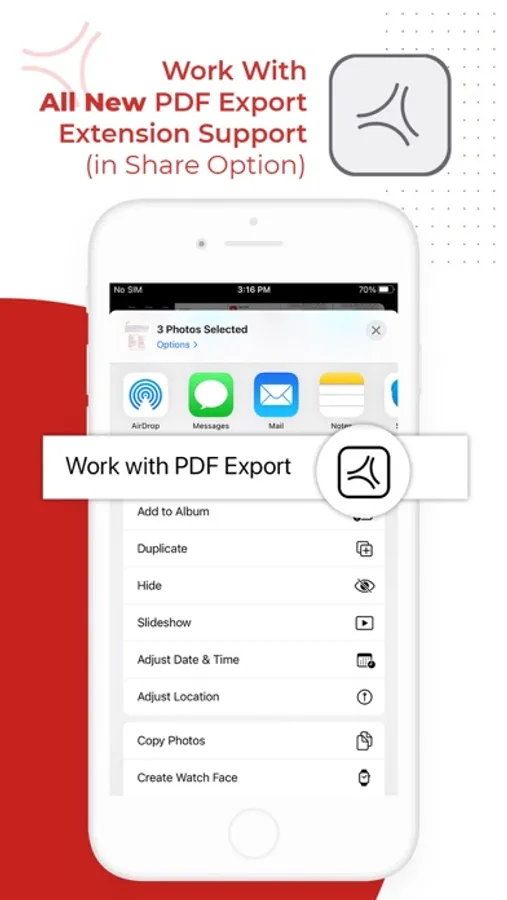
- Snip & Export: Select any area on a PDF and instantly share it as a high-quality PDF or JPG.
Security & Compression
- Add Watermark: Secure documents with custom text and image watermarks.
- Compress PDF: Reduce PDF file size without sacrificing quality.
- Lock & Unlock PDF: Add or remove password protection to your PDF files.
Fax & Sharing
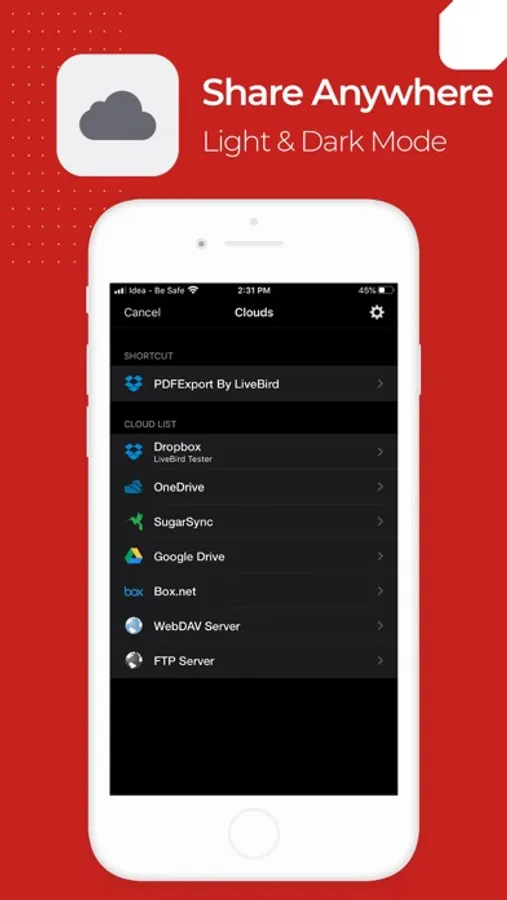
- Send FAX: Fax your PDFs directly from the app.
Maintenance & Repair
- Repair PDF: Fix corrupted or damaged PDF files to restore readability and functionality.
Transcribe & Export
- Transcribe & Export: Convert audio to text offline and export it as PDF or plain text. Multiple language support ensures a smooth transcription experience.
Scan & OCR
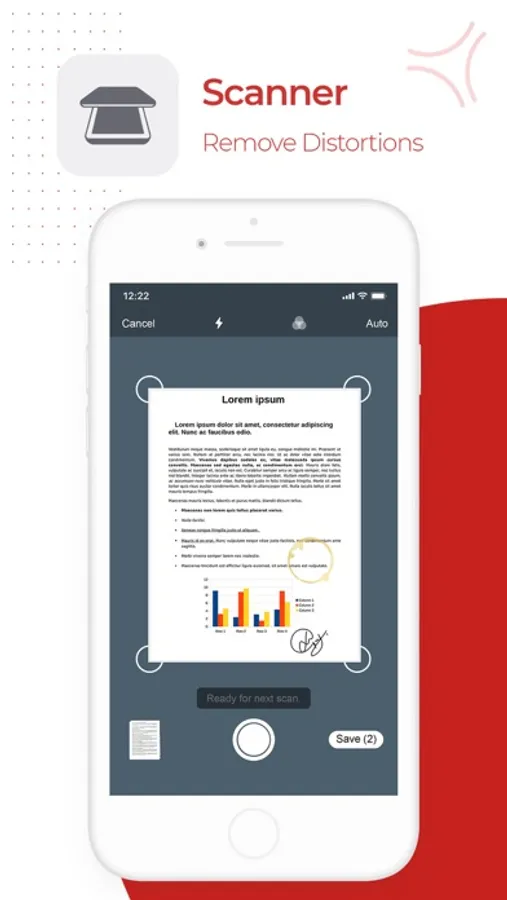
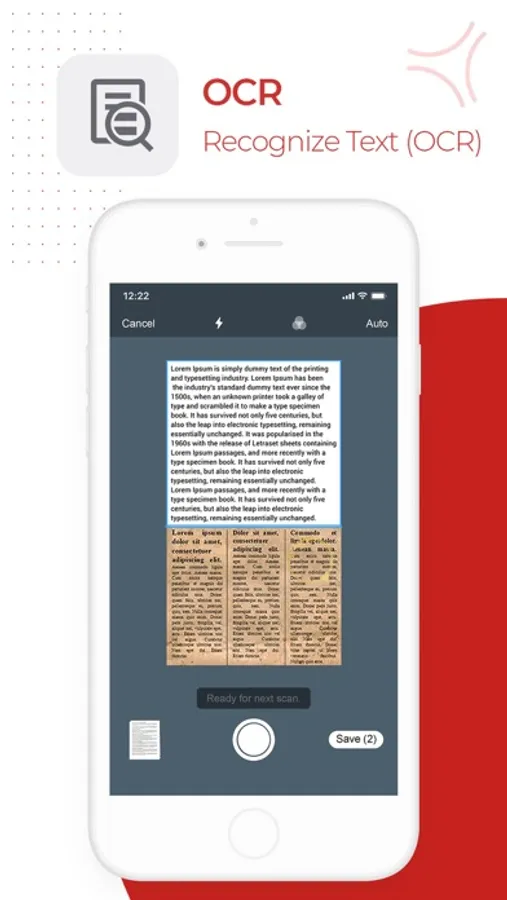
- Portable Scanner: Use your camera to scan multiple documents with auto or manual scan mode and instantly save them as PDF.
- OCR (Text Recognition): Extract editable text from multiple images or convert handwritten text into editable text—perfect for digitizing paper documents.
Why PDF Export?
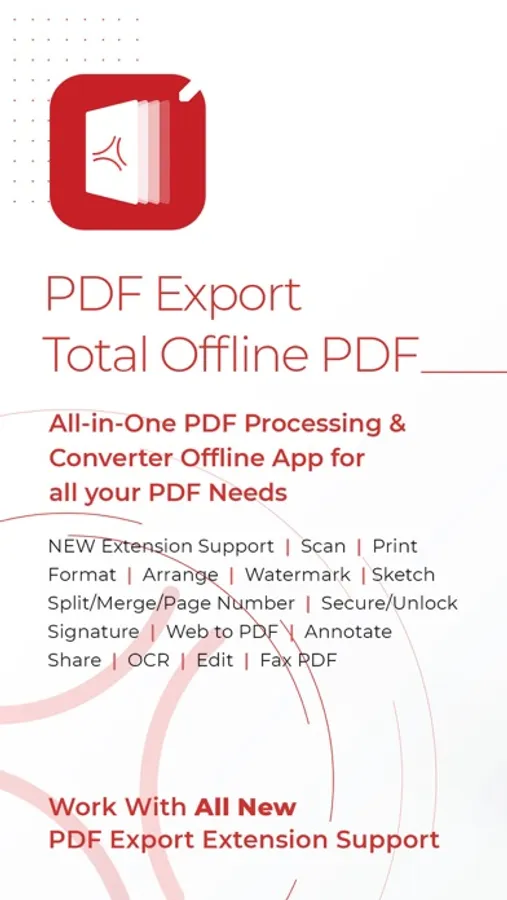
- Offline Functionality: Stay productive anywhere—core features work without an internet connection.
- One-Time Payment: Upgrade to Pro once and enjoy premium features for life—no subscriptions or hidden fees.
- User-Friendly Design: A simple, intuitive interface makes advanced PDF tasks easy for everyone.
- Fast & Reliable: Quick conversions and instant editing—no waiting for slow online tools.
Get Started Today
- Experience the power of a complete PDF app at your fingertips on your iPhone or iPad. Whether you’re scanning receipts, signing contracts, editing PDFs, organizing PDFs, or collaborating on projects, PDF Export puts every essential PDF tool in one convenient app. Download now and transform the way you handle PDFs!
PDF Export - PDF Editor & Scan Screenshots
Tap to Rate:
Reviews for PDF Export - PDF Editor & Scan
katroach74
Ten dollars for nothing!
I paid $9.99 for the Pro version and you can’t even convert a text file to pdf?? What’s the point of having the Pro version of ANY pdf app if you can’t even convert a file to pdf without paying MORE money for credits just to perform a single task! I searched the settings where one usually finds a 'restore purchase' link to restore the added features that were suppose to already be paid for with the upgrade to Pro. NOTHING there either! No matter what circus tricks it claims to perform, it will have its hand in your pocket for more cash every time you use it. So, beware, this app is a rip off! UPDATE: 12-6-25. Rating is now 2-stars. And that’s being very generous. Used to be 3-stars. I didn’t realize I had paid for Pro already. The new upgrade is supposedly "lifetime". Problems right away. The app reverts to the default EVERY TIME I add a new file! I HATE vertical scroll! So every time I work with a file, I have to change the setting to horizontal scroll. The tools take up 1/3 of the total screen space! Or at full size, they disappear completely, except for a text dropdown menu with a few choices, which are never what I want. All in all, the UI makes very poor use of its screen space. So, heavy users beware. All the features in the world mean very little if it’s a slog to use them. So much time is wasted tapping/clicking your brains out that you’re exhausted when you finally finish a task. Look at it this way folks: I wasted $14.00 so you don’t have to.
Lelepailani
Only PDF TOOL 4 ME!
I’ve been using PDF EDITOR for ages… it does everything & anything I need plus hold & accesses external files allowing me to remember only one thing… it! Even the free version does more than other apps I’ve used through the years.