
In this app, commercial service technicians access job details, document work with multimedia, and communicate with the office. Includes asset history tracking, schedule updates, and paperwork uploads.
AppRecs review analysis
AppRecs rating 4.3. Trustworthiness 67 out of 100. Review manipulation risk 30 out of 100. Based on a review sample analyzed.
★★★★☆
4.3
AppRecs Rating
Ratings breakdown
5 star
67%
4 star
11%
3 star
6%
2 star
3%
1 star
13%
What to know
✓
High user satisfaction
78% of sampled ratings are 4+ stars (4.2★ average)
✓
Authentic reviews
Natural distribution, no red flags
About ServiceTrade
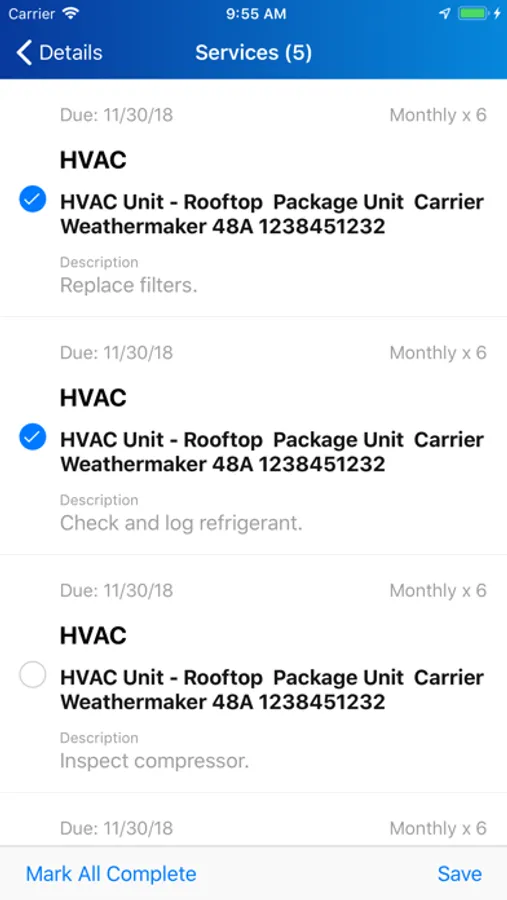
With ServiceTrade, commercial service technicians can:
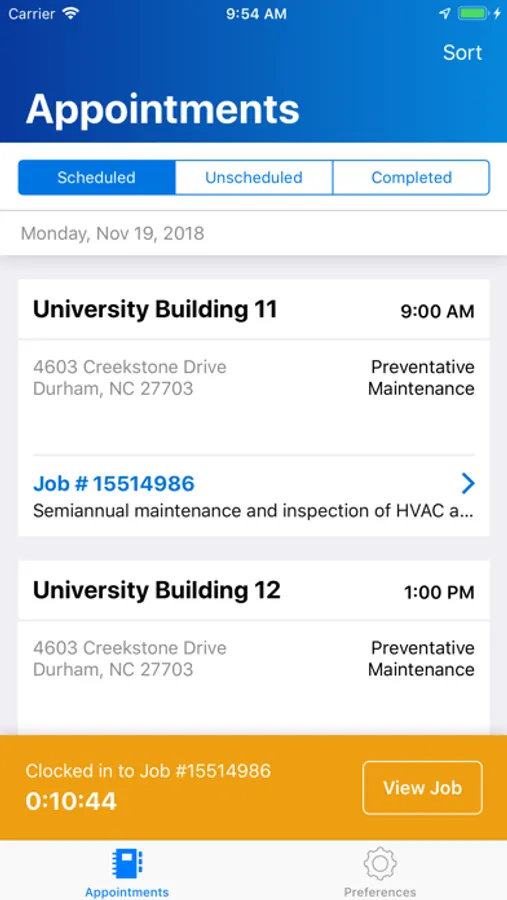
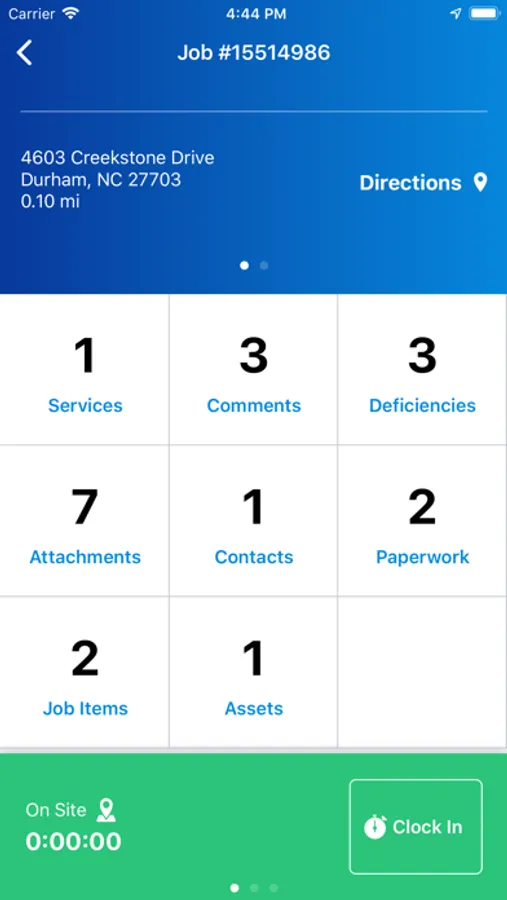
- Access detailed job information
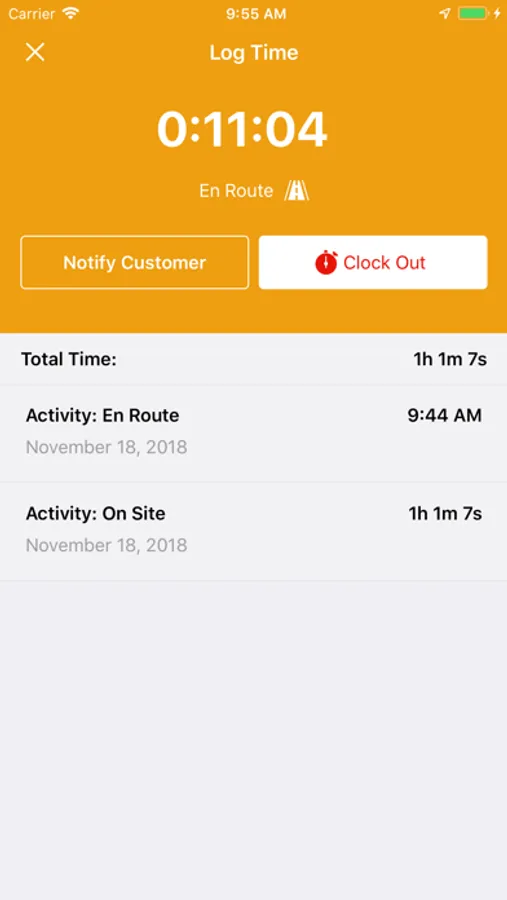
- Record time spent preparing, in transit, and on site
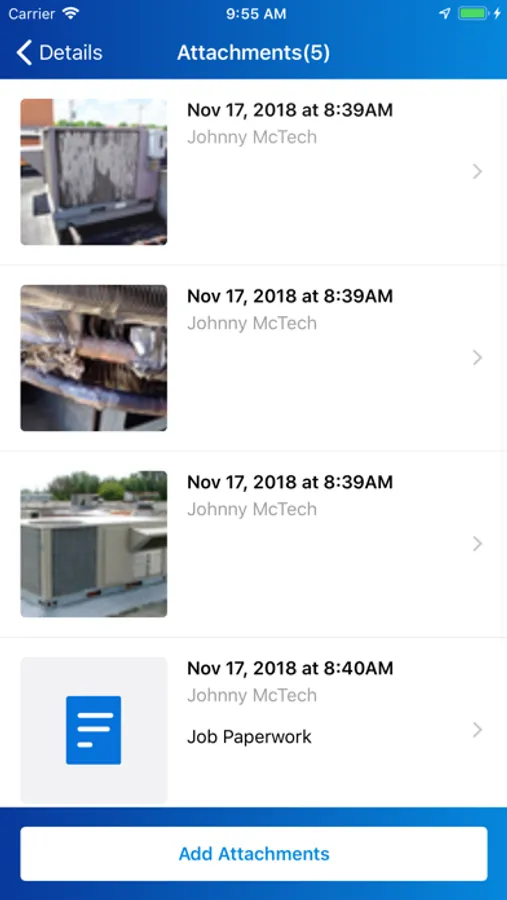
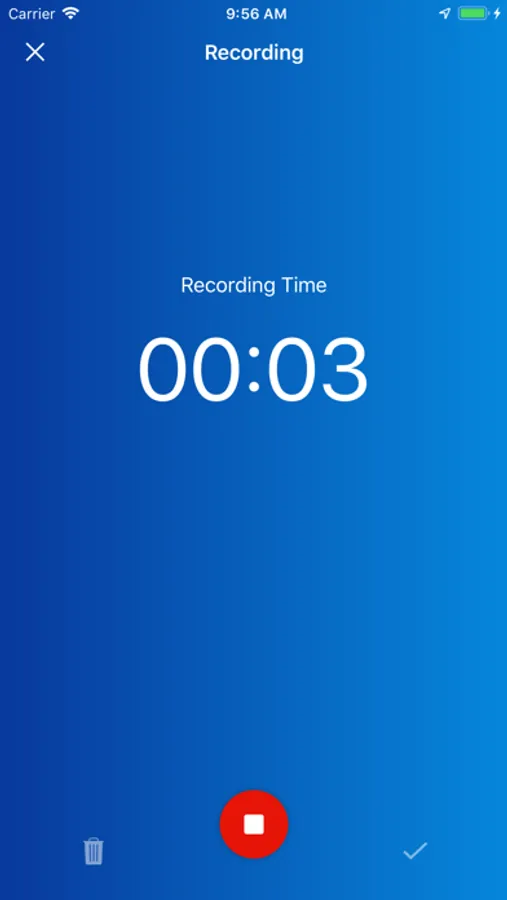
- Add pictures, videos, and audio memos that document your work
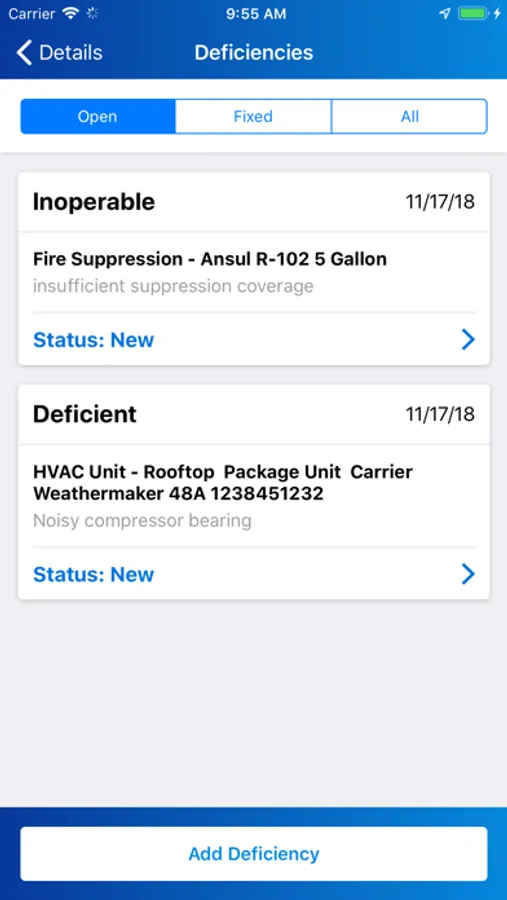
- Report problems with pictures, videos, and audio memos
- View asset service history
- Scan and upload paperwork from the field
- Receive schedule updates from the office
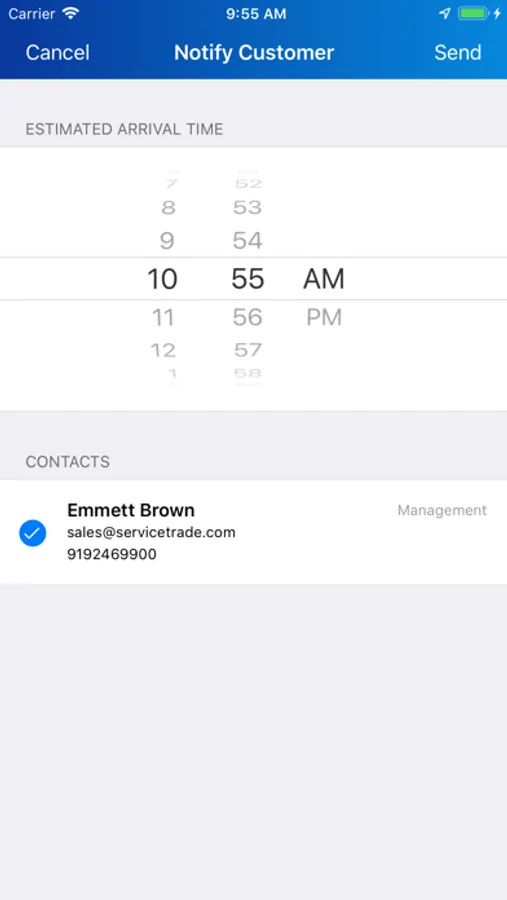
ServiceTrade helps eliminate pesky status update phone calls and stops extra trips back to the office to drop off paperwork. With ServiceTrade, you can cut out distractions and focus on providing amazing customer service.
ServiceTrade Screenshots
Tap to Rate:
Reviews for ServiceTrade
Dryroasted99
By far worst clock app
Ive been using this app against my will for the last 6 years to clock my time at the various companies I’ve worked for. 1) This app is not dependable, my phone will have full bars, every other app will be working fine and yet service trade will NOT log my clock in or out events, this causes a loss of time for me just sitting, waiting for its slow servers to connect and load. This could take multiple minutes or just outright never connect. 2) sync issues, on the common occurrence this app does not connect to servers it gives you a false sense of security that its actually saving your time, often when it regains connection it will prompt you with an offline sync error and its common for this log to infinitely try to load when you go to sync it. The only other option is to delete it. 3) SPAM for those who use their personal phone and refuse to give location service to the service trade app it will SPAM you with a prompt in the middle of your screen that you HAVE to dismiss EVERY time you open the app, the worst part is that they STACK on top of each other making you click cancel over and over. Need to clock in? BAM! Need to reference a photo to input information to a ticket? BAM! Need to open the app to check contacts? BAM! Need to clock into break? BAM! Need to clock out of break? BAM! I hope this conveys the annoyance and harassment this app inflicts on anyone unfortunate enough to be stuck with it and don’t want their personal phone used as a tracker for service trade or their company to use. Ive already contacted service trade support about this issue but they leave it in the app as a harassment tactic to make you hand over your info. If you are a business looking at this app I strongly encourage you to go with a different option, from the technician side it will cause more time wasted then it seems having to correct everyones time manually when it doesn’t load.
KevinJohnHernandez
Great app
The company I work for and other companies that I know use this application for their service and inspection departments and it is very useful. I can upload any documents, pictures and comments from the field and the office staff gets all info needed for future service trips. I highly recommend any company to use this system.