
AppRecs review analysis
AppRecs rating 3.0. Trustworthiness 65 out of 100. Review manipulation risk 30 out of 100. Based on a review sample analyzed.
★★★☆☆
3.0
AppRecs Rating
Ratings breakdown
5 star
0%
4 star
0%
3 star
0%
2 star
0%
1 star
100%
About Video Freezer
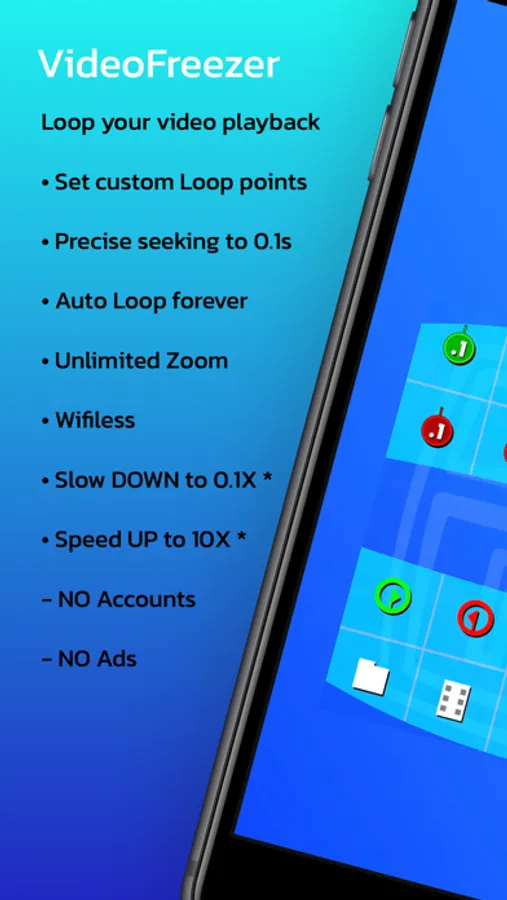
+ Your first loop: Press play then Tap the Green and Red flags to set the start point and end point, then Video Freezer will take care of the rest and put it on auto-loop
+ Drag across the center of the screen to seek to specific times and preview the video
+ A quick double tap on the Loop icon will clear markers
BASE vs PRO - The base version is completely free with the main looping controls. See below for the detailed F.A.Q. on Freezing:
[VF PRO]
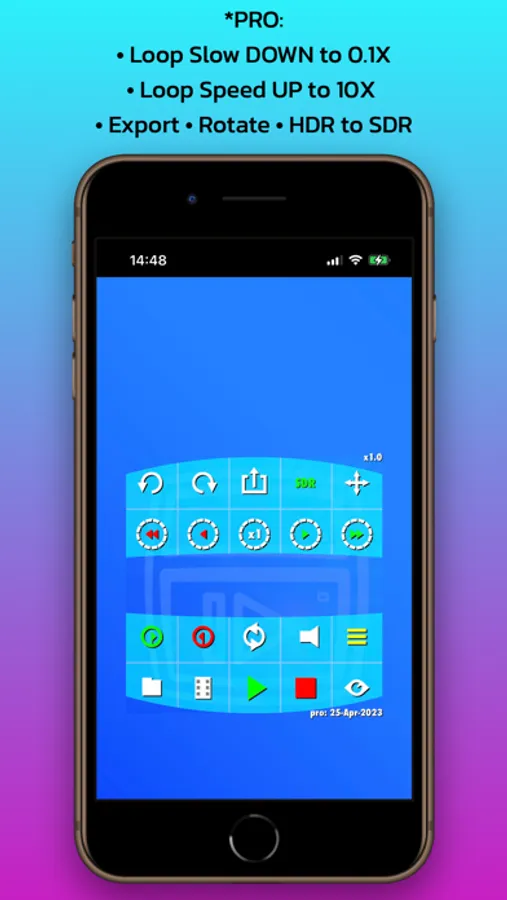
+ Slow down or Speed up your custom loops. (Playback speeds of 0.1x to 10x)
+ Quick export new video (using the loop, speed & audio mute settings you choose)
+ Convert videos from HDR to view in SDR, (note: at fast speeds over 3x auto compress the video to stay compatible with playback formats)
+ Video rotation independent of device rotation in 90 degree steps for extra convenience
+ Unlocks all gray buttons
+ No review prompts
+ Pro unlocks are Non-Recurring, so renew only when you need !
[FREEZING]
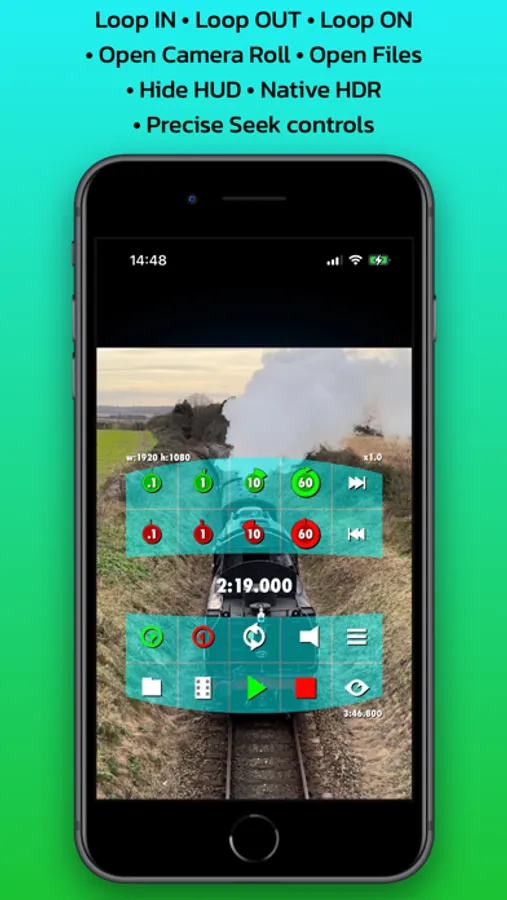
• To loop tap the Green and Red flag markers while playing to set the start point and end point
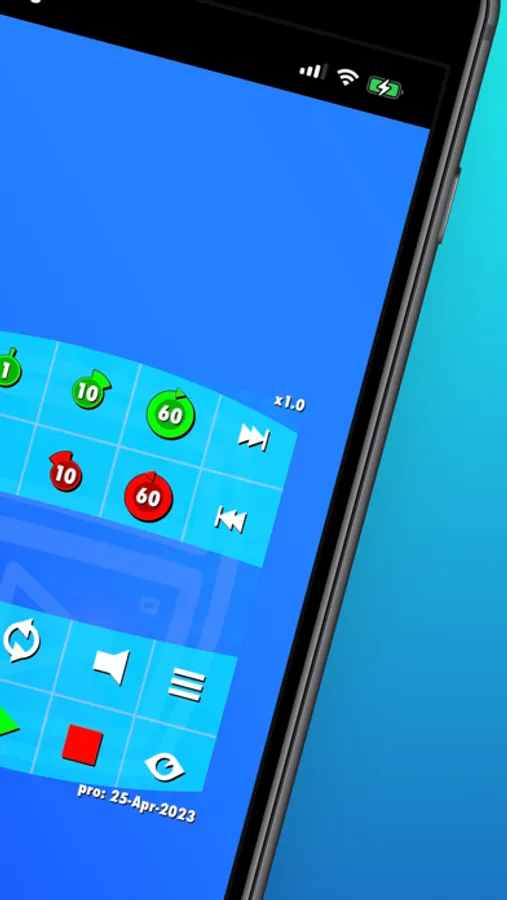
• Use the Seek Buttons to skip between 0.1 and 60 seconds at a time
• Drag the dynamic Timeline in the centre to quickly preview the video or set new loops
• Tap outside the H.U.D. menu or the Eye icon to hide all menus, tap anywhere once to get them back
• Drag with one finger outside of menu to move the video around the screen, use two fingers Pinch and Zoom in and out
• You can temporarily turn looping off with the dedicated circular Loop button
• Cool Tip 1: A quick double tap on the Loop icon will clear markers
• Cool Tip 2: Just drag the video off any screen edge to auto-recenter it
[NO ADS]
- We have No Ads and No User Accounts, even in the base version
- We are supported only by in-app Pro unlocks from users like you who love the app
- The free trial does not rebill and fully unlocks all Pro features for 10 Days
[ICONIC APP]
Chill with us & Join users worldwide today making Video Freezer one of their essential go-to video apps!
Help us take off by coming back to the store page and rating! Especially if you go Pro, as you will not be prompted again in-app
Tell all your friends, family, colleagues about Video Freezer
[DEVELOPER]
As an independent developer we always welcome feedback, please use the support link any time for questions or new features.
Video Freezer Screenshots
Tap to Rate:
Reviews for Video Freezer
Somosa-Dosa
Good concepts, but too buggy for me
I appreciate that I can load videos from my Mac via USB. But after trying this out with a short video, I could never manage to get the audio to play. There’s a mute and unmute button, but no audio in either setting. And the zoom in/out seems to only allow zooming into the center of the video frame, meaning the center of the full-screen image. No option to zoom into a corner of the image, or anywhere else. As a matter of taste, the “Heads-Up Display” showing the available controls is HUGE, and obscures much of the screen while it’s visible. And it took quite a while to figure out what many of the control buttons do.