
AppRecs review analysis
AppRecs rating . Trustworthiness 65 out of 100. Review manipulation risk 22 out of 100. Based on a review sample analyzed.
★
AppRecs Rating
Ratings breakdown
5 star
0%
4 star
0%
3 star
0%
2 star
0%
1 star
100%
What to know
✓
Low review manipulation risk
22% review manipulation risk
⚠
Mixed user feedback
Average 1.0★ rating suggests room for improvement
About AceZone
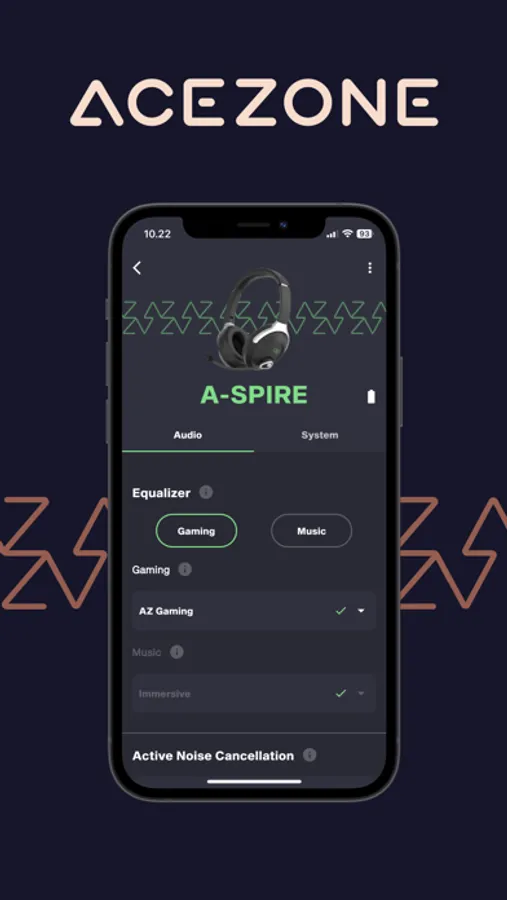
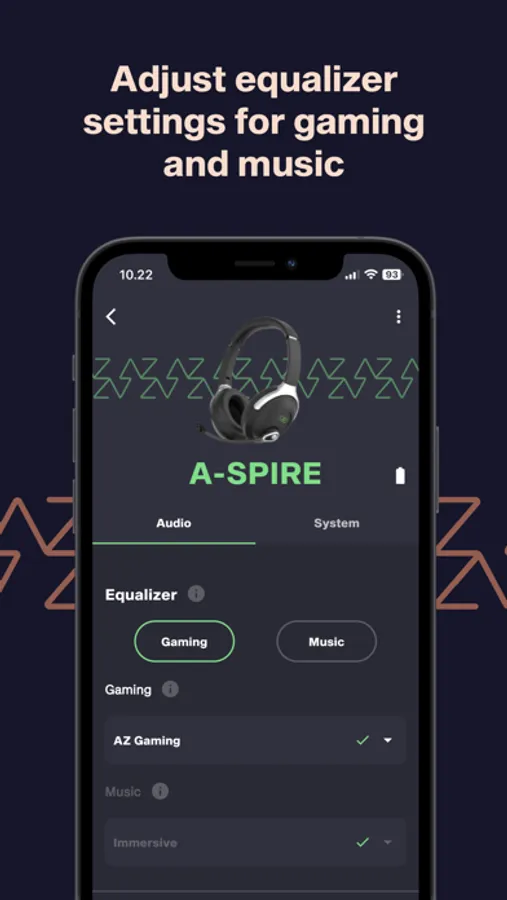
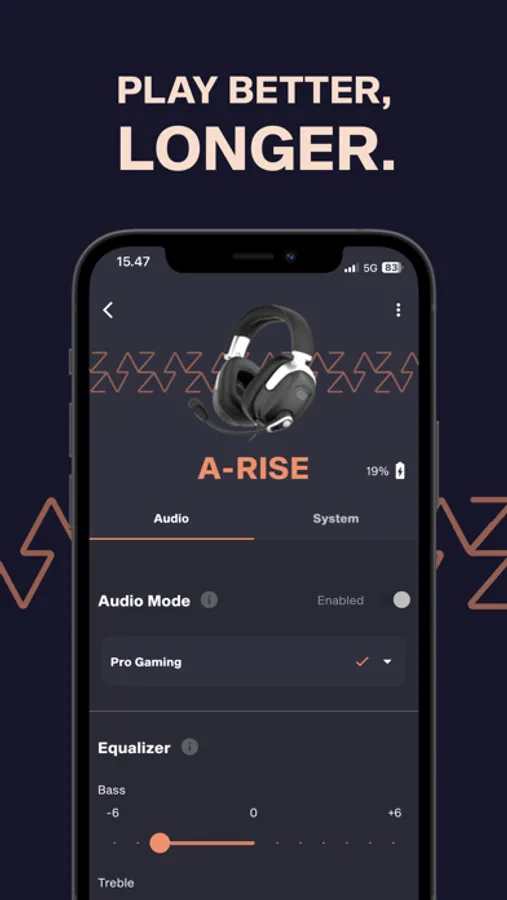
- Choose your preferred sound equalizer for gaming and music. Specific gaming tuning for Counter-Strike 2 and Apex Legends available.
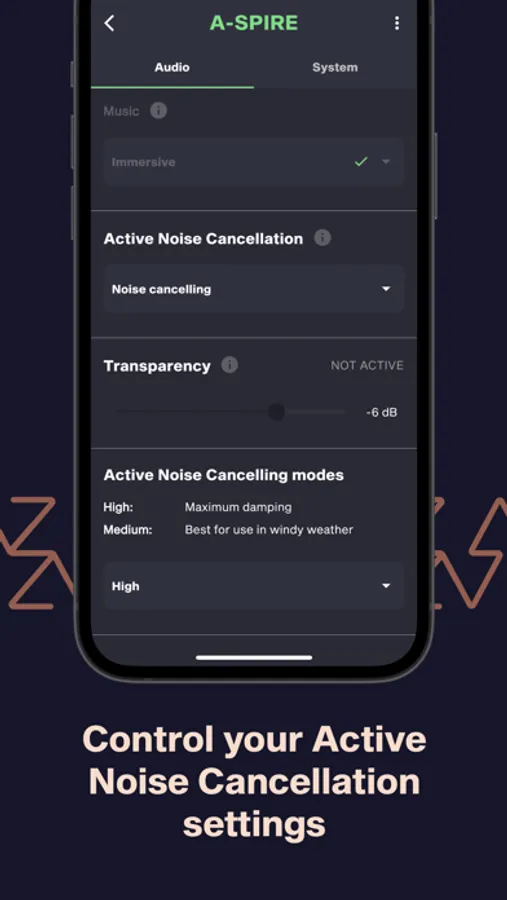
- Modify the ANC setup to combat wind noise.
- Set your preferred transparency level.
- Customize voice prompt, standby timer and button setup.
- Keep your product up to date with the Over-The-Air updater.
COMPATIBILITY: AceZone A-Spire Wireless, AceZone A-Spire and AceZone A-Rise.
AceZone Screenshots
Tap to Rate:
Reviews for AceZone
Y22kc
Firmware update doesn’t work
I just got the A-Spire headset and went to connect it to my phone with this app. It tells me there’s a firmware update. You can’t use the app unless you do the firmware update. Using an iPhone 13 Pro, the update goes through a long process that’s showing a countdown in time of almost 8 min. Once that is complete, the headset restarts and about 30 secs later it tells me there’s an error and restart the update. I’ve done this 6 times now with same result. Bluetooth is so sketchy for firmware updates, how bout a usb and software for pc / Mac instead??