About PDF Scanner App - Scan Docs
Scan, Sign & Share Documents Instantly
Scan documents, convert images to PDF, and create professional files in seconds — completely offline.
Turn your iPhone into a powerful PDF scanner.
PDF Scanner App – Scan Docs lets you scan documents, receipts, contracts, notes, and IDs in seconds with high-quality results.
Fast. Accurate. Professional.
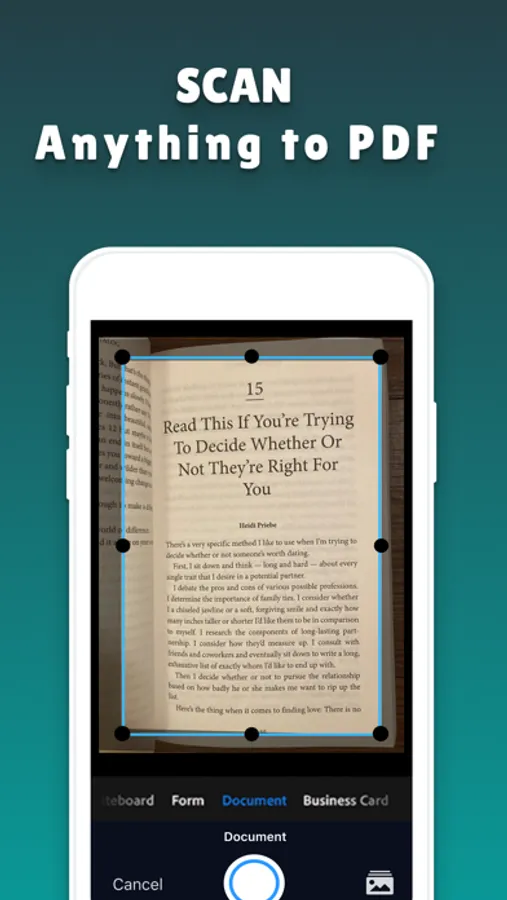
Scan Anything to PDF
• Documents
• Receipts
• Contracts
• Notes
• Invoices
• IDs & Cards
• Books & Pages
Auto edge detection and smart cropping make every scan clean and sharp.
Advanced OCR (Text Recognition)
• Extract text from scanned documents instantly.
• Copy, edit, and share text with powerful built-in OCR.
Perfect for business, students, and remote work.
Scan & Sign Documents
• Sign documents digitally in seconds.
• Add signatures, initials, and annotations without printing.
Save time. Stay paperless.
Powerful PDF Tools
• Scan Documents
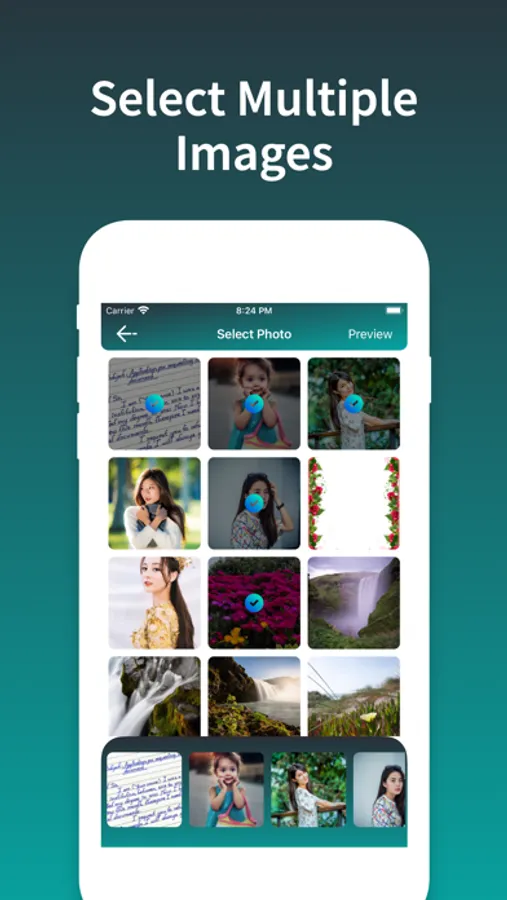
• Photos to PDF
• Convert images to PDF
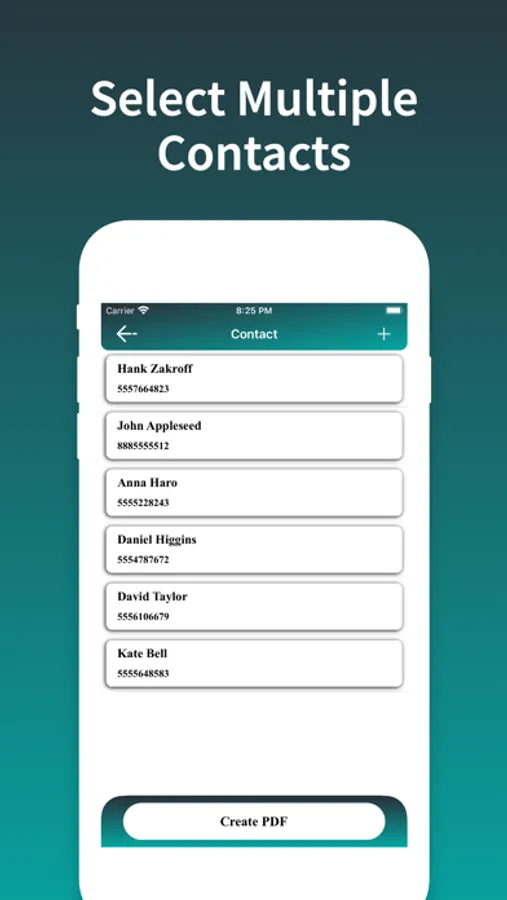
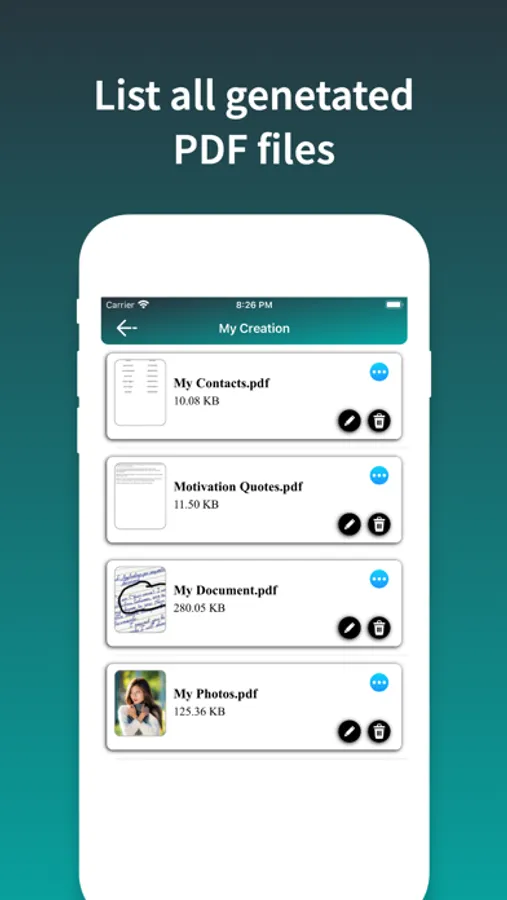
• Contacts to PDF
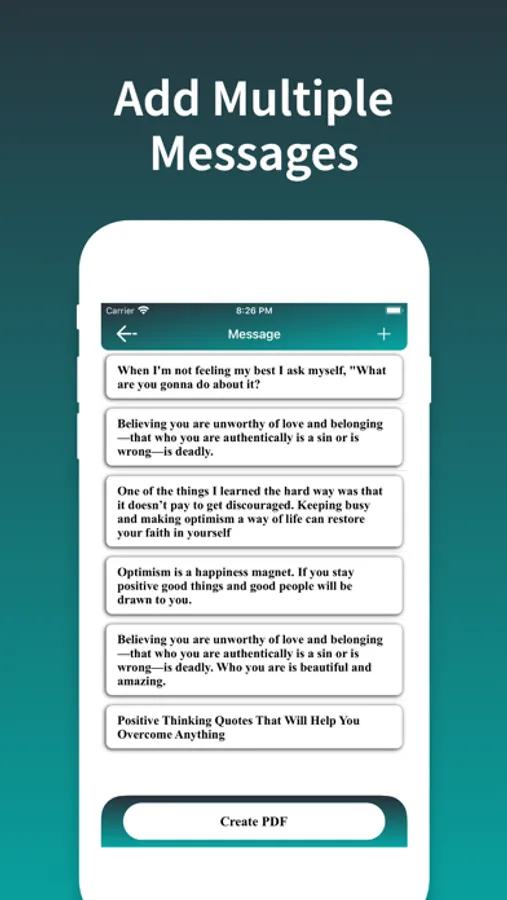
• Messages or Notes to PDF
• PDF To Text
• Compress files
• Edit and annotate
• Share via email or many more..
All in one scanner app.
Secure & Private
• Your documents stay safe and secure.
---- Photo Edit Toolkit ----
• Add filters, effects, and blur focus.
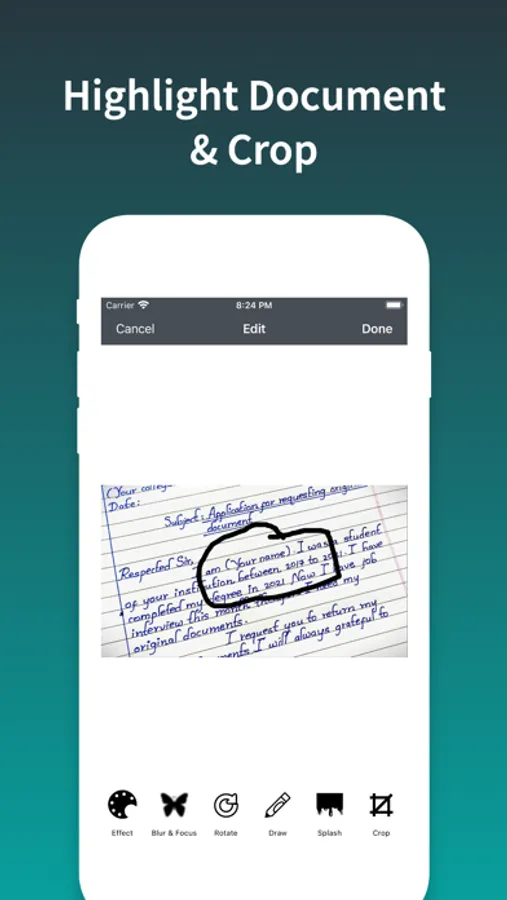
• Crop, rotate, resize, and adjust.
• Draw or write on photos.
• Stickers, text overlays.
Why Choose PDF Scanner App?
• Fast scanning
• High-quality PDF output
• Easy to use
• Professional tools
• Trusted by users worldwide
Subscription Info
PDF Scanner App – Scan Docs offers an auto-renewing weekly, monthly and one time purchase subscription. Payment will be charged to your iTunes Account on confirmation of purchase. Your subscription will automatically renew unless auto-renew is turned off at least 24 hours prior to the end of the current period. You may manage your subscriptions and turn off auto-renewal in your iTunes Account Settings after purchase. Any unused portion of free trail period, if offered, will be forfeited when you purchase a subscription, where applicable.
Privacy Policy: https://sites.google.com/view/developer-info/privacy-policy
Terms of use: https://sites.google.com/view/developer-info/terms-of-use
Download now and simplify your document workflow.
Scan documents, convert images to PDF, and create professional files in seconds — completely offline.
Turn your iPhone into a powerful PDF scanner.
PDF Scanner App – Scan Docs lets you scan documents, receipts, contracts, notes, and IDs in seconds with high-quality results.
Fast. Accurate. Professional.
Scan Anything to PDF
• Documents
• Receipts
• Contracts
• Notes
• Invoices
• IDs & Cards
• Books & Pages
Auto edge detection and smart cropping make every scan clean and sharp.
Advanced OCR (Text Recognition)
• Extract text from scanned documents instantly.
• Copy, edit, and share text with powerful built-in OCR.
Perfect for business, students, and remote work.
Scan & Sign Documents
• Sign documents digitally in seconds.
• Add signatures, initials, and annotations without printing.
Save time. Stay paperless.
Powerful PDF Tools
• Scan Documents
• Photos to PDF
• Convert images to PDF
• Contacts to PDF
• Messages or Notes to PDF
• PDF To Text
• Compress files
• Edit and annotate
• Share via email or many more..
All in one scanner app.
Secure & Private
• Your documents stay safe and secure.
---- Photo Edit Toolkit ----
• Add filters, effects, and blur focus.
• Crop, rotate, resize, and adjust.
• Draw or write on photos.
• Stickers, text overlays.
Why Choose PDF Scanner App?
• Fast scanning
• High-quality PDF output
• Easy to use
• Professional tools
• Trusted by users worldwide
Subscription Info
PDF Scanner App – Scan Docs offers an auto-renewing weekly, monthly and one time purchase subscription. Payment will be charged to your iTunes Account on confirmation of purchase. Your subscription will automatically renew unless auto-renew is turned off at least 24 hours prior to the end of the current period. You may manage your subscriptions and turn off auto-renewal in your iTunes Account Settings after purchase. Any unused portion of free trail period, if offered, will be forfeited when you purchase a subscription, where applicable.
Privacy Policy: https://sites.google.com/view/developer-info/privacy-policy
Terms of use: https://sites.google.com/view/developer-info/terms-of-use
Download now and simplify your document workflow.
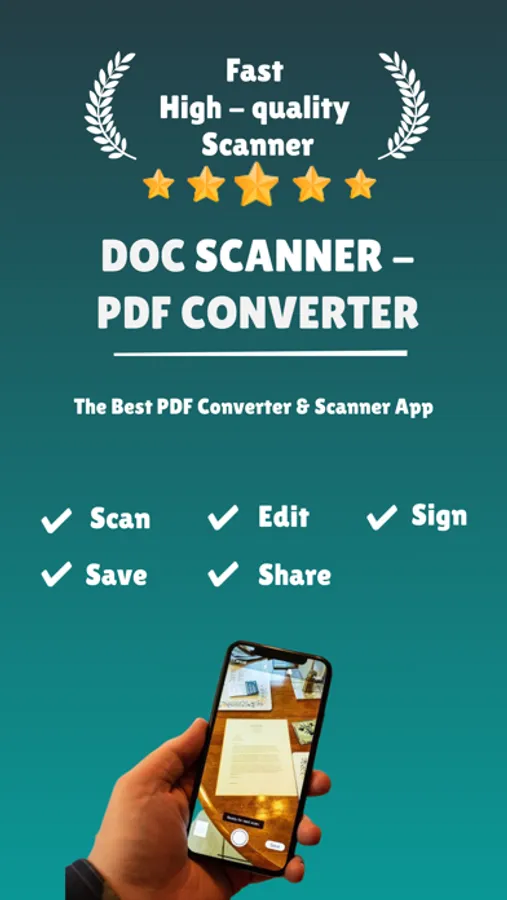
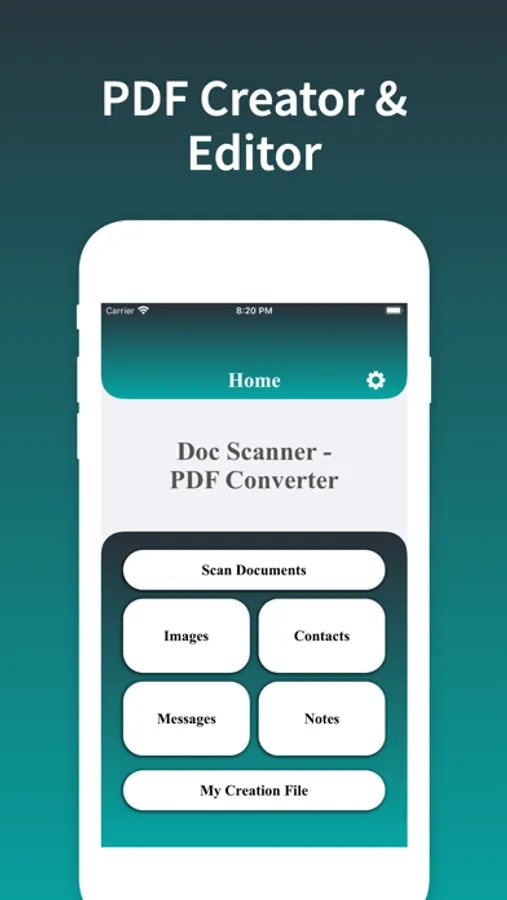
PDF Scanner App - Scan Docs Screenshots
Tap to Rate: