In this music production app, you can create and manipulate patterns using multi-touch pads with real-time recording and configuration features. Includes audio effects, sample browser, MIDI support, and loop manipulation tools.
AppRecs review analysis
AppRecs rating 4.5. Trustworthiness 77 out of 100. Review manipulation risk 20 out of 100. Based on a review sample analyzed.
★★★★☆
4.5
AppRecs Rating
Ratings breakdown
5 star
61%
4 star
13%
3 star
16%
2 star
3%
1 star
7%
What to know
✓
Low review manipulation risk
20% review manipulation risk
✓
Credible reviews
77% trustworthiness score from analyzed reviews
✓
High user satisfaction
74% of sampled ratings are 4+ stars (4.2★ average)
About Dawnbeat
Dawnbeat inherits the best part of the classic hardware samplers and takes it further by adding features only possible on a multi-touch device.
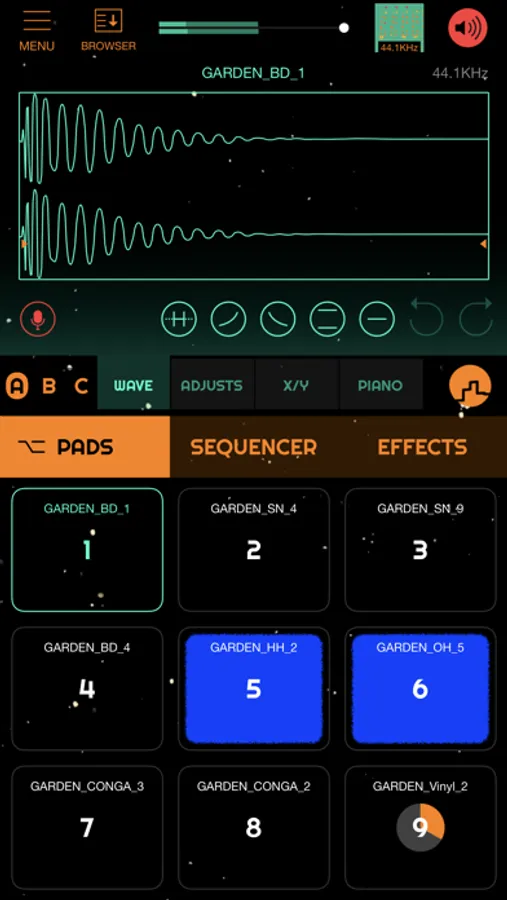
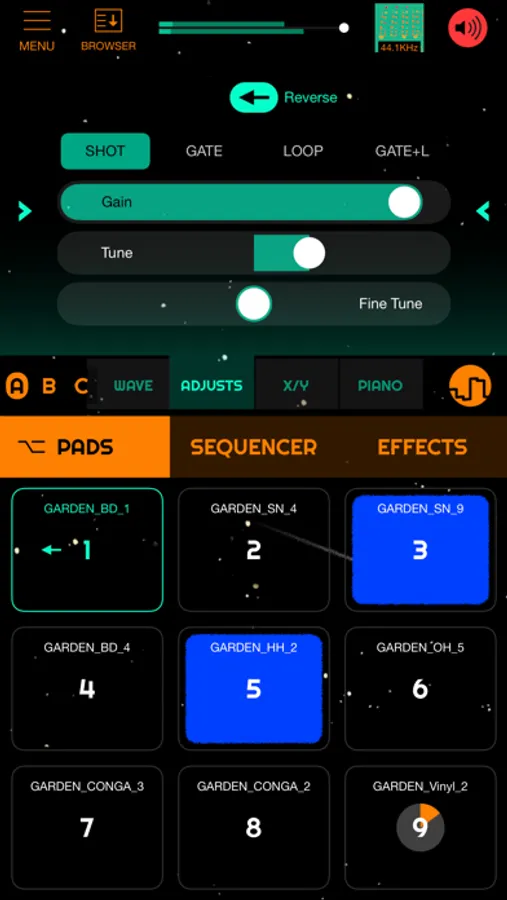
Create more natural patterns by tapping and swiping pads.
Focus on creativity, you don't need to select a tempo before hit record to finally play a pattern until you get the right take, just play and forget about to record! Dawnbeat is always recording!
Multi-touch and draggable pads:
- Pads are multi-touch, play a single pad with two fingers at the same time!
- Pads are individually configurable, allowing re-triggering when dragging for amazing fills, tone variations .
- Mute and Solo buttons for pads available.
- Mute groups.
Memorizer:
- DawnBeat is always recording pad events, you'll never miss a beat, play and experiment and when you hear something you like, it's already recorded! simply go to Memorizer and select the desired events.
BRIIKS sampler:
- Advanced loop manipulator. Rearrange and combine your loops. Also available as standalone, AUv3 and MacOS.
Mixer:
- 4 assignable BUSSES and one MAIN BUS. Assign pads to busses, assign internal effects or AUV3 effects to busses.
- Mute and Solo buttons.
Polyphonic pads:
- Pads can be turned polyphonic, import a piano-like sample and play and sequence chords with a single pad.
MIDI IN and MIDI OUT:
- Trigger samples from a MIDI controller, play melodies from a MIDI piano.
- Sequence hardware drum machines and synths from Dawnbeat.
- Use Dawnbeat as an intermediary between a midi keyboard and a synth, save the sequences you are playing. Dawnbeat can save poliphonic sequences!
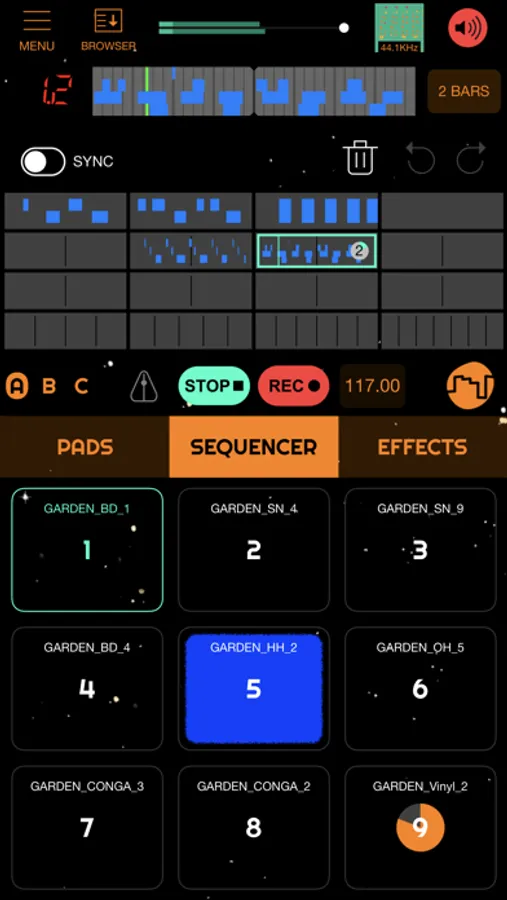
Pattern sequencer with piano editor.
- Swing, count-in, metronome.
Audio Units:
- Dawnbeat support AUv3 effects and instruments!
Built in Effects:
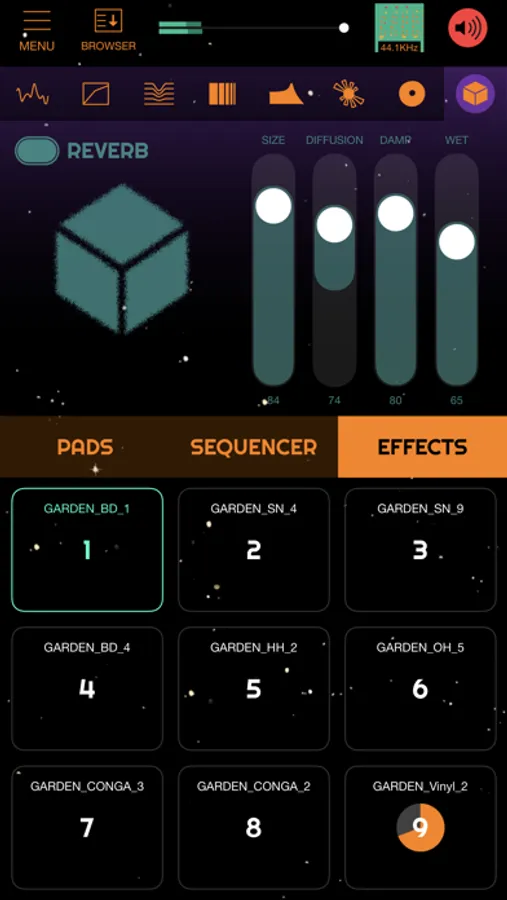
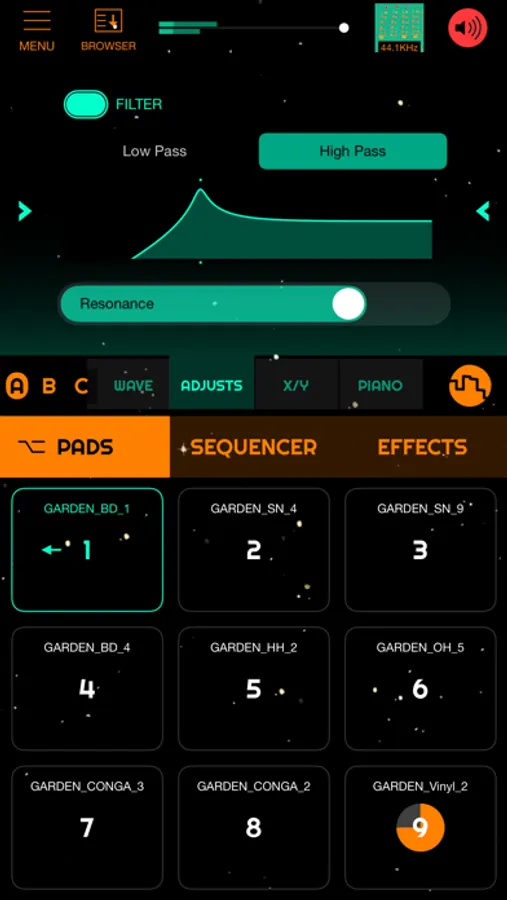
- Reverb, Delay, Compressor, Flutter, Gate, Tremolo, Noise, Filter, Chorus, Equalizer, Stutter and Tape slow motion.
- Effects can be rearranged.
Built-In sample browser:
- 6 drum kit sample libraries, and 1 bass sample library.
Selectable internal sample rate:
- Internal sample rate can be changed, choose between HI-FI and LO-FI sample rates.
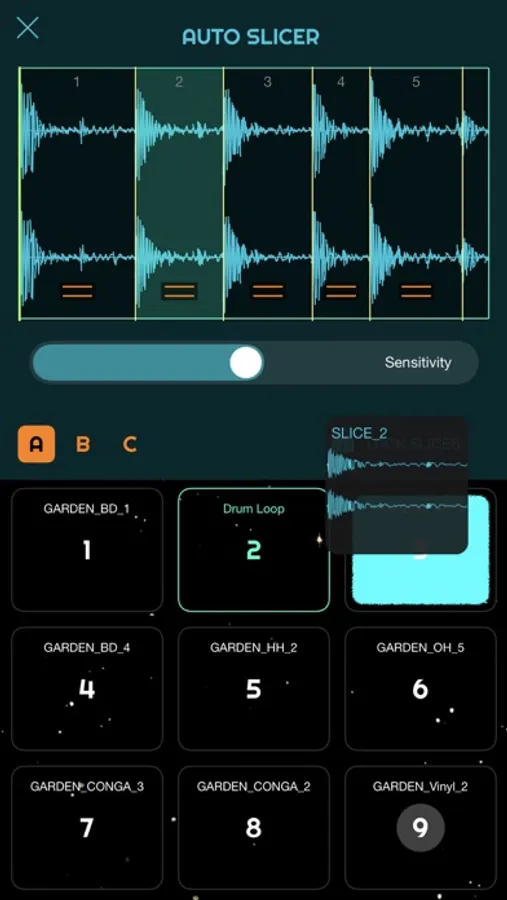
AUTO-SLICER:
- AutoSlicer detects hit points and slices audio into individual files minimizing the need for manual editing. Chop up any audio file in a few seconds.
Recording sample rate can be selected.
Export movies with images and animated GIFs .
Dawnbeat Screenshots
Tap to Rate:
Reviews for Dawnbeat
Blind Henry McClean
I think this will be better than Koala….someday.
This will be great someday. I think the developer is really onto something special with this sampler. While it’s currently missing some features and has a few bugs to iron out, I already feel that the design of this sampler makes it more fun to use than others I’ve tried. I look forward to the day it’s feature complete and runs with some more stability. The are some bugs currently: - The app immediately crashes anytime I try to import a sample using Audioshare. It also has crashed while loading vst instruments. I hope it continues to get updates to iron out the bugs. I can also confirm what another review said about the app losing sound after the screen locks. - In VST mode, when I record an audio file I’m only able to preview it once (if at all) then it never plays again when I press the play button. I can still load it to a pad and it plays fine. But, I can’t preview it after the first time. - Where is the ‘Gallery?’ When I record an audio file and choose to save it to the ‘Gallery,’ where does it go? - While running in AUM, after a while anything recorded into Dawnbeat via a mix bus sound like it’s been slowed/pitched down. Then after I close and open it again it sounds normal. - While running standalone, I often will switch between Files and Dawnbeat. When I return to Dawnbeat no audio will play (background audio is set to always) Features I’d like to see added: - Choke groups! - A master stop button added to stop all one shots, loops and sequence at once - The ability to share audio files from other apps within i(pad)OS to Dawnbeat - 24 and 32 bit audio recording - Auto save and auto-resume upon open options Otherwise, I’m having fun with it!
e-rice1031
Sidechain Fix?
Electronic music is my wheelhouse and my house is many years in the making… I love this app. Something about it has me hooked. That said I’m having an issue with the effects routing, specifically I cannot get the side-chain channel to work at all. It’s there but nothing happens when I tap it. I understand what a sidechain is and how to use it btw. Please fix this! Thank you!