With this audio editor, you can import, cut, trim, and apply effects to audio files. Includes support for AUv3, built-in effects, and multiple export formats.
AppRecs review analysis
AppRecs rating 4.3. Trustworthiness 83 out of 100. Review manipulation risk 25 out of 100. Based on a review sample analyzed.
★★★★☆
4.3
AppRecs Rating
Ratings breakdown
5 star
80%
4 star
6%
3 star
0%
2 star
2%
1 star
13%
What to know
✓
Low review manipulation risk
25% review manipulation risk
✓
Credible reviews
83% trustworthiness score from analyzed reviews
✓
High user satisfaction
86% of sampled ratings are 4+ stars (4.4★ average)
About Wavebox Audio Editor
Import audio files, wav, flac, mp3, ogg, and more
Extract audio from video.
Auto Slicer
AUv3 support.
Built-In effects.
Lossless internal audio recording.
Export audio in .wav, .flac, .mp3 and .m4a formats.
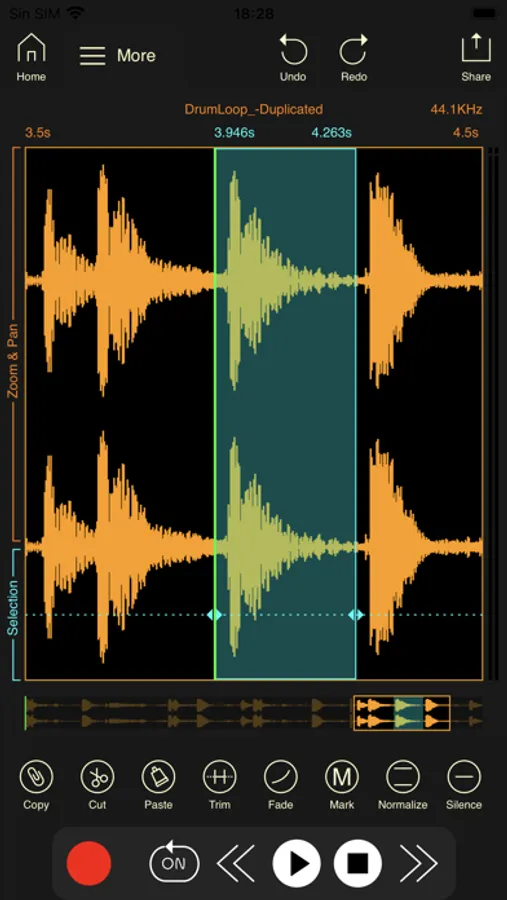
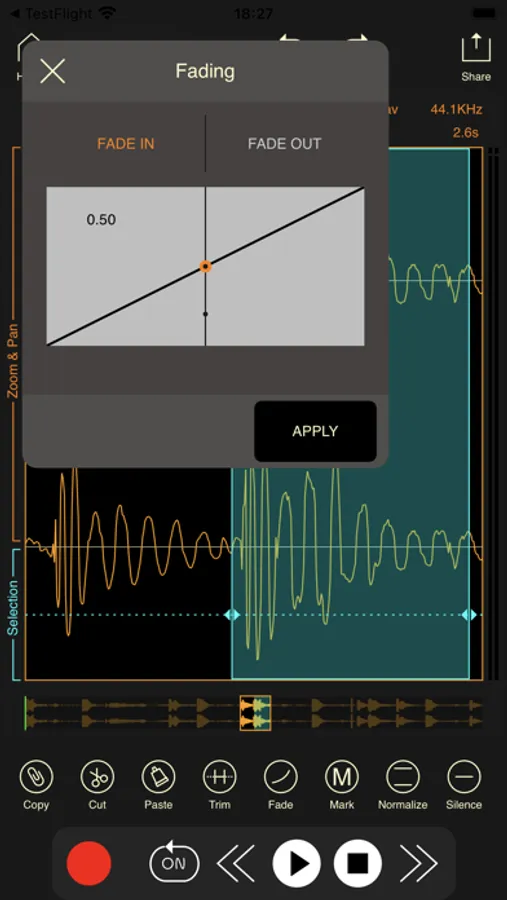
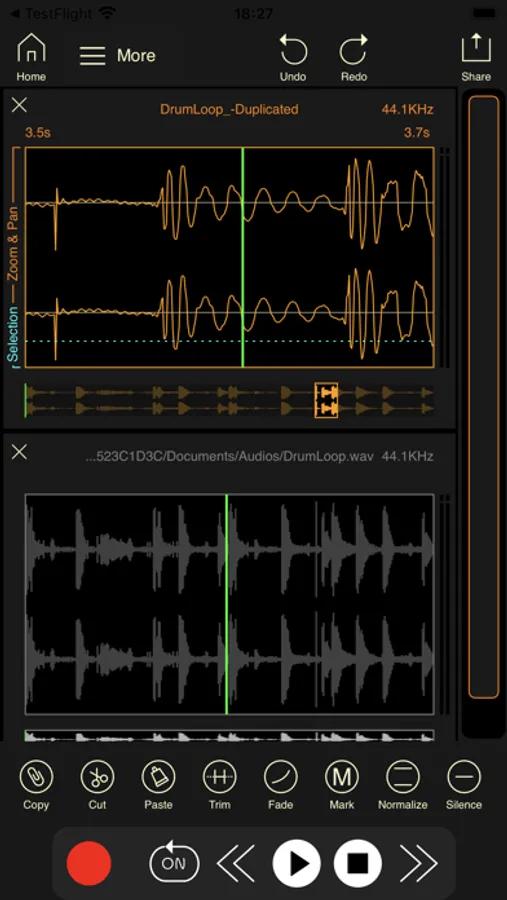
Use the built-in audio editor to cut, trim, apply fades to the audio file.
Cut, copy and paste audio.
Silence, Fade In and Out.
Normalize.
Wavebox Audio Editor Screenshots
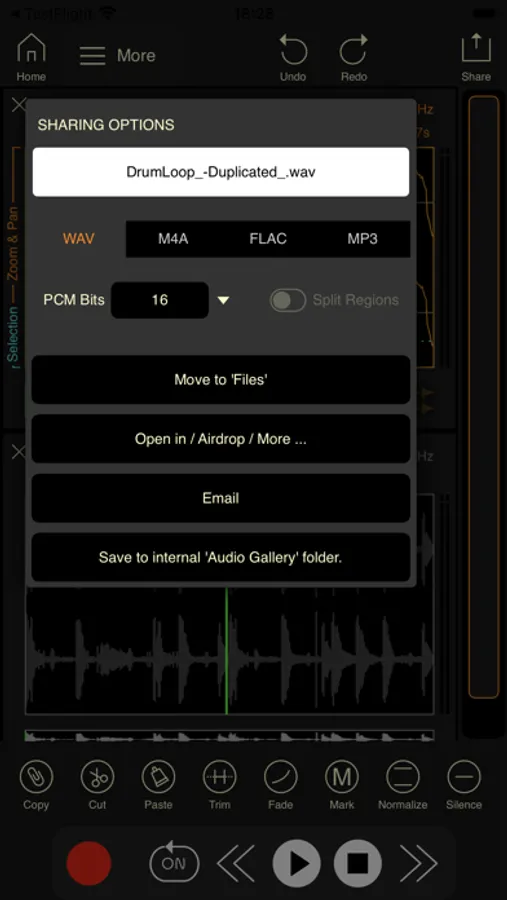
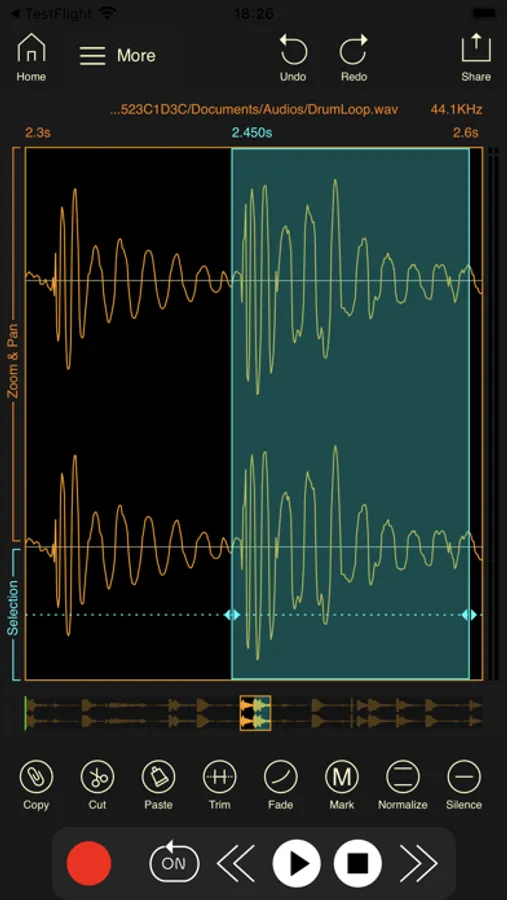
Tap to Rate:
Reviews for Wavebox Audio Editor
PaBot
Large Files Not Supported
I bought this specifically to cut 2 seconds off the very beginning of a nearly 120 minute recording. Unfortunately, every time I try to cut that small section, wavebox deletes the entire recording. It works as it should for smaller files/recordings, but it didn’t work at all on the large file I needed to edit.
@kevinrj
doesn’t work with VoiceOver
I was looking forward to use Wavebox to record internal audio on my iphone, but VoiceOver can’t read anything on the opening screen. I understand that VO can’t really work with a visual wave editor, but maybe Wavebox could open on an accessible screen that offered internal audio record, or wave editor screen. And a screen to play recordings, or save internalaudio just recorded. just some thoughts.