
About Indiaca Scoreboard
A scoreboard app specialized for Indiaca.
It is simple and easy to use, and you can also change team names and check the score history.
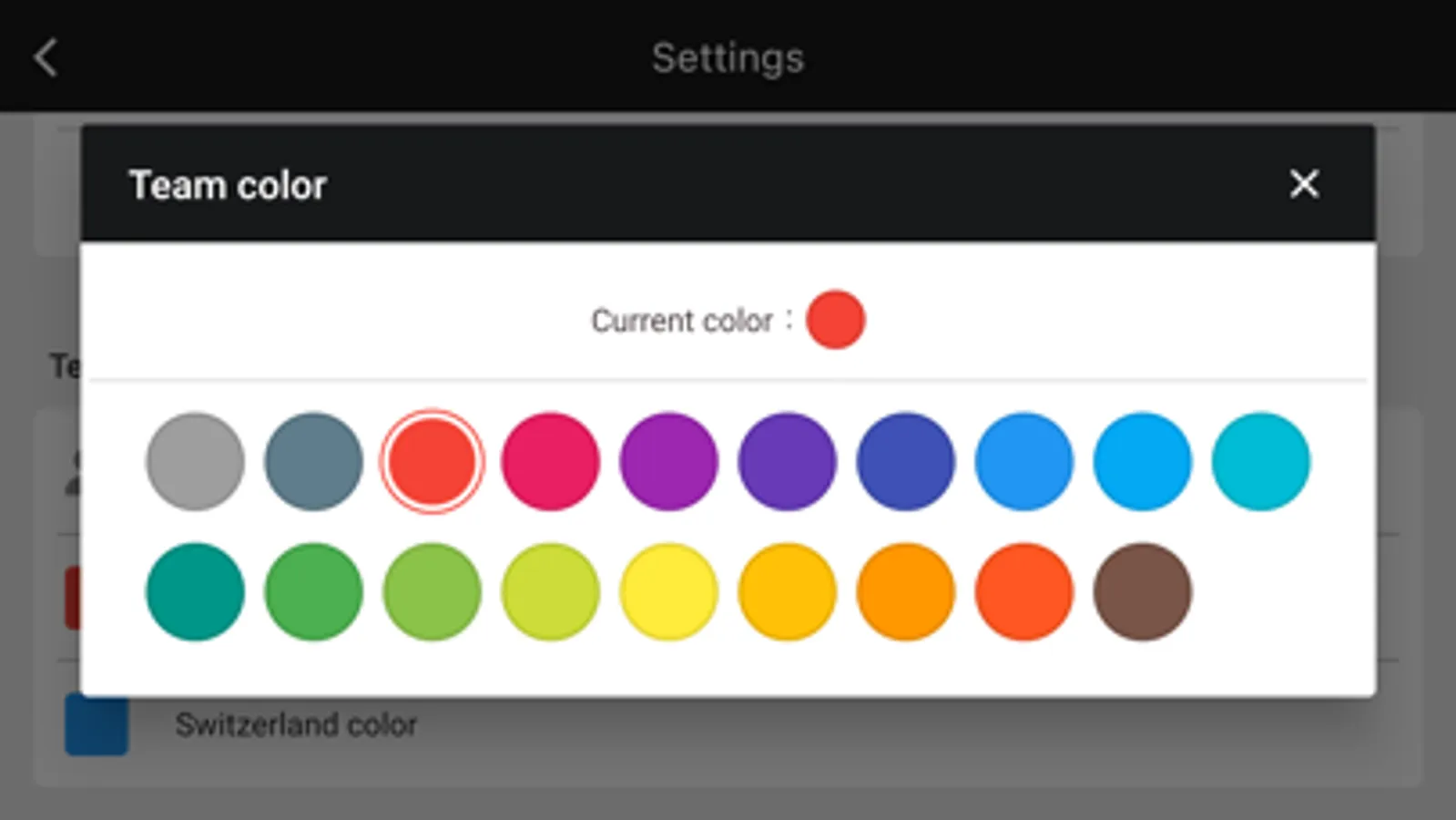
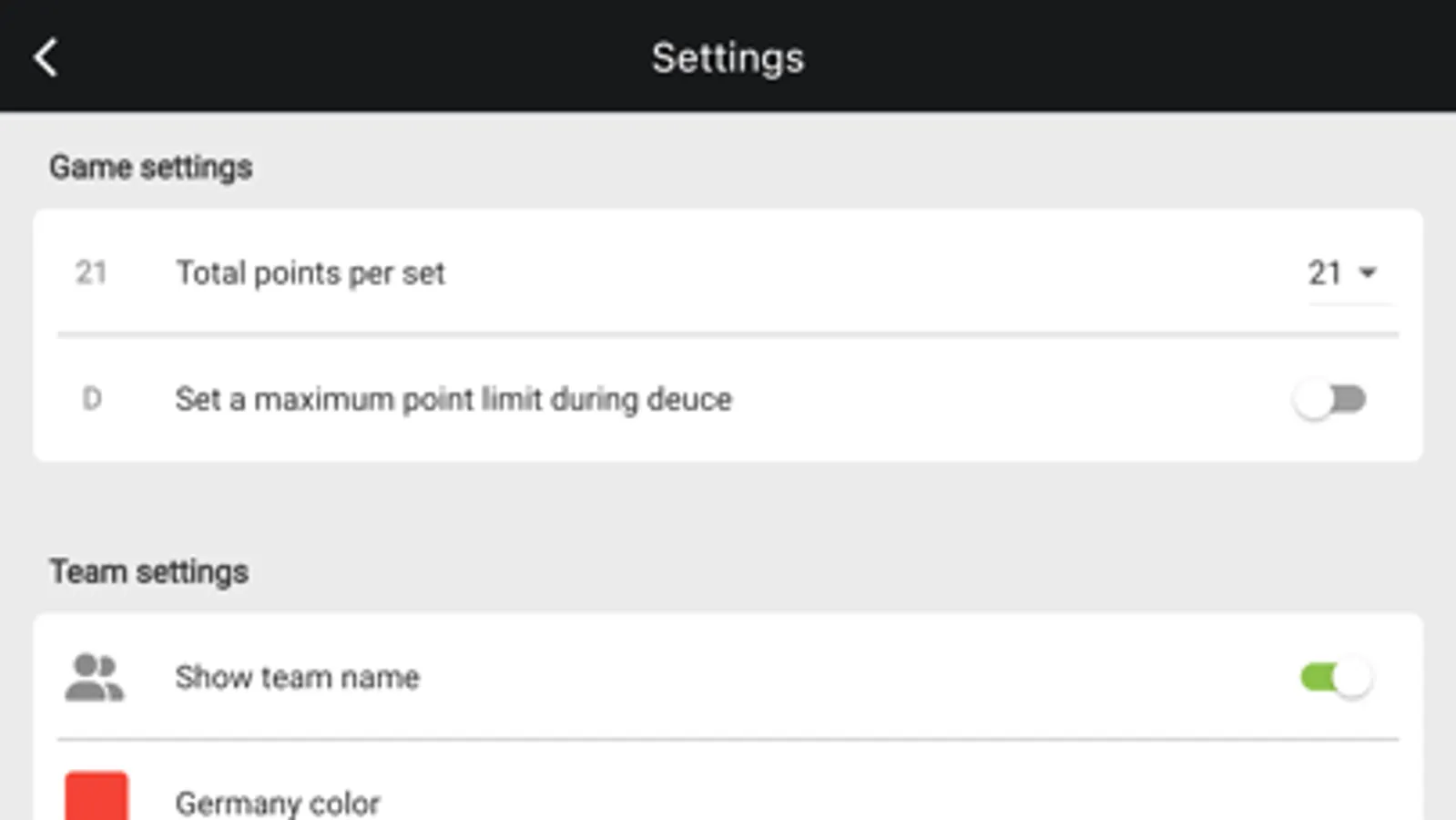
The default setting is 21 points per set. If you want to change the default setting, you can do so on the settings screen.
● Basic Operation
1. Scoring
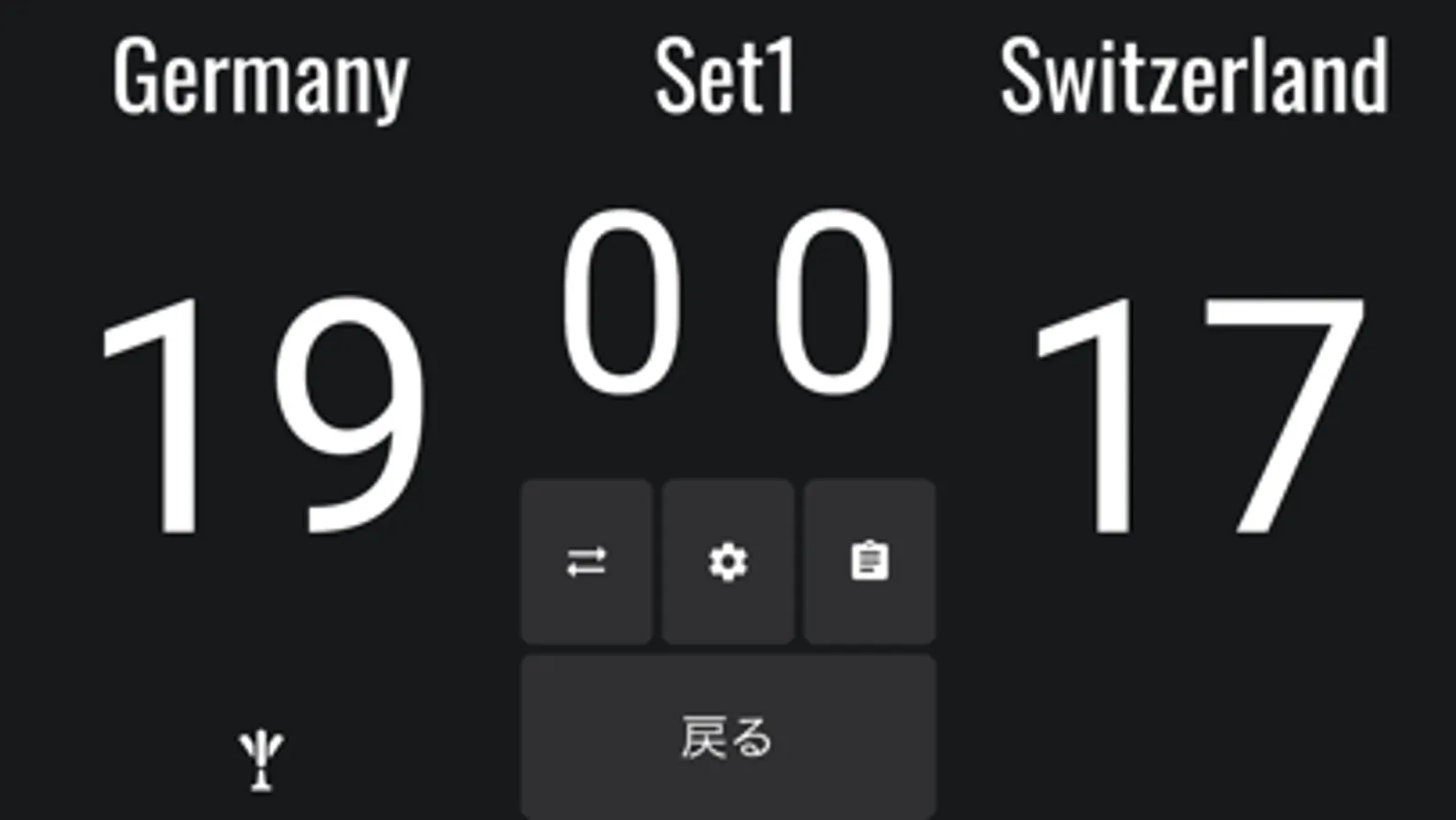
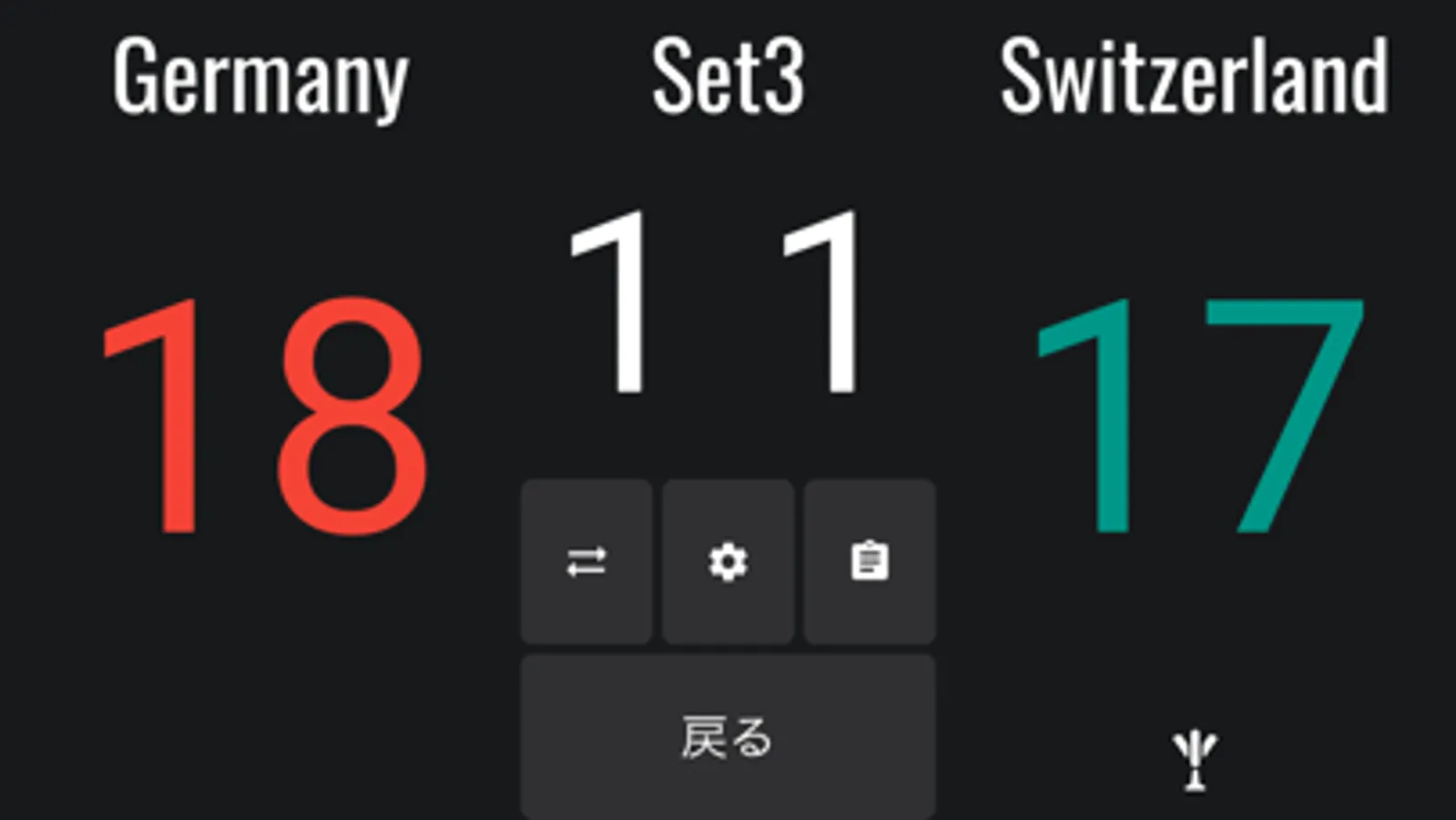
Tap a score to add points.
Tap the “Undo” button to go back to the previous score if you made a mistake in entering the score.
2. Team name
Tap "TEAM1" or "TEAM2" on the screen to change the team name.
3.Score history
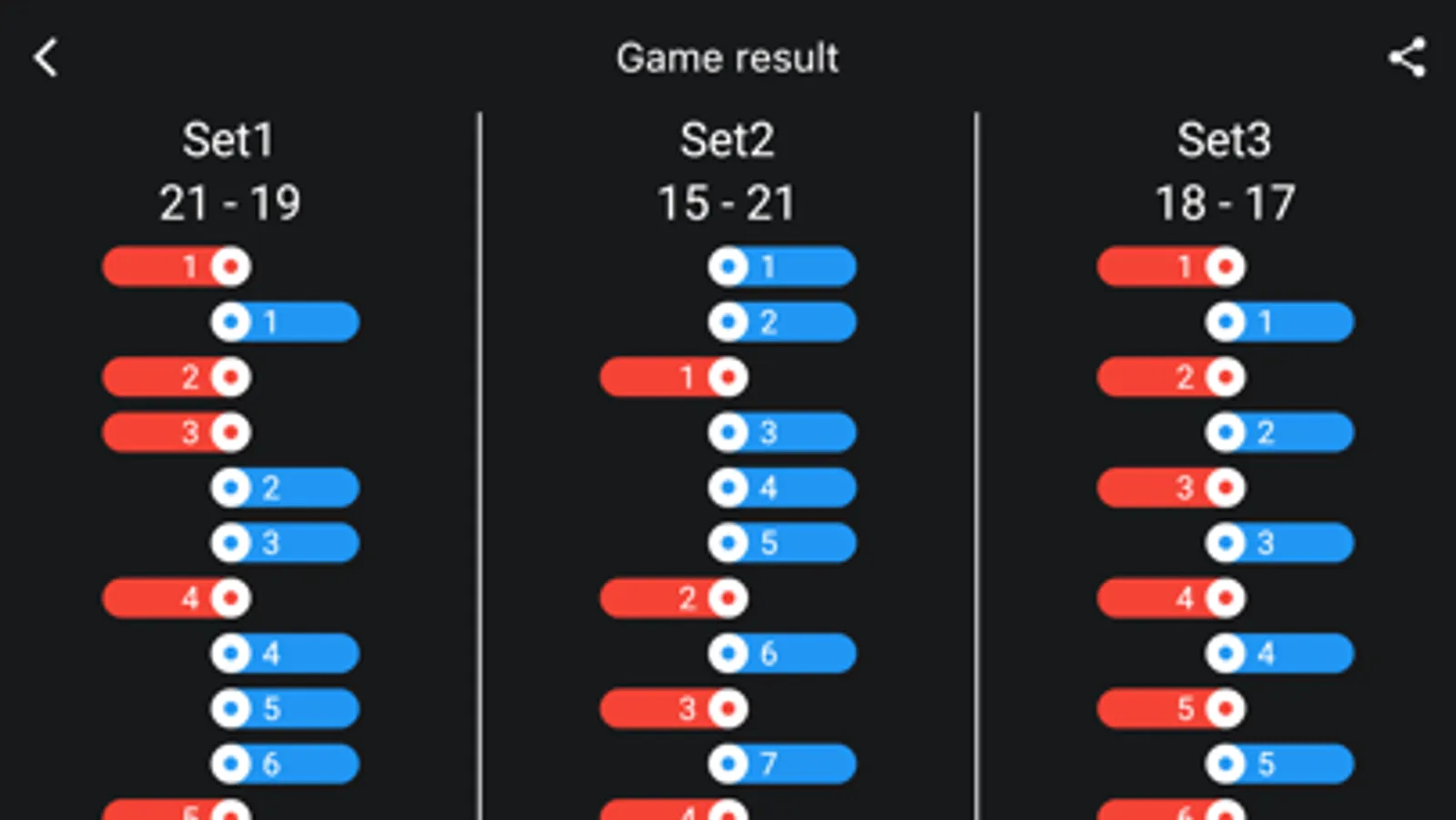
Tap the clipboard icon to check the score history.
When you reset the game, the history will be reset as well.
4. Reset
Tap the gear icon to display the menu, where you can reset the score.
● Privacy Policy
https://apps.seeds-digital.com/privacy-policy/
● Terms of Use
https://www.apple.com/legal/internet-services/itunes/dev/stdeula/
It is simple and easy to use, and you can also change team names and check the score history.
The default setting is 21 points per set. If you want to change the default setting, you can do so on the settings screen.
● Basic Operation
1. Scoring
Tap a score to add points.
Tap the “Undo” button to go back to the previous score if you made a mistake in entering the score.
2. Team name
Tap "TEAM1" or "TEAM2" on the screen to change the team name.
3.Score history
Tap the clipboard icon to check the score history.
When you reset the game, the history will be reset as well.
4. Reset
Tap the gear icon to display the menu, where you can reset the score.
● Privacy Policy
https://apps.seeds-digital.com/privacy-policy/
● Terms of Use
https://www.apple.com/legal/internet-services/itunes/dev/stdeula/
Indiaca Scoreboard Screenshots
Tap to Rate: