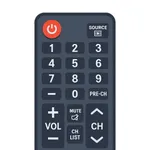
Remote Control for Android TV
MOBILESOURCE CORPORATION
4.3 ★
2K ratings
Free
In this remote control app for Android TV, you can connect to your TV, navigate using touchpad, and control various apps. Includes automatic device detection and multi-device management features.
AppRecs review analysis
AppRecs rating 3.7. Trustworthiness 74 out of 100. Review manipulation risk 22 out of 100. Based on a review sample analyzed.
★★★☆☆
3.7
AppRecs Rating
Ratings breakdown
5 star
74%
4 star
7%
3 star
4%
2 star
3%
1 star
12%
What to know
✓
Low review manipulation risk
22% review manipulation risk
⚠
Ad complaints
Many low ratings mention excessive ads
⚠
Pricing complaints
Many low ratings mention paywalls or pricing
About Remote Control for Android TV
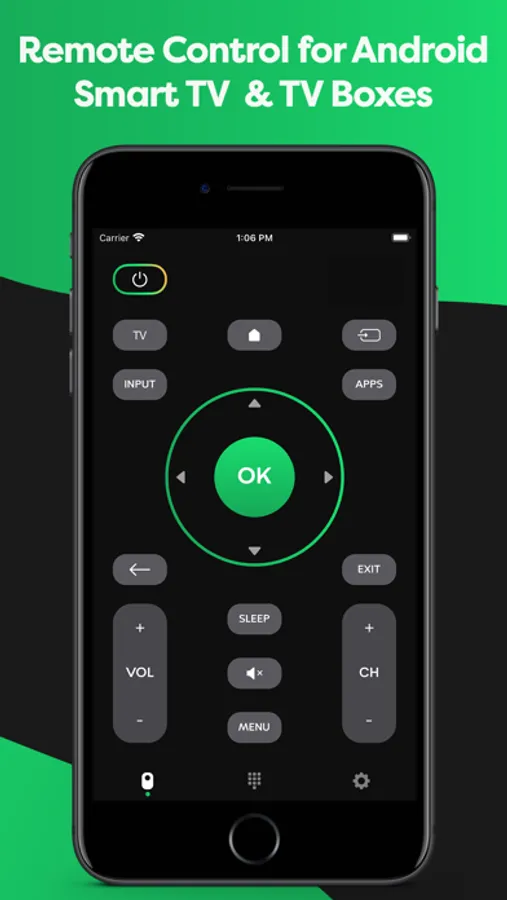
Remote Control for Android TV will transform your smartphone into a complete Android Smart TV remote. It will help you diversify your daily TV routine and make it more convenient for you to use your new Android TV remote. Also, it can handle several different devices with only one Android TV remote.
Why do you even need it if you have your old TV device? Good question.
First of all, it is easier and quicker to use an remote because you always know where to find it.
Second, it is like a universal TV remote control that you can use with different TV boxes and brands like Hisense, TCL, Sony, Phillips, Sharp, Panasonic, Xiaomi, Sanyo, Element, RCA, AOC, Skyworth and many other. Just imagine no need to have several remotes when all you need is your smartphone and our remote application.
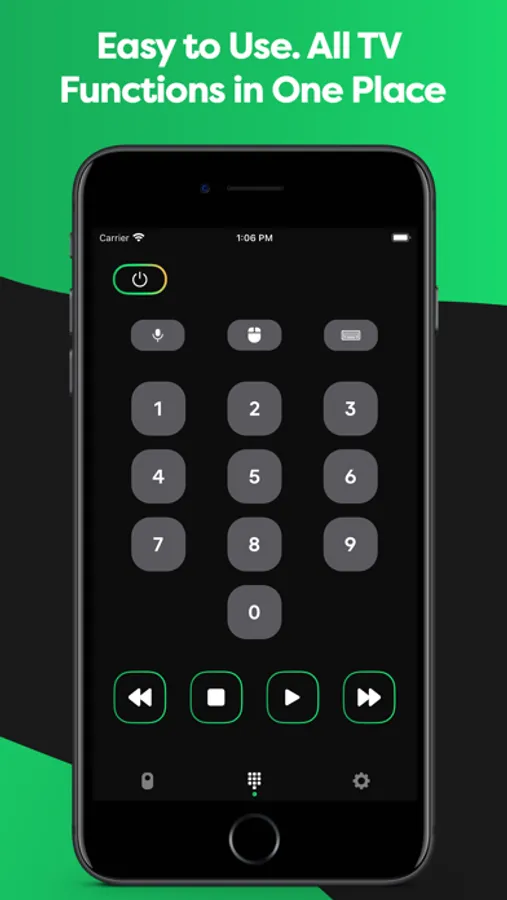
Third, everything stays the same, the same buttons and save TV control, but with lots of additional features:
· Control different TVs with your smartphone
· No setup is required. Application automatically scans your network to find your TV
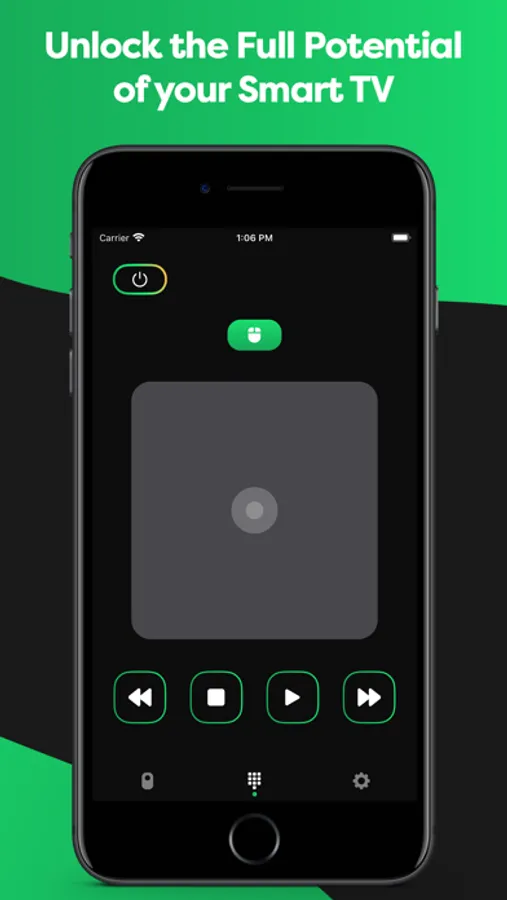
· Mouse-like navigation using Touchpad
· Control apps installed on your Smart TV
· You don’t need to learn every button from scratch; they are all the same.
· Always in your pocket
· Forget about batteries
· Notice: In order to connect to Android Smart TV device, both the Smart TV and your device must be connected to the same network.
Don’t be afraid of progress. It will come sooner or later. It’s not a bad thing. It just makes your life a little bit more comfortable. No more nervous because your old remote malfunctions or kids hide it from you. Just comfort and functionality. Wide variety of functions, controlling multiple devices with remote for Android TV.
Why do you even need it if you have your old TV device? Good question.
First of all, it is easier and quicker to use an remote because you always know where to find it.
Second, it is like a universal TV remote control that you can use with different TV boxes and brands like Hisense, TCL, Sony, Phillips, Sharp, Panasonic, Xiaomi, Sanyo, Element, RCA, AOC, Skyworth and many other. Just imagine no need to have several remotes when all you need is your smartphone and our remote application.
Third, everything stays the same, the same buttons and save TV control, but with lots of additional features:
· Control different TVs with your smartphone
· No setup is required. Application automatically scans your network to find your TV
· Mouse-like navigation using Touchpad
· Control apps installed on your Smart TV
· You don’t need to learn every button from scratch; they are all the same.
· Always in your pocket
· Forget about batteries
· Notice: In order to connect to Android Smart TV device, both the Smart TV and your device must be connected to the same network.
Don’t be afraid of progress. It will come sooner or later. It’s not a bad thing. It just makes your life a little bit more comfortable. No more nervous because your old remote malfunctions or kids hide it from you. Just comfort and functionality. Wide variety of functions, controlling multiple devices with remote for Android TV.
Remote Control for Android TV Screenshots
Tap to Rate:
Reviews for Remote Control for Android TV
tipo 21
Genial
Que buena app no te exige pagar su premium
Why you need to know…
Won’t connect
This stupid app will not connect to the android tv unless I turn the tv on and off and it still will not work and it keeps making me pay this needs to be shut down IMMEDIATELY