
Ente Auth - 2FA Authenticator
Ente Technologies, Inc.
4.6 ★
250 ratings
Free
With this 2FA authenticator app, you can generate and store verification tokens securely and sync them across devices. Includes encrypted cloud backups, offline mode, and import/export options.
AppRecs review analysis
AppRecs rating 4.1. Trustworthiness 79 out of 100. Review manipulation risk 22 out of 100. Based on a review sample analyzed.
★★★★☆
4.1
AppRecs Rating
Ratings breakdown
5 star
88%
4 star
2%
3 star
2%
2 star
1%
1 star
7%
What to know
✓
Low review manipulation risk
22% review manipulation risk
✓
Credible reviews
79% trustworthiness score from analyzed reviews
✓
High user satisfaction
88% of sampled ratings are 5 stars
About Ente Auth - 2FA Authenticator
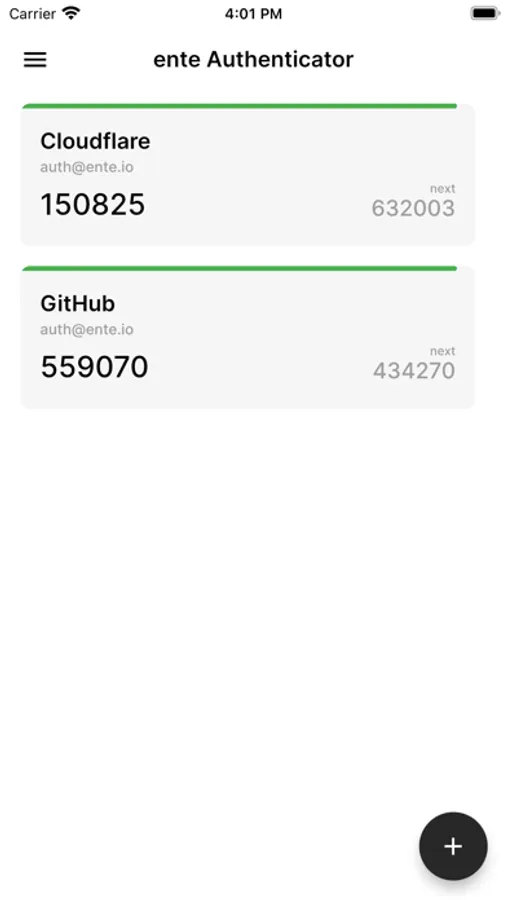
Ente's Authenticator app helps you generate and store 2 step verification (2FA) tokens on your mobile devices.
FEATURES
SECURE BACKUPS
Auth provides end-to-end encrypted cloud backups so that you don't have to worry about losing your tokens. We use the same protocols Ente Photos uses to encrypt and preserve your data.
MULTI DEVICE SYNC
Auth will automatically sync the 2FA tokens you add to your account, across all your devices on mobile & desktop. Every new device you sign into will have access to these tokens.
WEB ACCESS
You can access your 2FA tokens on any device by using https://auth.ente.io.
OFFLINE MODE
Auth generates 2FA tokens offline, so your network connectivity will not get in the way of your workflow.
IMPORT AND EXPORT
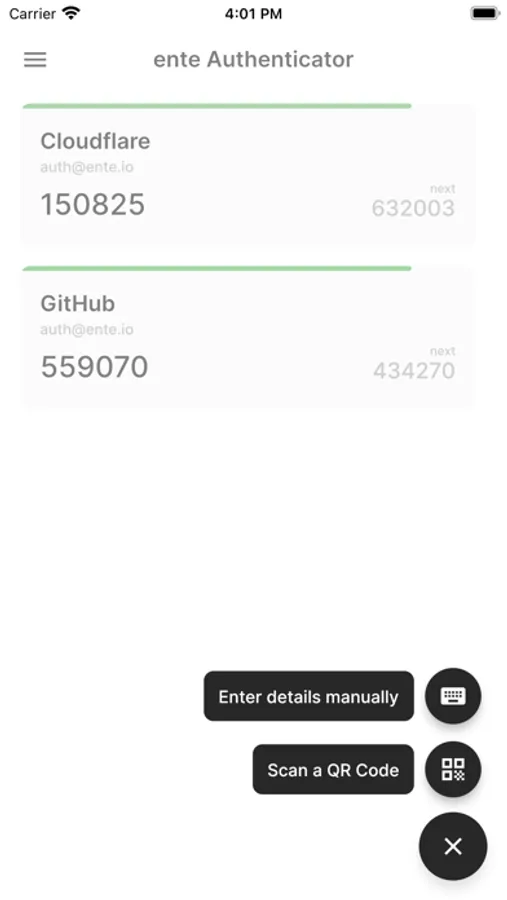
You can add tokens to ente by one of the following methods:
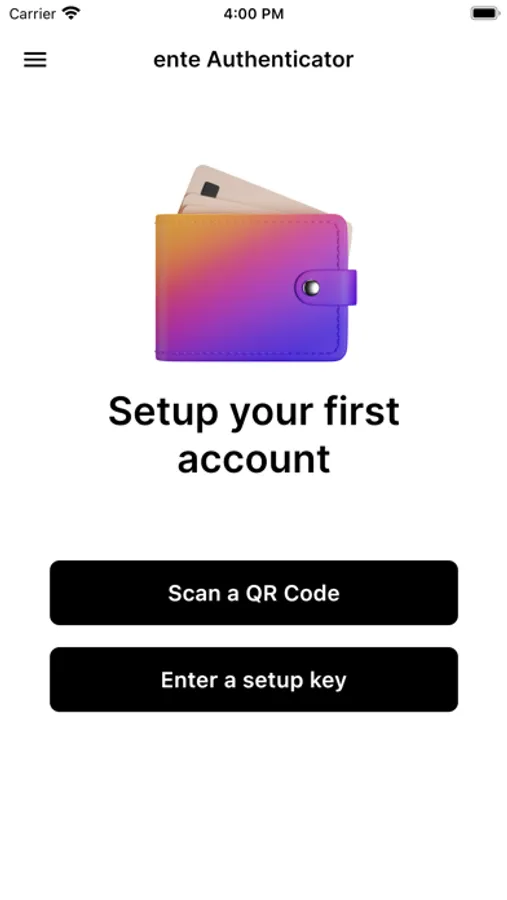
- Scanning a QR code
- Manually entering (copy-pasting) a 2FA secret
- Bulk importing from a file that contains a list of codes in the following format:
otpauth://totp/provider.com:you@email.com?secret=YOUR_SECRET
The codes maybe separated by new lines or commas.
You can also export the codes you have added to ente, to an unencrypted text file, that adheres to the above format.
TERMS
https://ente.io/terms
FEATURES
SECURE BACKUPS
Auth provides end-to-end encrypted cloud backups so that you don't have to worry about losing your tokens. We use the same protocols Ente Photos uses to encrypt and preserve your data.
MULTI DEVICE SYNC
Auth will automatically sync the 2FA tokens you add to your account, across all your devices on mobile & desktop. Every new device you sign into will have access to these tokens.
WEB ACCESS
You can access your 2FA tokens on any device by using https://auth.ente.io.
OFFLINE MODE
Auth generates 2FA tokens offline, so your network connectivity will not get in the way of your workflow.
IMPORT AND EXPORT
You can add tokens to ente by one of the following methods:
- Scanning a QR code
- Manually entering (copy-pasting) a 2FA secret
- Bulk importing from a file that contains a list of codes in the following format:
otpauth://totp/provider.com:you@email.com?secret=YOUR_SECRET
The codes maybe separated by new lines or commas.
You can also export the codes you have added to ente, to an unencrypted text file, that adheres to the above format.
TERMS
https://ente.io/terms
Ente Auth - 2FA Authenticator Screenshots
Tap to Rate:
Reviews for Ente Auth - 2FA Authenticator
Setdosa
I love the cross platform availability
It works seamlessly. I switched from my old authenticator mainly because of this and the opensource nature
Nyx Valen
Finally a good 2FA
Besides being open source; it just works. Finally a 2fa that is easy to navigate, UI makes sense, and yeah it works plain and simple.