
AppRecs review analysis
AppRecs rating 4.5. Trustworthiness 65 out of 100. Review manipulation risk 22 out of 100. Based on a review sample analyzed.
★★★★☆
4.5
AppRecs Rating
Ratings breakdown
5 star
0%
4 star
100%
3 star
0%
2 star
0%
1 star
0%
What to know
✓
Low review manipulation risk
22% review manipulation risk
✓
High user satisfaction
100% of sampled ratings are 4+ stars (4.5★ average)
About Kanji Pad
Master 2,136 kanji through an interactive writing experience. Kanji are organized by grade levels, making it easy to track your progress.
- Write to Learn – Practice kanji by writing them directly on your screen.
- Customize Your Learning – Adjust group sizes and repetition cycles to match your pace.
- Easy and Fun – No stress, just smooth learning.
- More features coming soon. Start writing today and take your kanji skills to the next level.
Kanji Pad Screenshots
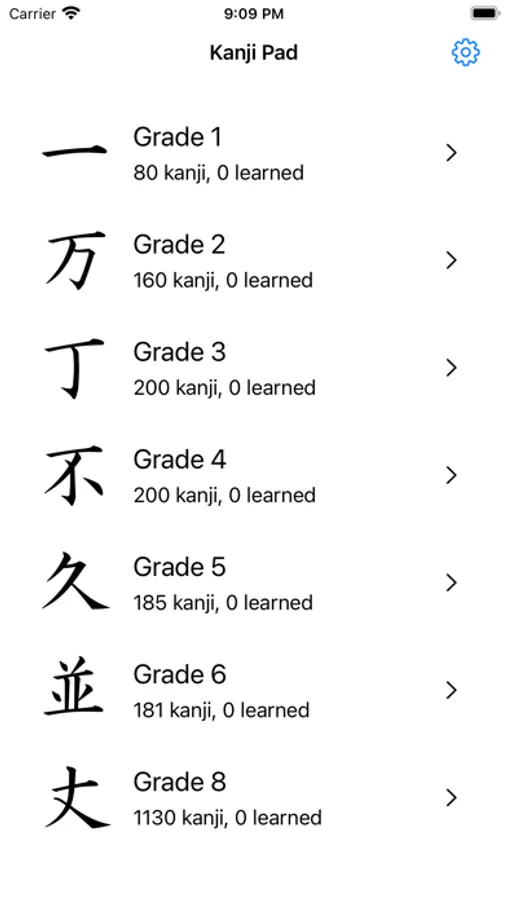
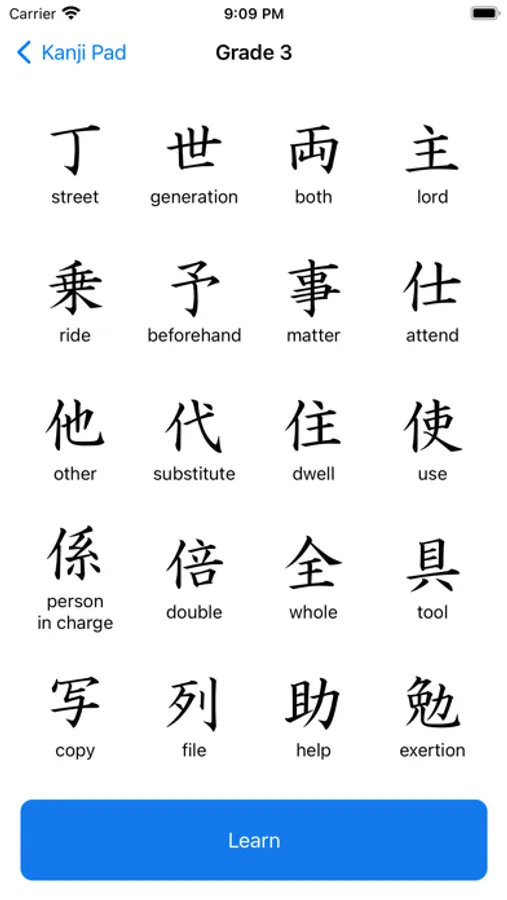
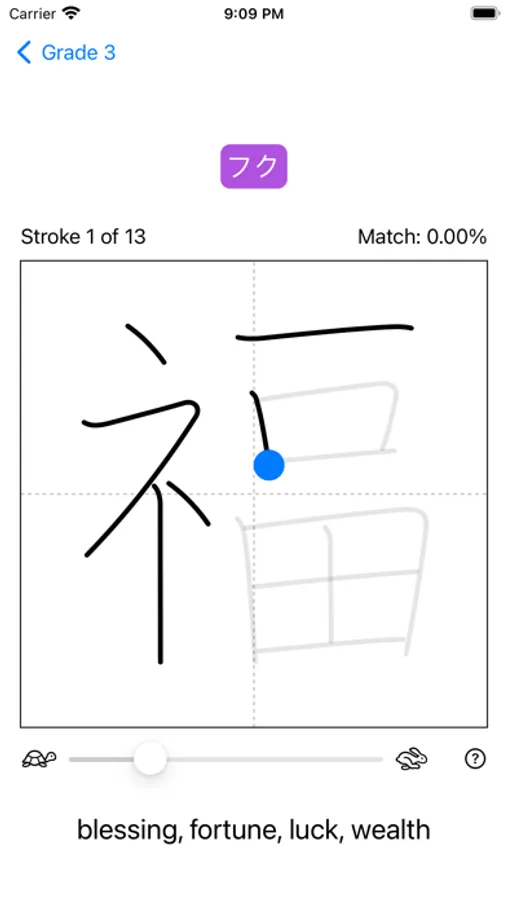

Tap to Rate:
Reviews for Kanji Pad
pandabluez
Promising. Could use some updates.
Promising app. Simple and practical. Would be good for those more serious academics that don’t care for fun and games or hand-holding. Personally, really close to what I was looking for to practicing writing kanji while learning the application, but there’s something just lacking to the format that just doesn’t do it for me. Heads up to the dev, I use dark mode/theme for my settings on my iPad. The app is functional, but shows up as a black/blank screen for the main page. I can see the setting icon in the corner and I can read things in the settings. Just the main screen where the kanji characters should appear does not contrast. I did confirm the app is working if you randomly tap the blank screen, it’s just not visually appearing.