AppRecs review analysis
AppRecs rating 4.0. Trustworthiness 75 out of 100. Review manipulation risk 16 out of 100. Based on a review sample analyzed.
★★★★☆
4.0
AppRecs Rating
Ratings breakdown
5 star
56%
4 star
13%
3 star
16%
2 star
3%
1 star
13%
What to know
✓
Low review manipulation risk
16% review manipulation risk
✓
Credible reviews
75% trustworthiness score from analyzed reviews
✓
Good user ratings
69% positive sampled reviews
About Next Car Dashboard
Next turns your iPad into a car dashboard, providing you with the best driving and in-car infotainment experience. You can analyze your drive metrics, listen to your favorite music, and much more. Upgrade your car experience with Next today!
Next Car Dashboard key features
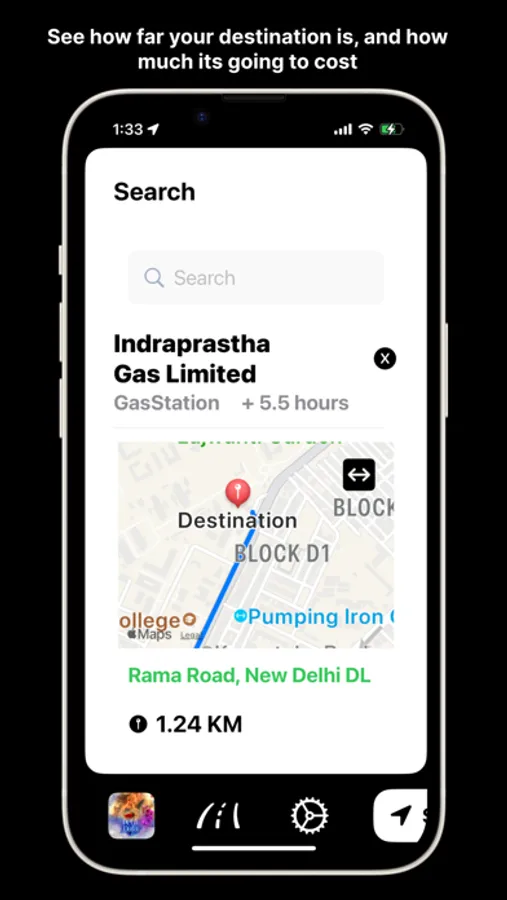
- Maps and Navigation
- Support Google Maps Navigation
-Siri Support
- Listen and control your favourite music with Apple Music or Spotify
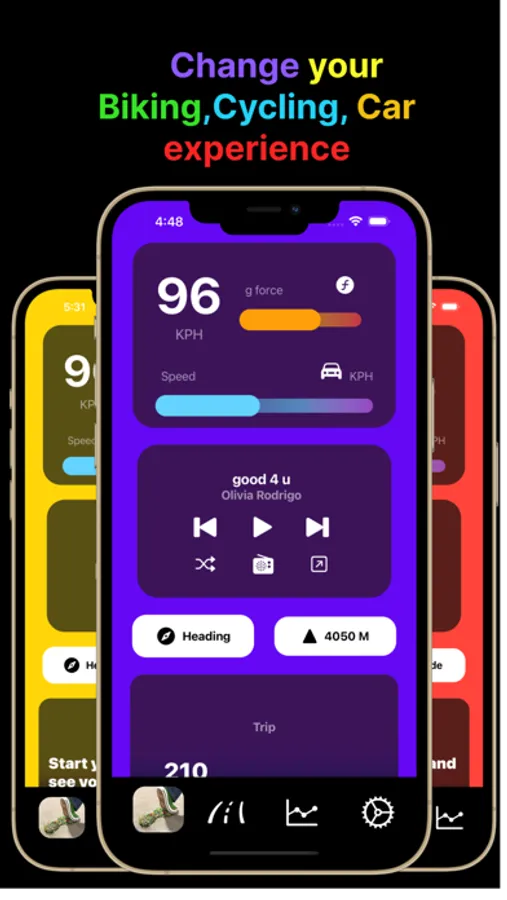
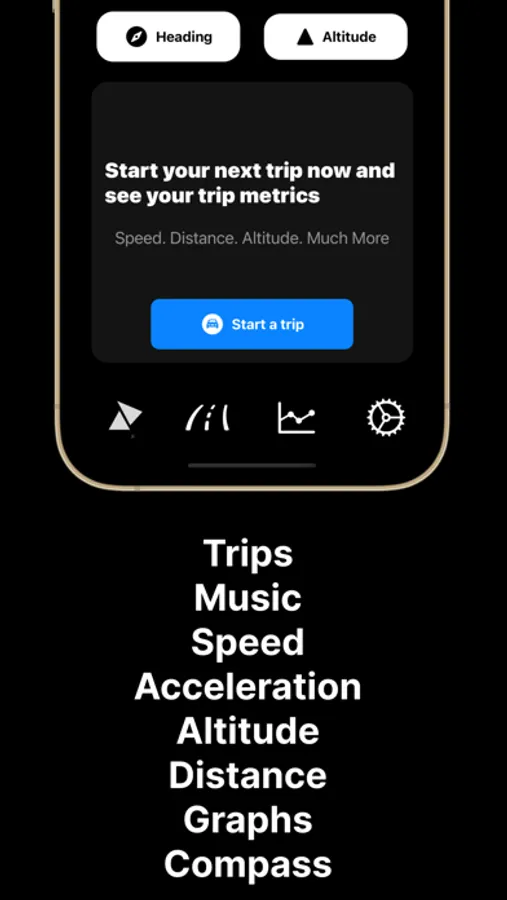
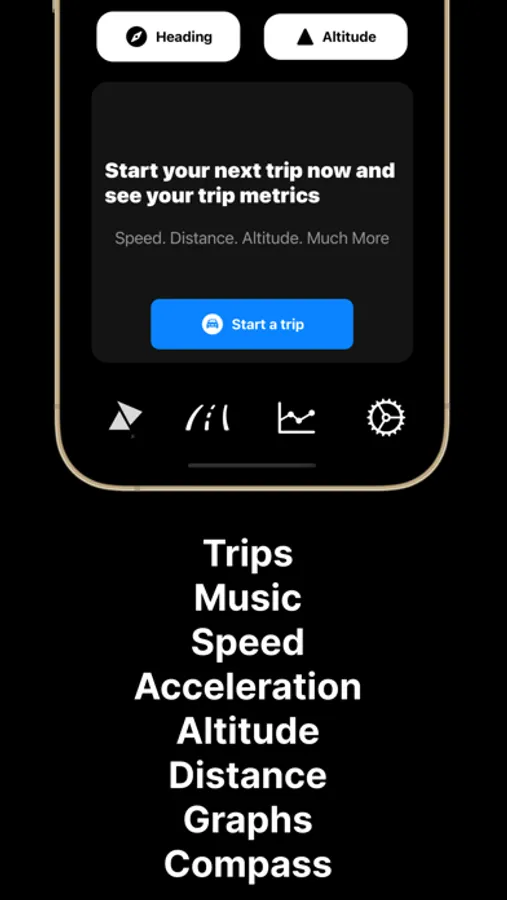
- Vehicle metrics like speed, altitude, acceleration, direction of movement, distance travelled, trip duration.
- Get car metrics without use of an OBD sensor.
- Determine average speed and, altitude and top speed and, altitude in a trip.
- See your trips in their full glory through beautifully created graphs and trip analytics
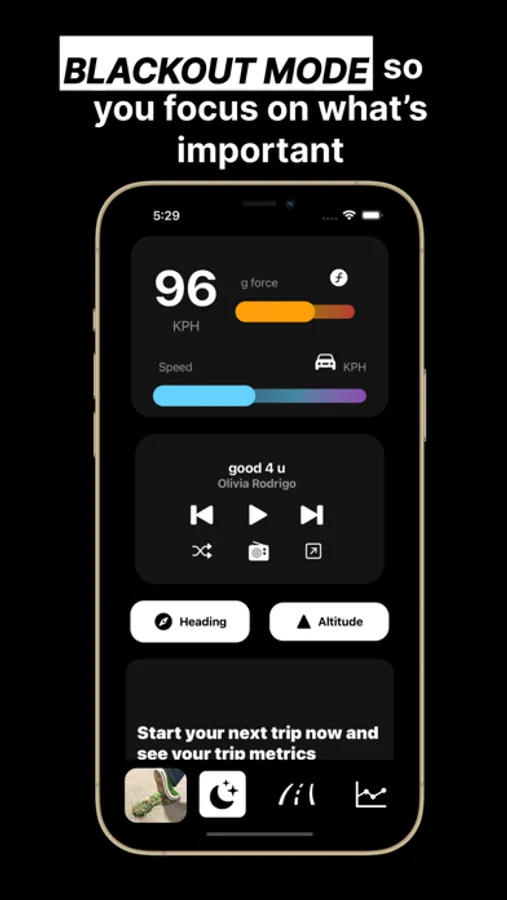
- An all new LightsOff mode lets you help drive peacefully while listening to your favourite music.
- Monitor trip costs and fuel consumption.
- Next Car Dashboard has support for both metric and imperial units.
- Get notified whenever you break your previous record of speed, altitude etc.
- Share your location with yourself to know your parking spot or share your current location with your friends and family for added convenience and safety.
- Dashboard Camera
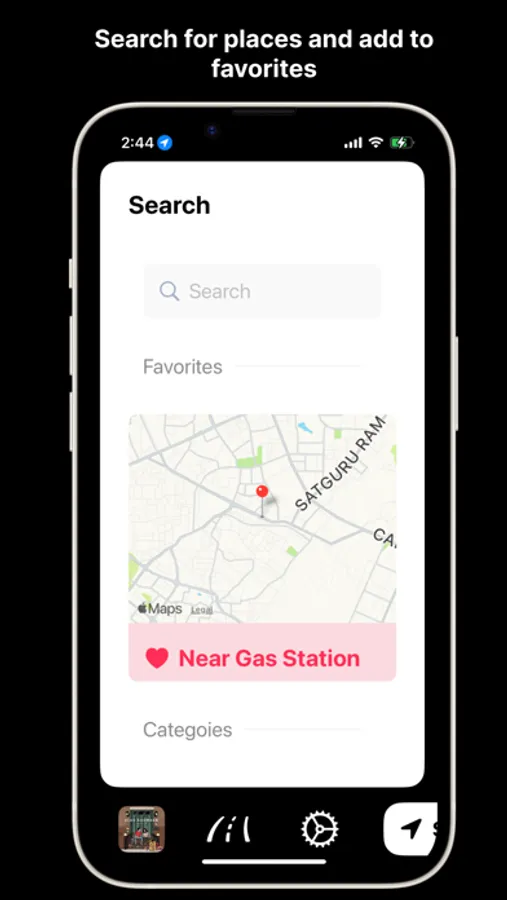
- Mark your favourite spots such as home, work, and more, making them easily accessible without the hassle of searching every time.
Some of the big changes we did this year
- Completely revamped UI that is modern and easy to quickly glance information
- All new modern dashboard
- New map zoom option to see the route in detail
- Your Speed and altitude variation graph are now available on the main screen
- New speedometer
- New accelerometer that shows your acceleration in g force
- New Trip-Info UI with beautifully created progress bars
- New TrackView UI
- New Navigation-Info UI that tells you how much of your journey has been completed
- New music player UI with big album artwork in center for a more immersive music experience
- New map styles and navigation styles to provide you the ultimate map experience
- Seamless integration of Trips and Navigation, allowing users to automate trip start/stop based on navigation.
-Customizable Dock.
-All new carousal music dashboard for immersive music and driving experience.
Language Support
- We're thrilled to present the latest version of Next, now with expanded language support! Say bonjour, hola, hello, 你好, and 안녕하세요 as we introduce French, Spanish, English, Mandarin, and Korean to the Next experience.
- Next is now available to an even wider audience across the globe thanks to increased language support. We hope you will love this new version of Next as much as we do.
Dashboard Camera
- Now your iPad will be your Dashboard Camera. Record dashboard videos using the back and front cameras at the same time and view them later in the photos app.
Privacy
- Your location data never leaves your device. The app does not collect any personal information.
Permission
- The app requires access to location services in order to provide you with services like Maps, Navigation, speed, altitude and, etc.
- Next Car Dashboard requires iPadOS 15.2 or above
Direct Helpline Access
- Get in touch with us easily through the new chat/helpline feature in the Settings page for any questions or support.
Terms of Use
- https://www.apple.com/legal/internet-services/itunes/dev/stdeula/
Next Car Dashboard Screenshots
Tap to Rate:
Reviews for Next Car Dashboard
马休斯特
Requires iOS 15.2 for iPad Pro
I’m trying to install the app on my iPad pro but it is showing requires iOS 15.2.can you please fix it
axouser
Fuel price should be keyboard input, not slider. Inaccurate landmarks.
The Slider for fuel price value makes no sense considering the wide variety of currencies. The slider value for the gas price only maxed out at at 200, meanwhile my home country currency (Vietnamese Dong - VND) has the gas price of 19000 VND upwards. Basically almost any 3rd world countries have gas price being at least 4 digits. This problem could have been easily fixed by making the value being entirely custom input by keyboard. Another problem is the app missed out several landmarks while pinning bogus locations. For instance, when I choose to search for gas stations near me, it misses out at least 2 gas stations which are located right beside the national highway, while marking strange empty areas as gas stations. A suggestion that I think would make this app very nice is to allow user to select different music sources, rather than just “Spotify or Apple Music”. For instance, I would like to see YT music or Radio Garden being an option in here. Though lacking it wouldn’t decrease my app experience too much. Aside from that, I find the app to be easy to get used to, and it’s a great app to modernize my car without having to buy a new head unit with Carplay.