Use this vision training app to improve visual processing by identifying orientation patterns with increasing difficulty. Includes adjustable difficulty levels and progress tracking features.
AppRecs review analysis
AppRecs rating 4.6. Trustworthiness 78 out of 100. Review manipulation risk 23 out of 100. Based on a review sample analyzed.
★★★★☆
4.6
AppRecs Rating
Ratings breakdown
5 star
77%
4 star
11%
3 star
8%
2 star
2%
1 star
2%
What to know
✓
Low review manipulation risk
23% review manipulation risk
✓
Credible reviews
78% trustworthiness score from analyzed reviews
✓
High user satisfaction
77% of sampled ratings are 5 stars
About Galaxy Vision Training
Our brain is capable of many things. If you've ever played an instrument or a sport, you already know that the more you practice or train, the better and stronger you get. Much of this has to do with how your brain coordinates your activity. But beyond these activities, the brain is capable of improving in almost every area. This includes improving the way we see the world around us.
When we look at an object, our eyes take all that visual information that we see and pass it on to the brain for processing. This information passes into the visual cortex of the brain where we interpret what we see.
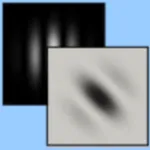
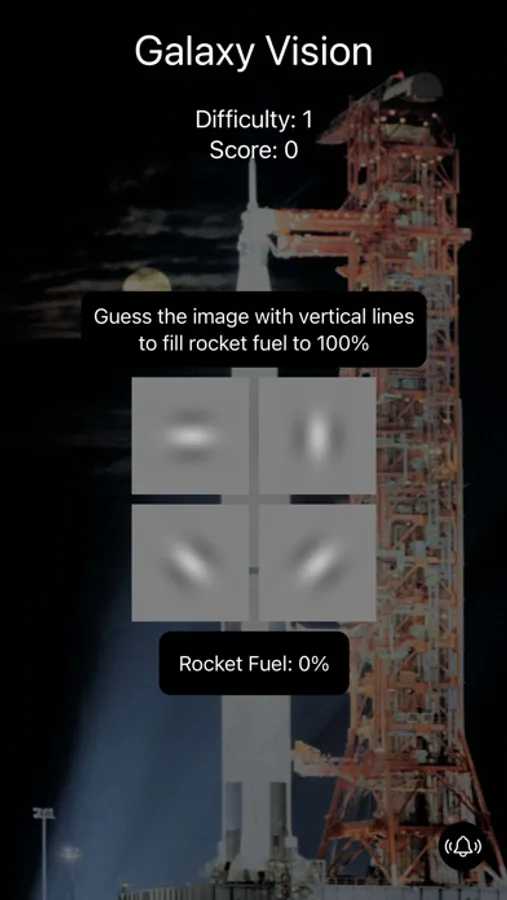
It turns out that the brain processes this visual information through distinct patterns. These patterns can be closely approximated by something called gabor patches. Challenging your brain by looking at these patterns can strengthen the way we process vision. It's like practice for your eyes.
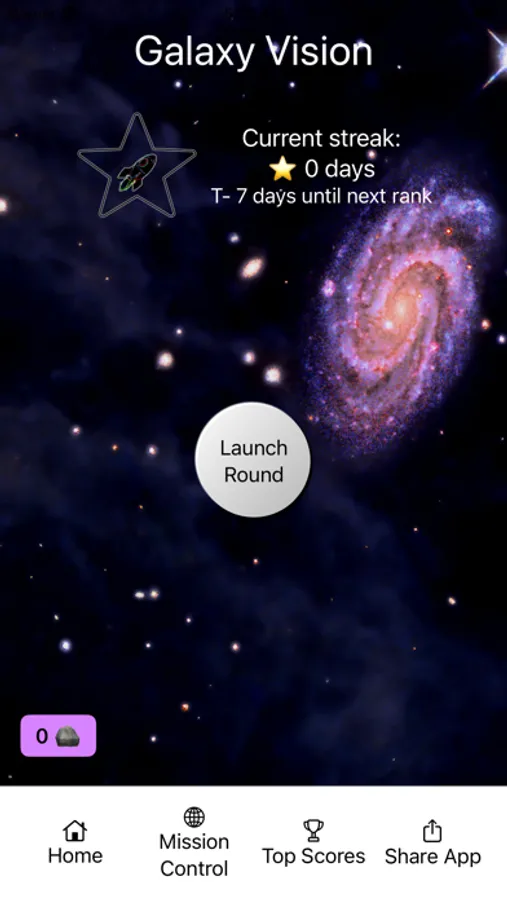
Galaxy Vision is a fun vision training app utilizing these gabor patches. Instructions are pretty simple. Identify the correct orientation of the image. As you successfully select the correct image, the difficulty will increase significantly. This won't be easy; this is meant to be challenging.
The best way to use Galaxy Vision is to use it regularly. The more work you put in, the more work you can get out.
Take your vision to the next galaxy!
Note: This app is not intended to be used for the diagnosis of disease or other conditions, or the cure, mitigation, treatment, or prevention of disease. This app is solely designed to challenge your brain’s visual processing.
Galaxy Vision Training Screenshots
Tap to Rate:
Reviews for Galaxy Vision Training
itasarah
I’m not enjoying Turns out I am still not making progress.
I keep trying and I don’t get ahead. I did slightly better closer to when I had the surger over a year now since the surgery. My glasses help barely; in fact, I think my vision is somewhat worse now than when I first got the glasses. I’m also being treated for dry eye. I was told it was extremely dry which I had no sense of it being dry. I had a somewhat expensive prescription for dry eye called MIEBO.. I took it for a couple months then decided I didn’t want to pay for it anymore so now I’ve been using over-the-counter dry eye drops. I don’t know if going to help or not. I guess I won’t find out till I see my ophthalmologist later in the year. Does dry eye impact my vision? I really can’t say. I know one thing; I started again too try to play piano, which I haven’t done in quite a long time and I really can’t read the music well with my glasses. I kind of read it, but not clear enough to know which note is on which line.
Danomighty
New beta mode rocks
A number of years ago I was having trouble focusing on my computer screen. I learned about Gabor eye/brain training and found relief with an app. It was expensive and tiring to use and it is no longer available (GlassesOff). Galaxy Vision (I’m using the beta mode) seems to provide the same relief to eye fatigue and blurry vision with but with short daily session. It takes a while to figure out some of the harder variations but it’s working. I hope they improve the usability so other new users can quickly get the hang of it (I.e. show clearer examples of what to look for). I recommend this app if you are suffering from functional myopia from excessive screen use.