With this NID wallet app, you can verify your identity by scanning your face and claim your account securely. Includes face detection technology, QR code scanning, and personal information management.
AppRecs review analysis
AppRecs rating 4.0. Trustworthiness 0 out of 100. Review manipulation risk 0 out of 100. Based on a review sample analyzed.
★★★★☆
4.0
AppRecs Rating
Ratings breakdown
5 star
71%
4 star
6%
3 star
3%
2 star
3%
1 star
17%
What to know
✓
High user satisfaction
77% of sampled ratings are 4+ stars (4.1★ average)
About NID Wallet BD
NID Wallet BD is a multi-purpose application developed under Bangladesh Election Commission. The goal of this application is to make sure the NID-related services are easily available on your phone.
Current features:
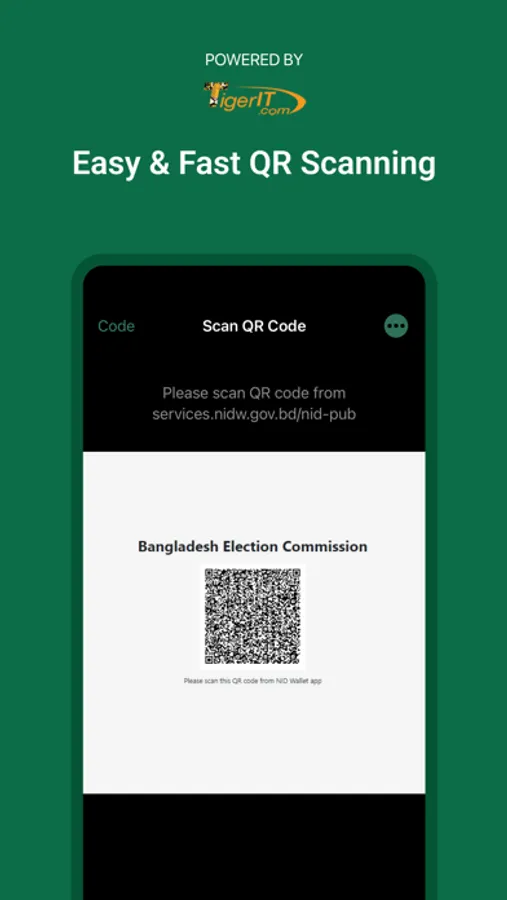
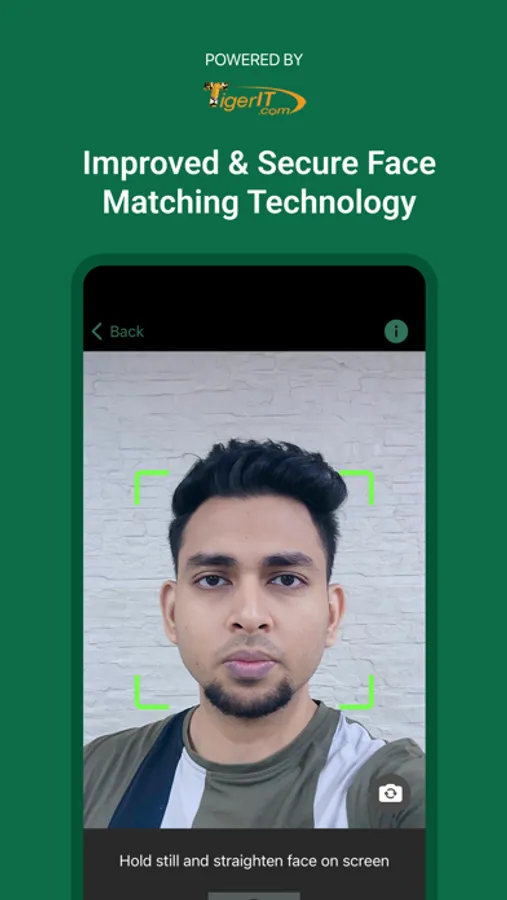
- Identity Verification: This feature adds one more layer of security to make sure that no one but you can claim your account from the Bangladesh Election Commission website. In addition to your personal details and verification code, you'll need to use this app to scan your face to verify your identity while claiming your account.
Prerequisite:
*Phone must have a camera to scan the QR code
*Phone must have TrueDepth camera support to scan face
*Internet Connectivity
Important announcement:
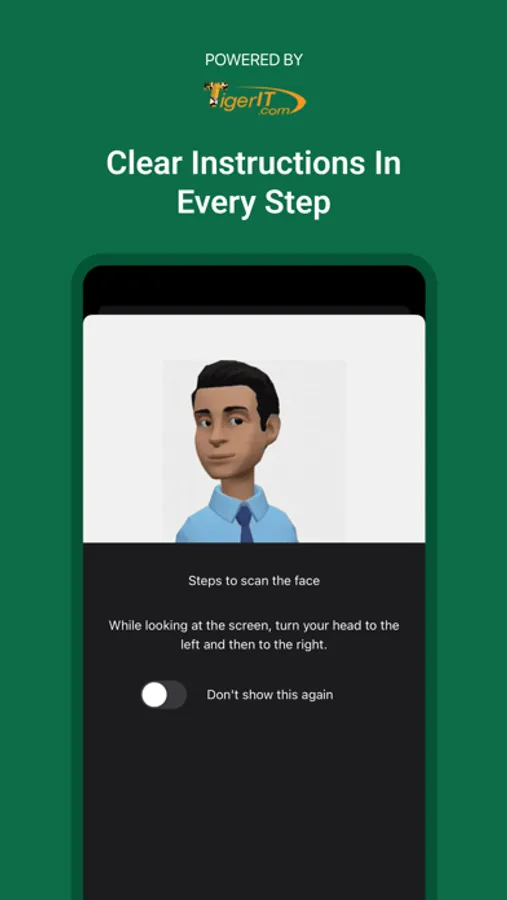
To protect your data, we have implemented advanced face detection technology using TrueDepth camera support. Before initiating the face scan, please check if the device model supports the TrueDepth camera. While scanning your face, please follow the on screen instructions.
We're always excited to hear from you! If you have any feedback, questions, or concerns, please email us at:
nidwallet-support@nidw.gov.bd
Current features:
- Identity Verification: This feature adds one more layer of security to make sure that no one but you can claim your account from the Bangladesh Election Commission website. In addition to your personal details and verification code, you'll need to use this app to scan your face to verify your identity while claiming your account.
Prerequisite:
*Phone must have a camera to scan the QR code
*Phone must have TrueDepth camera support to scan face
*Internet Connectivity
Important announcement:
To protect your data, we have implemented advanced face detection technology using TrueDepth camera support. Before initiating the face scan, please check if the device model supports the TrueDepth camera. While scanning your face, please follow the on screen instructions.
We're always excited to hear from you! If you have any feedback, questions, or concerns, please email us at:
nidwallet-support@nidw.gov.bd
NID Wallet BD Screenshots
Tap to Rate:
Reviews for NID Wallet BD
sheikh habibi
good
best
Sirajul Mojumder
Sirajul Mojumder
Well done