AppRecs review analysis
AppRecs rating 2.0. Trustworthiness 74 out of 100. Review manipulation risk 24 out of 100. Based on a review sample analyzed.
★★☆☆☆
2.0
AppRecs Rating
Ratings breakdown
5 star
25%
4 star
0%
3 star
0%
2 star
0%
1 star
75%
What to know
✓
Low review manipulation risk
24% review manipulation risk
✓
Credible reviews
74% trustworthiness score from analyzed reviews
⚠
Mixed user feedback
Average 2.0★ rating suggests room for improvement
About 10bII+
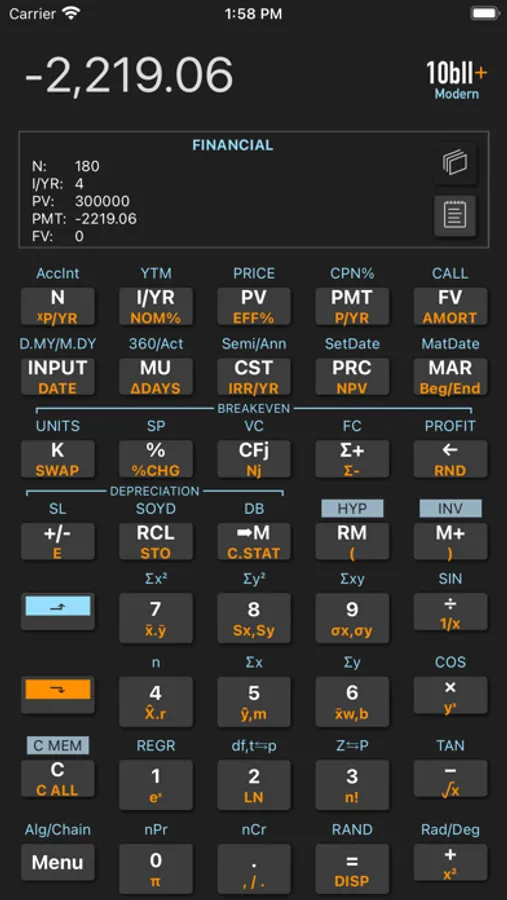
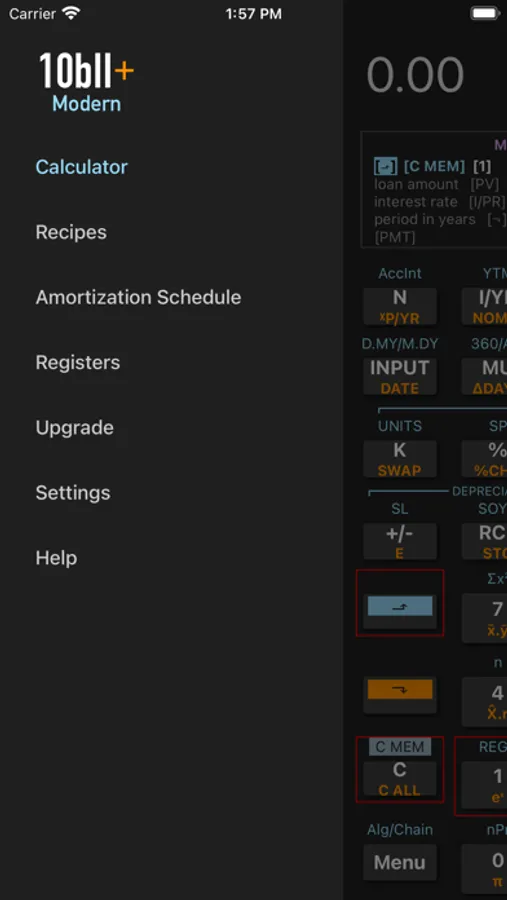
The 10bII+ modern addresses two critical issues for the user: (i) knowing what is stored in each of the calculator's internal registers, (ii) remembering the exact key sequences for getting specific calculations done.
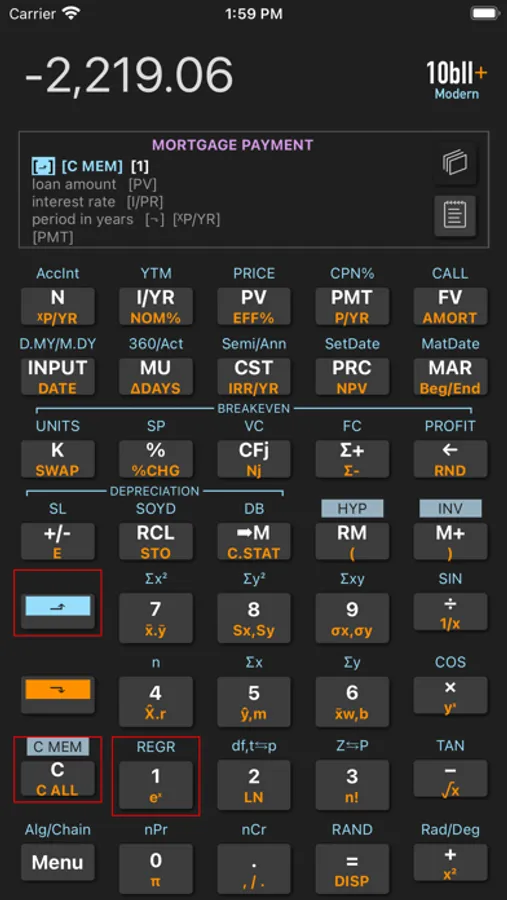
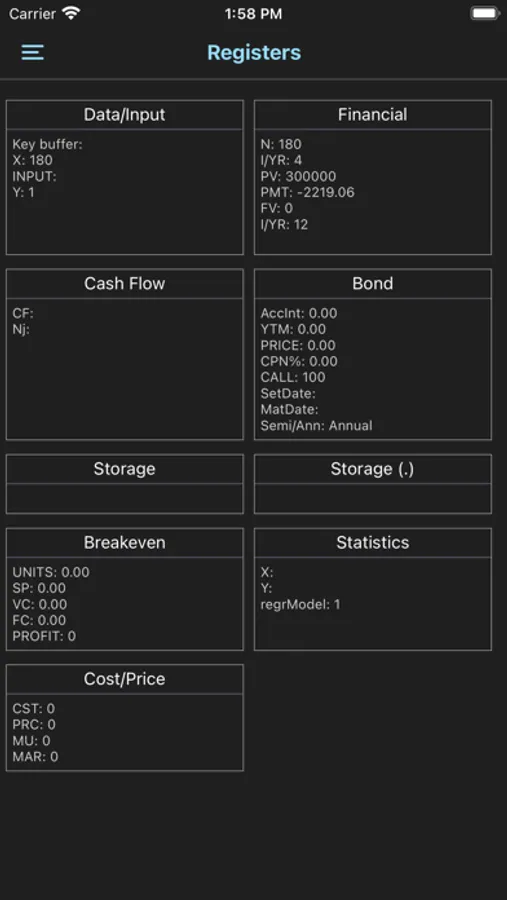
The register views, accessible in the main screen, provides visibility into various register groups. You can switch between different groups of registers (such as Financial, Cash Flow, Bond, etc.), and inspect stored values.
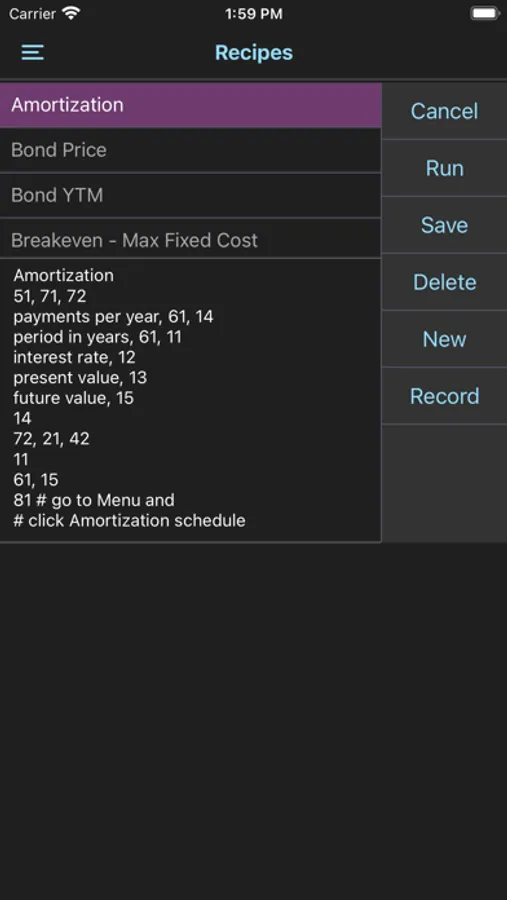
The recipes which you can record and store remove the burden of remembering the exact keystroke sequence for your tasks. You simply select a pre-recorded recipe (builtin or your own) and run. When running a recipe, the app visually prompts you with the keystrokes to press and guides you along in getting the results.
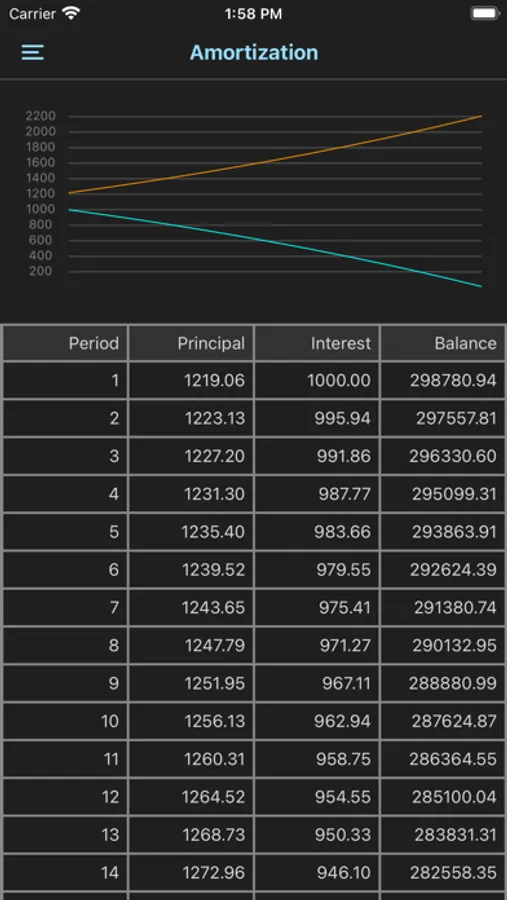
The app comes with 25 built-in recipes and allows you to add/record/edit/delete your own recipes. The convenient register view on the screen allows you to view register contents as your operations proceed.
10bII+ Screenshots
Tap to Rate:
Reviews for 10bII+
Hawaa hawaai
wrong calculations!
calculations for FV, PV etc are wrong
Booyakashanana
Does Not Work
Purchased to use on my MacBook to calculate IRR/NPV problems. Half the time when trying to calculate IRR, it gives me an error. Putting the same keystrokes in on an actual calculator gives me the right answer. App does not work half the time, and would not recommend.