
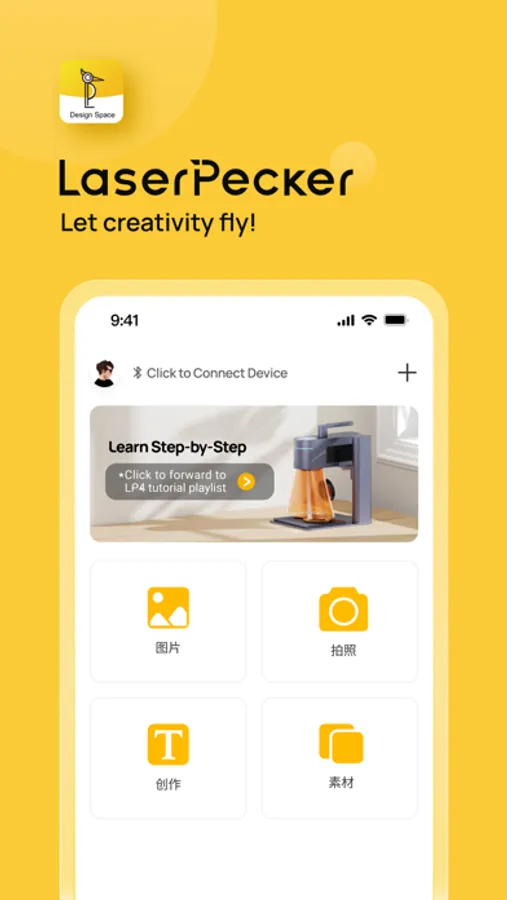
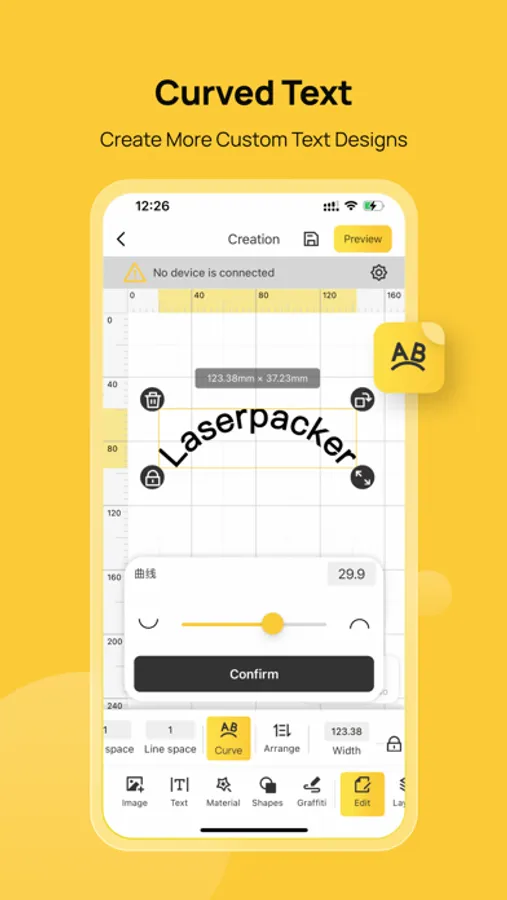
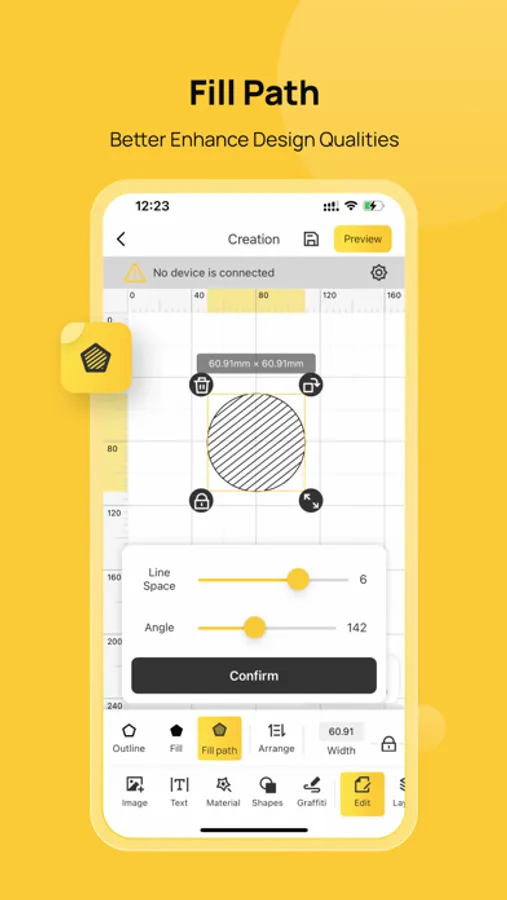
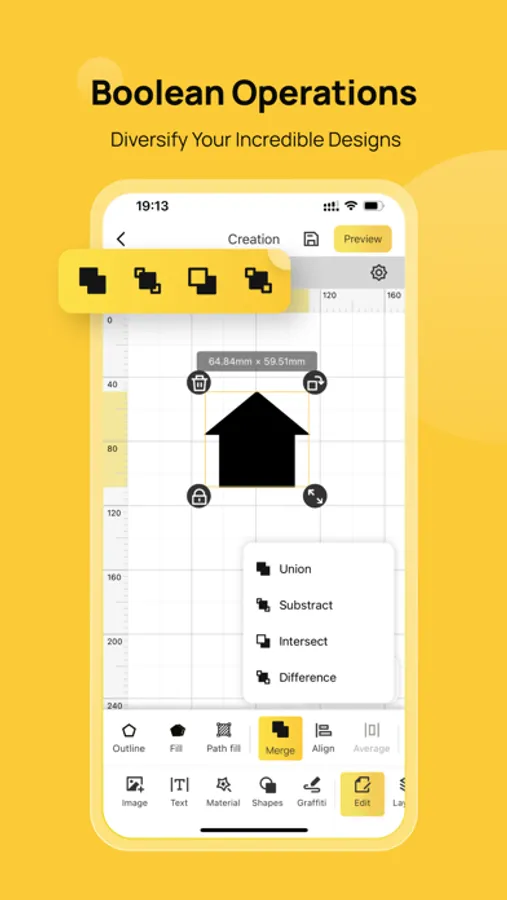
With this design space app, you can upload images, control engraving settings, and preview projects in real time. Includes Bluetooth and WiFi connectivity, material selection, and an extensive shape library.
AppRecs review analysis
AppRecs rating 1.7. Trustworthiness 68 out of 100. Review manipulation risk 23 out of 100. Based on a review sample analyzed.
★☆☆☆☆
1.7
AppRecs Rating
Ratings breakdown
5 star
12%
4 star
3%
3 star
4%
2 star
10%
1 star
71%
What to know
✓
Low review manipulation risk
23% review manipulation risk
⚠
Mixed user feedback
Average 1.8★ rating suggests room for improvement
⚠
High negative review ratio
81% of sampled ratings are 1–2 stars
About LaserPecker Design Space
LaserPecker Design Space is a comprehensive software solution developed specifically for LaserPecker laser machines. It seamlessly integrates design, editing, and machine control functionalities, enabling a streamlined and efficient engraving and cutting workflow. Whether you're using a mobile phone, tablet, or laptop, the LaserPecker Design Space provides a consistent and user-friendly experience.
Design, Control and Engrave
1. Connect your machine via Bluetooth or WiFi and start the engraving process on the go.
2. Quickly upload photos, patterns, and images of various formats to create your custom designs.
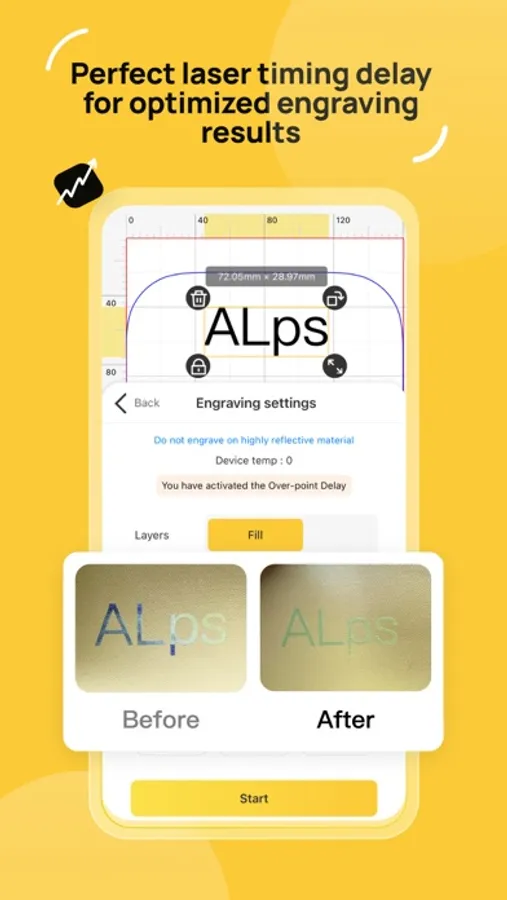
3. Select materials and precisely control engraving settings to achieve your desired results.
4. Access a rich collection of shapes and upload your own local files.
5. Easily generate barcodes and QR codes for batch laser marking.
6. Preview your project in real-time, and fine-tune the position and size on the material.
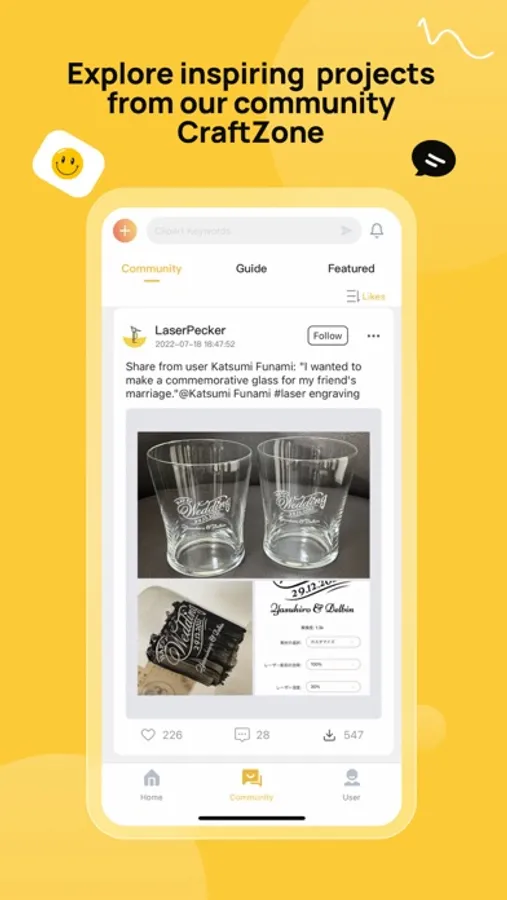
7. Explore inspirations from the LaserPecker community Craftzone. Get the project with one-step engraving procedure.
*Note*
This app is compatible with LP2, LP3, LP4, LP5, and LX series laser machines. To ensure optimal performance, please make sure to update your machine's firmware to the latest version.
For users with the LP1 series or earlier versions of the LP2 and LP3 models, we recommend downloading the Community Version App - LaserPecker, or using our PC software instead.
LaserPecker Design Space Screenshots

Tap to Rate:
Reviews for LaserPecker Design Space
scuderipd
Can no longer create after last update
Can no longer access local photo gallery from within the laser pecker app.
Al I. D.
How is it so good and so bad
Amazing how the design part of this app is so good while the sign on and device connection is UNUSABLE for the LP1, despite no information about this and THE APP ITSELF claims you can add the device. And as if that’s not annoying enough, creating an account on this app makes you UNABLE TO CREATE AN ACCOUNT ON THE CORRECT APP?? You could not have made this more frustrating if you tried.