In this journal and planner app, users can organize daily notes, set goals, and integrate with calendars for scheduling. Includes handwriting search, image tools, syncing, and privacy features.
AppRecs review analysis
AppRecs rating 4.4. Trustworthiness 80 out of 100. Review manipulation risk 22 out of 100. Based on a review sample analyzed.
★★★★☆
4.4
AppRecs Rating
Ratings breakdown
5 star
87%
4 star
6%
3 star
2%
2 star
2%
1 star
2%
What to know
✓
Low review manipulation risk
22% review manipulation risk
✓
Credible reviews
80% trustworthiness score from analyzed reviews
⚠
Pricing complaints
Many low ratings mention paywalls or pricing
About Penjo: Pencil Journal, Planner
A fresh start for the new year: Penjo helps you set goals, plan ahead, and keep a clear, organized journal you’ll enjoy returning to every day.
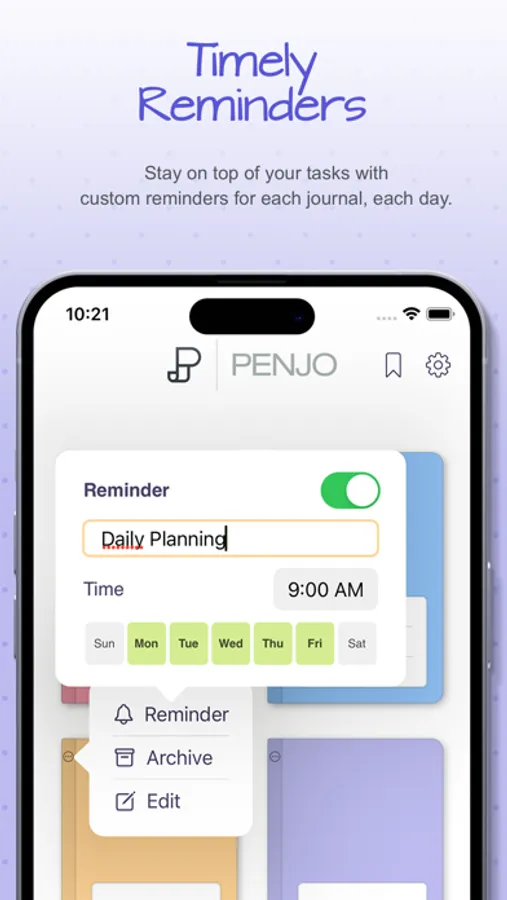
Penjo is a Pencil-first journal and daily planner with Apple Calendar & Reminders, iCloud sync, and secure Face/Touch ID. Each day opens as a clean sheet for your notes, with powerful on-device handwriting search and creative image tools like background removal, stickers, and instant frames.
Why Penjo
PLAN & ORGANIZE
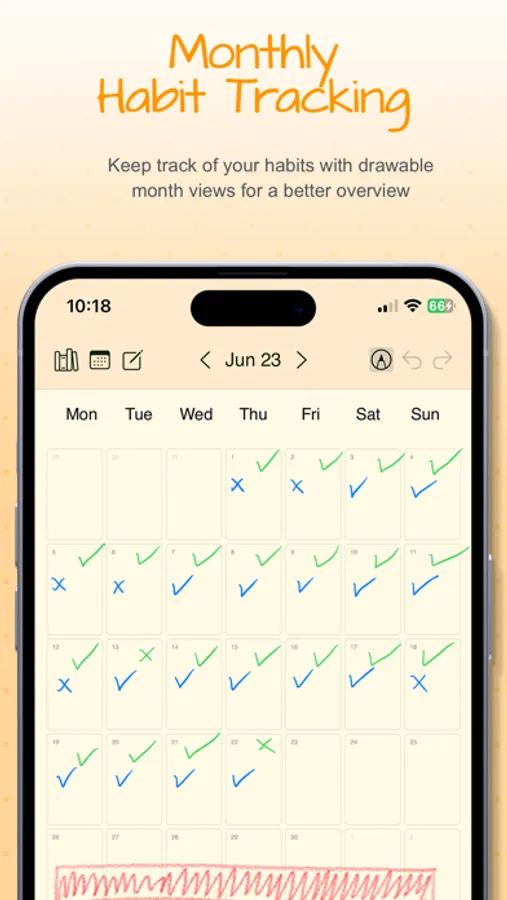
• All in one: Journal, planner, daily notes, and habit logs together.
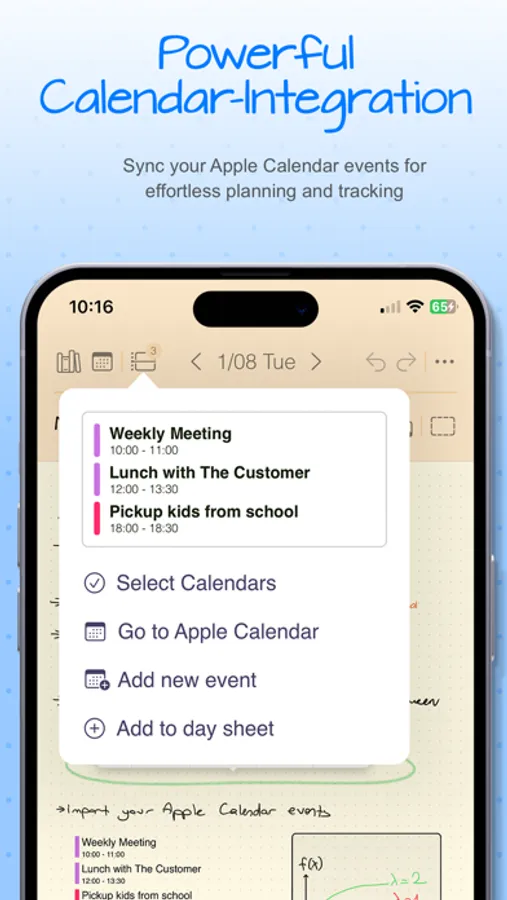
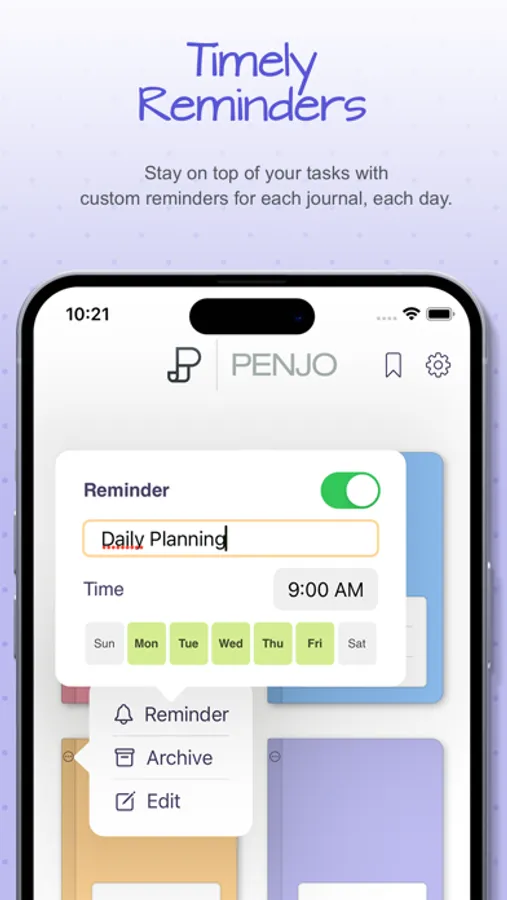
• Calendar & Reminders: Check today at a glance, add tasks, and stay on schedule. (Also supports Google Calendar and Exchange.)
• Views that fit your routine: Day, Week, and Month for planning; List & Reader for fast, distraction free browsing of past entries.
• Day vs. List modes: In Day Mode, the next item is the next date and journals open on today’s sheet. In List Mode, the next item is the next nonempty day and journals open to the List/Reader view.
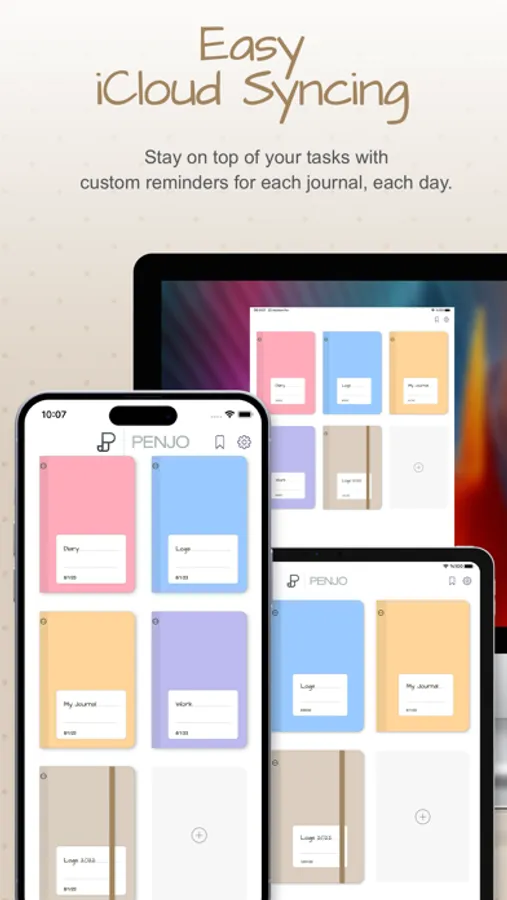
• Sync: iCloud keeps iPad, iPhone, Mac, and visionOS up to date.
• Privacy: Lock private journals with Face ID or Touch ID.
CREATE
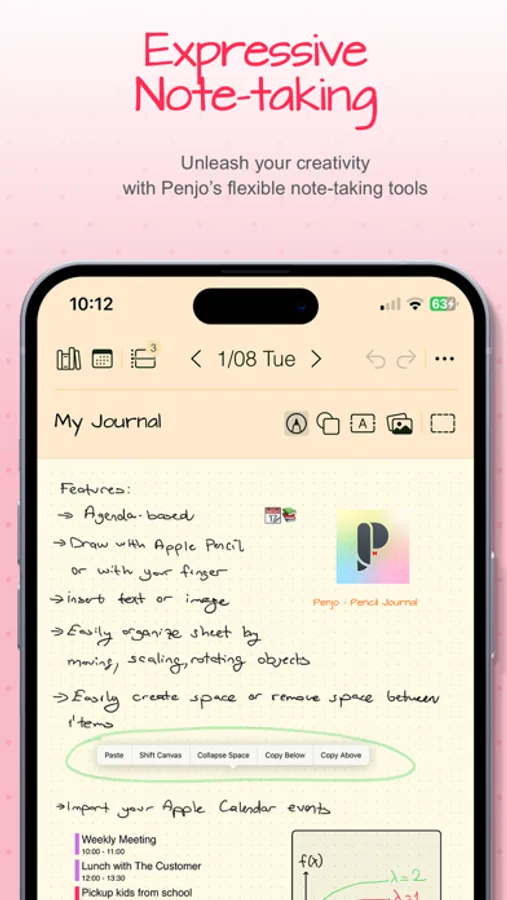
• Pencil first: Write, sketch, annotate. Add text, images, shapes, and map cards.
• Personalized tool picker: Create your own set of pens and pencils, reorder tools, and switch fast.
• Scribble text entry: Write with Apple Pencil to enter typed text quickly in text fields.
• Auto-straighten lines: Draw a line and make a tiny cross-mark. Penjo instantly straightens it for cleaner diagrams, arrows, and layouts.
• Create as you go: Background removal, clip with shapes, flip, stickers, instant frames (Image Playground supported where available).
FIND & REUSE
• Find and reuse: On device text recognition lets you search handwriting and text in images, and Copy as Text converts selected handwriting to typed text on your clipboard.
• Flexible pages: Add or remove pages automatically, insert or collapse space; choose dot, grid, or lined paper.
• Copy or move sheet: Duplicate or move any sheet to another day or journal, perfect for reusing templates.
PERSONALIZE & ACCESS
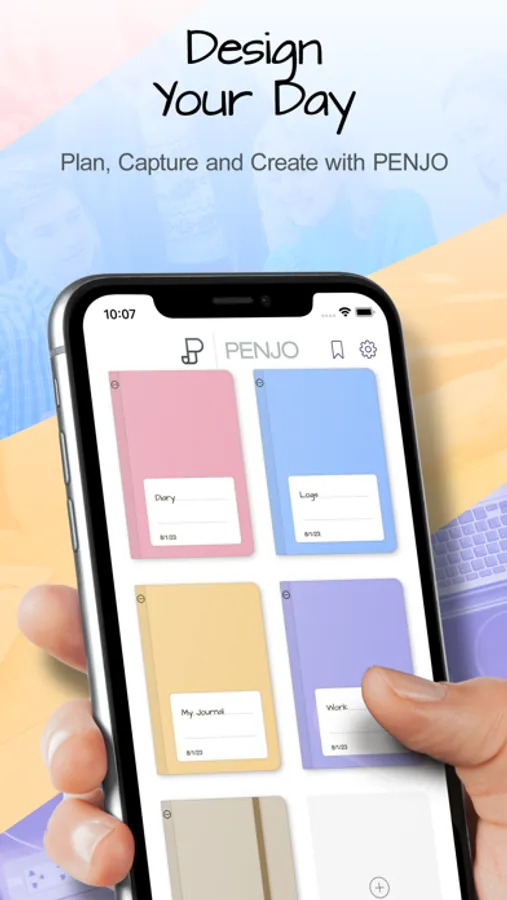
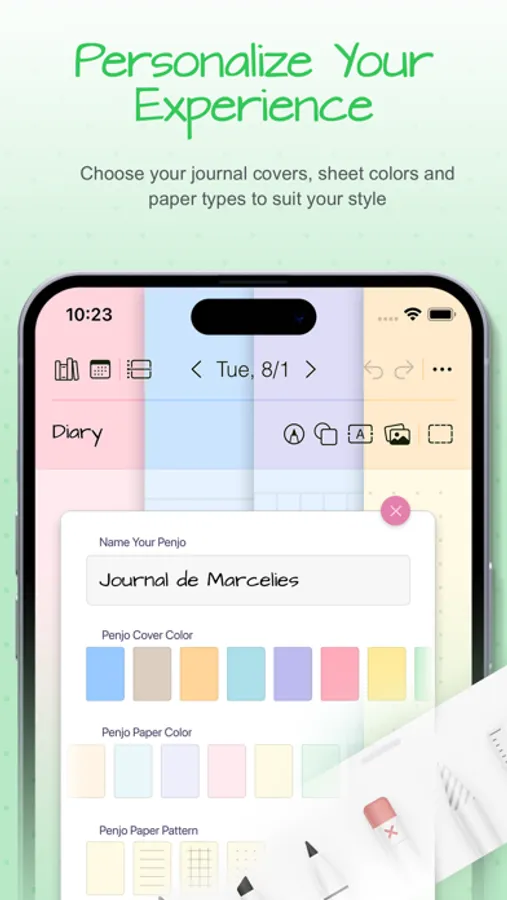
• Personalize: Custom names, covers, and colors; drag & drop to reorder journals.
• Color Bookmarks: Mark day notes with colored bookmarks and filter your journal by color to quickly find related notes, themes, or topics.
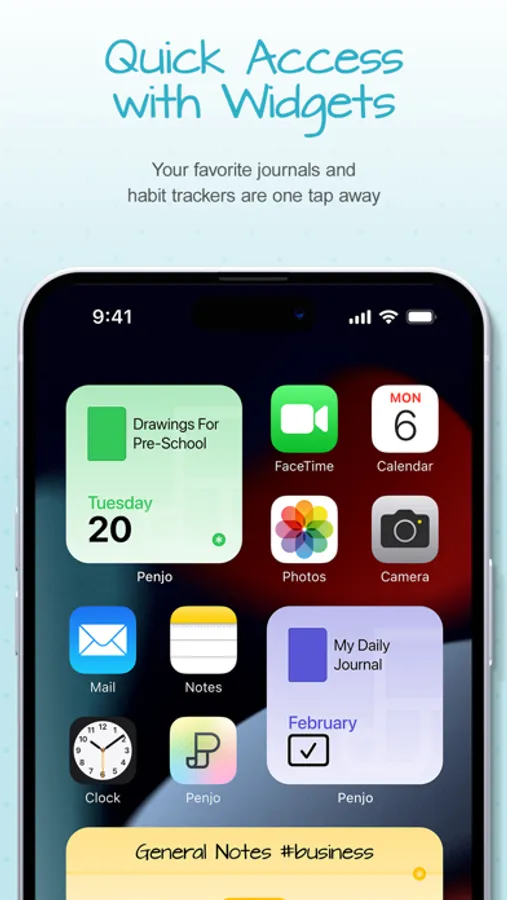
• Widgets: Jump to today’s notes and trackers from your Home Screen.
• Export and share: Export pages or full journals as PDF to archive, print, or share.
Penjo Unlimited
Unlock unlimited journals & pages, full iCloud sync, enhanced Calendar & Reminders, and protected journals. Family Sharing available on monthly plans.
Roadmap highlights
Apple Journaling Suggestions • Collections • Custom Covers and more
Support
penjoapp.com • support@penjoapp.com
Privacy Policy: https://penjoapp.com/penjoappprivacy
Terms of Use: https://www.apple.com/legal/internet-services/itunes/dev/stdeula/
Penjo: Pencil Journal, Planner Screenshots
Tap to Rate:
Reviews for Penjo: Pencil Journal, Planner
Devilewis88
Tried it again
I redownloaded it and it works perfectly now
Rileyysavage
Syncs with Apple calendar
I NEVER review apps. But this one is worth reviewing for! I was looking for a planning app that synced with my apple calendar and couldn’t find ANY where I could create a drawing of my day and see it along side my calendar. Then I came across a Reddit post recommending Penjo. So far, it has made daily planning easy and FUN. Although it’s great the way it is, I really hope that it gets enough traction to keep improving.