With this app, you can operate FT8 and FT4 digital modes on your iOS device, connect with operators worldwide, and log contacts easily. Includes real-time messaging, QSO logging, and user-friendly navigation.
AppRecs review analysis
AppRecs rating 4.1. Trustworthiness 77 out of 100. Review manipulation risk 22 out of 100. Based on a review sample analyzed.
★★★★☆
4.1
AppRecs Rating
Ratings breakdown
5 star
49%
4 star
23%
3 star
21%
2 star
2%
1 star
5%
What to know
✓
Low review manipulation risk
22% review manipulation risk
✓
Credible reviews
77% trustworthiness score from analyzed reviews
✓
High user satisfaction
72% of sampled ratings are 4+ stars (4.1★ average)
About iFTx
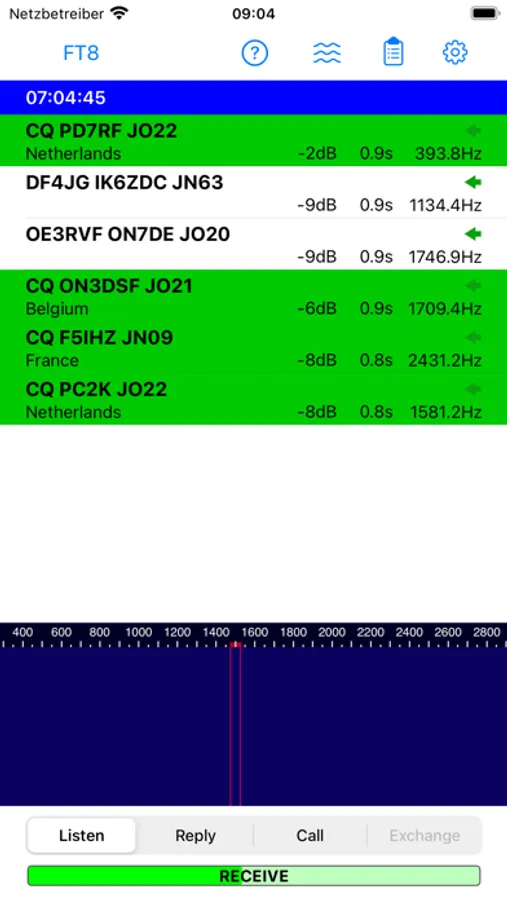
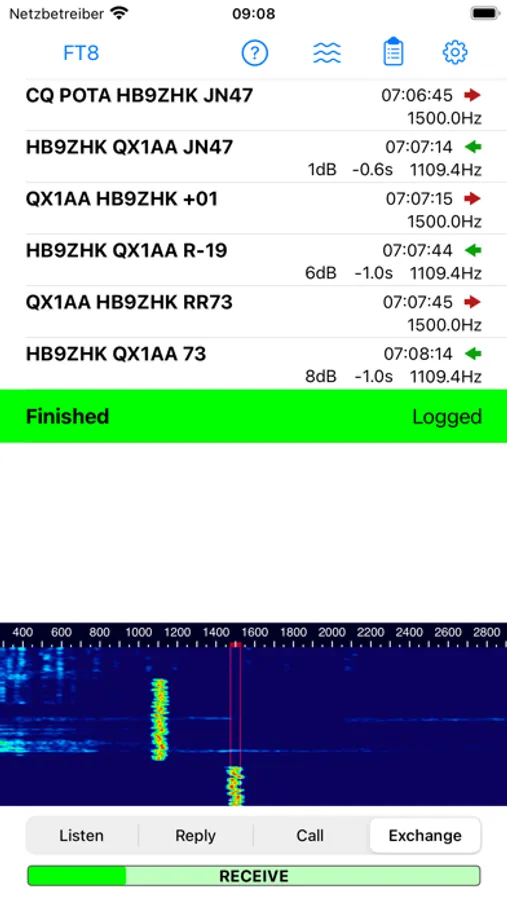
- Seamlessly Engage: iFTx brings FT8 and FT4 digital modes to your iOS device, enabling convenient and portable digital communication.
- Anytime, Anywhere: Enjoy the flexibility to connect with operators globally from the comfort of your iOS device.
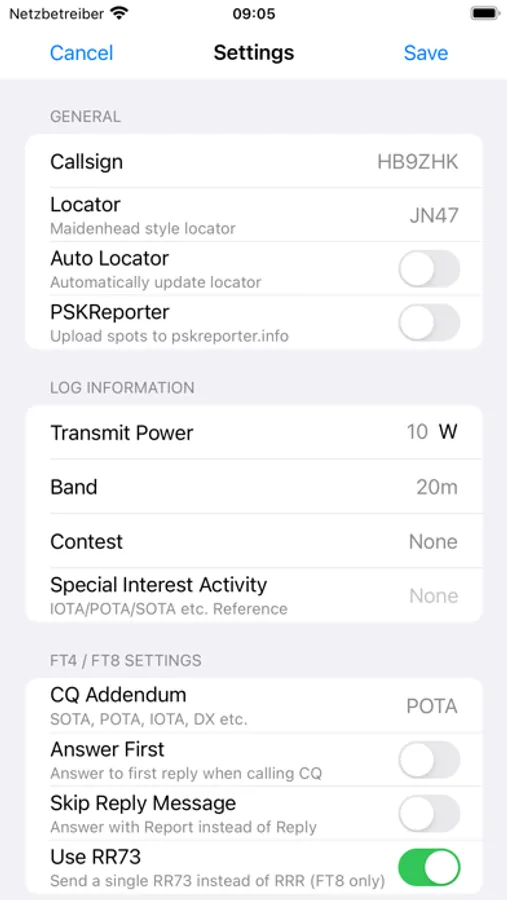
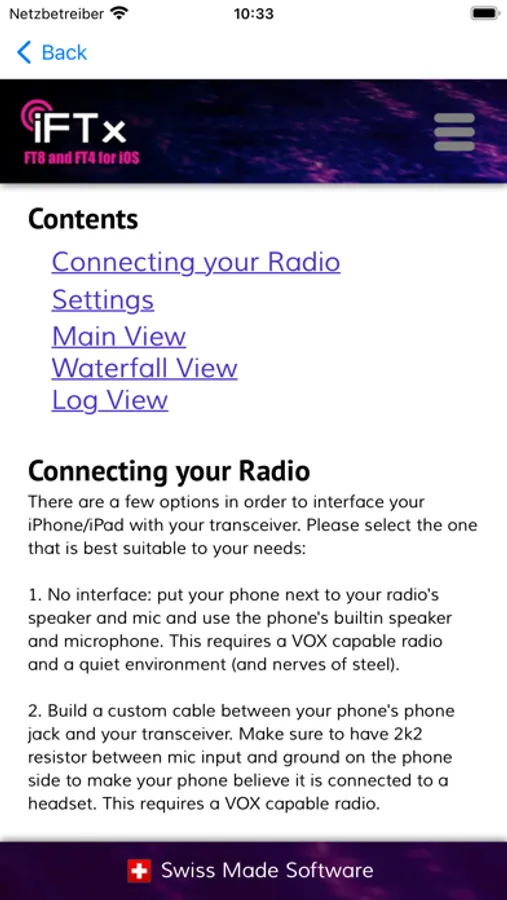
- Effortless Operation: Navigate the user-friendly interface for quick setup and real-time messaging.
- Reliable Performance: Experience clear signals and adapt to changing propagation conditions with ease.
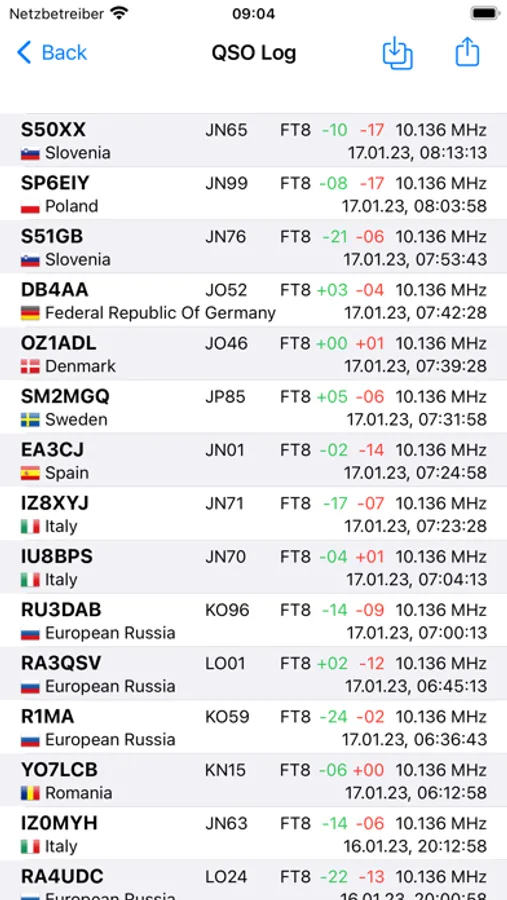
- Log Your Success: Keep track of your contacts effortlessly with integrated QSO logging.
iFTx Screenshots
Tap to Rate:
Reviews for iFTx
B8con
FT8 FT4 for QRP SOTA is soooo easy.
It is rare that we have an application that works so phenomenally well out of the box with a radio. I’m using an FT – 891 with a DigiRig 891 and this application just works. Even better, I have a QMX QRP rig with a chameleon off-center fed dipole for backpacking trips. This set up this app on my iPhone make it for ultra portable operations. My question to the developer is this. Can you please try to figure out how to do JS8CALL or Winlink just like iFTX. That would be an absolute game changer! Keep up the great work.
NLEdit
Works kinda
App works in a basic sense, but needs basic CAT to trigger the PTT for RX. A USB-C cable betewwen the iPad and Xiegu x6200 results in audio going back and forth but you have to trigger the PTT manually. Less than ideal. One of the advantages of radios like this is the built in sound card and USB-C data flow and control. It doesn't have VOX so we're out of luck that way. Note that you can acoustically couple the iPad to the radio by simply setting the two near each other. The iPad decides the sound out of the radio speaker just fine, and the radio accepts the sound from the iPad, but only if you keybtge handset manually at the correct moment.