
InSize: Video Editor + Photo
Mohammad Mahmudul Hasan
3.4 ★
7 ratings
Free
AppRecs review analysis
AppRecs rating 3.4. Trustworthiness 0 out of 100. Review manipulation risk 0 out of 100. Based on a review sample analyzed.
★★★☆☆
3.4
AppRecs Rating
Ratings breakdown
5 star
57%
4 star
0%
3 star
0%
2 star
14%
1 star
29%
About InSize: Video Editor + Photo
InSize – Photo & Video Editor for Social Media
Create stunning photos, videos, and animations with InSize, the all-in-one creative editor designed for content creators, influencers, and anyone who loves visual storytelling. From clean layouts to eye-catching effects, InSize gives you powerful editing tools in a simple, intuitive experience.
Whether you’re designing for Instagram, TikTok, YouTube, or any platform, InSize helps your content stand out—beautifully and effortlessly.
• Photo Editor
Transform your photos with professional-grade tools:
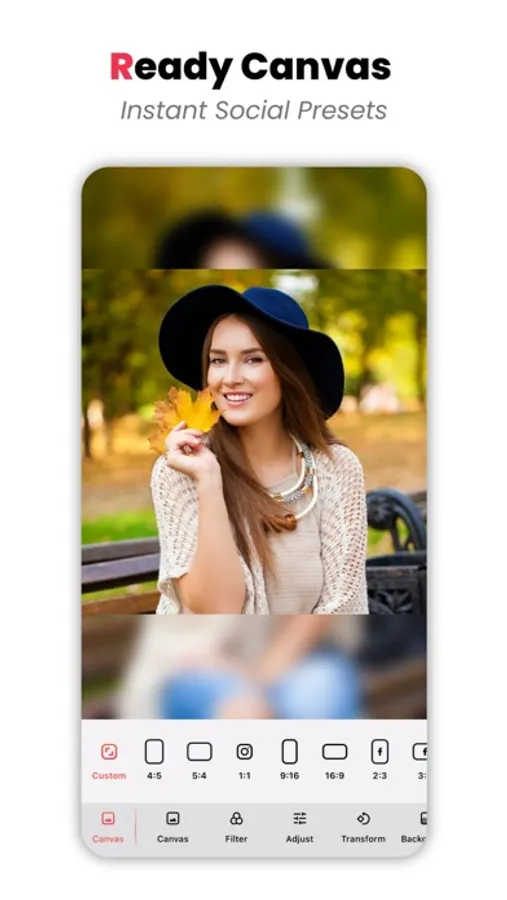
Canvas & resizing for any social platform
Advanced filters & adjustments
(brightness, saturation, contrast, highlights, exposure)
• Crop & transform tools
Background options: solid color, blur, or gradient
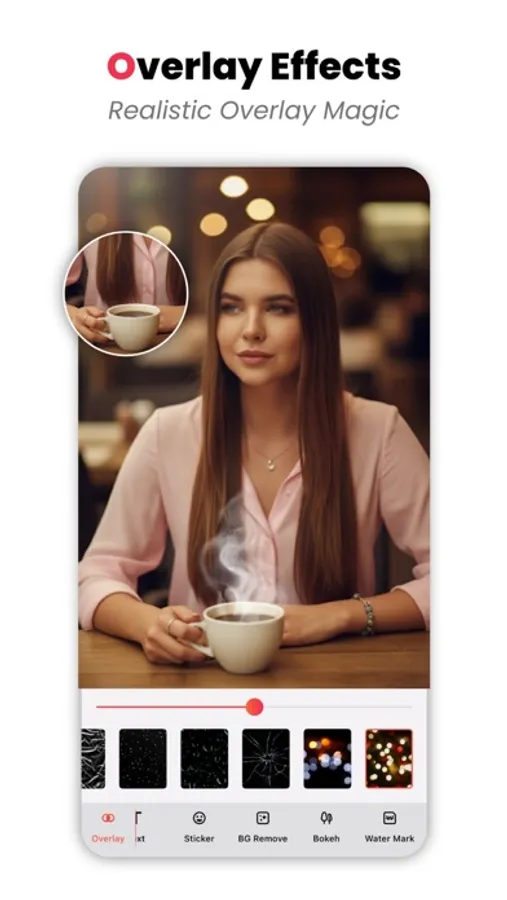
Overlays, text, and stylish stickers
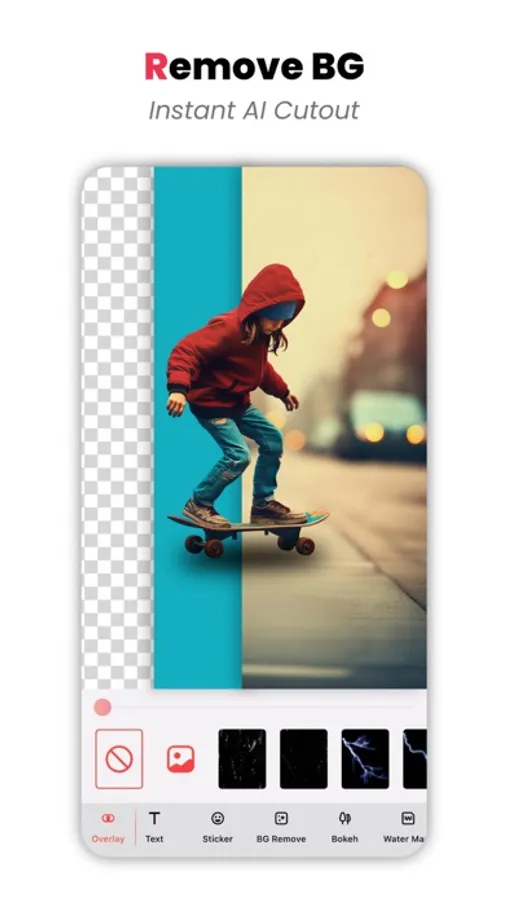
• Background remover
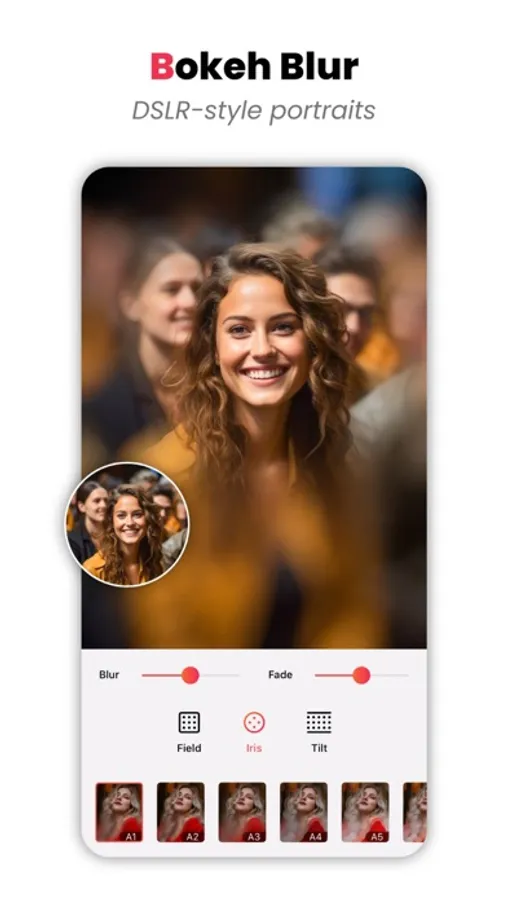
Bokeh & depth effects
Add watermarks to protect your work
• Video Editor
Edit videos with smooth, high-quality results
Canvas & aspect ratio presets
Filters & color adjustments
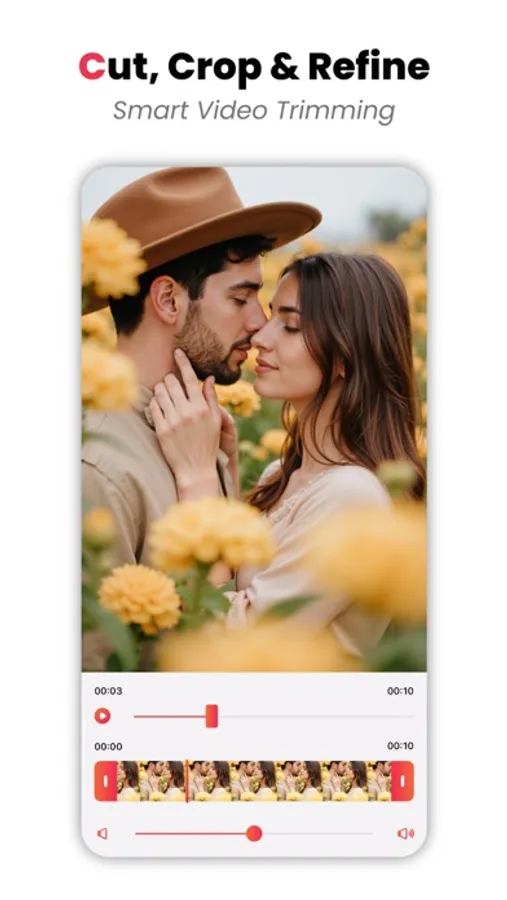
Trim & transform videos easily
Backgrounds: color, blur, or gradient
Text, stickers & overlays
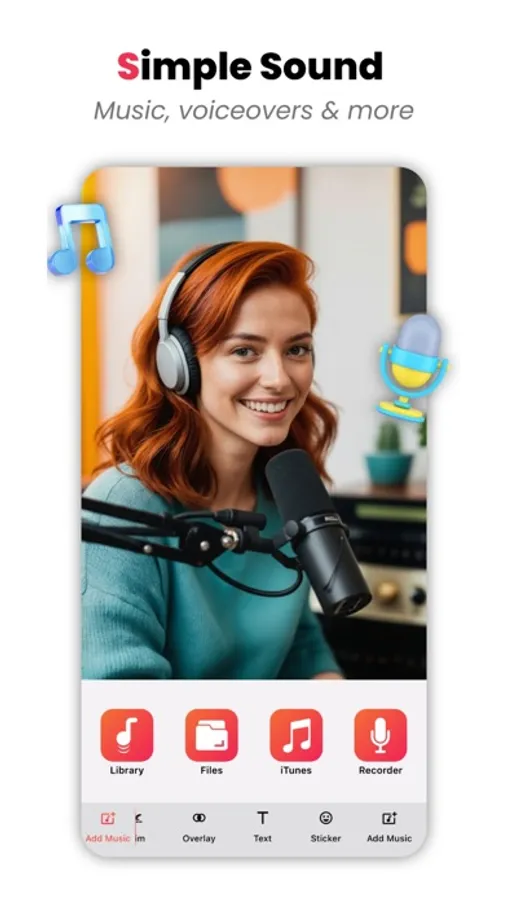
Add music to bring your videos to life
• Animated Photo Editor
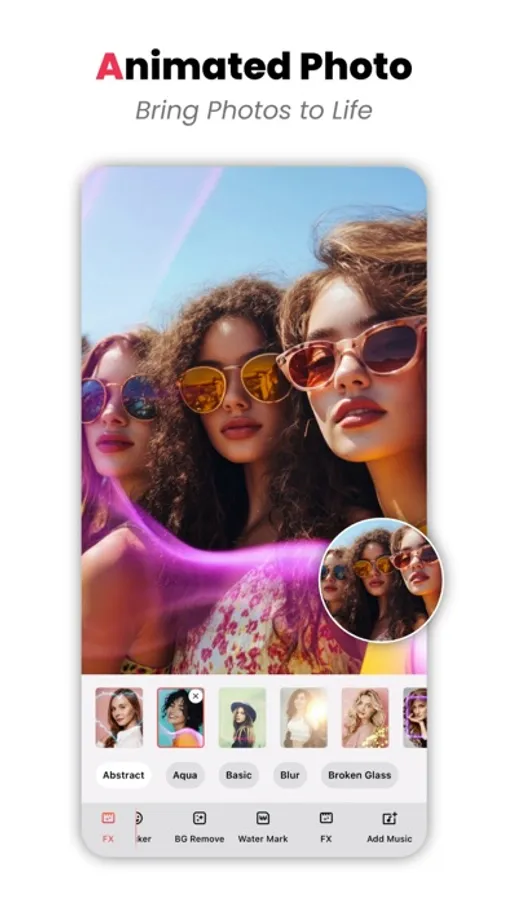
Turn still images into dynamic animations
Canvas, crop & transform tools
Filters & color adjustments
Background color, blur & gradient
Text, stickers & overlays
Background remover & bokeh effects
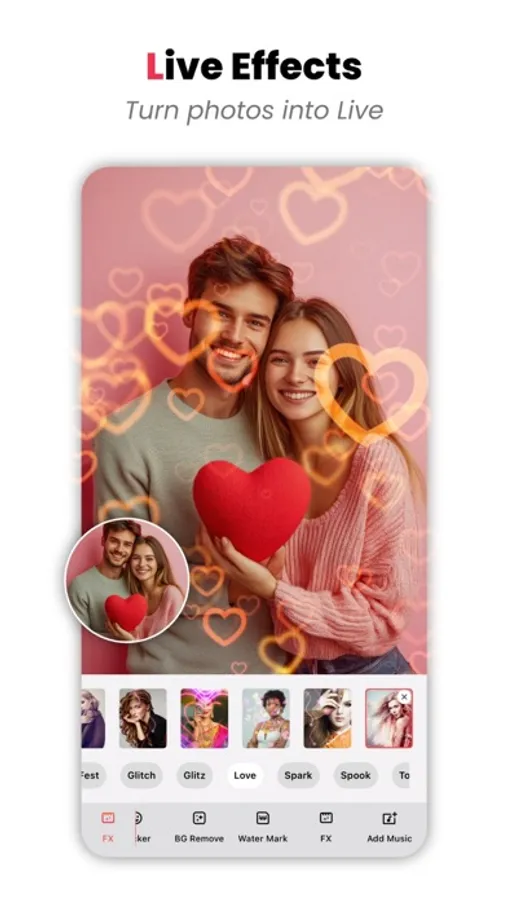
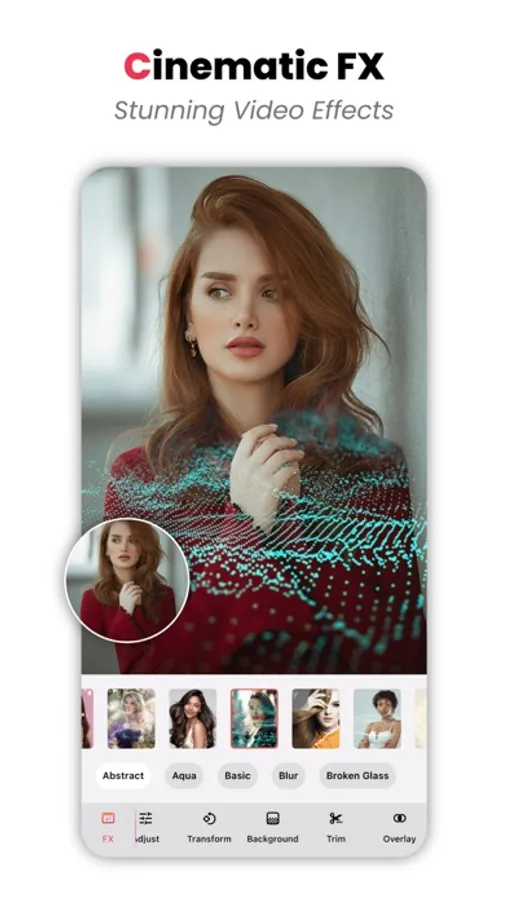
Animated FX & motion effects
Add music for engaging animated content
Watermark support
• Animated Video Editor
Create expressive animated videos
Canvas & transform tools
Filters & advanced adjustments
Trim & background customization
Text, stickers & overlays
Animated FX
Add music for impactful storytelling
• Export & Share
Export in multiple formats: MP4, MOV
Support for HD & 4K quality
Save directly to Photos
Share instantly to social media
• Why InSize?
Clean & intuitive interface
Powerful tools for photos, videos, and animations
Perfect for social media content creation
High-quality exports with full creative control
• Subscription
* Using a subscription you have access to keep backup using dropbox or google drive, unlimited recordings and more. Watermarks and advertisements will be removed automatically.
* Screen Recorder subscription is billed weekly, monthly or annually at the rate corresponding to the selected plan.
* Payment will be charged to iTunes Account at confirmation of purchase.
* Subscription automatically renews unless auto-renew is turned off at least 24-hours before the end of the current period.
* Account will be charged for renewal within 24-hours prior to the end of the current period, and identify the cost of the renewal.
* Subscriptions may be managed by the user and auto-renewal may be turned off by going to the user's Account Settings after purchase.
* Any unused portion of a free trial period, if offered, will be forfeited when the user purchases a subscription to that publication, where applicable.
Terms & Conditions: https://app.matrixsolution.xyz/documents/Terms&Conditions.html
Privacy Policy: https://app.matrixsolution.xyz/documents/PrivacyPolicy_InSize.html
Download InSize today and turn your ideas into stunning visual content—anytime, anywhere.
Create stunning photos, videos, and animations with InSize, the all-in-one creative editor designed for content creators, influencers, and anyone who loves visual storytelling. From clean layouts to eye-catching effects, InSize gives you powerful editing tools in a simple, intuitive experience.
Whether you’re designing for Instagram, TikTok, YouTube, or any platform, InSize helps your content stand out—beautifully and effortlessly.
• Photo Editor
Transform your photos with professional-grade tools:
Canvas & resizing for any social platform
Advanced filters & adjustments
(brightness, saturation, contrast, highlights, exposure)
• Crop & transform tools
Background options: solid color, blur, or gradient
Overlays, text, and stylish stickers
• Background remover
Bokeh & depth effects
Add watermarks to protect your work
• Video Editor
Edit videos with smooth, high-quality results
Canvas & aspect ratio presets
Filters & color adjustments
Trim & transform videos easily
Backgrounds: color, blur, or gradient
Text, stickers & overlays
Add music to bring your videos to life
• Animated Photo Editor
Turn still images into dynamic animations
Canvas, crop & transform tools
Filters & color adjustments
Background color, blur & gradient
Text, stickers & overlays
Background remover & bokeh effects
Animated FX & motion effects
Add music for engaging animated content
Watermark support
• Animated Video Editor
Create expressive animated videos
Canvas & transform tools
Filters & advanced adjustments
Trim & background customization
Text, stickers & overlays
Animated FX
Add music for impactful storytelling
• Export & Share
Export in multiple formats: MP4, MOV
Support for HD & 4K quality
Save directly to Photos
Share instantly to social media
• Why InSize?
Clean & intuitive interface
Powerful tools for photos, videos, and animations
Perfect for social media content creation
High-quality exports with full creative control
• Subscription
* Using a subscription you have access to keep backup using dropbox or google drive, unlimited recordings and more. Watermarks and advertisements will be removed automatically.
* Screen Recorder subscription is billed weekly, monthly or annually at the rate corresponding to the selected plan.
* Payment will be charged to iTunes Account at confirmation of purchase.
* Subscription automatically renews unless auto-renew is turned off at least 24-hours before the end of the current period.
* Account will be charged for renewal within 24-hours prior to the end of the current period, and identify the cost of the renewal.
* Subscriptions may be managed by the user and auto-renewal may be turned off by going to the user's Account Settings after purchase.
* Any unused portion of a free trial period, if offered, will be forfeited when the user purchases a subscription to that publication, where applicable.
Terms & Conditions: https://app.matrixsolution.xyz/documents/Terms&Conditions.html
Privacy Policy: https://app.matrixsolution.xyz/documents/PrivacyPolicy_InSize.html
Download InSize today and turn your ideas into stunning visual content—anytime, anywhere.
InSize: Video Editor + Photo Screenshots

Tap to Rate: