Filet Crochet Pattern Creator
Sand Castle Designs, Inc
1.0 ★
1 ratings
Free
AppRecs review analysis
AppRecs rating 1.0. Trustworthiness 77 out of 100. Review manipulation risk 23 out of 100. Based on a review sample analyzed.
★☆☆☆☆
1.0
AppRecs Rating
Ratings breakdown
5 star
25%
4 star
0%
3 star
0%
2 star
0%
1 star
75%
What to know
✓
Low review manipulation risk
23% review manipulation risk
✓
Credible reviews
77% trustworthiness score from analyzed reviews
⚠
Mixed user feedback
Average 1.0★ rating suggests room for improvement
About Filet Crochet Pattern Creator
Create your own Filet Crochet Patterns using File Crochet Creator.
Over 400 Stamps, Inserts and Borders you can add to your pattern.
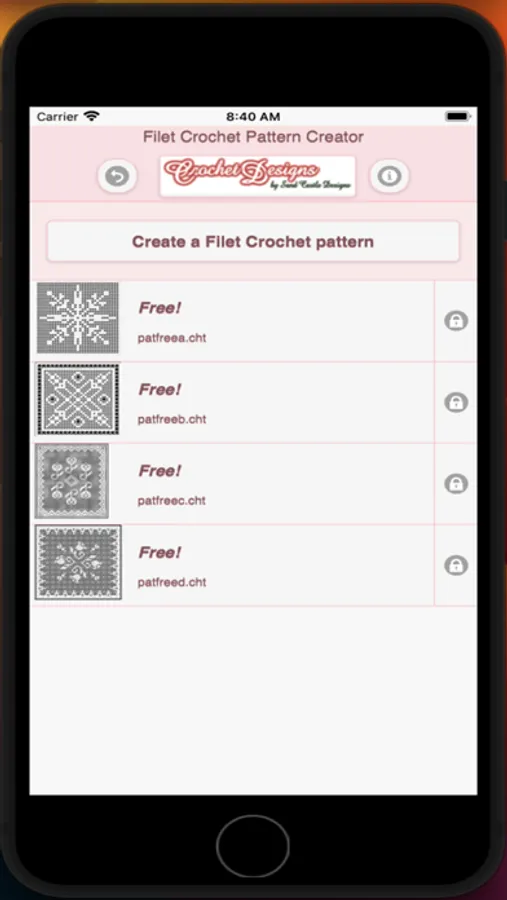
Four free patterns included. To activate creation $2.99
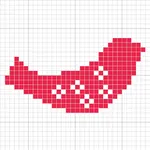
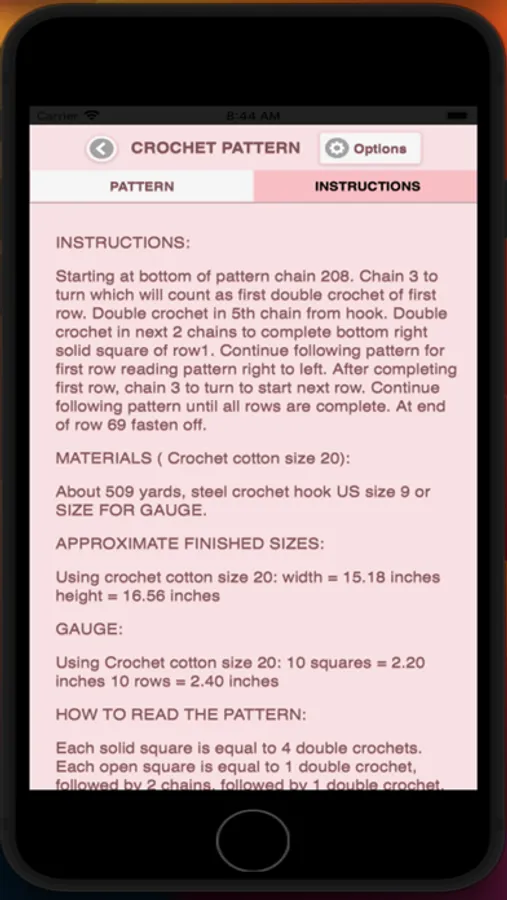
Written filet crochet instructions are automatically generated for your filet crochet patterns. Included are the amount of thread/yarn needed and approximate finished sizes for your filet crochet pattern.
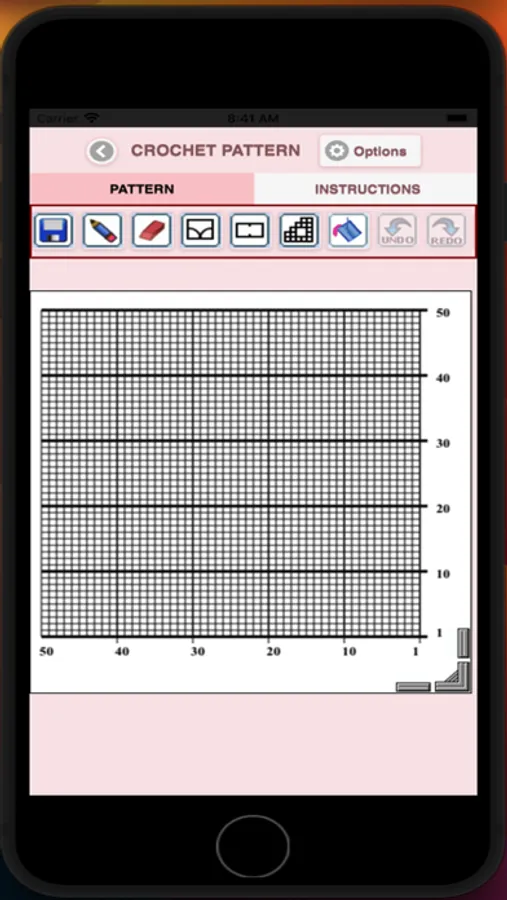
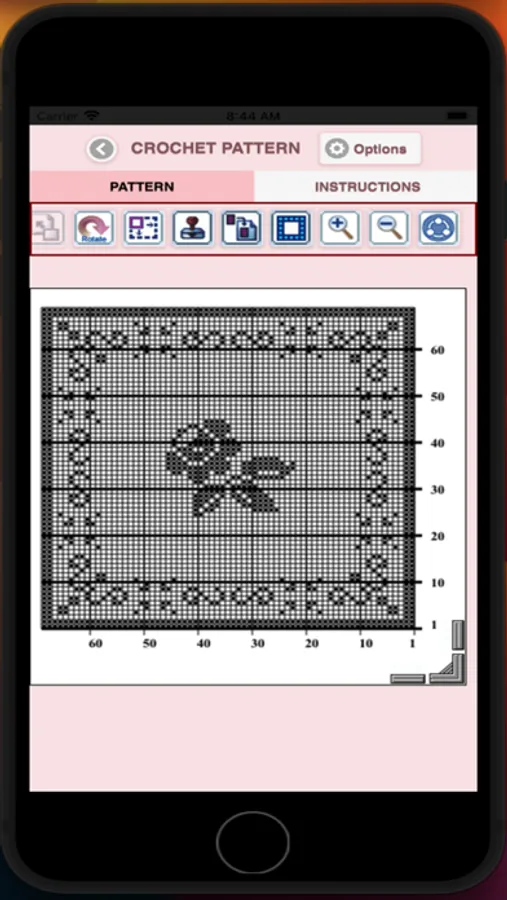
To create a filet crochet pattern, select Create a Filet Crochet pattern button. The filet crochet pattern editor will appear. Fill in the squares or select a special stitch to add to your filet crochet pattern.
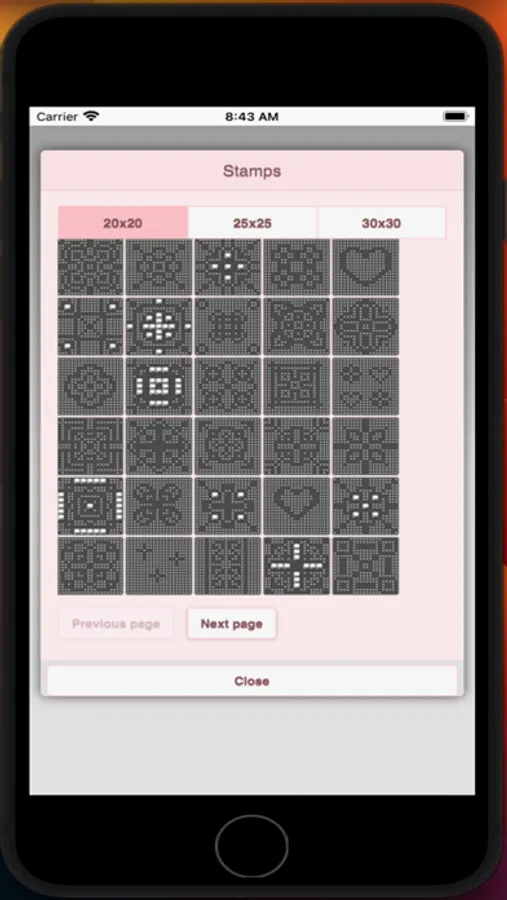
You also can select from over 400 stamps, inserts and borders to apply to your filet crochet pattern.
Icons from left to right in the icon bar are:
Save icon - use to save your filet crochet pattern
Pencil icon - use to (draw) fill-in squares on your filet crochet pattern
Eraser icon - use to erase squares on your filet crochet pattern
Fours square stitch icon - use to add the stitches displayed on the icon to your filet crochet pattern
Two square stitch icon - use to add the stitches displayed on the icon to your filet crochet pattern
Trim icon - completely remove squares from your filet crochet pattern. Allows you to change the shape of your filet crochet pattern.
Stamps button - add little stamps (little designs) to add to your filet crochet pattern
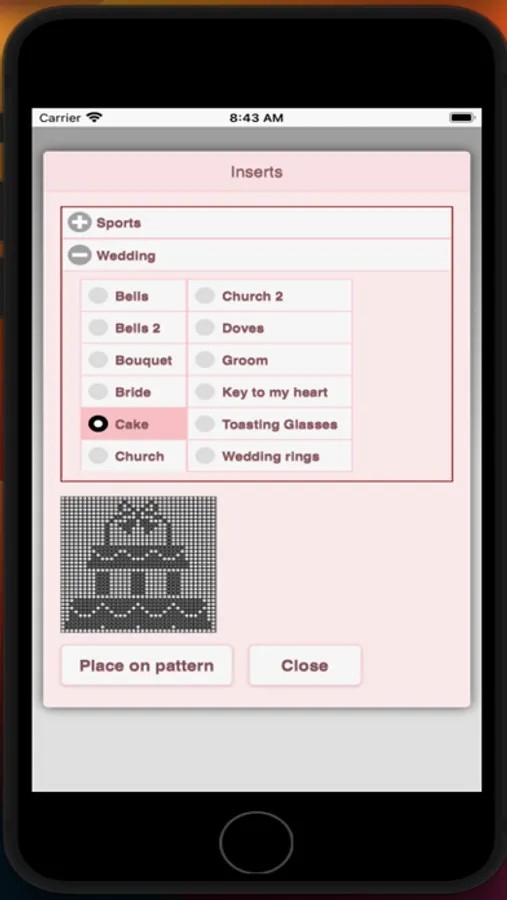
Inserts button - add filet crochet pattern inserts to your pattern (like roses)
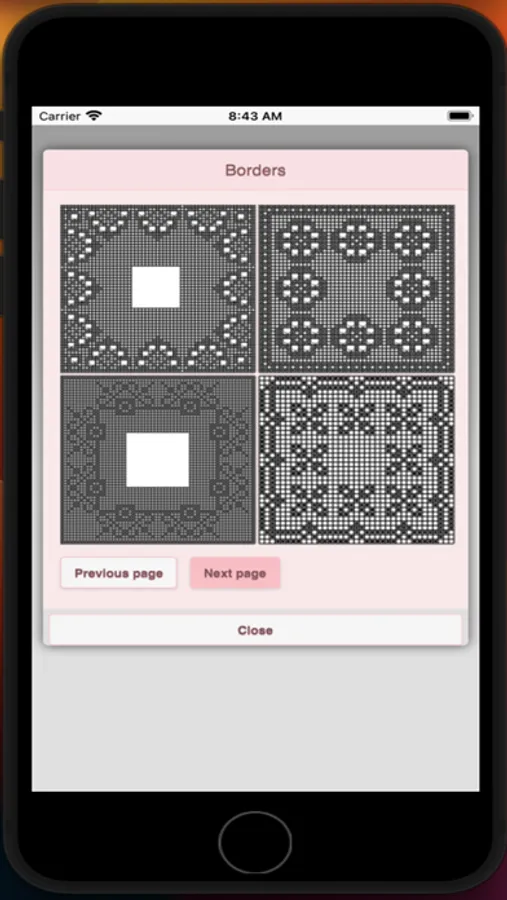
Borders button - add filet crochet borders to your pattern. Borders automatically wrap around your filet crochet pattern.
Bucket button - fill-in adjacent squares.
Undo button - undo each last change you made to the filet crochet pattern.
Redo button - redo each changes you undid.
Selection button - select area of filet crochet pattern to cut or copy
Cut button - remove all filet crochet stitches under selected area. See Selection button.
Copy button - copy all filet crochet stitches under selected area. See Selection button.
Paste button - paste the cut or copied filet crochet stitches. See Selection icon, Cut icon and Copy buttons.
Rotate button - rotate selected area of your pattern or whole pattern. See Selection button.
Flip left/right button - flip vertically selected area of your pattern or whole pattern. See Selection button.
Flip up/down button - flip horizontally selected area of your pattern or whole pattern. See Selection button.
Resize button - resize your pattern by entering the new number of rows and cols for your pattern.
Zoom in button - zoom in on your filet crochet pattern
Zoom out button - zoom out on your filet crochet pattern
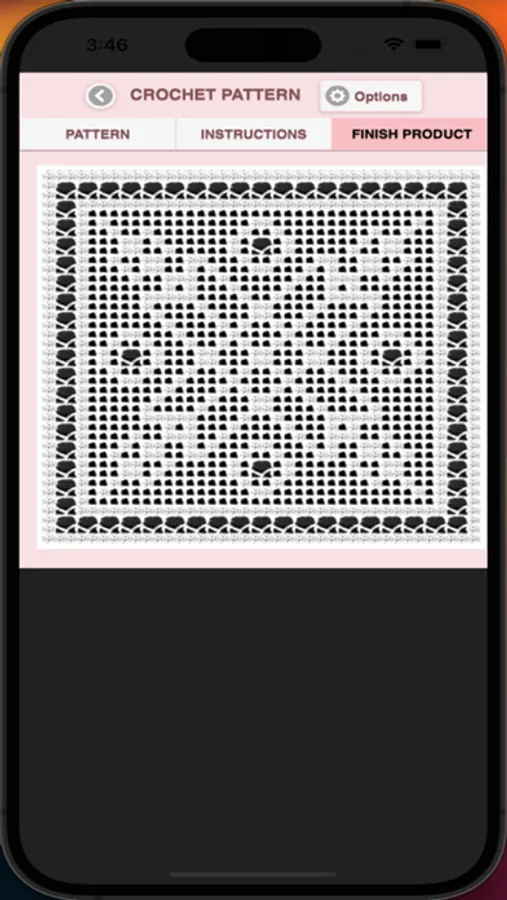
Print button - print your pattern and finished product picture
Share button - share a picture of your filet crochet pattern using email, text etc.
Help button - get help on feature of Filet Crochet Pattern Creator
Resize bars - resize bars are display at the bottom right corner of your filet crochet pattern. Drag them to resize your filet crochet pattern.
Over 400 Stamps, Inserts and Borders you can add to your pattern.
Four free patterns included. To activate creation $2.99
Written filet crochet instructions are automatically generated for your filet crochet patterns. Included are the amount of thread/yarn needed and approximate finished sizes for your filet crochet pattern.
To create a filet crochet pattern, select Create a Filet Crochet pattern button. The filet crochet pattern editor will appear. Fill in the squares or select a special stitch to add to your filet crochet pattern.
You also can select from over 400 stamps, inserts and borders to apply to your filet crochet pattern.
Icons from left to right in the icon bar are:
Save icon - use to save your filet crochet pattern
Pencil icon - use to (draw) fill-in squares on your filet crochet pattern
Eraser icon - use to erase squares on your filet crochet pattern
Fours square stitch icon - use to add the stitches displayed on the icon to your filet crochet pattern
Two square stitch icon - use to add the stitches displayed on the icon to your filet crochet pattern
Trim icon - completely remove squares from your filet crochet pattern. Allows you to change the shape of your filet crochet pattern.
Stamps button - add little stamps (little designs) to add to your filet crochet pattern
Inserts button - add filet crochet pattern inserts to your pattern (like roses)
Borders button - add filet crochet borders to your pattern. Borders automatically wrap around your filet crochet pattern.
Bucket button - fill-in adjacent squares.
Undo button - undo each last change you made to the filet crochet pattern.
Redo button - redo each changes you undid.
Selection button - select area of filet crochet pattern to cut or copy
Cut button - remove all filet crochet stitches under selected area. See Selection button.
Copy button - copy all filet crochet stitches under selected area. See Selection button.
Paste button - paste the cut or copied filet crochet stitches. See Selection icon, Cut icon and Copy buttons.
Rotate button - rotate selected area of your pattern or whole pattern. See Selection button.
Flip left/right button - flip vertically selected area of your pattern or whole pattern. See Selection button.
Flip up/down button - flip horizontally selected area of your pattern or whole pattern. See Selection button.
Resize button - resize your pattern by entering the new number of rows and cols for your pattern.
Zoom in button - zoom in on your filet crochet pattern
Zoom out button - zoom out on your filet crochet pattern
Print button - print your pattern and finished product picture
Share button - share a picture of your filet crochet pattern using email, text etc.
Help button - get help on feature of Filet Crochet Pattern Creator
Resize bars - resize bars are display at the bottom right corner of your filet crochet pattern. Drag them to resize your filet crochet pattern.
Filet Crochet Pattern Creator Screenshots
Tap to Rate:
Reviews for Filet Crochet Pattern Creator
Crochet49
Don’t get
You have to pay and there’s no words
Erika ganske
BEST APP EVER!!!
This app is extremely easy to navigate and I was able to make a beautiful customer design. Definitely recommend this app for anyone who loves to crochet!!!