
About HP Secure Authentication
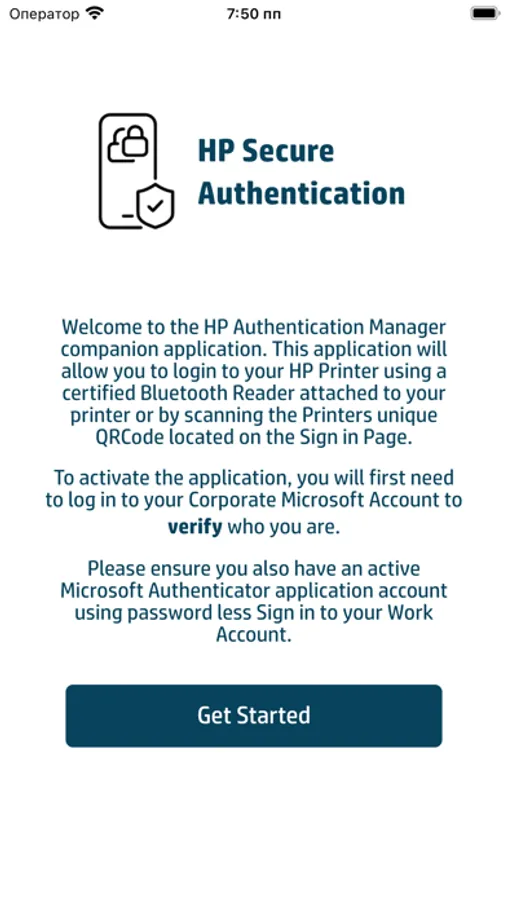
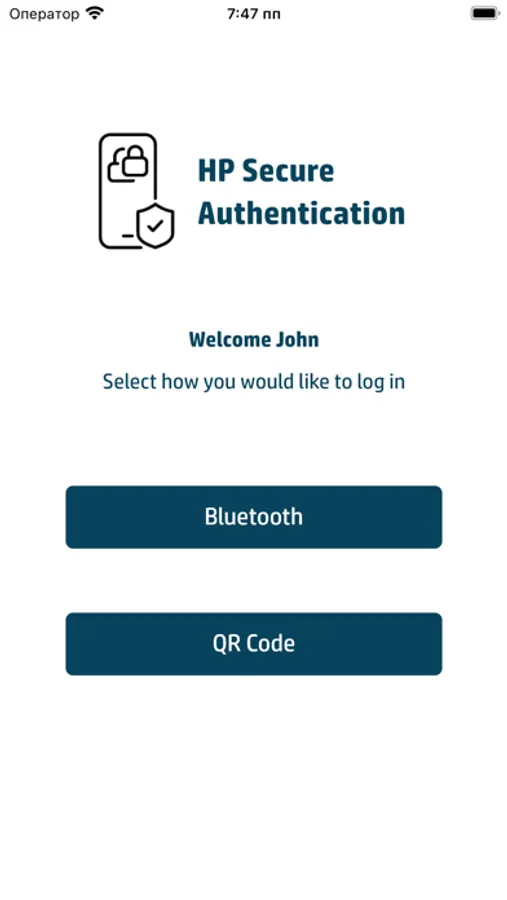
Enhance your security and convenience with the HP Secure Authentication Mobile app for iOS. This app allows you to use your mobile device as a smart card badge, communicating over Bluetooth Low Energy (BLE) with compatible BLE-based readers attached to your HP printer, or by scanning a QR code generated on your HP console via the HP Authentication Manager WorkPath application.
**Key Features:**
- **Self-Managed User Registration:** Seamlessly register and verify users through your corporate Microsoft Azure Active Directory.
- **Simplified Logon Experience:** Once registered, users can log onto the printer using the app's Bluetooth functionality with a compatible reader, or by scanning the QR code from the printer's console.
- **Compatibility:** Requires a compatible HP Multifunction device running HP Authentication Manager.
**Download Now:**
Experience the convenience and security of the HP Secure Authentication Mobile app. Download it today from the Apple App Store and transform your printing experience.
**Key Features:**
- **Self-Managed User Registration:** Seamlessly register and verify users through your corporate Microsoft Azure Active Directory.
- **Simplified Logon Experience:** Once registered, users can log onto the printer using the app's Bluetooth functionality with a compatible reader, or by scanning the QR code from the printer's console.
- **Compatibility:** Requires a compatible HP Multifunction device running HP Authentication Manager.
**Download Now:**
Experience the convenience and security of the HP Secure Authentication Mobile app. Download it today from the Apple App Store and transform your printing experience.
HP Secure Authentication Screenshots

Tap to Rate: