
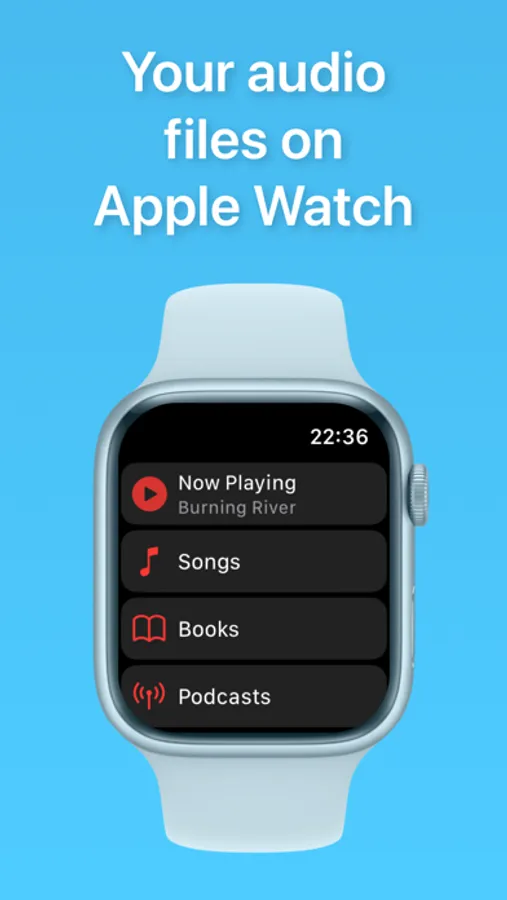
With this Apple Watch app, you can add, organize, and play audio files offline using the watch speaker or headphones. Includes support for multiple audio formats, playlist creation, and playback controls like shuffle and speed adjustment.
AppRecs review analysis
AppRecs rating 4.6. Trustworthiness 73 out of 100. Review manipulation risk 34 out of 100. Based on a review sample analyzed.
★★★★☆
4.6
AppRecs Rating
Ratings breakdown
5 star
82%
4 star
8%
3 star
1%
2 star
3%
1 star
6%
What to know
✓
Credible reviews
73% trustworthiness score from analyzed reviews
✓
High user satisfaction
82% of sampled ratings are 5 stars
✓
Authentic reviews
No red flags detected
About WatchAudio
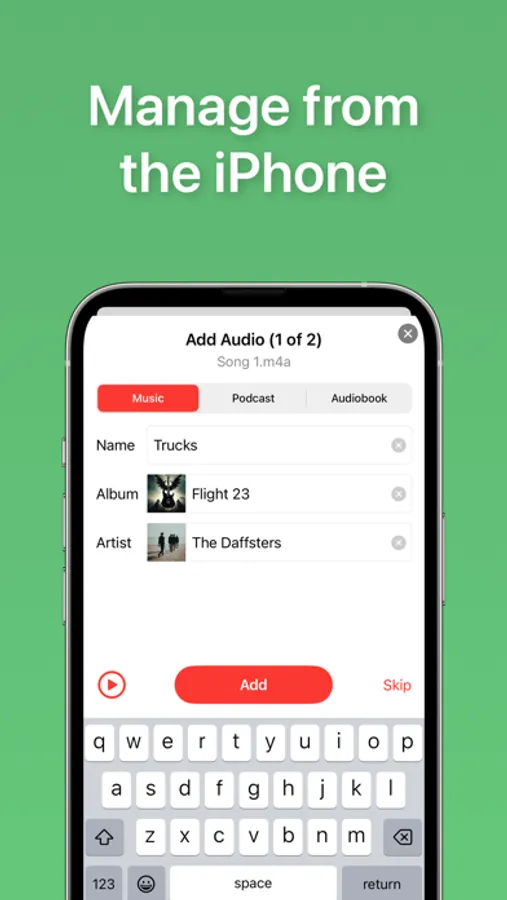
● Add audio files onto the Apple Watch app
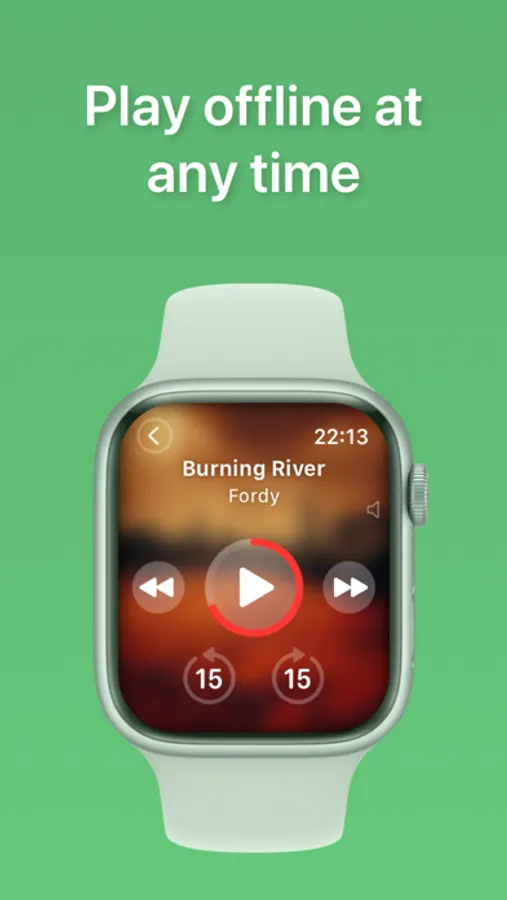
● Play offline at any time
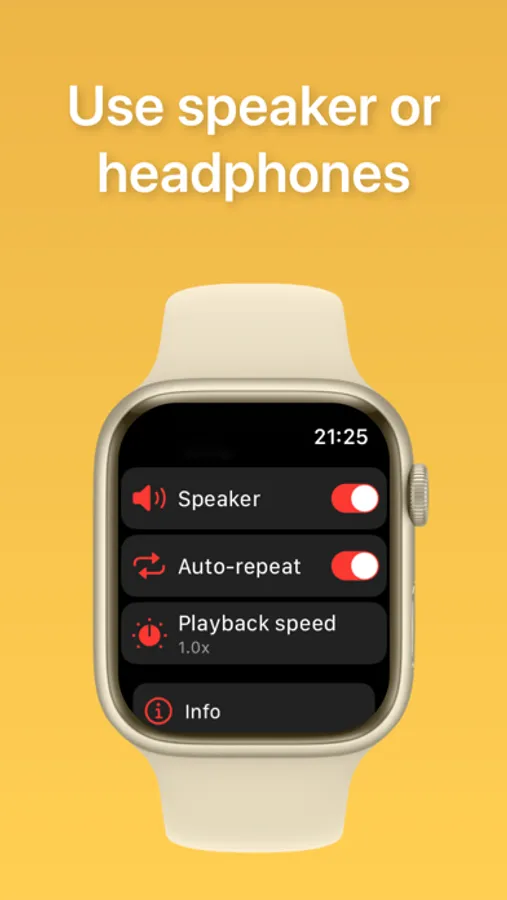
● Use the Apple Watch speaker or headphones
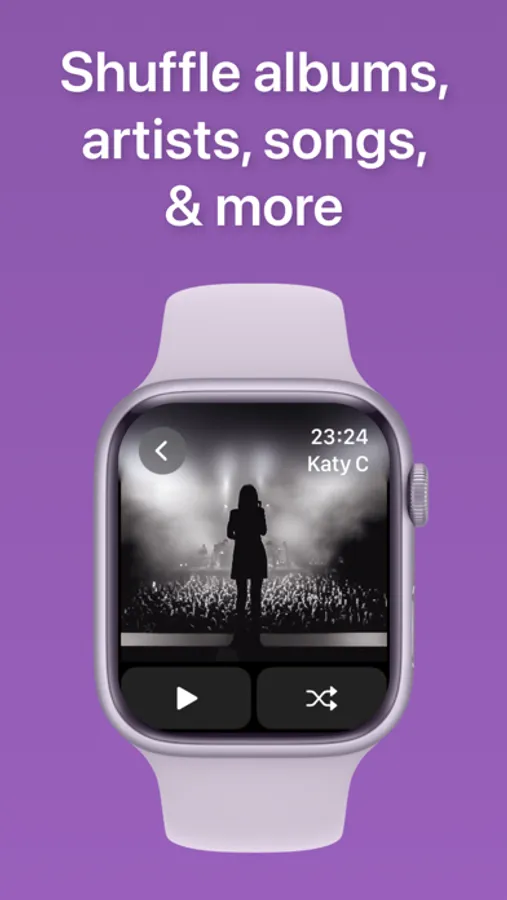
● Play by albums & artists
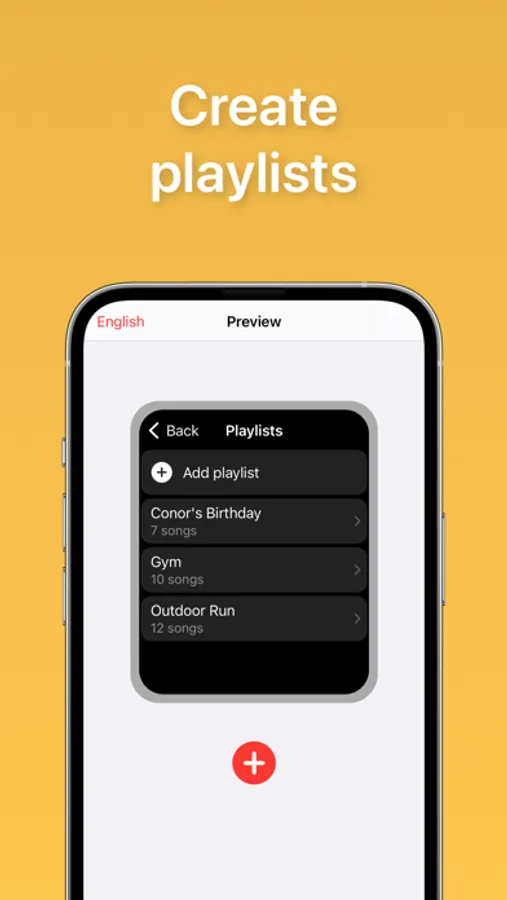
● Create playlists
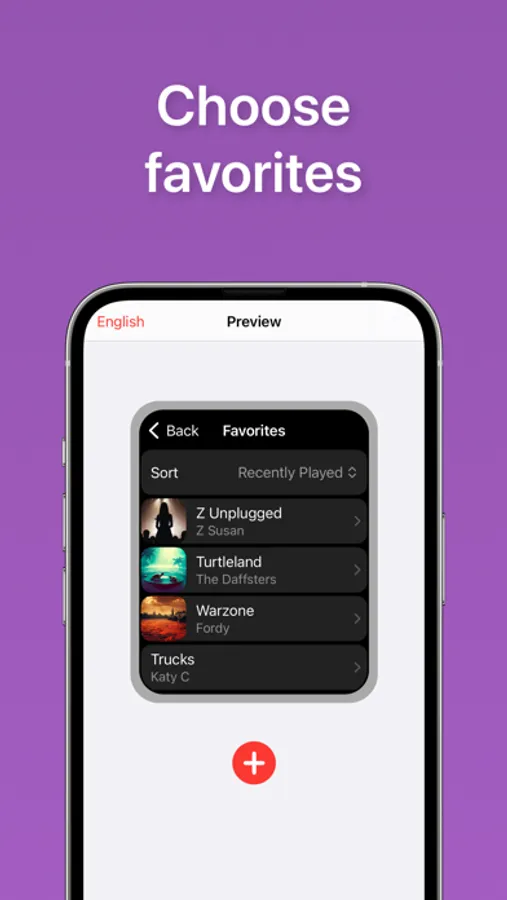
● Select favorites
● Now Playing app support
● Play all & shuffle
● Change playback speed
● Resume playback position for long audio
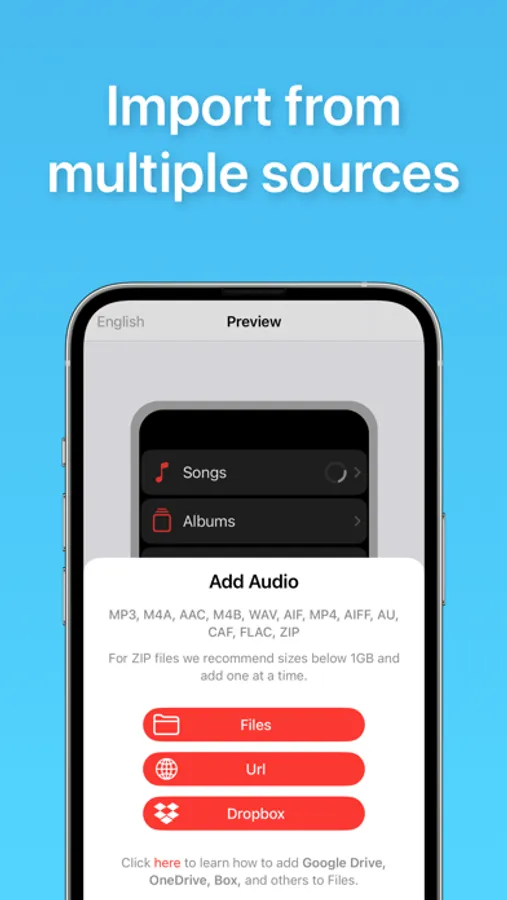
● Audio files supported:
MP3, M4A, FLAC, MP4, M4B, WAV, AAC, AIF, AIFF, AU, CAF
● Import from Files, iCloud, Google Drive, Dropbox, & more
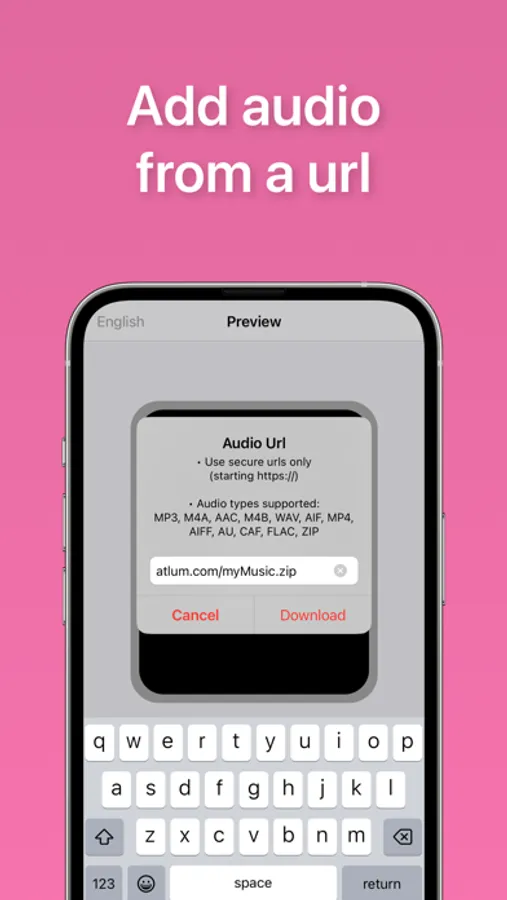
● Add audio from a url (YouTube not supported)
● Sort audio by title, recently played, when added, or artist
Consider upgrading to Premium for:
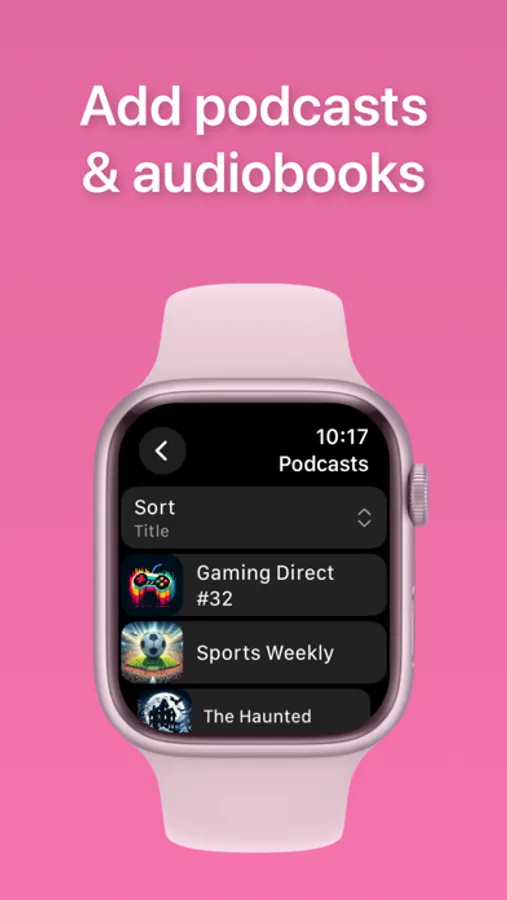
● Podcast & Audiobook menus with chapter support
● Zip file (batch) importing
● No audio limits
Privacy Policy:
https://watchaudio.app/privacy-policy.html
Terms of Use (EULA):
https://www.apple.com/legal/internet-services/itunes/dev/stdeula
WatchAudio Screenshots
Tap to Rate:
Reviews for WatchAudio
The most recent example was i
Revision Suggestions
Hello, I’ve encountered an issue with file transfer in your app and would like to report it. When transferring files from my iPhone to Apple Watch, the transfer speed is quite slow, and the number of transferring files is shown at the bottom. For example, I imported 10 files to transfer, but there was no progress at all. I then deleted these 10 files. However, the app still showed those 10 files as transferring at the bottom even after deletion. Later I imported another 10 new files, and the app then showed 20 files transferring in total. The new 10 files transferred normally, but the old 10 deleted tasks remained stuck. They showed no progress, could not be cleared, and kept taking up storage space on my iPhone. Could you please look into this issue? Thank you very much for your help!
Honestreviewer50
Has kinks
Slow in uploading