About Highlights Creator
Use this app to generate covers for your Instagram highlights.
You can choose from thousands of available icons.
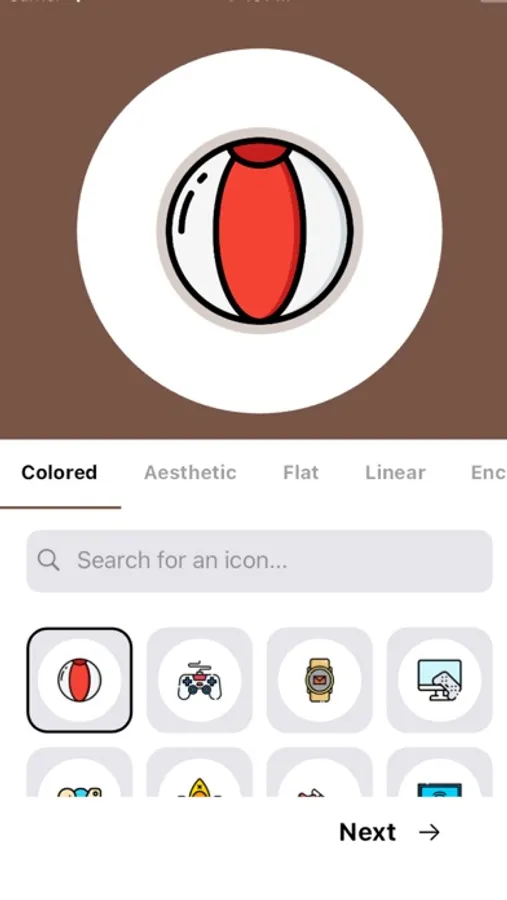
Step 1: Choose an icon
Step 2: Choose the desired shape & background color
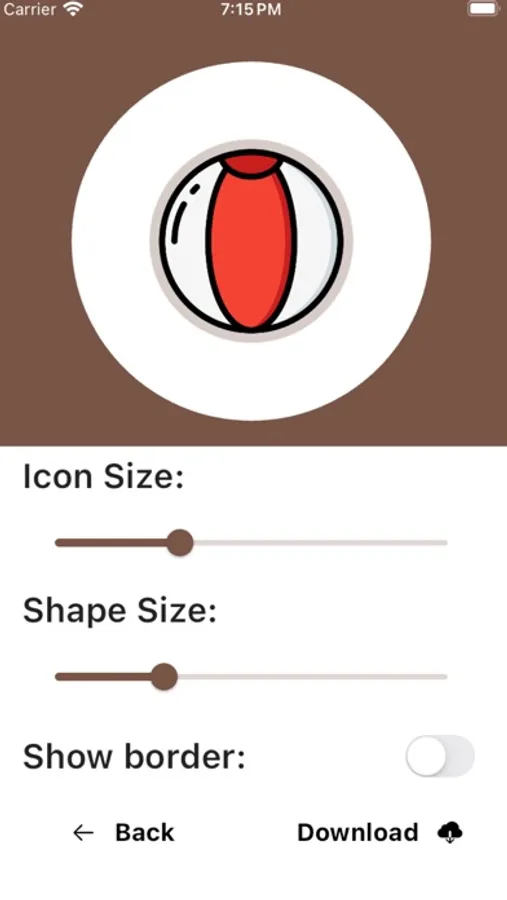
Step 3: Set icon & shape size
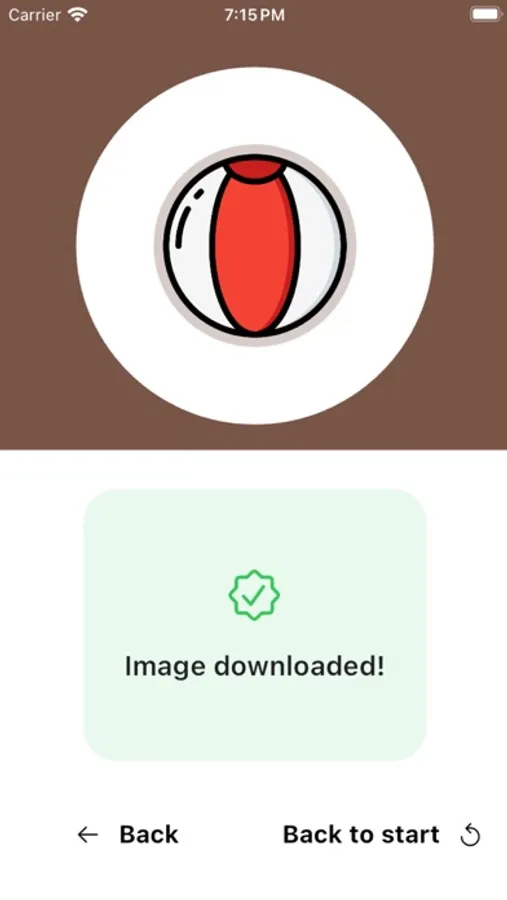
Step 4: Download the icon
After you've downloaded the icon, you can easily upload it to Instagram, no need to
worry about the shape of the image or centering it.
You can choose from thousands of available icons.
Step 1: Choose an icon
Step 2: Choose the desired shape & background color
Step 3: Set icon & shape size
Step 4: Download the icon
After you've downloaded the icon, you can easily upload it to Instagram, no need to
worry about the shape of the image or centering it.
Highlights Creator Screenshots
Tap to Rate: