AppRecs review analysis
AppRecs rating 2.0. Trustworthiness 65 out of 100. Review manipulation risk 30 out of 100. Based on a review sample analyzed.
★★☆☆☆
2.0
AppRecs Rating
Ratings breakdown
5 star
0%
4 star
0%
3 star
0%
2 star
100%
1 star
0%
What to know
✓
Low review manipulation risk
30% review manipulation risk
⚠
Mixed user feedback
Average 2.0★ rating suggests room for improvement
About 3D Camera One Shot
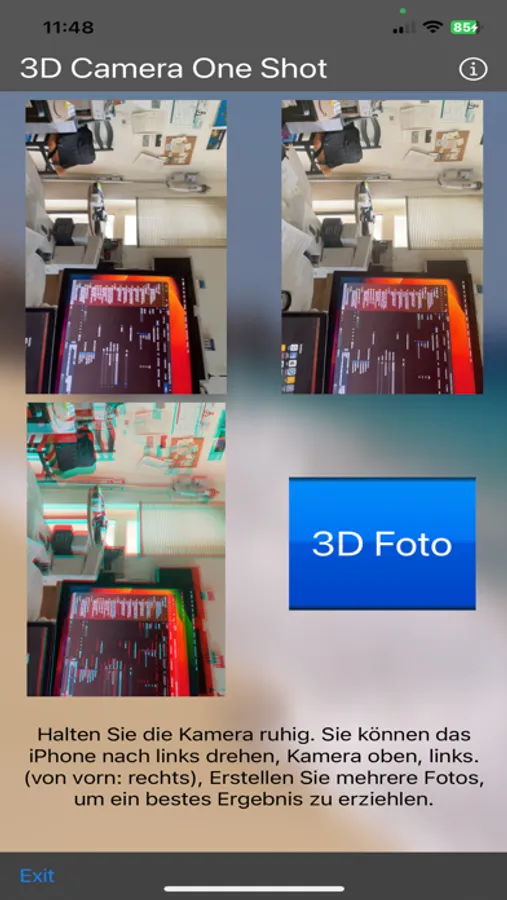
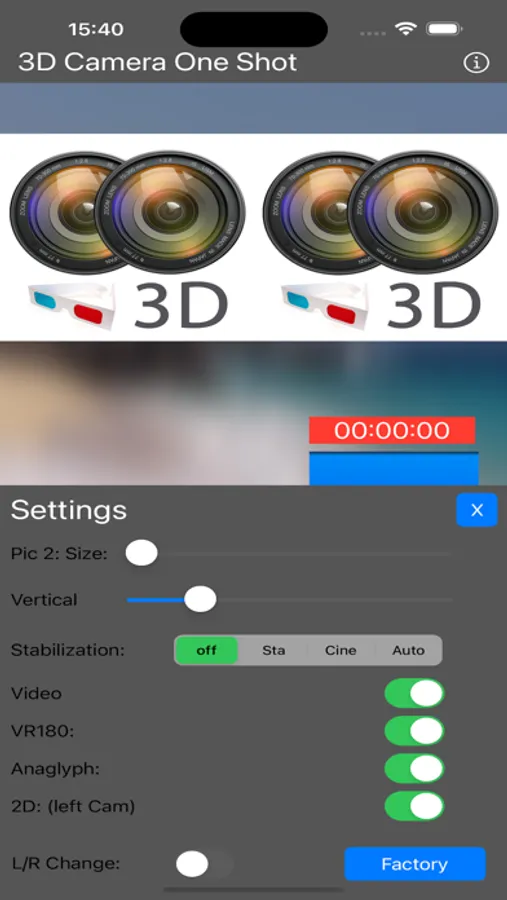
New: save additional: Panorama Photo, SBS (Side by Side) Photo e.g. for every VR Glass.
New: LED Light on/off
New: faster, smooth preview, live preview in anaglyph
New: Calibration: Zoom of the 2nd camera, vertical alignment, image stabilizer in 3 levels
New: Video capture in 3D, save as: 2D, 3D SBS half, full, 3D Anaglyph, VR180
New: Image stabilizer, camera calibration. Swap left, right
New: microphone level, voice output when exporting
New: Zoom for all Pro Models
- Using 2 cameras at the same time
- For iPhone with at least 2 cameras
- e.g.: iPhone 10,11,12,13,14 and the Pro models
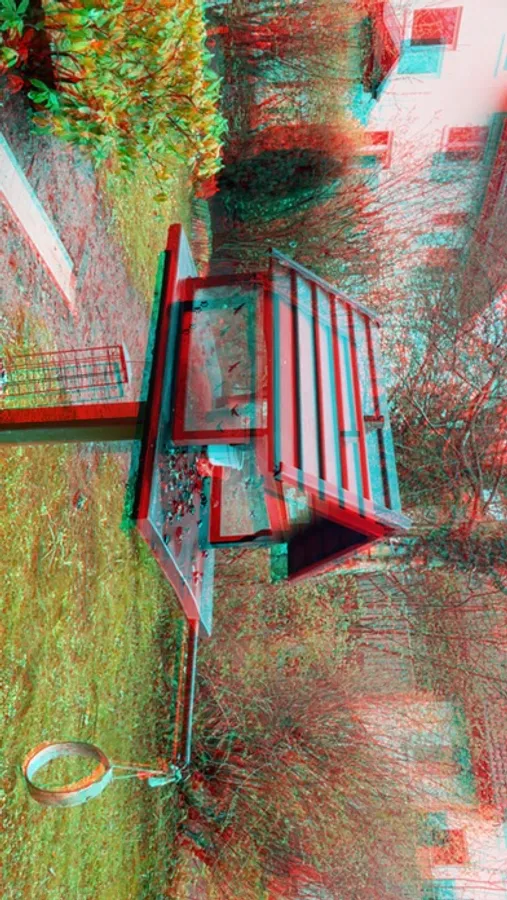
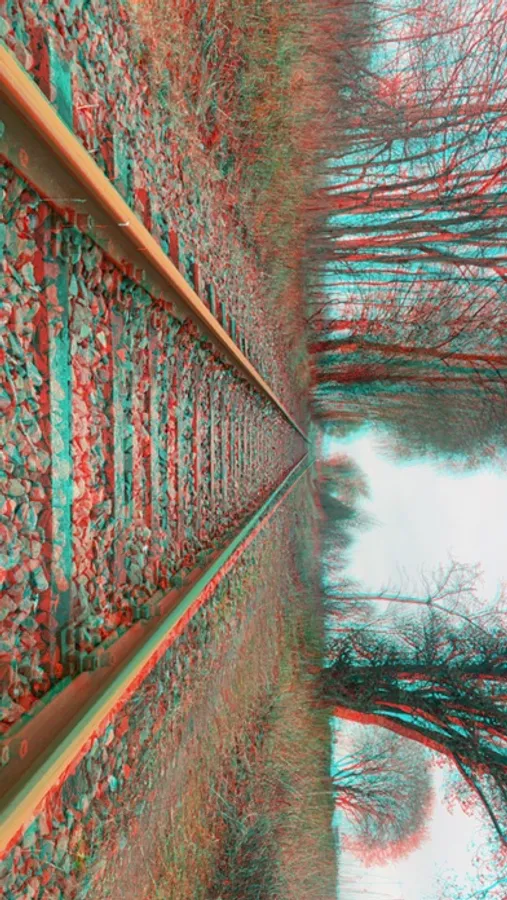
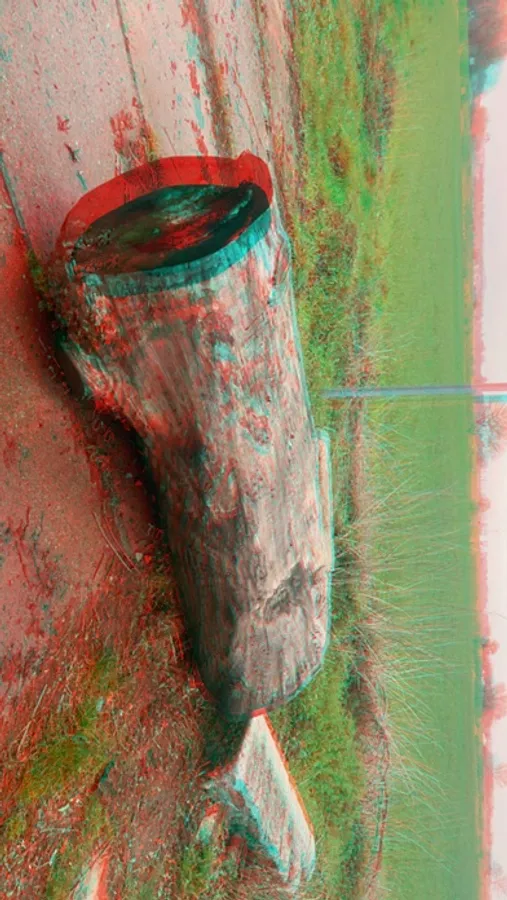
- Save as anaglyph image and SBS
- easy handling
New: Matrix Bullet Time Effect:
With the new version, you can trigger/remotely control (photo) a second iPhone/iPad. This works on a local network or via a hotspot with up to 255 devices. This allows you to create a Matrix Bullet Time effect in 3D. Set all iPhones to "Receive," and the first iPhone will send the camera signal to all other iPhones/iPads. You can also trigger the first iPhone with the Apple Watch. The Watch app is also new and integrated.
iPhone models at a glance in Landscape Mode: (suitable for 3D stereo photography)
iPhone 8 Plus | 2 cameras | Left: Wide | Right: Telephoto | Underwater: -
iPhone 11 | 2 cameras | Left: UW | Right: Wide | Telephoto: -
iPhone 11 Pro / Pro Max | 3 cameras | Left: UW | Right: Wide | Telephoto: side
iPhone 12 / 12 mini | 2 cameras | Left: UW | Right: Wide | Telephoto: -
iPhone 12 Pro / Pro Max | 3 cameras | Left: UW | Right: Wide | Telephoto: side
iPhone 13 / 13 mini | 2 cameras | Left: UW | Right: Wide | Telephoto: -
iPhone 13 Pro / Pro Max | 3 cameras | Left: UW | Right: Wide | Telephoto: side
iPhone 14 | 2 cameras | Left: UW | Right: Wide | Telephoto: -
iPhone 14 Pro / Pro Max | 3 cameras | Left: UW | Right: W | Telephoto: side
iPhone 15 | 2 cameras | Left: UW | Right: W | Telephoto: -
iPhone 15 Pro / Pro Max | 3 cameras | Left: UW | Right: W | Telephoto: side
iPhone 16 / 16 Plus | 2 cameras | Left: UW | Right: W | Telephoto: -
iPhone 16 Pro / Pro Max | 3 cameras | Left: UW | Right: W | Telephoto: side
iPads:
iPad Pro (2nd, 2020 11") | 2 Rear Cameras | Left: UW | Right: W
iPad Pro (4th & 5th gen, 2020-2021) | 2 Rear Cameras | Left: UW | Right: Wide | Telephoto/LiDAR: Side
iPad Pro (6th & 7th gen, 2022-2024) | 2 Rear Cameras | Left: UW | Right: Wide | Telephoto/LiDAR: Side
3D Camera One Shot Screenshots
Tap to Rate:
Reviews for 3D Camera One Shot
MacDriver209
ONLY Supports single anaglyph 3d jpg
Only shoots very limited single anaglyph 3d jpg image . So not very compatible and useful for viewing on high end 3D devices with active shutter or SBS 3D . You cant edit or convert image also because of this. All you can do is view on cheap red and blue glasses . Dreadful . Please allow or make it shoot to two SBS L/R image or allow save as MPO or leave as jpg /jps SBS but allow conversion to MPO ! *** RUMOR has it Apple has a 3D headset comming! FYI I'd pay $ 5-10 for this complete solution!