About Shifts - Staff
Shifts – Staff is a simple and reliable app built for employees who work scheduled shifts.
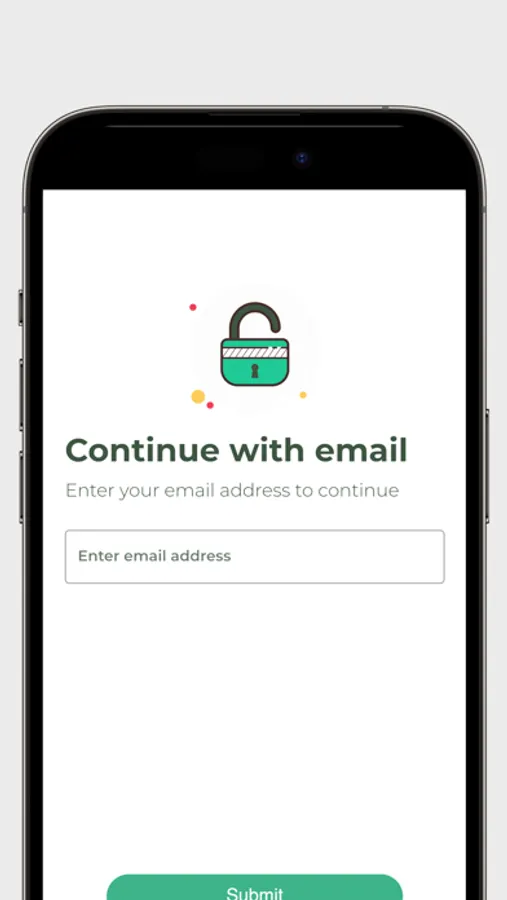
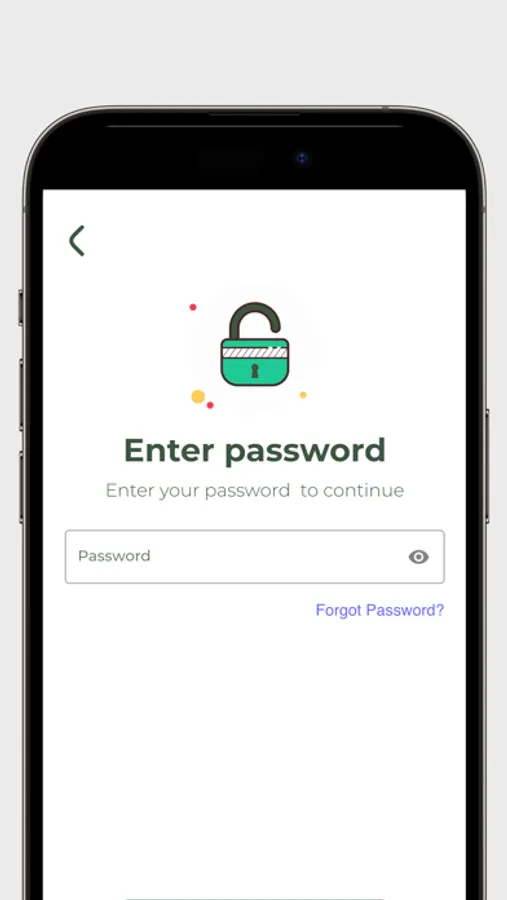
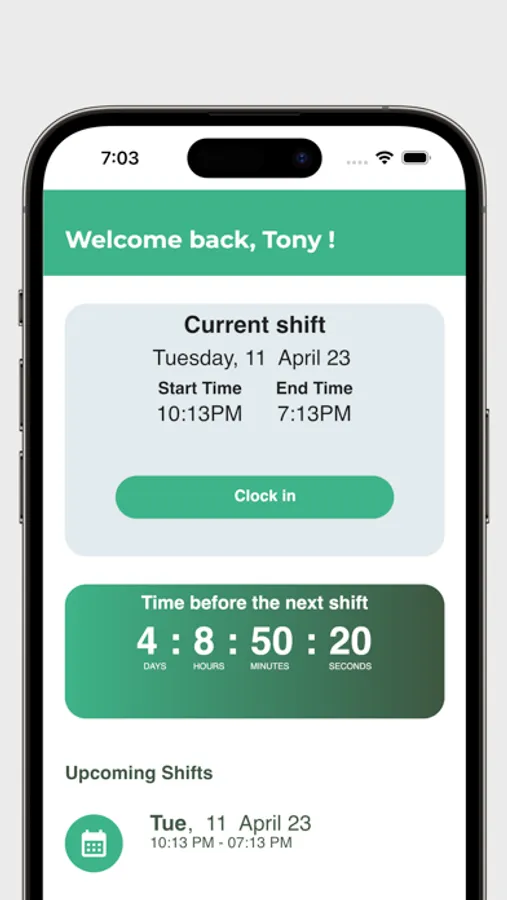
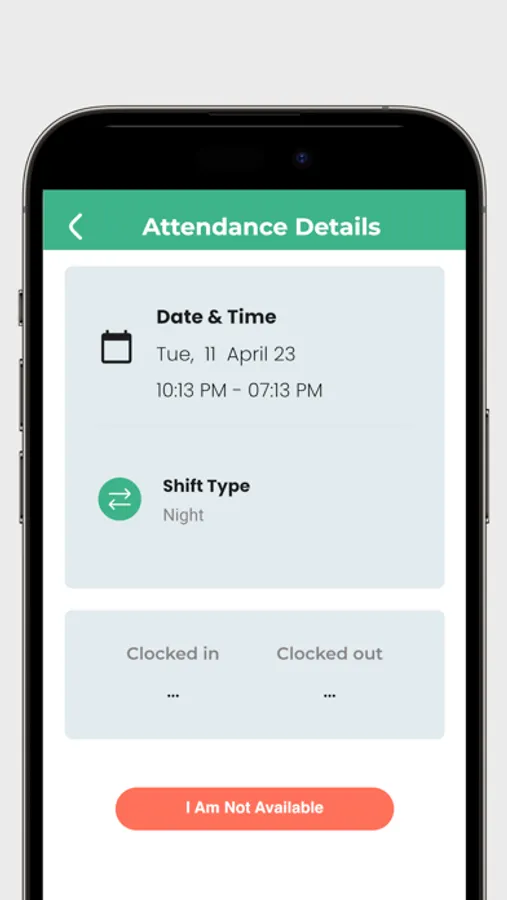
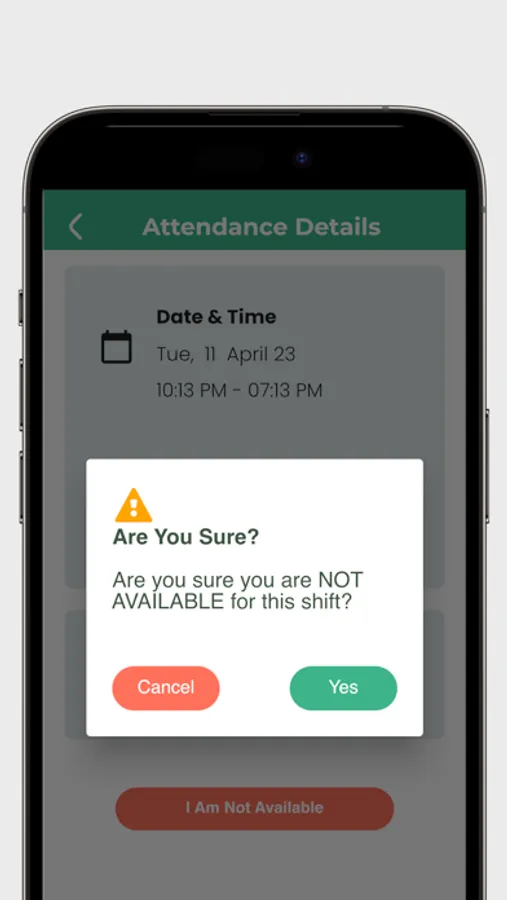
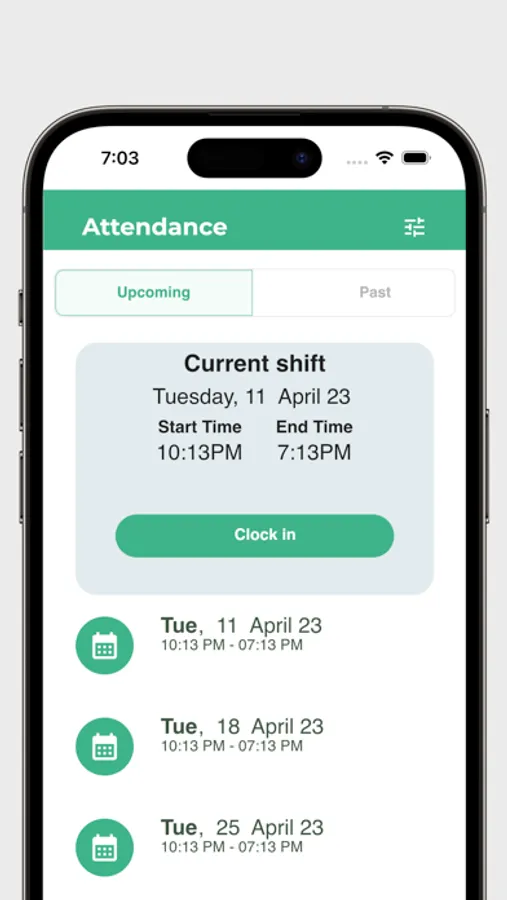
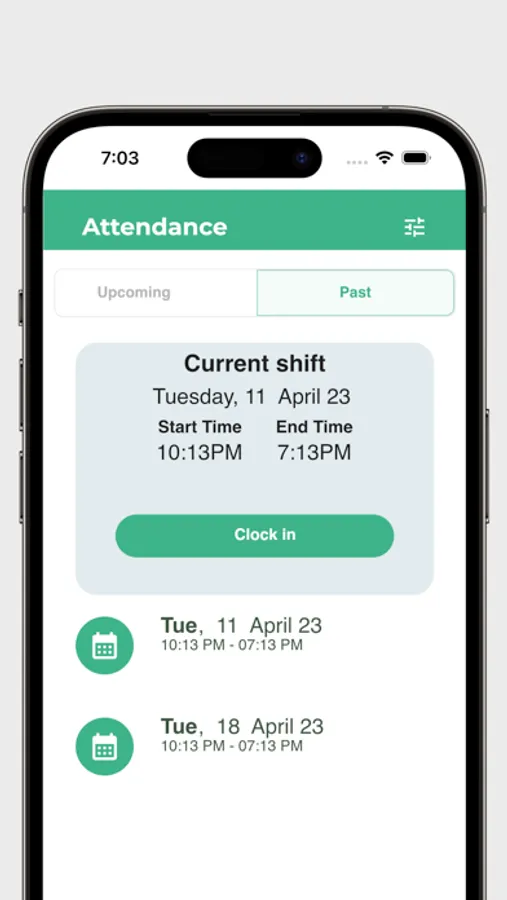
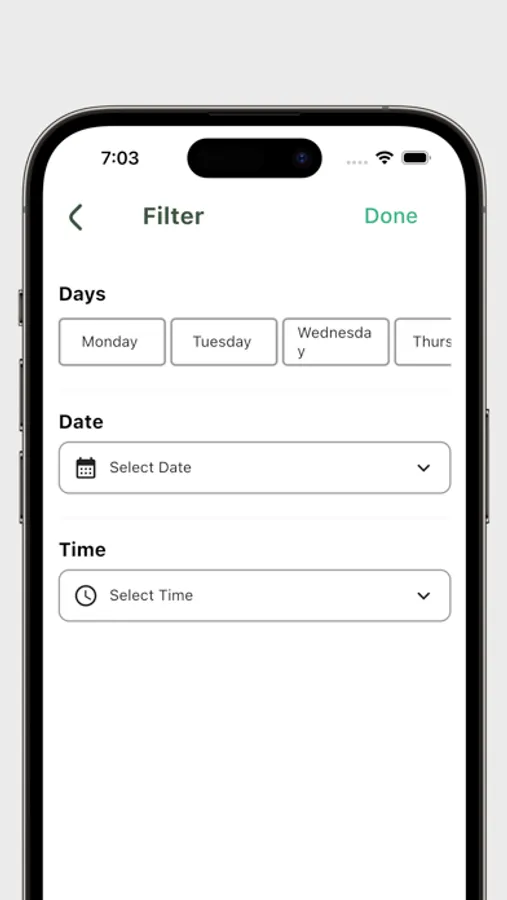
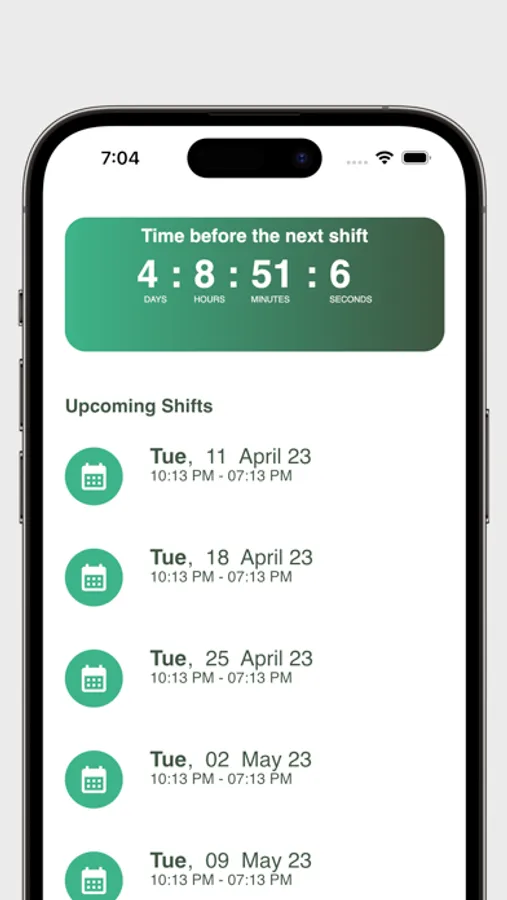
To get started, employees receive an access code from their organization’s Shifts Admin. Once logged in, staff can view assigned shifts, accept or decline upcoming shifts, and clock in directly from their phone when their shift begins. The app also provides access to shift history, making it easy to review past work and stay organized.
Designed to work seamlessly with your organization’s scheduling system, Shifts – Staff removes the confusion of paper schedules, messages, or spreadsheets. Everything employees need to manage their shifts is available in one clear, easy-to-use app.
Whether you work occasional shifts or follow a regular schedule, Shifts – Staff helps you stay informed, on time, and in control of your workday.
Download Shifts – Staff and manage your shifts with confidence.
To get started, employees receive an access code from their organization’s Shifts Admin. Once logged in, staff can view assigned shifts, accept or decline upcoming shifts, and clock in directly from their phone when their shift begins. The app also provides access to shift history, making it easy to review past work and stay organized.
Designed to work seamlessly with your organization’s scheduling system, Shifts – Staff removes the confusion of paper schedules, messages, or spreadsheets. Everything employees need to manage their shifts is available in one clear, easy-to-use app.
Whether you work occasional shifts or follow a regular schedule, Shifts – Staff helps you stay informed, on time, and in control of your workday.
Download Shifts – Staff and manage your shifts with confidence.
Shifts - Staff Screenshots
Tap to Rate:
