In this photo and video editing app, you can create stories, collages, and add effects using various tools. Includes background removal, AI object erasing, filters, and customizable stickers.
AppRecs review analysis
AppRecs rating 4.5. Trustworthiness 54 out of 100. Review manipulation risk 28 out of 100. Based on a review sample analyzed.
★★★★☆
4.5
AppRecs Rating
Ratings breakdown
5 star
94%
4 star
3%
3 star
1%
2 star
1%
1 star
1%
What to know
✓
High user satisfaction
94% of sampled ratings are 5 stars
About Zebra: Photo & Video Editor
Zebra is a simple, intuitive app I originally made for my wife (@VrednayaModa) to make her blogging life easier — and I hope it helps you too ◕‿◕
What’s inside?
• Easy Story Editor
Add your own fonts and stickers
Highlight words (marker, underline, etc.)
Blur or darken the background
Draw dotted lines
Plan out multiple connected stories for smooth storytelling
• Text Drawing
Turn trendy text effects into stories in under a minute
• Collages
Create photo and even video collages fast
Only the most up-to-date templates
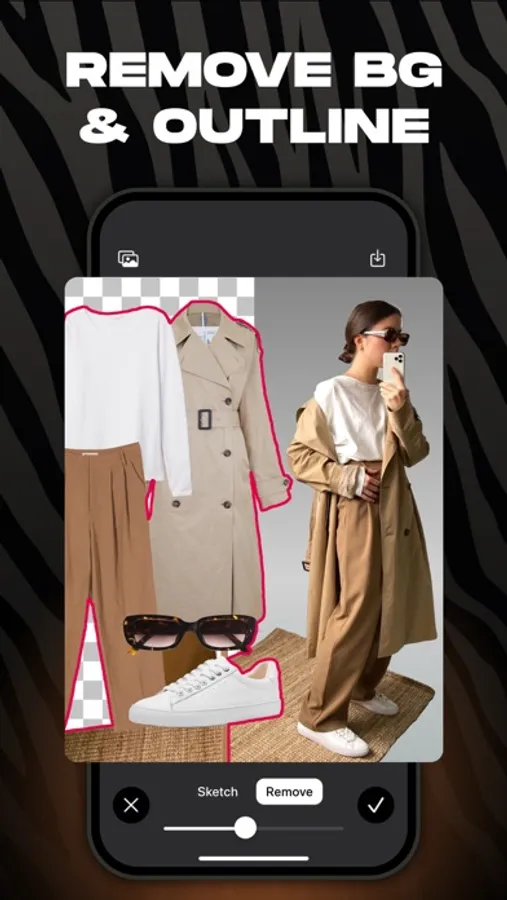
• Smart Background Remover
Remove backgrounds automatically or manually
Add colored outlines with adjustable thickness
• Object Removal (AI)
Cleanly erase anything unwanted from your photos with AI
• Seamless Post Carousels
Create popular seamless carousels in just a minute
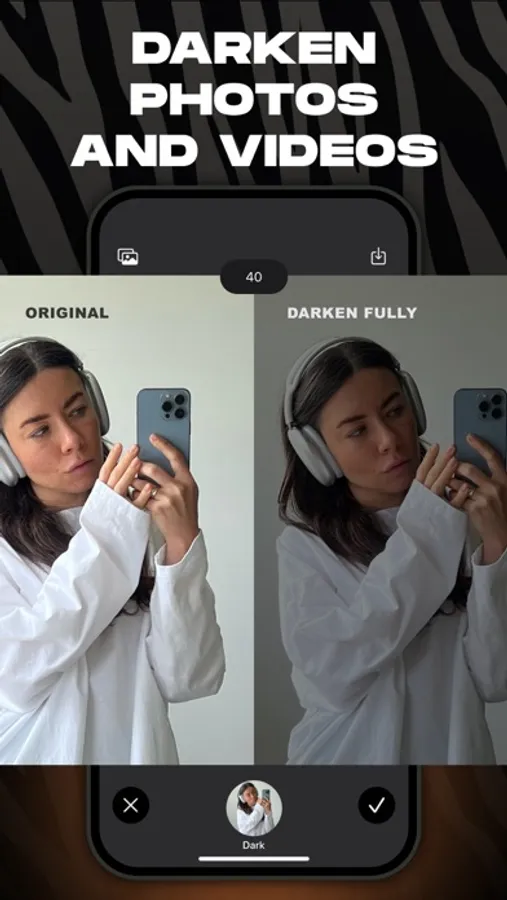
• Dark Overlay for Photos & Videos
Subtle “blogger-style” darkening
Darken just parts of an image (like the bottom) to make text pop
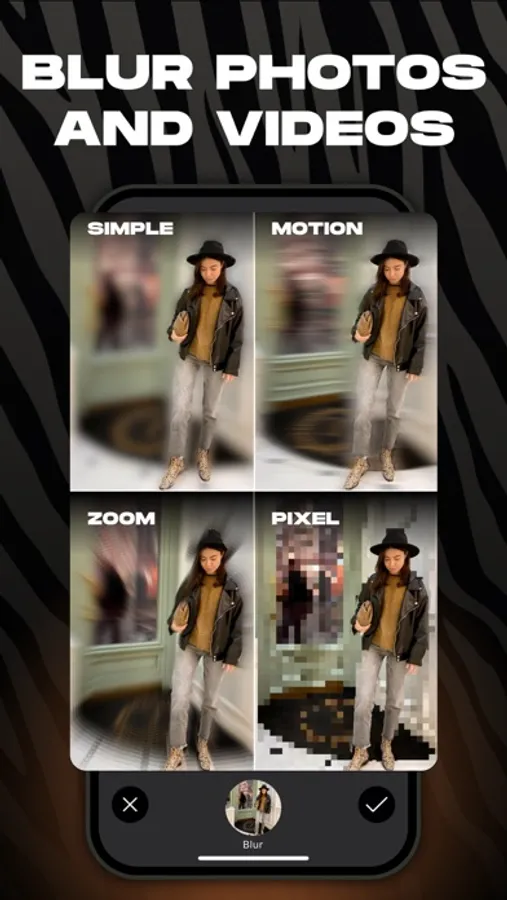
• One-Tap Blur (Photo & Video)
12 blur styles: from basic to motion and glass effects
Blur only specific areas
Focus blur for soft spotlighting
Background blur for portrait-style photos
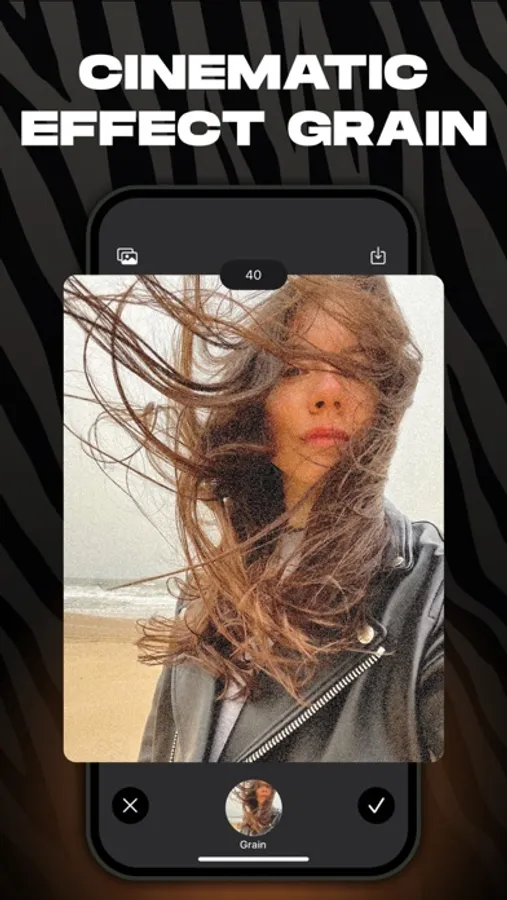
• Grain Effect
Add cinematic grain for a moodier, film-style look
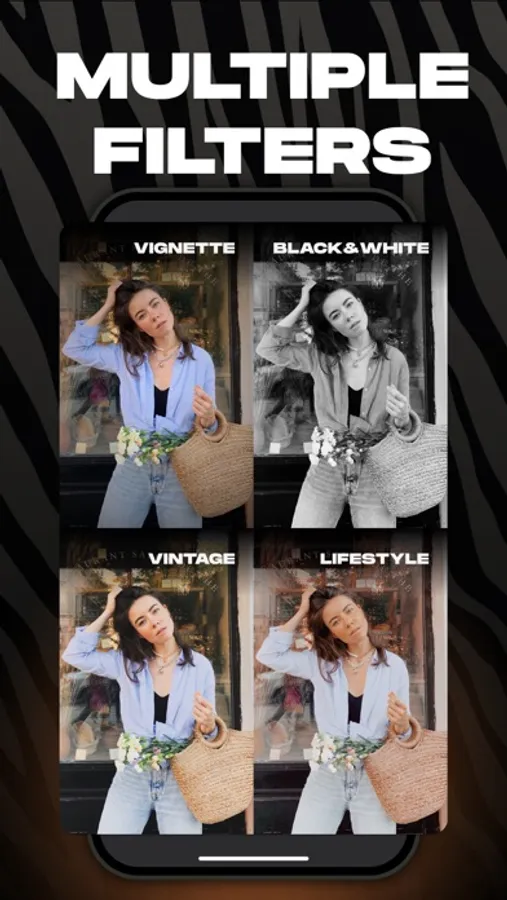
• Filters
Custom filters by bloggers to make your content stand out
Full-screen filter swiping like Reels
Video filters too
• Rounded Corners
Quickly round off corners when needed
• Custom Stickers
Question sticker, Alert sticker, Calendar sticker — all fully customizable
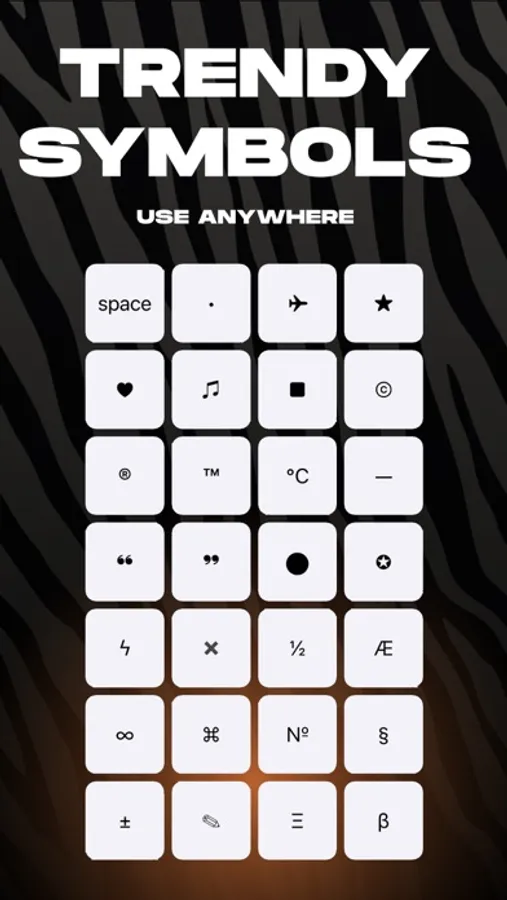
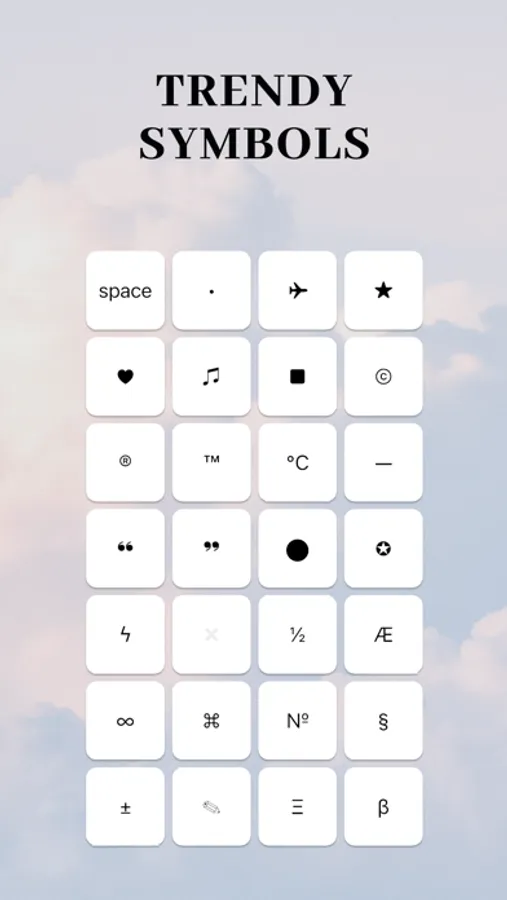
• Unicode Fonts
Use stylish fonts in your bio, comments, or any app
• Before / After
Make quick before & after videos in seconds
• Watermark Tool
Easily add a watermark to protect your work
Add text or logo, adjust transparency, or tile it like news outlets do
• Shape Masks
Crop your photo into a circle, heart, and more (30+ shapes)
• Boomerang Effect
Make the classic boomerang video in a tap
• Video Speed Control
Speed up or slow down your video
• Video Compressor
Shrink video file sizes to save space
• Text from Video
Extract text from any video — super handy for notes
• Find Large Videos
Quickest way to free up space: find and delete the biggest videos
• Zip Archive Maker
Need to send a bunch of files at once? Now you can zip them easily
• QR Code Generator
Make QR codes in seconds
That’s it for now — but just for now. I keep improving Zebra and adding cool new features. Stay tuned!
Thanks for reading this far :)
Contact me anytime at: ZebraAppStore(at)gmail.com
If you decide to try Premium (totally optional), payment will be charged to your iTunes account.
You can cancel your subscription anytime in your Apple account settings.
Privacy Policy: http://privacy.zebrablur.com
Terms of Use: https://www.apple.com/legal/internet-services/itunes/dev/stdeula/
What’s inside?
• Easy Story Editor
Add your own fonts and stickers
Highlight words (marker, underline, etc.)
Blur or darken the background
Draw dotted lines
Plan out multiple connected stories for smooth storytelling
• Text Drawing
Turn trendy text effects into stories in under a minute
• Collages
Create photo and even video collages fast
Only the most up-to-date templates
• Smart Background Remover
Remove backgrounds automatically or manually
Add colored outlines with adjustable thickness
• Object Removal (AI)
Cleanly erase anything unwanted from your photos with AI
• Seamless Post Carousels
Create popular seamless carousels in just a minute
• Dark Overlay for Photos & Videos
Subtle “blogger-style” darkening
Darken just parts of an image (like the bottom) to make text pop
• One-Tap Blur (Photo & Video)
12 blur styles: from basic to motion and glass effects
Blur only specific areas
Focus blur for soft spotlighting
Background blur for portrait-style photos
• Grain Effect
Add cinematic grain for a moodier, film-style look
• Filters
Custom filters by bloggers to make your content stand out
Full-screen filter swiping like Reels
Video filters too
• Rounded Corners
Quickly round off corners when needed
• Custom Stickers
Question sticker, Alert sticker, Calendar sticker — all fully customizable
• Unicode Fonts
Use stylish fonts in your bio, comments, or any app
• Before / After
Make quick before & after videos in seconds
• Watermark Tool
Easily add a watermark to protect your work
Add text or logo, adjust transparency, or tile it like news outlets do
• Shape Masks
Crop your photo into a circle, heart, and more (30+ shapes)
• Boomerang Effect
Make the classic boomerang video in a tap
• Video Speed Control
Speed up or slow down your video
• Video Compressor
Shrink video file sizes to save space
• Text from Video
Extract text from any video — super handy for notes
• Find Large Videos
Quickest way to free up space: find and delete the biggest videos
• Zip Archive Maker
Need to send a bunch of files at once? Now you can zip them easily
• QR Code Generator
Make QR codes in seconds
That’s it for now — but just for now. I keep improving Zebra and adding cool new features. Stay tuned!
Thanks for reading this far :)
Contact me anytime at: ZebraAppStore(at)gmail.com
If you decide to try Premium (totally optional), payment will be charged to your iTunes account.
You can cancel your subscription anytime in your Apple account settings.
Privacy Policy: http://privacy.zebrablur.com
Terms of Use: https://www.apple.com/legal/internet-services/itunes/dev/stdeula/
Zebra: Photo & Video Editor Screenshots
Tap to Rate:
Reviews for Zebra: Photo & Video Editor
JuliaMalinina
это 🔥
Дмитрий, твое приложение просто находка!😍
Tarasa mari
🤍🤍
I saw ig post about this app. Thanks i downloaded it🤍. Great app