AppRecs review analysis
AppRecs rating 4.0. Trustworthiness 45 out of 100. Review manipulation risk 20 out of 100. Based on a review sample analyzed.
★★★★☆
4.0
AppRecs Rating
Ratings breakdown
5 star
0%
4 star
100%
3 star
0%
2 star
0%
1 star
0%
What to know
⚠
Limited rating diversity
100% high ratings in sampled reviews
About Fraktur Input
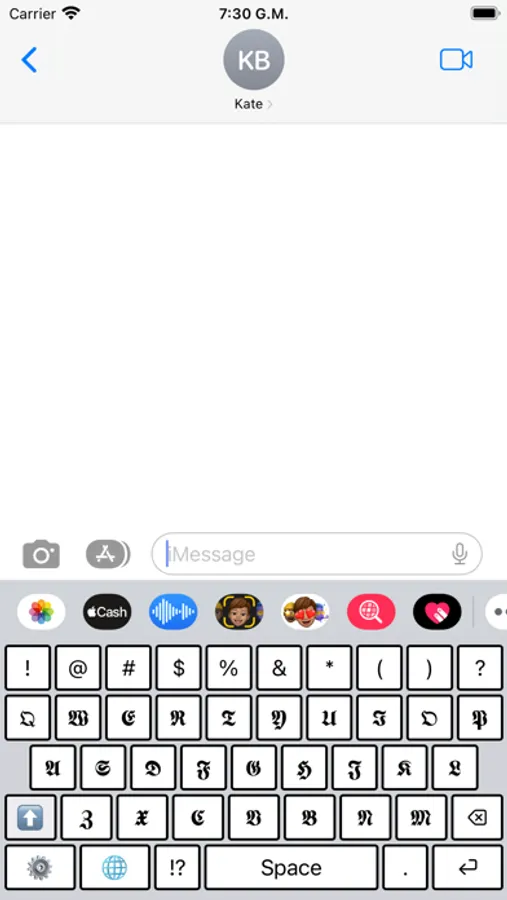
First of all, this is not just an application. Fraktur Input is a keyboard that works just like any other keyboard on your phone, and simulates the Fraktur font! Yes, any application, any smartphone!
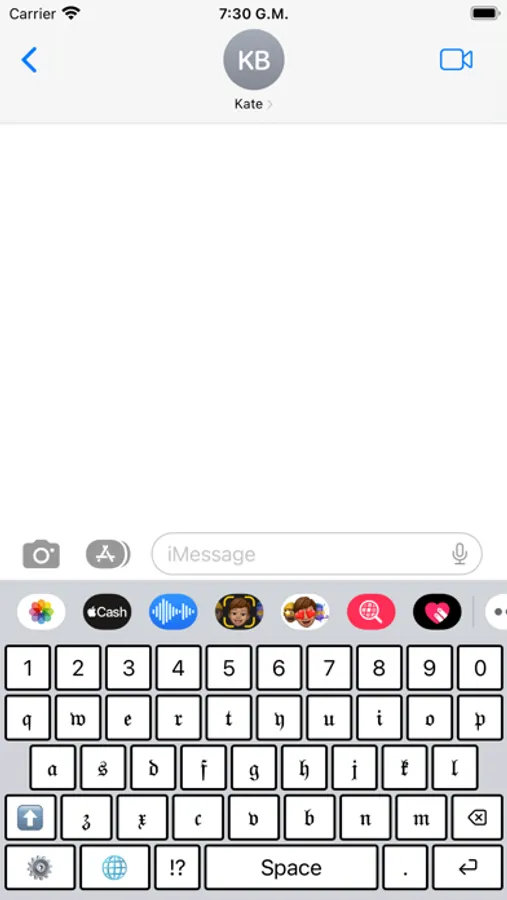
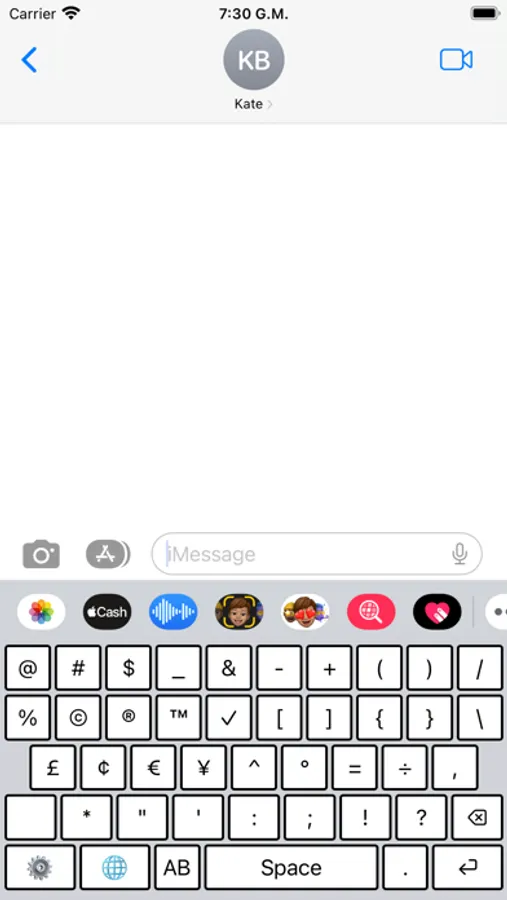
Take a look on the screenshots to see the keys and their possible variants!
=== Problems seeing the fraktur keys? ===
In some cases, users can have issues to see the new keyboard on the Keyboard list. We recommend that you restart the phone and close all the applications before and after installing/configuring the app. If you have any question related to that, contact us via contato@hodstudio.com.br
You will need to follow these steps to install and configure your Fraktur Input keyboard:
- After installation, go to "Settings"
- Select "General"
- Select "Keyboards"
- Select "Add new keyboard"
- Select Fraktur Input
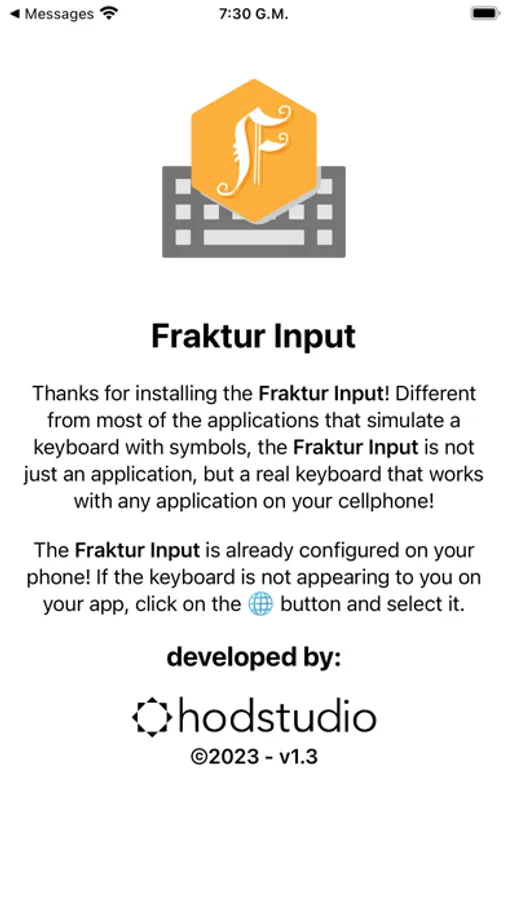
When using an app, the iPhone/iPad will show a Globe icon or button at the bottom. By holding on it, you can choose which keyboard you want to use. Select Fraktur Input and start writing with the fraktur characters!
PRIVACY POLICE
Fraktur Input aims to spread and facilitate the use of runes by anyone. Because it’s a keyboard, operational system can display an default alerts to inform that keyboards can capture data typed by users and send them to third parties. That is not the case with Fraktur Input. We collect and process only data on app usage statistics, as well as error/crash information.
What does that mean?
- It is not necessary to create an account and the app will not request any personal data.
- No data typed with Fraktur Input is sent anywhere. Typed characters are transferred to the operational system of the mobile, which will be standard processed, like inserting them on a text field.
- No personal data is collected. Only usage statistics and error/crash information are collected, which are processed directly by Google’s servers.
Take a look on the screenshots to see the keys and their possible variants!
=== Problems seeing the fraktur keys? ===
In some cases, users can have issues to see the new keyboard on the Keyboard list. We recommend that you restart the phone and close all the applications before and after installing/configuring the app. If you have any question related to that, contact us via contato@hodstudio.com.br
You will need to follow these steps to install and configure your Fraktur Input keyboard:
- After installation, go to "Settings"
- Select "General"
- Select "Keyboards"
- Select "Add new keyboard"
- Select Fraktur Input
When using an app, the iPhone/iPad will show a Globe icon or button at the bottom. By holding on it, you can choose which keyboard you want to use. Select Fraktur Input and start writing with the fraktur characters!
PRIVACY POLICE
Fraktur Input aims to spread and facilitate the use of runes by anyone. Because it’s a keyboard, operational system can display an default alerts to inform that keyboards can capture data typed by users and send them to third parties. That is not the case with Fraktur Input. We collect and process only data on app usage statistics, as well as error/crash information.
What does that mean?
- It is not necessary to create an account and the app will not request any personal data.
- No data typed with Fraktur Input is sent anywhere. Typed characters are transferred to the operational system of the mobile, which will be standard processed, like inserting them on a text field.
- No personal data is collected. Only usage statistics and error/crash information are collected, which are processed directly by Google’s servers.
Fraktur Input Screenshots
Tap to Rate:
Reviews for Fraktur Input
quanticnwysb
Great!
Would love to see accents added but seems great otherwise so far!