
AppRecs review analysis
AppRecs rating 4.5. Trustworthiness 60 out of 100. Review manipulation risk 30 out of 100. Based on a review sample analyzed.
★★★★☆
4.5
AppRecs Rating
Ratings breakdown
5 star
100%
4 star
0%
3 star
0%
2 star
0%
1 star
0%
What to know
✓
High user satisfaction
100% of sampled ratings are 5 stars
About Celebrating Home
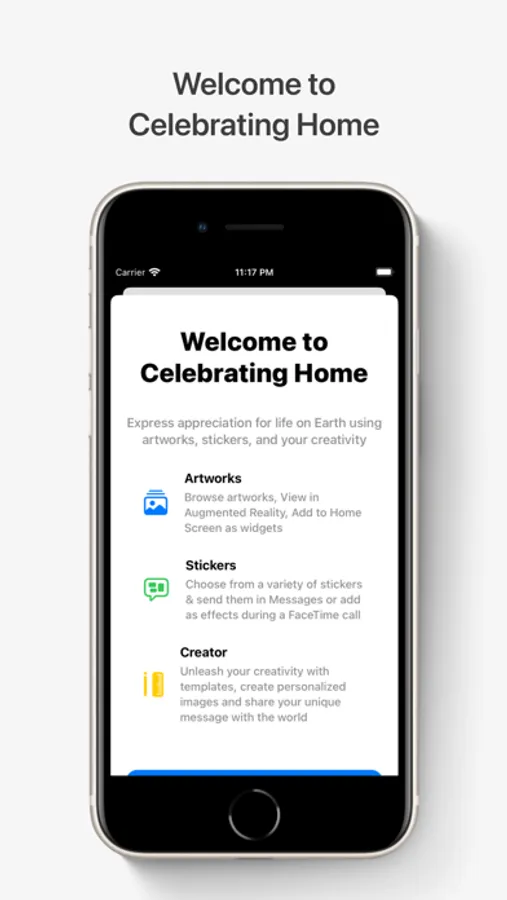
Celebrating Home is an art experience designed to express and promote appreciation for life on Earth.
Artworks
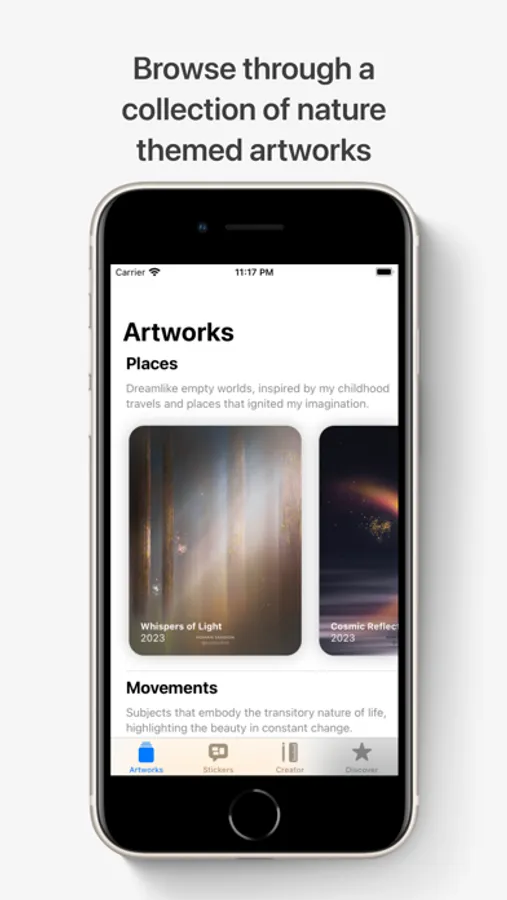
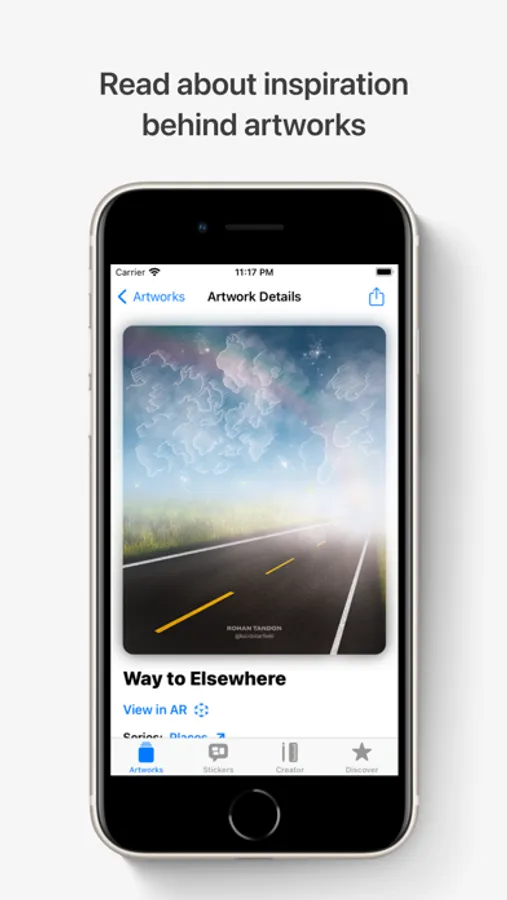
• Browse through collections of nature-themed artworks that are #MadeOniPad.
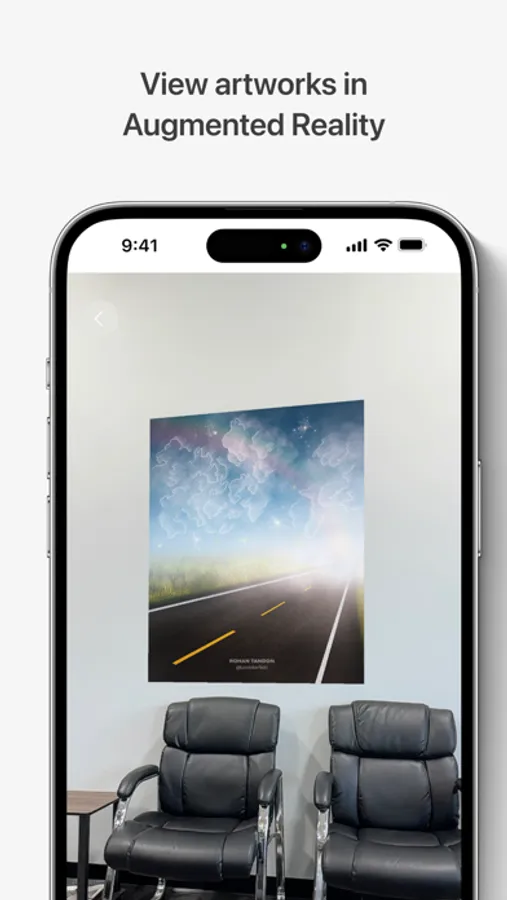
• On iPhone and iPad, view artworks in your space using Augmented Reality.
• On Apple Vision Pro, view artworks at a life-like scale that immerse you in Spatial Audio, transporting you to their unique environments.
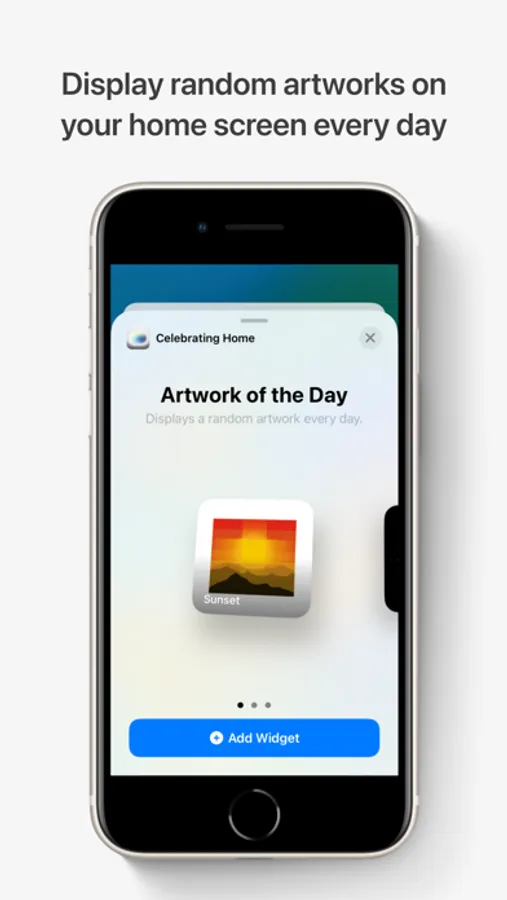
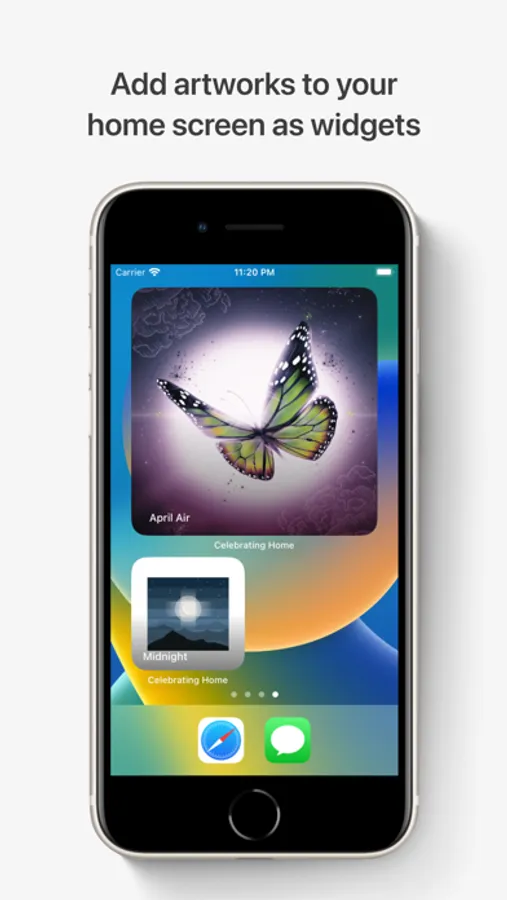
• Add artworks to your iPhone, iPad home screen or Mac desktop as widgets.
• View artworks in StandBy when your iPhone is placed on its side while charging.
Create
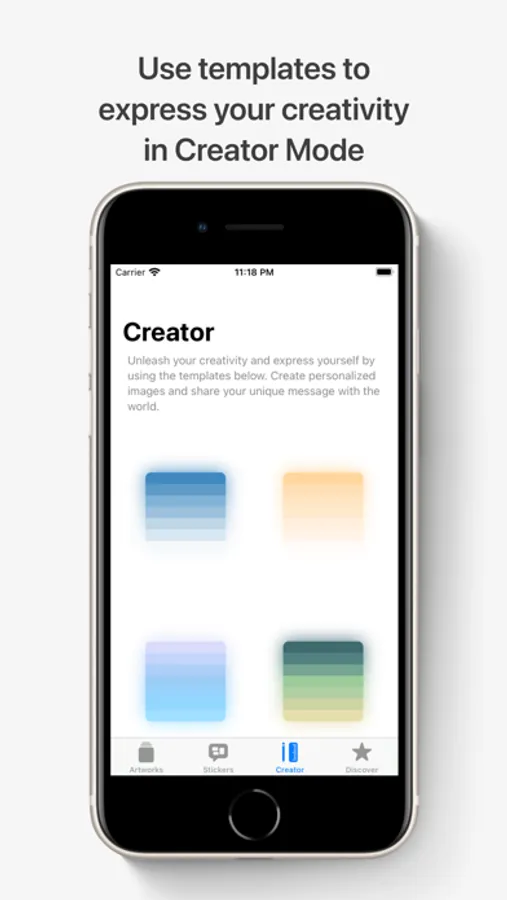
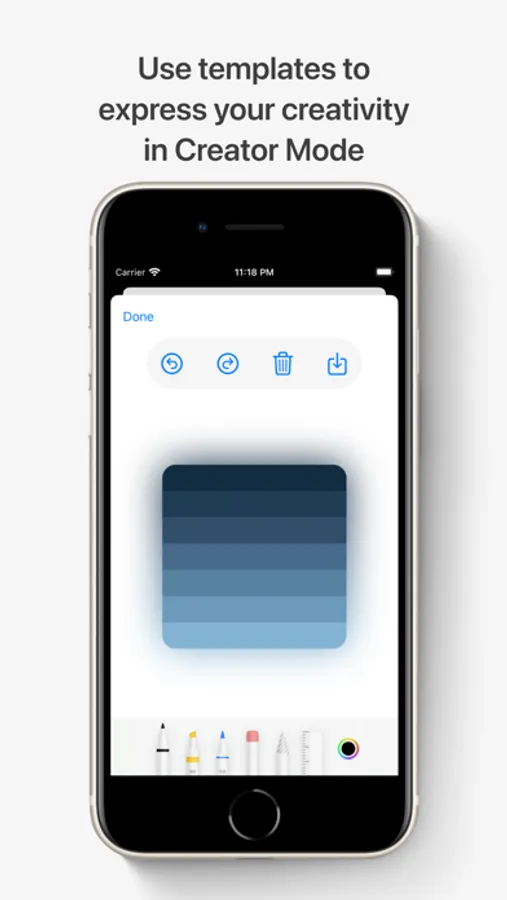
• Unleash your creativity by drawing on top of the templates in the Create tab.
• Draw with your fingers on iPhone, use the Apple Pencil on iPad, or use your hands to draw across the canvas on Apple Vision Pro.
• Create personalized images, save your doodle, share it with the world.
Stickers
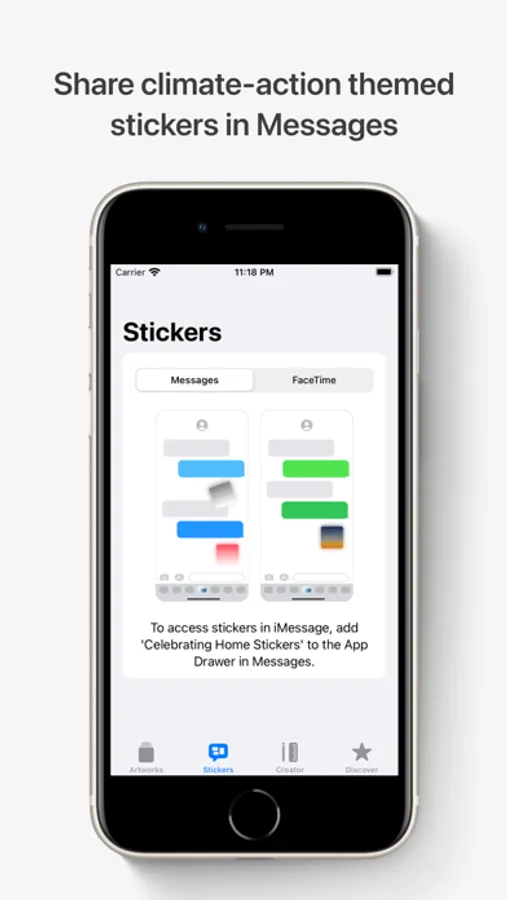
• Peel & paste stickers on images or text bubbles in your Messages conversations.
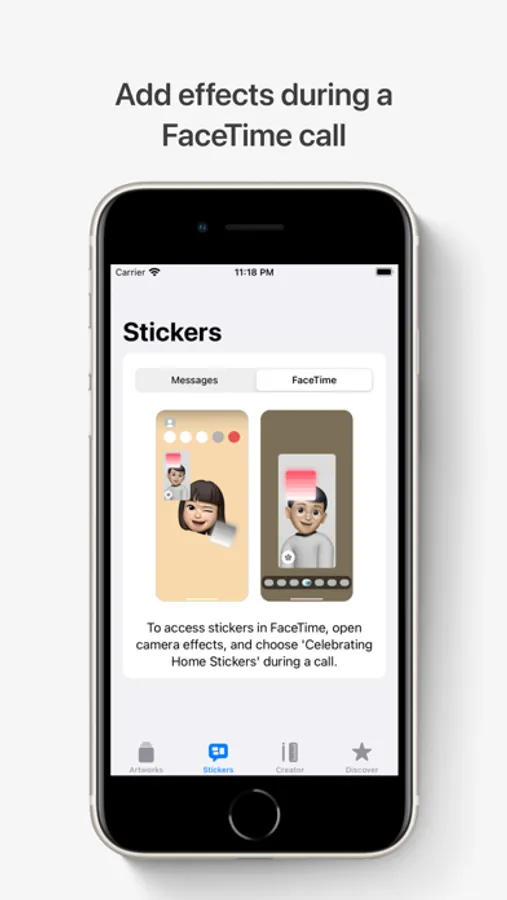
• Add stickers as effects during a FaceTime call.
• The sticker drawer is in the emoji keyboard, so you can use Celebrating Home stickers in any app where you can access emoji.
• Use Markup to add Celebrating Home stickers to photos, documents, screenshots, and more.
Artworks
• Browse through collections of nature-themed artworks that are #MadeOniPad.
• On iPhone and iPad, view artworks in your space using Augmented Reality.
• On Apple Vision Pro, view artworks at a life-like scale that immerse you in Spatial Audio, transporting you to their unique environments.
• Add artworks to your iPhone, iPad home screen or Mac desktop as widgets.
• View artworks in StandBy when your iPhone is placed on its side while charging.
Create
• Unleash your creativity by drawing on top of the templates in the Create tab.
• Draw with your fingers on iPhone, use the Apple Pencil on iPad, or use your hands to draw across the canvas on Apple Vision Pro.
• Create personalized images, save your doodle, share it with the world.
Stickers
• Peel & paste stickers on images or text bubbles in your Messages conversations.
• Add stickers as effects during a FaceTime call.
• The sticker drawer is in the emoji keyboard, so you can use Celebrating Home stickers in any app where you can access emoji.
• Use Markup to add Celebrating Home stickers to photos, documents, screenshots, and more.
Celebrating Home Screenshots
Tap to Rate:
Reviews for Celebrating Home
艾12315
beautiful
Kudos to my friend for creating this amazing app! It beautifully highlights the artistic talent and passion. Amazing!
Alarm99
Amazing!
Very cool app! The best feature is viewing art in AR.